
Ticket Fields AI Agent
Zendesk Ticket Field Types You Can Automate with AI
Zendesk offers multiple ticket field types to capture structured data. Ticket Fields AI Agent by Macha automates ticket fields by reading ticket content and filling supported field types automatically.
Manual entry vs AI automation
Agents manually select field values. Macha fills fields automatically using ticket context.
Native vs Macha automation
Zendesk automates very little by default. Macha supports multiple field types natively.
Consistency at scale
Manual entry creates variation. Macha ensures consistent field values across tickets.
Supported field types
Ticket Fields AI works natively with the most commonly used Zendesk ticket field types: dropdown (tagger) fields, single-line text fields, multi-line text fields, date fields, checkbox fields, and number fields.
Admins can enable AI for each supported field type without custom development or complex setup.
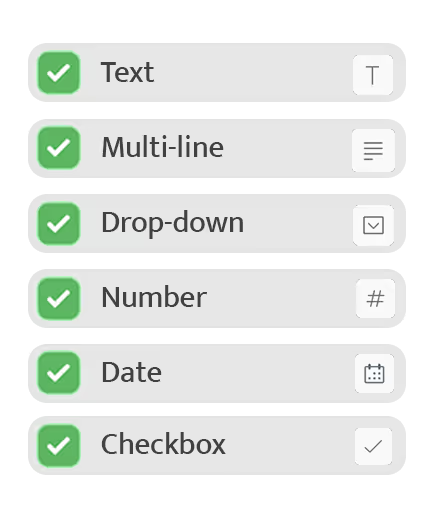
How AI fills different field types
Ticket Fields AI adapts its behavior based on the field type. Dropdown fields are filled by selecting the most relevant option. Text fields capture extracted details like error messages. Date fields resolve phrases like 'yesterday' into real dates. Checkbox fields are checked only when conditions are met. Number fields assign values such as urgency or priority levels.
Each field type follows its own logic while still using the same ticket context.
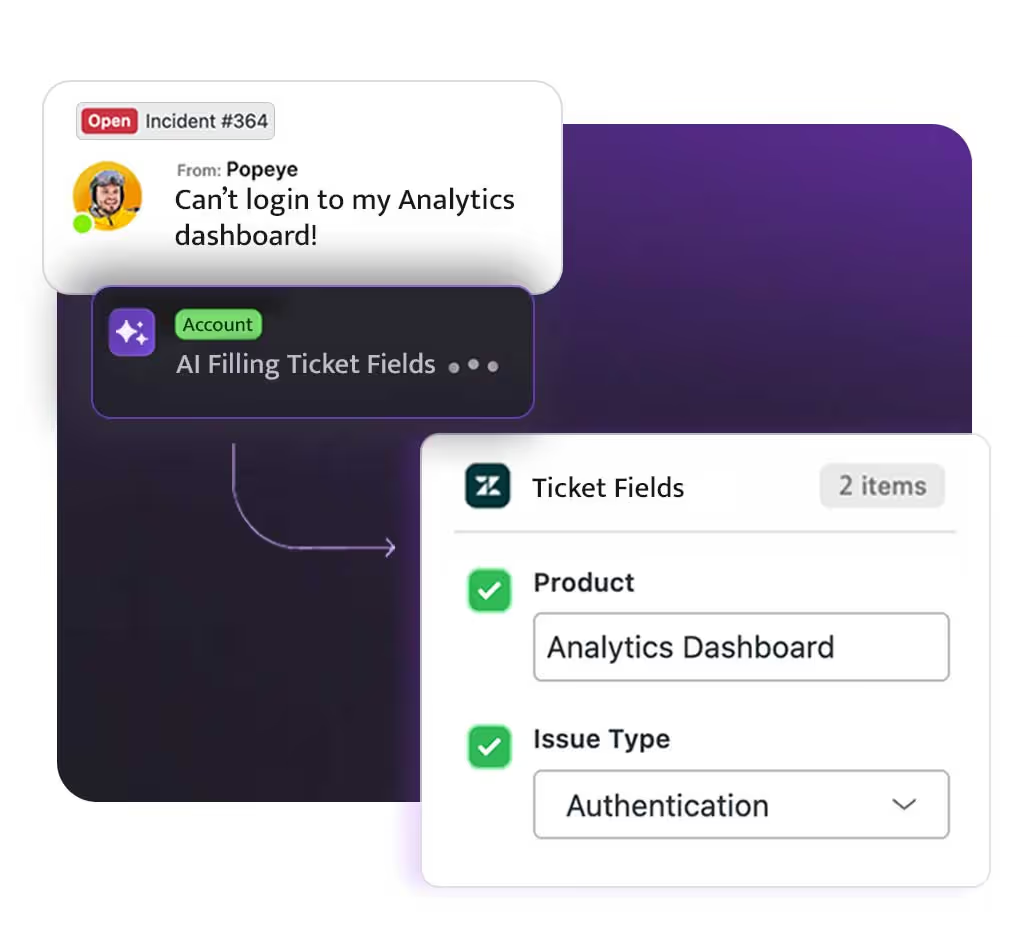
Mix and match field types
Teams can automate any combination of field types on a single ticket — auto-fill issue category and affected feature, set urgency automatically, capture error messages in text fields, or flag tickets that require engineering review.
Each field is configured independently, so you can start small and expand over time.
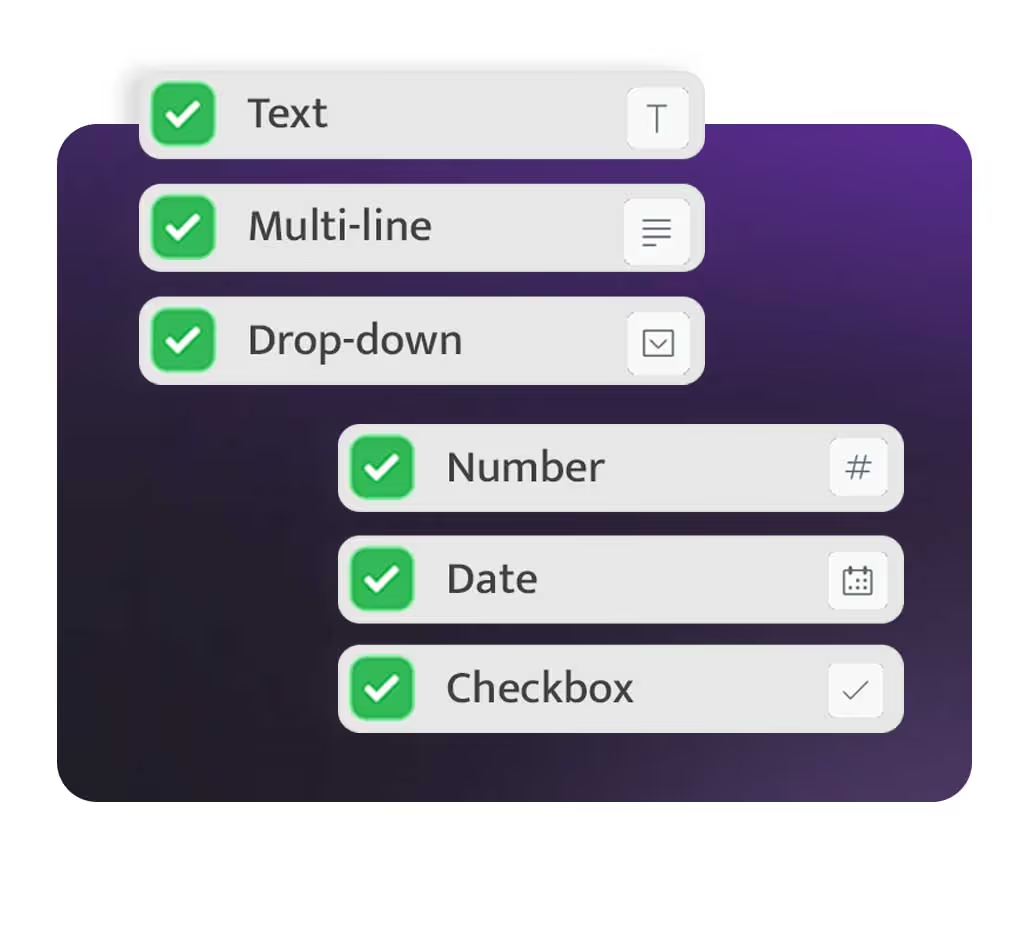
Broad field coverage
Automate all critical field types.
Better data quality
Consistent values across tickets.
Less manual effort
No repetitive field updates.
Stronger automation
Clean fields power reliable workflows.
No credit card required
Built For Trust.
Designed For Privacy.
Your data is safe with Macha AI. We meet the highest security standards so you can focus on support without compromise.
GDPR Compliant
Fully aligned with global data protection and security standards.
No Training On Your Data
Your content is never used to train AI models, and is kept only for the periods set out in our Privacy Policy.

Loved by support teams worldwide
See what support teams are saying about Macha AI.
The application seems excellent to me! We are still testing, and we need support for some details and they were extremely efficient too!

Daniela Costa
Head of Support, Seabra
Macha has been a great addition to our support toolkit. It generates clear, well-organized responses that fit naturally into our workflow. One feature we particularly appreciate is its ability to automatically reply in the same language as the ticket.

Marius F
Support Head, Zentana
We've been using Macha for a little while now and it's been really great addition so far! It's powerful, convenient, and makes getting work done a lot easier for our agents.

Alexander Wedén
Head of Support
Support team is very helpful and responsive. Really enjoy how lightweight this is within Zendesk itself vs other more intrusive tools.

Cathleen Wright
Zendesk Admin, Cortex IO
So far it's pretty good! Our queries are a little nuanced, so we can't always use it, but it's got enough utility for us. It can even incorporate our bilingual country with greetings in a second language.

Jae Oliver
Head of Support, Wise
Really enjoying using Macha, it has made a noticeable difference to our support team in a short amount of time. I really like the ticket summary feature, saves us a lot of time.

Harry Jackson
Head of Support, Crumb
Macha AI is a great addition to my workspace! It's powerful, convenient, and it really makes productivity so much easier for our agents!

Dave G
Head of Support, Cyber Power Systems
Very impressed! AI integration for Zendesk has certainly come a long way and Macha seems to set the standard for now. This will for sure save lot of time in our support team.

Pauli Juel
Head of CS, Dokument24
Macha has been working great for us so far! The auto-responses are accurate and our resolution time has dropped significantly.

Lana T
Zendesk Admin, Swotzy
Macha AI is a great addition. The knowledge base feature means our agents always have the right answers at their fingertips.

Mischa Wolf
Head of Support, Topi
We're enjoying this integration so far. It's made our support team more efficient and our customers get faster responses.

Paula G
Head of Customer Support, Xly Studio
The team enjoys using it. It saves considerable time on common questions and the integration options are excellent.

Kilian Leister
Support Head, Didriksons
The application seems excellent to me! We are still testing, and we need support for some details and they were extremely efficient too!
Daniela Costa
Head of Support, Seabra
Macha has been a great addition to our support toolkit. It generates clear, well-organized responses that fit naturally into our workflow. One feature we particularly appreciate is its ability to automatically reply in the same language as the ticket.
Marius F
Support Head, Zentana
We've been using Macha for a little while now and it's been really great addition so far! It's powerful, convenient, and makes getting work done a lot easier for our agents.
Alexander Wedén
Head of Support
Support team is very helpful and responsive. Really enjoy how lightweight this is within Zendesk itself vs other more intrusive tools.
Cathleen Wright
Zendesk Admin, Cortex IO
So far it's pretty good! Our queries are a little nuanced, so we can't always use it, but it's got enough utility for us. It can even incorporate our bilingual country with greetings in a second language.
Jae Oliver
Head of Support, Wise
Really enjoying using Macha, it has made a noticeable difference to our support team in a short amount of time. I really like the ticket summary feature, saves us a lot of time.
Harry Jackson
Head of Support, Crumb
The application seems excellent to me! We are still testing, and we need support for some details and they were extremely efficient too!
Daniela Costa
Head of Support, Seabra
Macha has been a great addition to our support toolkit. It generates clear, well-organized responses that fit naturally into our workflow. One feature we particularly appreciate is its ability to automatically reply in the same language as the ticket.
Marius F
Support Head, Zentana
We've been using Macha for a little while now and it's been really great addition so far! It's powerful, convenient, and makes getting work done a lot easier for our agents.
Alexander Wedén
Head of Support
Support team is very helpful and responsive. Really enjoy how lightweight this is within Zendesk itself vs other more intrusive tools.
Cathleen Wright
Zendesk Admin, Cortex IO
So far it's pretty good! Our queries are a little nuanced, so we can't always use it, but it's got enough utility for us. It can even incorporate our bilingual country with greetings in a second language.
Jae Oliver
Head of Support, Wise
Really enjoying using Macha, it has made a noticeable difference to our support team in a short amount of time. I really like the ticket summary feature, saves us a lot of time.
Harry Jackson
Head of Support, Crumb
Macha AI is a great addition to my workspace! It's powerful, convenient, and it really makes productivity so much easier for our agents!
Dave G
Head of Support, Cyber Power Systems
Very impressed! AI integration for Zendesk has certainly come a long way and Macha seems to set the standard for now. This will for sure save lot of time in our support team.
Pauli Juel
Head of CS, Dokument24
Macha has been working great for us so far! The auto-responses are accurate and our resolution time has dropped significantly.
Lana T
Zendesk Admin, Swotzy
Macha AI is a great addition. The knowledge base feature means our agents always have the right answers at their fingertips.
Mischa Wolf
Head of Support, Topi
We're enjoying this integration so far. It's made our support team more efficient and our customers get faster responses.
Paula G
Head of Customer Support, Xly Studio
The team enjoys using it. It saves considerable time on common questions and the integration options are excellent.
Kilian Leister
Support Head, Didriksons
Macha AI is a great addition to my workspace! It's powerful, convenient, and it really makes productivity so much easier for our agents!
Dave G
Head of Support, Cyber Power Systems
Very impressed! AI integration for Zendesk has certainly come a long way and Macha seems to set the standard for now. This will for sure save lot of time in our support team.
Pauli Juel
Head of CS, Dokument24
Macha has been working great for us so far! The auto-responses are accurate and our resolution time has dropped significantly.
Lana T
Zendesk Admin, Swotzy
Macha AI is a great addition. The knowledge base feature means our agents always have the right answers at their fingertips.
Mischa Wolf
Head of Support, Topi
We're enjoying this integration so far. It's made our support team more efficient and our customers get faster responses.
Paula G
Head of Customer Support, Xly Studio
The team enjoys using it. It saves considerable time on common questions and the integration options are excellent.
Kilian Leister
Support Head, Didriksons


