



 Intercom
 Shopify
 Stripe
 Slack
Slack Notion
 Google Workspace
 Confluence

What Are the Best Front Integrations in 2026? Connectors, Forms, Google Sheets and Phone


The Front integrations most teams need are a CRM app, Slack wired to rules, an issue tracker, the built-in form channel and one phone app. Custom Connectors need the Enterprise plan or the Autopilot add-on, and prebuilt ones come with Professional and above.
Key takeaways
- Building a custom Front Connector requires the Enterprise plan at $105 a seat a month or the Autopilot add-on from $0.05 a conversation, while prebuilt Connectors come with Professional and above.
- Front's prebuilt Connectors include six airline cargo carriers, such as Alaska Airlines Cargo and Delta Cargo, plus UPS, Highway, Tai and TextLocate, which shows where Front's integration work has concentrated.
- Linear publishes its own Front app on Starter, Professional and Enterprise, creating or linking issues from a conversation and reopening that conversation when the issue is completed.
- Front's website form channel requires both an Email and a Body field, supports up to reCAPTCHA v2, and needs one form channel per page on the Professional plan or above.
- Zapier's directory lists more than 10,000 apps that can connect to Front through triggers like a new conversation or tag, with each run billed per task on Zapier's side.

The Front integrations most support teams need are a CRM app (Salesforce or HubSpot), Slack wired to rules, an issue tracker (Jira, GitHub or Linear), the built-in form channel and one phone app (Aircall, Dialpad or Zoom Contact Center). Building your own Connector needs the Enterprise plan at $105 a seat a month or the Autopilot add-on from $0.05 a conversation, while prebuilt Connectors come with Professional and above.
| Integration | Category | Type | What it brings to Front |
|---|---|---|---|
| Salesforce | CRM | Native + prebuilt Connector | View and update SF records in the inbox |
| HubSpot | CRM | Native + prebuilt Connector | Two-way sync; create contacts and deals from a conversation |
| Slack | Collaboration | Native | Share messages, plus rule-based channel alerts |
| Jira | Dev and issue | Native + prebuilt Connector | Link and browse issues without leaving the inbox |
| GitHub | Dev and issue | Native | GitHub issues and dev context in the inbox |
| Linear | Dev and issue | Partner-built (by Linear), all plans | Create or link issues; reopens the conversation when the issue is done |
| Shopify | Ecommerce | Native | Shopify customer and order info in the conversation |
| Form channel | Channel | Built in | Website form submissions arrive as conversations, Professional and above |
| Google Sheets | Productivity | Sidebar plugin (community method) | A sheet rendered beside the conversation |
| Zapier | Automation | Native | More than 10,000 apps, billed per task |
| Make | Automation | Native | Visual workflows, billed per operation |
| Aircall | Voice | Native | Calls, voicemail and SMS with context |
| Dialpad | Voice | Native | Voice and SMS alongside written channels |
| Zoom Contact Center | Voice | Native, May 2026 | Calls, SMS and transcripts, Professional and Enterprise |
| Amazon Connect | Voice | Beta | Join the beta; not a shipped listing |
| Connectors | Framework | Built in | Your own API as objects and actions, Enterprise or the Autopilot add-on |
| Front AI | AI | Built in | Autopilot from $0.05 a conversation, Copilot $20 a seat |
Native means a first-party Front plugin. The native iPaaS connectors still carry their own per-task fees, and you always pay for the connected product's own plan.
We checked every app, path and plan gate against Front's integrations directory and help center on September 20, 2026, captured the screenshots the same day, and re-read the Connector, form and Linear pages on September 24, 2026. We did not build a Connector ourselves, so every Connector detail below is quoted from Front's documentation. Where a claim comes from Front's community rather than its documentation, we say so and link the thread. New to the platform? Start with what the Front app is, and if budget is the question, see Front pricing explained.
How did we pick these integrations?
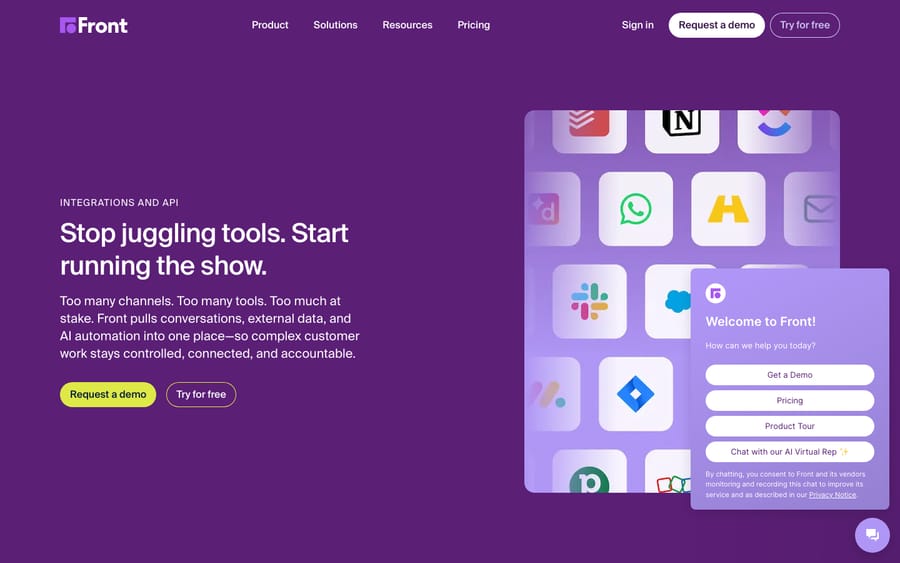
Front's integrations directory groups apps into categories including Channels and Messaging, CRM and Ecommerce, Project Management and Issue Tracking, Bots and Workflow Automation, Data Sync and Enrichment, Voice and Telephony, Analytics and Reporting, Travel, and Logistics and Maritime. Its Zapier listing opens the door to the more than 10,000 apps in Zapier's directory. We list the ones support and operations teams reach for, grouped by the job they do. The bar for inclusion: the app is live in Front's directory or is a built-in Front capability, it maps to a real job, and it removes a tab an agent currently opens.
We flag throughout whether an app is native, meaning a first-party Front plugin connected from the App Store, or third-party, meaning it comes through an iPaaS or is built by the partner.
How to add an app
The flow is the same for most native apps. In Front, open Settings, then Integrations, which is the Front App Store, find the app, click to connect, and authenticate the other tool with an OAuth login or an API key. Then choose which inboxes and data to surface. Front's own features, like Front AI, are switched on in settings instead of installed.
What are Front Connectors, and which plan do you need?
Connectors are the part of Front integrations people miss, and they change what Front can do more than any single app.
Per Front's article "Understanding Connectors", Connectors let you connect Front with your external tools, surfacing data, triggering actions and automating workflows without leaving Front. There are two types:
- Application objects are "a simple way to get information from a third-party system and display it as a comment or link inside a Front conversation", such as a customer record, shipment or order.
- Application requests "allow you to trigger actions in third-party systems, such as creating a new order, updating a customer record, or sending a notification."
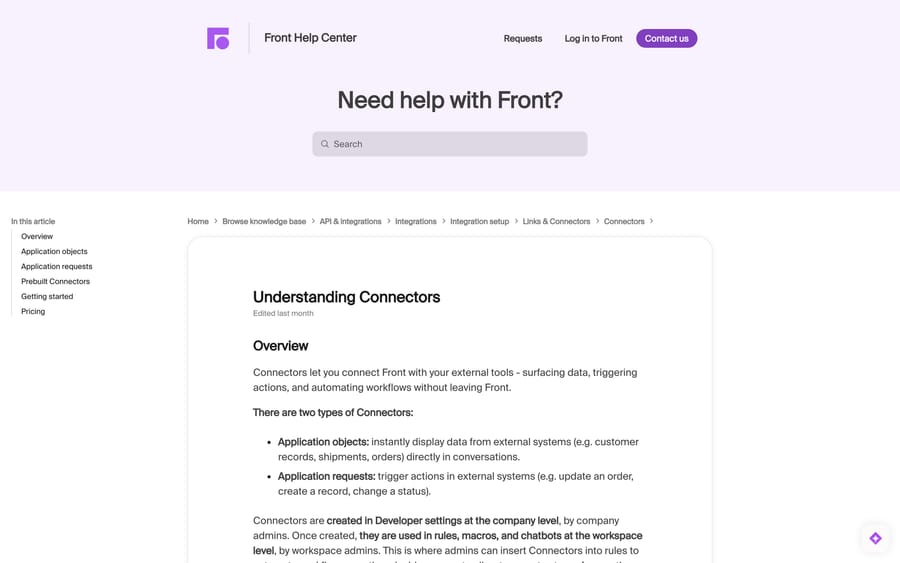
The ownership model matters for anyone planning a rollout. Connectors are "created in Developer settings at the company level, by company admins", and once created "they are used in rules, macros, and chatbots at the workspace level, by workspace admins". So a company admin builds the plumbing once and workspace admins consume it. If your Connector exists but nothing happens, it is almost always because nobody enabled a workflow that calls it.
Building one takes no code. In Developer settings you click Create app, name it in the Settings tab, then Add feature and pick App Object or App request. For a request you define the inputs with Add input in the Flow builder, choose the method (GET, POST, PUT, PATCH or DELETE), and set the URL. If your system speaks REST, Front can call it. For the other direction, where Front pushes events out to you, see Front webhooks and the Front API.
The plan gate, verbatim: "Connectors are available to build from scratch on the Enterprise plan or with the Autopilot add-on. You can access prebuilt Connectors on the Professional and Enterprise plans by visiting the App Store."
That is a real fork in the road. Building your own Connector means Enterprise at $105 a seat a month, or buying the Autopilot add-on, which starts at $0.05 a conversation. On Professional you get the prebuilt ones and no builder. Worth naming the incentive: tying the integration builder to the AI add-on means the cheapest route to custom integrations is also the route that puts you on Front's AI meter. Price both before you choose.
The prebuilt Connectors
Front ships a set you can use without building anything, per its "Prebuilt Connectors" article, "Available on the latest Professional plan or above or with the Autopilot add-on":
| Prebuilt Connector | What it does | Auth |
|---|---|---|
| Alaska Airlines Cargo, American Airlines Cargo, Delta Cargo, OnTrac, Southwest Cargo, United Cargo | Cargo tracking in the conversation | None required |
| UPS | "Get real-time shipping status (location, last stop) using tracking number" | API client ID and client secret |
| Highway | "Instantly access crucial carrier risk assessments from Highway directly within relevant Front conversations" | API key |
| Tai | Freight management and TMS data | API key |
| TextLocate | Load and driver location information | API key |
| Salesforce, HubSpot, Jira, Asana, Pipedrive | Bundled with those applications | Per app |
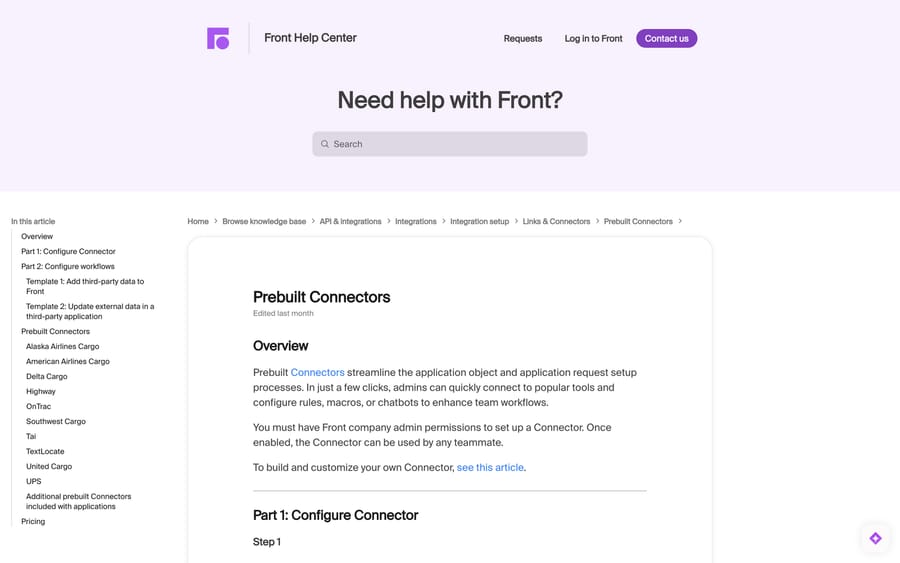
Read that list and the shape of Front's customer base is obvious: six airline cargo carriers and three freight-tech vendors. Logistics is where Front's Connectors investment has gone, which is useful information whether or not you ship freight.
Which CRM integrations work with Front?
Knowing the customer's plan, open deals and account history changes how you reply. These put CRM records in the conversation, and because Front syncs two ways, updates made in Front flow back.
Salesforce (native)
The native Salesforce plugin lets agents view and update Contact, Lead, Account, Opportunity, Task, Case and Note objects, plus custom objects linked to them, inside the Front inbox, with changes syncing back to Salesforce. For B2B teams standardized on Salesforce who want support and success working from the record sales uses.
HubSpot (native)
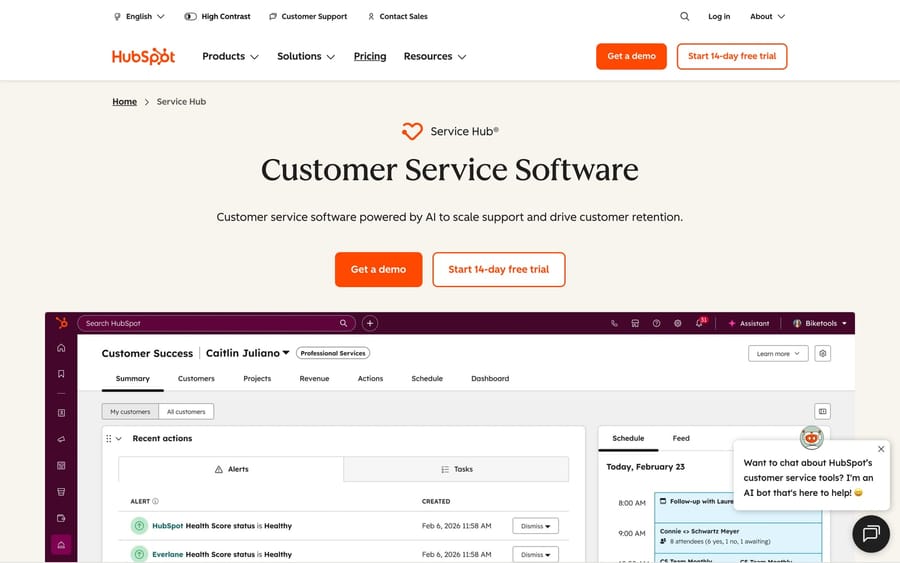
Syncs customer-service data between Front and HubSpot in real time and lets agents create contacts, companies, deals or activities from a conversation. For teams running HubSpot as the single go-to-market record.
Does Front integrate with Slack?
Slack (native)
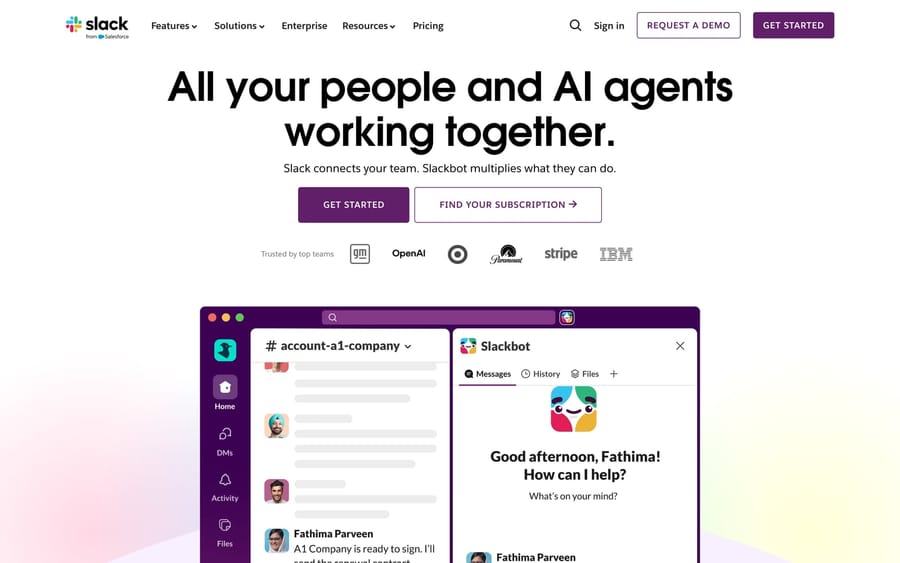
The native Slack integration does two separate jobs, and teams usually set up only the first. You can manually share a Front message into Slack to get a teammate's input, and you can automatically post to Slack from a rule, so an escalation, a VIP reply or a breached SLA pings a channel without anyone watching the queue. The second one is where the value is. Pair it with Front's rules rather than asking people to share manually.
Which issue trackers connect to Front?
Jira (native)
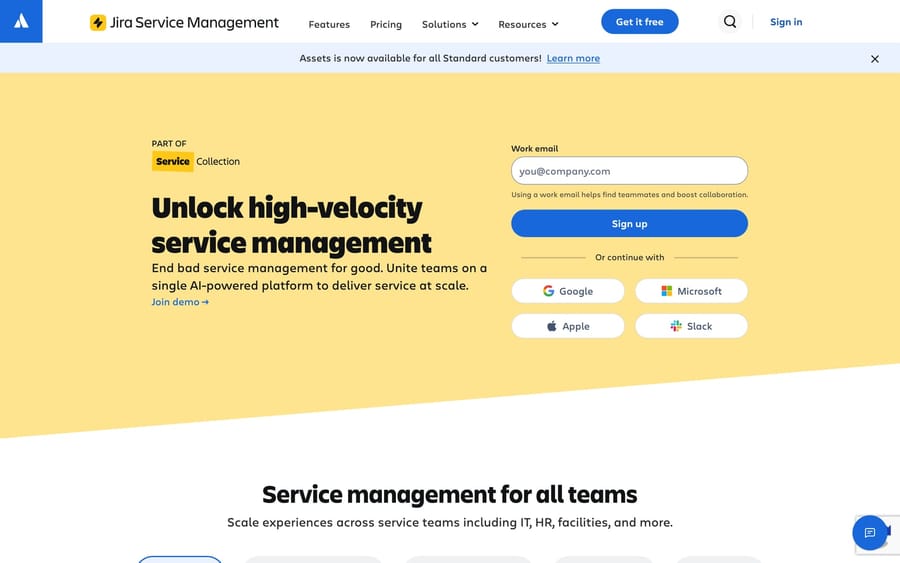
Link new or existing Jira issues to a Front conversation and browse issues without leaving the inbox, so support escalates a bug and tracks status while engineering stays in Jira. Jira is also one of the applications that ships with a prebuilt Connector.
GitHub (native)
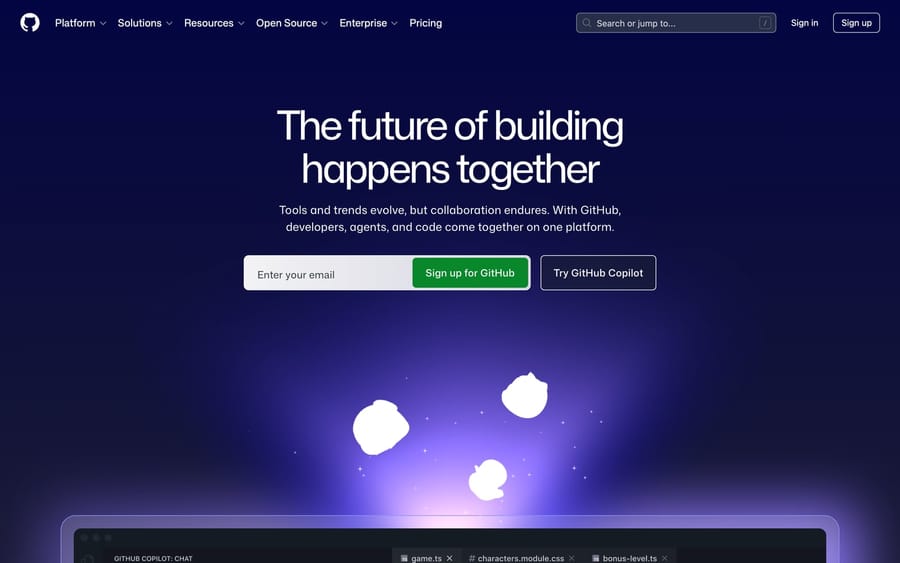
Brings GitHub into the Front inbox so agents can reference issues and developers get support context. For product-led teams whose backlog lives in GitHub Issues.
Linear (partner-built, all plans)
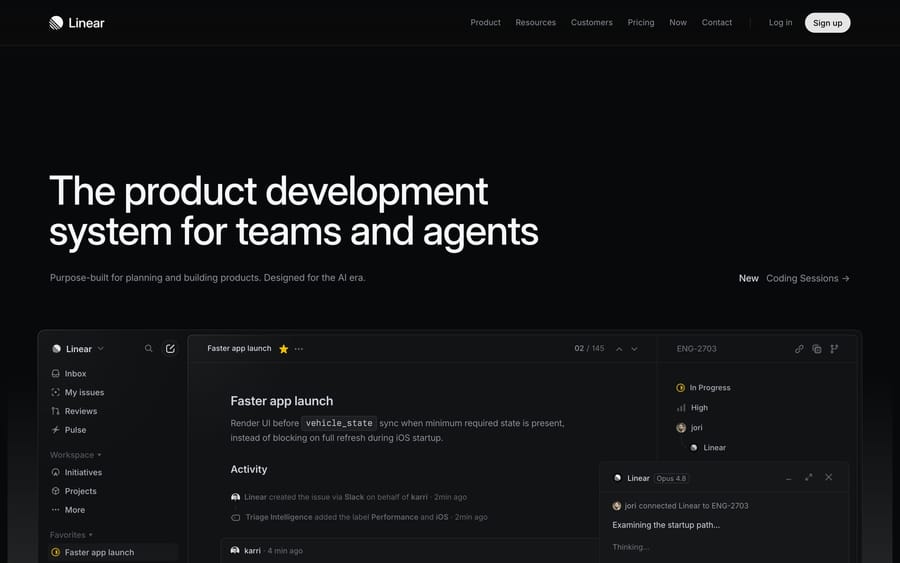
Front's integrations directory lists Linear under Project Management and Issue Tracking. The listing at front.com/integrations/linear names Linear as the publisher and marks it available on Starter, Professional and Enterprise. Agents create a Linear issue from a conversation or link an existing one, and when the issue is completed, Linear reopens the linked Front conversation so the agent can tell the customer. We could not confirm this app in June 2026 and recommended Zapier then; Zapier is now the fallback, not the default.
Does Front integrate with Shopify?
Shopify (native)
Displays a customer's Shopify information in the Front conversation when it is available, so an agent sees order context without opening Shopify. For stores where most tickets are about an order.
How do you get website form submissions into Front?
This is the integration people search for and cannot find, because it is not an App Store app at all. Front has a form channel type, so a contact form on your site posts straight into an inbox.
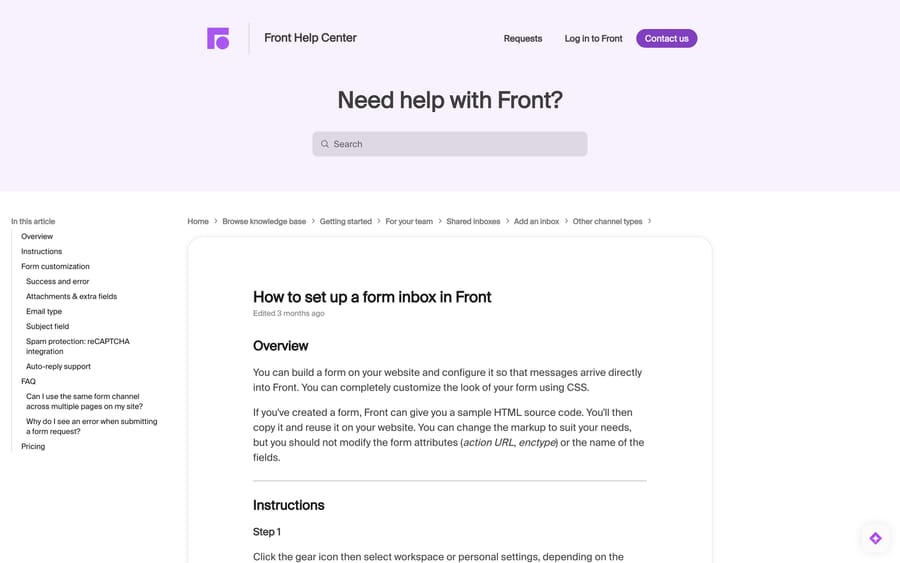
The path, per Front's article: click the gear icon, pick workspace or personal settings, select Inboxes and create the inbox, then Channels, Connect channel, and pick Form. Front hands you sample HTML to paste into your site.
The rules that trip people up, all quoted from the same article:
- "Front requires form submissions to contain both the Email and Body fields." You can rename other fields; not those.
- Leave the form attributes alone. Changing the action URL or enctype breaks the post.
- Front validates that the submission came from the Location URL you configured. Post from anywhere else and you get a
bad_referererror. - One form channel per page location. "If you need to add forms to multiple pages on your website, you will need to configure a new Form channel for each page."
- One attachment per submission.
- Spam protection: "Front supports up to reCAPTCHA v2", and v3 is not supported.
- "This feature is available on the Professional plan or above."
The per-page limit is the practical constraint. A site with a contact page, a support page and a returns page needs three form channels, which you will want routed to different inboxes anyway. If your forms live in Wufoo, Gravity Forms, Typeform or Microsoft Forms rather than hand-written HTML, the usual route is the builder's own webhook or Zapier into Front, because the form channel expects you to control the markup.
Can you show Google Sheets, Docs or Slides inside Front?
"Google Sheets front integration" is a query with no App Store answer, and the real answer comes from Front's own community. On February 5, 2026, dedarritchon posted a three-step method: open the Google Sheet and copy the URL, create a new app in Front with a name and icon, then "Add the Sidebar plugin feature to your app and paste the url". The sheet then renders in the Front sidebar beside conversations. In a follow-up on March 11, 2026 he confirmed he "validated this works in the same manner with Google Docs or slides."
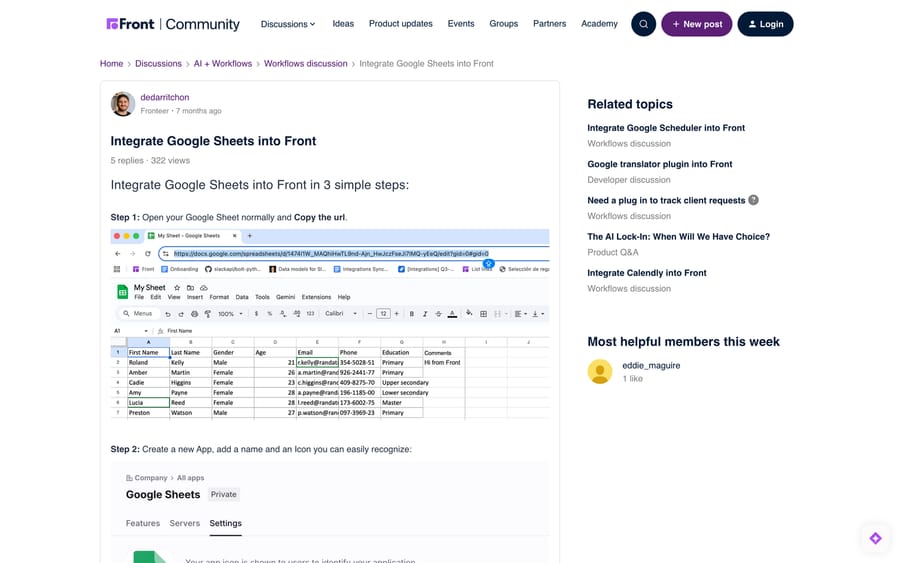
It is a display trick rather than a data integration: the sheet is embedded, so nothing flows automatically between a conversation and a row. For actual data movement, use Zapier or Make to write conversation data into a sheet, or build an application request that reads the Sheets API.
What do Zapier and Make add to Front?
Zapier and Make (both native)
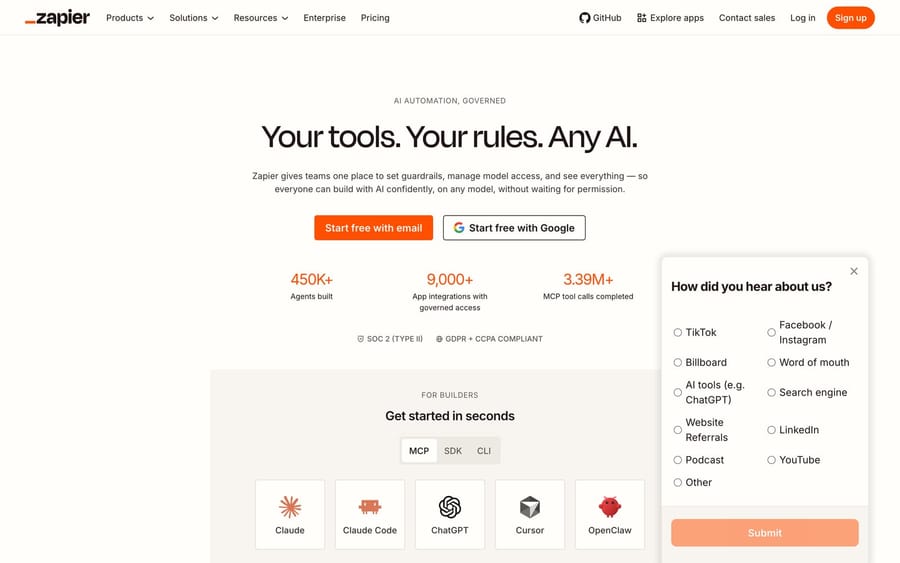
Zapier is a Front-published integration, and Zapier's own directory lists more than 10,000 apps (10,151 on September 24, 2026). Front's listing page still says "more than 750", which is out of date. Front events such as a new conversation, a tag added or an inbound message act as triggers, and Zaps act in Front or fan data out. Make is the other major no-code platform and is also a first-party Front listing with its own setup documentation.
Use these for the long tail: niche back-office systems, scheduling tools, anything without a dedicated app. Both bill per task or operation on their own side, which is the cost people forget when they compare a Zap against a Connector. A Connector calls your API directly with no third-party meter; a Zap is quicker to build and charges per run.
Which phone systems integrate with Front?
Phone is a live category for Front right now, and the list is longer than it was a year ago.
Aircall (native)
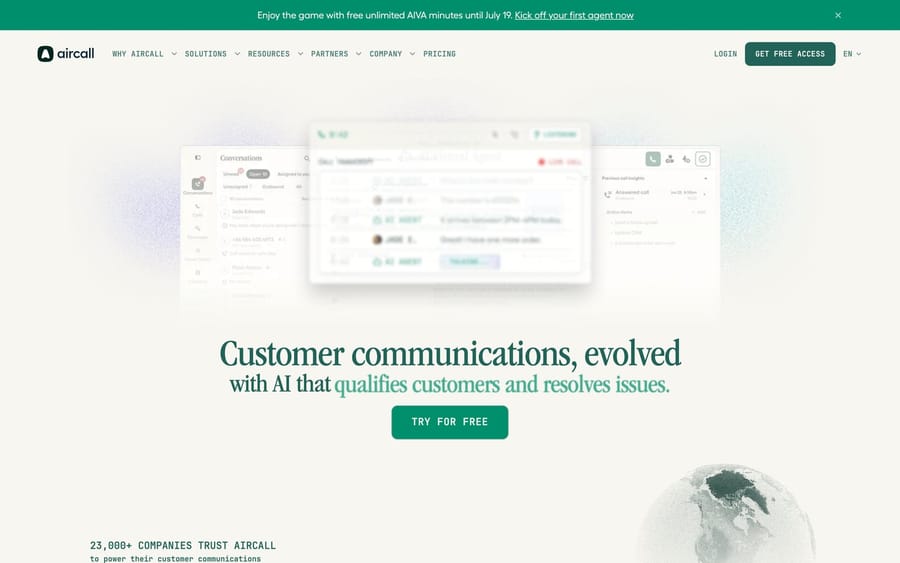
Manage calls, voicemails and SMS in Front with call history beside the conversation.
Dialpad (native)
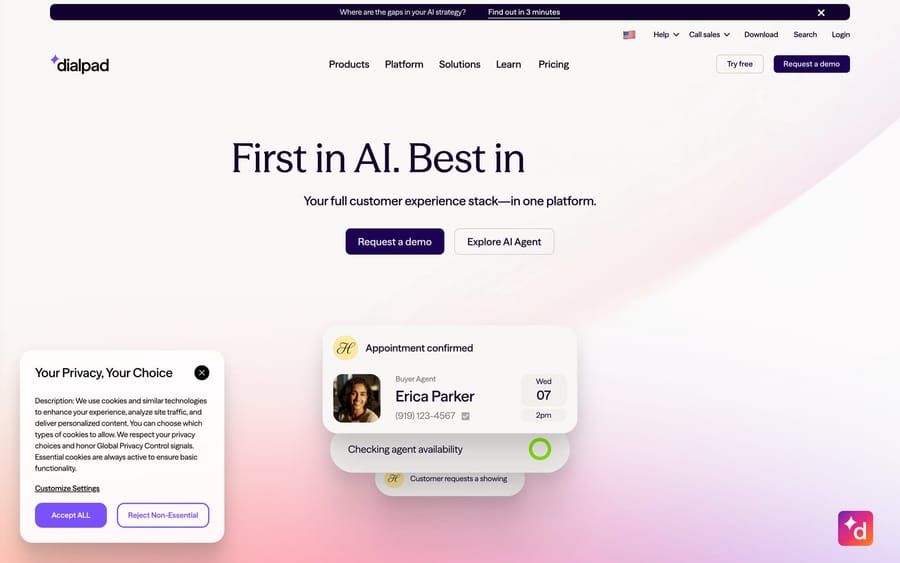
Handles voice and SMS alongside email and chat in one workspace, with customer context on live calls. Front rebuilt this integration in 2025 and announced it as a reimagined version.
Zoom Contact Center (native, May 2026)
The newest option. Front announced it in a community product update on May 8, 2026: you "manage SMS and voice channels directly alongside email, live chat, and more in one unified workspace", collaborate on transcripts, see customer details during a call, and have your Front status set to busy automatically. The update lists it for Professional and Enterprise plans. If your organization already bought Zoom's contact center, this removes the case for a second phone vendor.
Amazon Connect (beta)
Front's community has run a call to join an Amazon Connect beta. It is a beta rather than a shipped directory listing, so treat it as a signal about where Front is heading rather than something you can turn on today.
The practical advice: pick the integration that matches the phone system you already pay for. All four put the call in the conversation, and none of them is a reason to change telephony vendors.
Can an AI agent work inside Front?
Front AI (native)
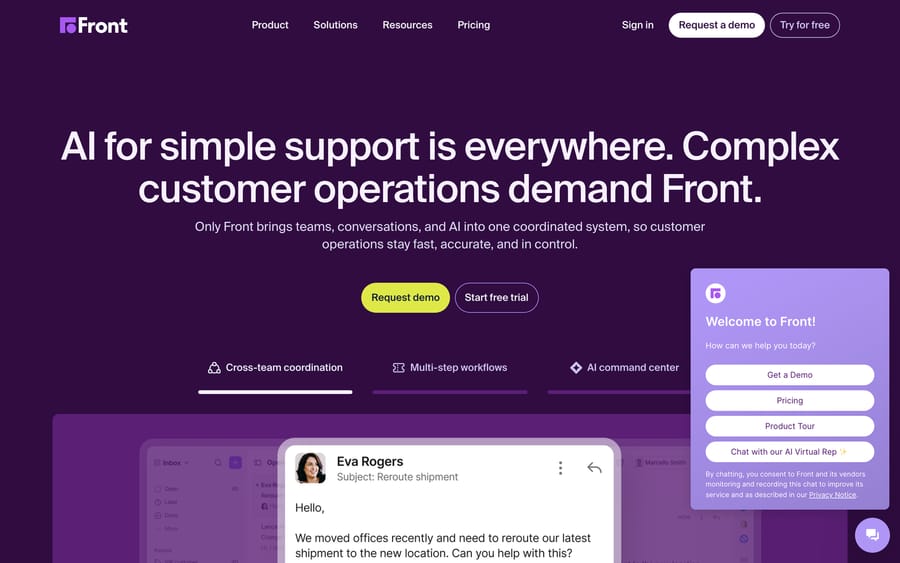
Front's native AI is a suite you switch on rather than an app you install. Autopilot is the AI agent, with Autopilot Resolve handling self-serve chat, and it starts at $0.05 a conversation. Copilot is the in-inbox assistant at $20 a seat a month, Smart QA is $20, Smart CSAT is $10, and all three except Autopilot are included in the latest Enterprise plan. The older AI Answers chatbot is retired. Our Front AI explainer goes through each piece and its limits.
An external agent layer can also connect to Front, which an earlier version of this page got wrong. Macha is an AI agent layer that runs on top of Front, reads the conversation, calls your own systems through a custom tool, and drafts or sends a grounded reply. It never replaces Front, your inboxes, your rules or Autopilot.
Where it fits against the rest of this page: a Connector puts your data on the screen for a human, and an agent layer acts on that data without one. Macha suits teams already running Front whose repetitive queue needs a real lookup rather than a knowledge-base answer, and it is the wrong choice if document deflection is all you need, because Autopilot covers that. Pricing is one plan on monthly ticket volume, from $299 a month for 750 tickets, about $0.40 a ticket at every tier, with setup and monitoring by our team included and a $50 free usage trial. Macha also runs on Zendesk, Freshdesk, Gorgias, Front, HubSpot or Intercom if Front is not your only desk. See Macha on Front and pricing.
What do users say about Front?
Integrations only pay off if teams keep them switched on, and in-conversation context is a recurring reason Front reviews well. Front sits at 4.7 out of 5 across 2,511 G2 reviews, which we read on September 20, 2026, and about 286 Capterra reviews as recorded in this guide's June 2026 edition. Two verbatim Capterra reviews from that round of sourcing:
"The shared inbox functionality is a game-changer, making collaboration seamless and ensuring no messages slip through the cracks." Jay M., Director (Real Estate), Capterra, March 2025.
"Front's collaboration, shared inbox system and ability to coordinate with people on my team make it a necessity in our core tech stack." Emily H., Marketing and Technology (Real Estate), Capterra, May 2025.
The most common watch-out reviewers raise is not the integrations but channel sync edge cases, with Outlook sync behaving one-way for some actions. Confirm your email channel behaves the way you expect before you standardize on it.
Which Front integrations should you set up first?
You do not need a dozen. Start where your conversations and your team already spend time.
- Add CRM context first, Salesforce or HubSpot, if agents will act on it. The two-way sync is the differentiator.
- Connect where your team collaborates, Slack, and wire it to rules so escalations surface without anyone watching.
- Wire up the escalation path, Jira, GitHub or Linear, if support regularly hands bugs to engineering. Linear's app runs on every plan, including Starter.
- Add the form channel if your website has a contact form, because a form that lands in an inbox with an SLA beats one that lands in a personal mailbox.
- Layer voice by the system you already own, Aircall, Dialpad or Zoom Contact Center.
- Use Zapier or Make for the long tail instead of hunting for an app that may not exist.
- Build a Connector when the data lives in your own systems and you are on Enterprise or already paying for Autopilot. This is the step that turns Front from an inbox into an operations surface.
A good rule: every integration should remove a tab an agent currently opens or a step they do by hand. If it does neither, skip it.
Frequently asked questions
What are Front Connectors? Connectors are Front's no-code framework for connecting to external tools. There are two types: application objects, which display data from external systems in the conversation, and application requests, which trigger actions in those systems. Company admins build them in Developer settings, and workspace admins then use them in rules, macros and chatbots.
What plan do I need for Front Connectors? Front's documentation states it directly: "Connectors are available to build from scratch on the Enterprise plan or with the Autopilot add-on. You can access prebuilt Connectors on the Professional and Enterprise plans by visiting the App Store." So Professional gets the prebuilt set, and building your own needs Enterprise or the Autopilot add-on.
Does Front integrate with Google Sheets? Not as an App Store app. The working method, posted in Front's community in February 2026, is to copy the Sheet URL, create an app in Front, and add the Sidebar plugin feature with that URL pasted in, which renders the sheet beside your conversations. The same method works for Google Docs and Slides. For moving data rather than displaying it, use Zapier or Make, or build an application request against the Sheets API.
How do I get website form submissions into Front? Use the Form channel type: gear icon, workspace or personal settings, Inboxes, then Channels, Connect channel, Form. Front gives you sample HTML to paste into your site. Submissions must contain both the Email and Body fields, you need one form channel per page, and the feature is on the Professional plan or above.
Does Front work with Wufoo or Typeform? Front's form channel expects you to control the form markup, so a hosted builder such as Wufoo, Typeform, Gravity Forms or Microsoft Forms is usually connected through its own webhook or through Zapier into Front rather than through the native form channel. Check the builder's outbound webhook options first, since that route avoids a per-task iPaaS bill.
Does Front integrate with Slack? Yes, natively. You can share a Front message to Slack manually for a teammate's input, and you can use rules to post to Slack channels automatically on escalations and other events. The rule-driven half is the one worth setting up.
What phone systems does Front integrate with? Aircall and Dialpad are established native integrations, Zoom Contact Center was added for Professional and Enterprise in May 2026, and Front has been running an Amazon Connect beta. Pick the one matching the phone system you already pay for, because all of them put the call into the conversation.
Does Front integrate with Linear? Yes. Linear publishes a Front app, available on Starter, Professional and Enterprise, that creates or links Linear issues from a conversation and reopens the Front conversation when the issue is completed.
Where do I find and install Front apps? Open Settings, then Integrations, which is the Front App Store. Find or search the app, connect it and authenticate the other tool. Connectors are separate: they live in company settings under the Developers tab and are built rather than installed.
Are Front integrations free? The native apps come with Front, but you still pay for the connected product's own plan, and several capabilities are plan-gated: the form channel needs Professional or above, prebuilt Connectors need Professional or above or the Autopilot add-on, and building Connectors needs Enterprise or the Autopilot add-on. Zapier and Make bill per task on their side.
Sources:
- Understanding Connectors, Prebuilt Connectors and How to create application requests (Front help center, checked September 20 and 24, 2026)
- How to set up a form inbox in Front (Front help center, checked September 24, 2026)
- Linear for Front and Zapier's app directory (checked September 24, 2026)
- Front's integrations directory and Front pricing
- Integrate Google Sheets into Front (Front Community, February 5, 2026)
- Seamlessly manage Zoom Contact Center calls and SMS in Front (Front Community, May 8, 2026)
- Front on G2 (4.7/5 from 2,511 reviews, read in a browser September 20, 2026)
Add AI agents to your Front
Macha reads the conversation, drafts the reply and takes the action, inside the Front you already run.





