





 Shopify
 Stripe
 Slack
Slack Notion
 Google Workspace
 Confluence

What Are the Best Ticketing Systems for Customer Support in 2026?


The nine ticketing systems worth shortlisting in 2026 are Zendesk, Freshdesk, Zoho Desk, Help Scout, Front, HappyFox, Jira Service Management, HubSpot Service Hub and osTicket. They differ less on basic queues than on which paid tier unlocks SLA policies and round-robin or skill-based routing.
Key takeaways
- The best customer-support ticketing systems in 2026 are Zendesk, Freshdesk, Zoho Desk, Help Scout, Front, HappyFox, Jira Service Management, HubSpot Service Hub and osTicket.
- Zendesk's Suite costs $55 for Suite Team and $115 for Suite Professional per agent a month billed annually, and the $89 Growth tier no longer appears on its pricing page.
- Zoho Desk at $7 per agent a month and Freshdesk at $19 are the cheapest paid cloud ticketing systems compared, while osTicket is free to self-host.
- Round-robin assignment starts on Freshdesk Pro at $55 and Help Scout Plus at $45, so the headline starting price rarely includes the routing a growing team needs.
- HappyFox's unlimited-agent plans start at $1,999 a month billed annually with 20,000 tickets a year, next to per-agent plans of $24 to $99.

The best ticketing systems for customer support in 2026 are Zendesk, Freshdesk, Zoho Desk, Help Scout, Front, HappyFox, Jira Service Management, HubSpot Service Hub and osTicket. Zoho Desk ($7 per agent a month) and Freshdesk ($19) are the cheapest paid cloud options, Zendesk's Suite runs $55 to $115, and osTicket is free to self-host (vendor pricing pages, checked 24 September 2026).
| Tool | Rating (approx.) | Price per agent a month, billed annually | Best for | Watch-out |
|---|---|---|---|---|
| Zendesk | G2 4.3/5 (~6,000+) | $55 to $115; Enterprise quoted | Scaling teams wanting depth + ecosystem | AI billed per automated resolution on top |
| Freshdesk | G2 4.4/5 (~3,700) | $19 to $89 | Value-led, ticketing-first teams | Round-robin and multiple SLAs start on Pro ($55) |
| Zoho Desk | G2 4.4/5 (7,948) | $7 to $40; free for 3 users | Budget teams (esp. in Zoho stack) | Busy UI; strongest inside Zoho |
| Help Scout | G2 ~4.4/5 | $25 to $75 per user; free for 5 users | Small/mid teams wanting simplicity | Round-robin needs Plus ($45) |
| Front | G2 4.7/5 | $25 to $105 per seat | Collaborative, email-heavy ops | AI add-ons priced separately |
| HappyFox | G2 4.5/5, Capterra 4.6/5 | $24 to $99 | SMB/mid teams wanting clean ticketing | Basic caps you at 5 agents |
| Jira Service Management | G2 4.3/5 (~900+) | $0 to $51.42 | IT/internal service desks (ITSM) | Heavy for simple CX support |
| HubSpot Service Hub | G2 ~4.4/5 (~2,500) | $20 to $150 per seat | Teams already on HubSpot CRM | $1,500 and $3,500 onboarding fees |
| osTicket | G2 4.4/5, Capterra 4.4/5 | Free (self-hosted) | Budget/technical teams wanting control | Dated UI; you host and maintain it |
Prices re-read on each vendor's pricing page on 24 September 2026 (HubSpot Starter is its monthly rate). Ratings are mid-2026 readings, except Zoho Desk's (22 September 2026).
One scope note: this is about customer-support ticketing software, not the Discord "Ticket Tool" bot or event ticketing. For the wider category, including chat-led messengers and CRM suites, see our guide to the best help desk software.
What makes a good ticketing system?
Before the list, the criteria. Strong support ticketing software does five things well:
- Queues & organization — incoming requests land in a unified, filterable queue with statuses (open, pending, solved), tags, and views so nothing is lost.
- SLAs & prioritization — service-level targets (first-response and resolution times) with breach alerts, plus priority levels that surface urgent tickets first.
- Automation — rules and triggers that auto-tag, auto-assign, send canned/template replies, and escalate without manual touch.
- Routing & assignment — round-robin, skill-based, or load-balanced assignment so tickets reach the right agent or team.
- Collaboration & reporting — internal notes, agent collision detection, a knowledge base, and dashboards that show backlog, response times, and CSAT.
Increasingly there's a sixth axis — AI ticket handling (auto-triage, suggested replies, and full auto-resolution) — and it's where most of the cost and complexity now lives. We flag how each tool approaches it.
How did we compare the ticketing tools?
Every tool here is held to the same four ticketing mechanics — queues and views, SLA policies, routing and assignment, and automation/triage — plus where it sits on the ITSM-vs-CX line and whether you can self-host it. Pricing came straight from each vendor's own plan pages, with third-party trackers cited where a tier is quote-only. For the real-user signal we used two things side by side: each tool's current G2 or Capterra star rating and approximate review count, and one attributed Capterra review for every headline tool — Capterra's review pages are publicly readable, so we quote a real reviewer with their role and date rather than paraphrasing a "theme." Crucially, we didn't stop at whether a feature exists; we checked which tier it's gated to, because a queue, an SLA policy, or skill-based routing locked two plans above your budget is, in practice, a feature you don't have (see the tier matrix below). Prices were re-read on the vendor pages on 24 September 2026; confirm before you buy, because ticketing and AI pricing in this category moves fast.
Which plan unlocks SLAs and routing in each ticketing system?
A star rating tells you nothing about whether the specific mechanic you need is in the plan you can afford. This is the table the vendor pricing pages bury — the lowest tier that unlocks each core ticketing fundamental across all nine tools. The pattern is consistent: basic queues and rule-based automation tend to show up early, while formal SLA policies and skill-based routing are the two most commonly held back for mid or upper tiers — and open-source osTicket ships every fundamental in a single free install.
| Tool | Custom queues/views | SLA policies | Automation / triage rules | Advanced routing (round-robin / skill-based) |
|---|---|---|---|---|
| Zendesk | Team ($55) | Above Team; the $89 Growth tier that carried SLAs is no longer on the pricing page | Triggers from Team ($55) | Skills-based routing: Professional ($115) |
| Freshdesk | Growth ($19) | Growth ($19); multiple policies: Pro ($55) | Growth ($19) | Round-robin and load-balanced: Pro ($55); skill-based: Enterprise ($89) |
| Zoho Desk | Standard ($14) | Standard ($14) | Workflows: Express ($7); Blueprints: Professional ($23) | Round-robin: Professional ($23); skill-based: Enterprise ($40) |
| Help Scout | Standard ($25) | One basic SLA policy: Standard ($25); advanced: Plus ($45) | Basic workflows: Standard ($25) | Round-robin: Plus ($45) |
| Front | Starter ($25) | Professional ($65) | Basic rules: Starter ($25); advanced: Professional ($65) | Round-robin: Professional ($65) |
| HappyFox | Basic ($24) | Basic ($24) | Smart rules: Basic ($24) | Round-robin: Team ($49); load-balanced: Pro ($99) |
| Jira Service Management | Free (≤3 agents) | Standard ($20) | Limited on Free; full from Standard ($20) | Auto-assign via automation: Standard ($20) |
| HubSpot Service Hub | Starter ($20 monthly) | Professional ($90) | Workflows: Professional ($90) | Skill-based routing: Professional ($90) |
| osTicket | Free (self-host) | Free (self-host) | Free (self-host) | Free (self-host) |
Lowest plan that unlocks each capability (per agent/seat/mo, annual billing; osTicket self-hosted). Vendors repackage tiers frequently — confirm on the pricing page before you commit. The takeaway: if you need SLA enforcement or skill-based routing, price the tier that actually includes it, not the headline starting price.
What are the 9 best ticketing tools?
1. Zendesk — the enterprise-grade standard
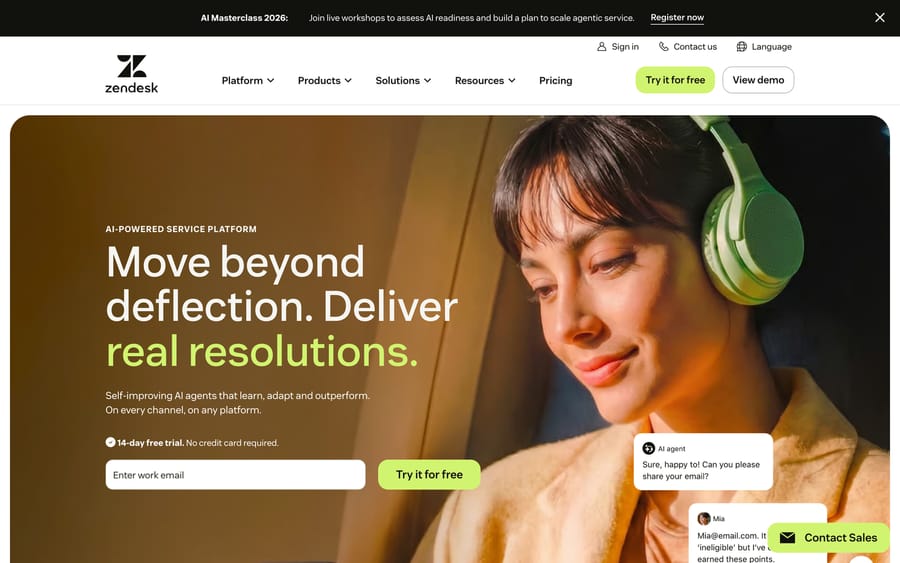
Ticketing capabilities: The category heavyweight. Omnichannel ticketing across email, chat, voice, and social into one workspace, with sophisticated views and queues, granular SLA policies, powerful trigger/automation rules, skill- and round-robin routing, agent collision detection, a mature app marketplace, and deep reporting. Native AI agents (built partly on the acquired Ultimate and Forethought technology) handle triage and resolution. Pricing model: Per agent, billed annually — Suite plans run $55 (Suite Team) and $115 (Suite Professional) per agent/month ($69 and $149 billed monthly), with Enterprise quoted; the $89 Growth tier no longer appears on the pricing page, and a $19 Support Team plan covers email ticketing alone. AI agents are billed per automated resolution on top. Best for: Scaling and enterprise teams that want maximum configurability and reporting horsepower — and have the budget. Rating: G2 4.3/5 across ~6,000+ reviews. What users say: Reviewers consistently call it powerful and complete, but the dominant theme is cost — pricing "feels justified when you actually use the automation and reporting," yet "becomes expensive for startups and smaller teams," with AI adding its own per-resolution bill.
"Our initial reply time went down by over 50%. Customers now receive faster, more consistent responses." — Tim G., Customer Service Executive (Capterra, June 2025)
2. Freshdesk — the value-led ticketing workhorse
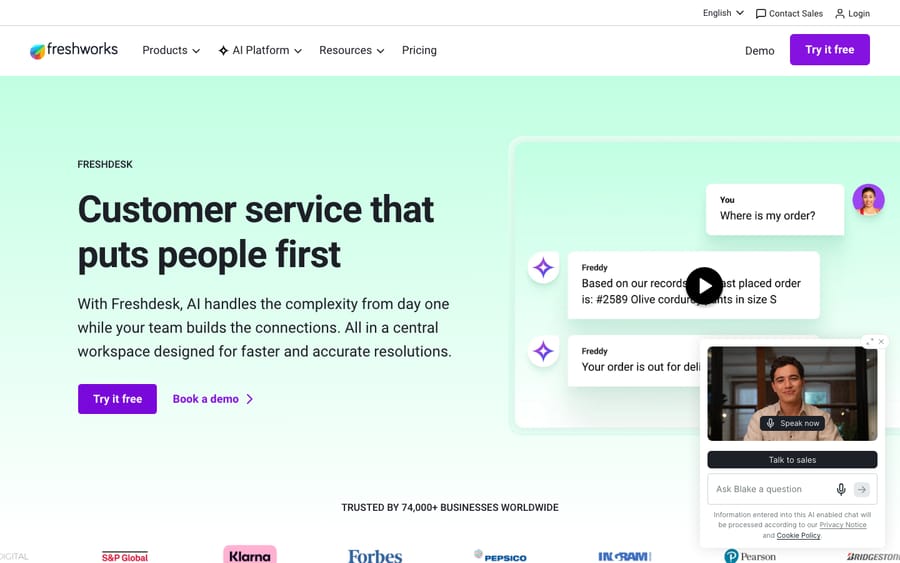
Ticketing capabilities: Clean, ticketing-first design with shared inboxes, ticket statuses and custom views, SLA management with escalation, automation rules (dispatch'r, supervisor, observer), intelligent assignment (round-robin and load-based), canned responses, and a knowledge base. Freddy AI layers on suggested replies and a ticket-resolving agent. Pricing model: Per agent, billed annually: Growth $19, Pro $55, Enterprise $89. Every plan includes the first 500 Freddy AI Agent sessions, then $49 per 100; Freddy AI Copilot is a $29 add-on on Pro and Enterprise. The free plan no longer appears on the pricing page. Best for: Cost-conscious small and mid-sized teams that live in ticketing and want a low entry price. Rating: G2 4.4/5 (~3,700 reviews) and Capterra 4.5/5. What users say: Praised for an intuitive interface and gentle setup; the most consistent gripe is that advanced reporting, deeper customization, and Freddy AI all live in higher tiers, so the real bill climbs with scale. We unpack the queues, SLAs, and automation in detail in Freshdesk's ticketing system explained.
"The UI is clean, so onboarding new agents is straightforward and the team can start working efficiently very quickly." — CH L P., Customer Experience Specialist, Education Management (Capterra, May 2026)
3. Zoho Desk — the budget powerhouse
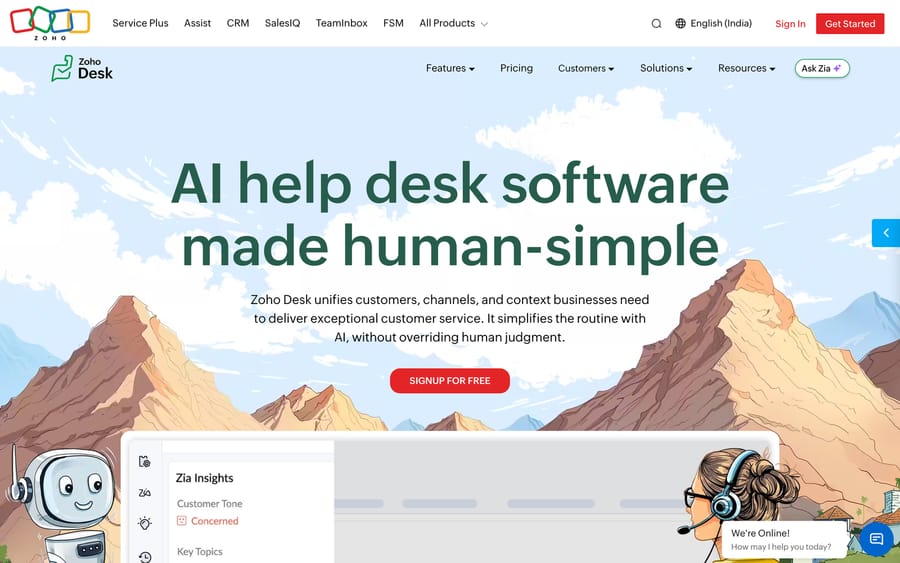
Ticketing capabilities: Feature-rich omnichannel ticketing that punches above its price — multi-department ticket views, SLA and escalation rules, blueprint-driven workflow automation, round-robin and skill-based assignment, a built-in knowledge base, and the Zia AI assistant for tagging and reply suggestions. Tight integration with the broader Zoho suite. Pricing model: Per agent, billed annually — $7 (Express), $14 (Standard), $23 (Professional) and $40 (Enterprise), with a free plan for 3 users. Best for: Cost-conscious teams that want a lot of capability per dollar — especially anyone already on Zoho CRM or Zoho One. Rating: G2 4.4/5 across 7,948 ratings (22 September 2026), one of the largest review bases in the category. What users say: Reviewers consistently praise the automation depth and value; the recurring complaint is a UI that "can feel cluttered," a steeper learning curve, and the strongest payoff coming only once you're inside the Zoho ecosystem.
"Zoho Desk simplifies support ticket handling and workflows with easy setup." — Garcia L., Technology Solutions Manager, Printing (Capterra, August 2025)
4. Help Scout — the simpler, human-first inbox
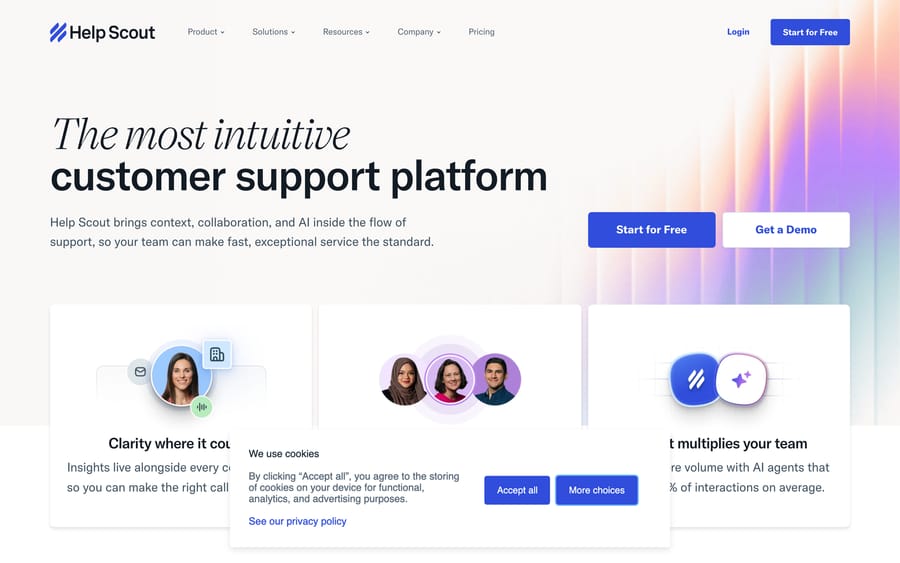
Ticketing capabilities: A conversation-style system built around a shared inbox that deliberately hides the "ticket" machinery to feel like email. Includes workflows (rule-based automation), saved replies, tagging, basic assignment, a knowledge base (Docs), live chat (Beacon), and AI Answers for resolution. Light on heavy SLA and routing configuration by design: Standard gets one basic SLA policy, Plus adds two advanced policies and round-robin, and Pro lifts the limits. Pricing model: Per user, billed monthly or annually — Standard $25, Plus $45, Pro $75 per user/month, with a free plan for up to 5 users. AI Answers is a $0.75/resolution add-on. Best for: Small to mid-sized teams — especially SaaS and services — that find heavier systems overwhelming and want fast onboarding with a warm customer experience. Rating: G2 ~4.4/5; Capterra reviewers rate it highly for value and ease of use. What users say: Repeatedly described as "made for customer support by customer support" — friendly, fast to adopt, responsive vendor. The flip side is depth: complex routing, granular SLAs, and heavy automation are where Zendesk and Zoho Desk pull ahead.
5. Front — the collaborative shared inbox
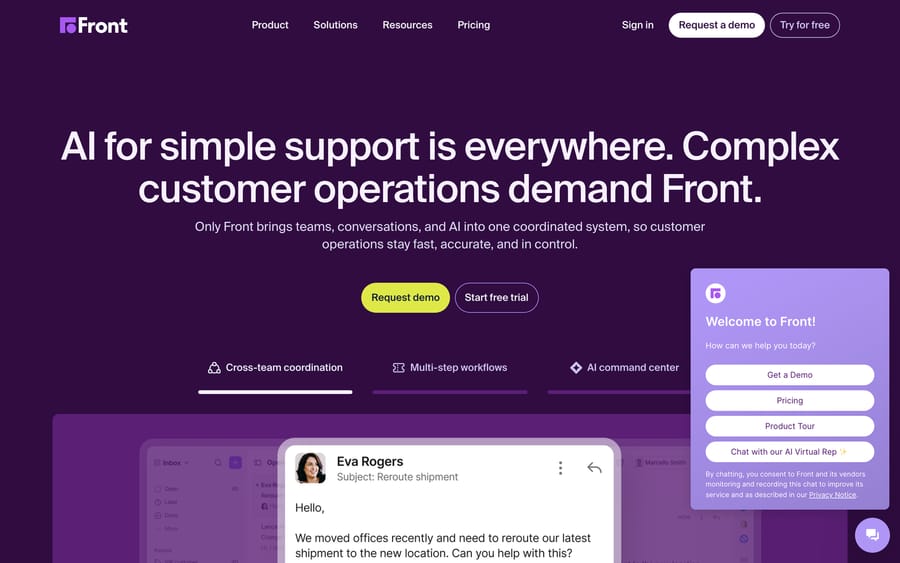
Ticketing capabilities: Blends email, chat, SMS, and social into one collaborative workspace with internal comments, assignments, shared drafts, and message-level (rather than rigid ticket-level) handling. Includes rules for routing and tagging, SLA rules, analytics, and AI features (Copilot, Autopilot, and Smart QA on Enterprise). Pricing model: Per seat, billed annually — Starter $25, Professional $65, Enterprise $105 per seat/month. Copilot is a $20-a-seat add-on (included in Enterprise), Smart QA and Smart CSAT are Enterprise only, and Autopilot bills each conversation once: $0.05 triage, $0.39 handoff or $0.89 resolution (as of October 2026). Best for: Operations-heavy, high-touch teams (logistics, finance, B2B services) where support is a team sport and conversations need real collaboration, not just tickets. Rating: G2 4.7/5. What users say: Reviewers praise the collaboration depth — internal comments and shared drafts make it feel like a souped-up team inbox. The trade-off: process-heavy ticketing shops may miss classic ticket structure, and costs scale with seats and AI add-ons.
6. HappyFox — the clean mid-market ticketing tool
Ticketing capabilities: A focused, no-nonsense ticketing system with a unified queue, custom ticket fields and statuses, SLA management with breach reminders, smart rules for automation, round-robin and load-balanced assignment, canned actions, a knowledge base, and asset management. Multichannel intake (email, web, chat, social) and Assist AI for deflection. Pricing model: Per agent, billed annually — Basic $24 (capped at 5 agents), Team $49, Pro $99, with Enterprise Pro quoted; Billed monthly the same tiers are $29, $69 and $119. HappyFox also sells unlimited-agent plans from $1,999 a month billed annually, which includes 20,000 tickets a year. Best for: SMB and mid-market teams that want clean, structured ticketing without a sprawling platform. Rating: G2 4.5/5 and Capterra 4.6/5 — strong satisfaction scores. What users say: Reviewers highlight the intuitive interface, quick onboarding, and responsive support; the most common concern is price sensitivity — the $99 Pro rate ($119 monthly) strikes some as steep next to alternatives.
"Happyfox Help Desk is by far my favorite help desk!" — Allison L., Customer Service Rep, Health Insurance (Capterra, January 2026)
7. Jira Service Management — the ITSM-grade service desk
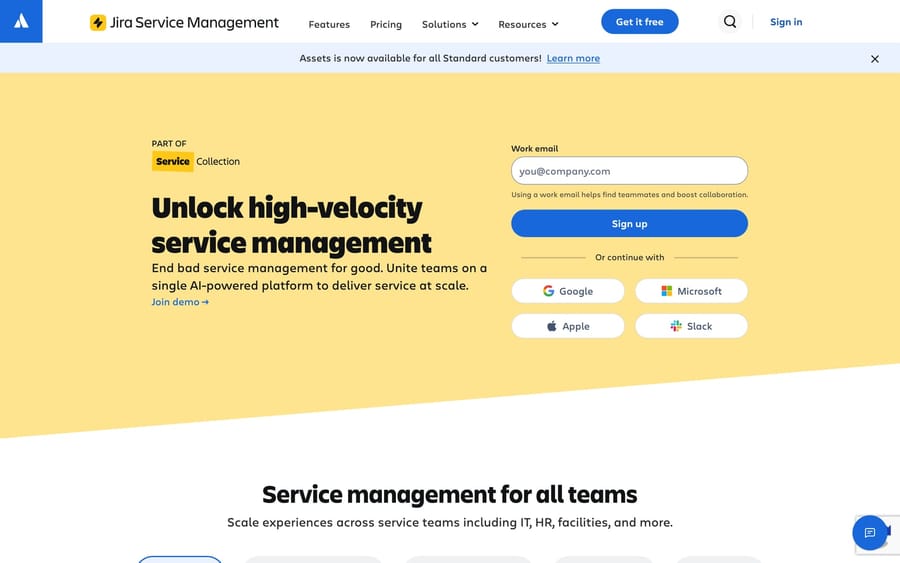
Ticketing capabilities: Atlassian's service desk, built for IT and internal service management but increasingly used for external support. Strong on request portals, queues, SLAs, incident/change/problem management, automation rules, asset and configuration management, and approval workflows — with deep ties to Jira for engineering escalations. More ITSM structure than CX warmth. Pricing model: Cloud tiers — Free (up to 3 agents), Standard $20, Premium $51.42 per agent/month (annual), Enterprise custom, now sold as part of Atlassian's Service Collection. Crucially, you pay per agent only — people who submit requests are free, which makes it cheaper than per-seat tools at scale. Best for: IT help desks, internal service desks, and teams already living in the Atlassian/Jira ecosystem. Rating: G2 4.3/5 (~900+ reviews) and Capterra 4.5/5 (~700+). What users say: Reviewers value the depth, the free-requester pricing model, and Jira integration; the recurring theme is that it's heavy and complex for simple customer-support use — best when you genuinely need ITSM, overkill when you don't.
"JIRA Service Management is a pretty simple tool to configure and use. It is user friendly and its integration with Confluence make it a powerful tool." — Eric T., Director of Digital Transformation, Automotive (Capterra, January 2026)
8. HubSpot Service Hub — the CRM-unified ticketing option
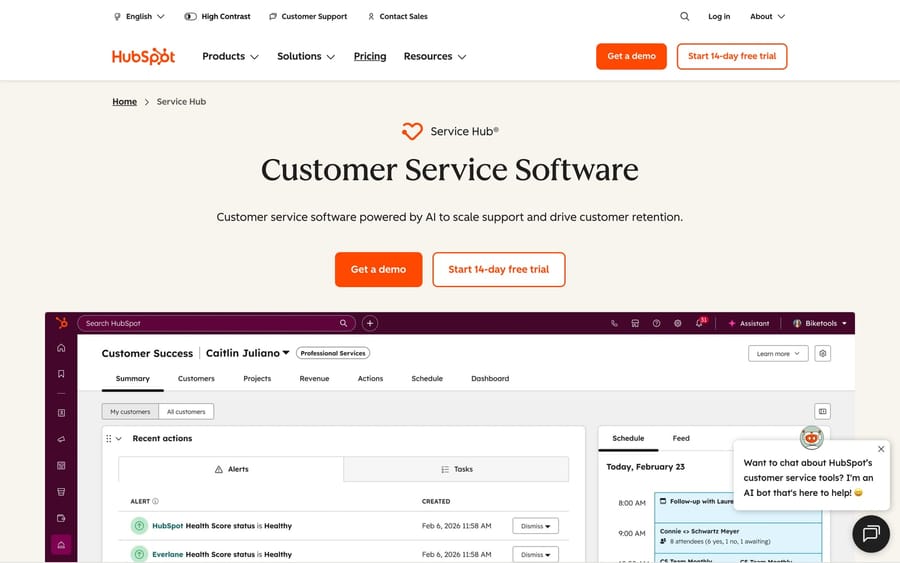
Ticketing capabilities: HubSpot's support product, fused with its CRM. Tickets sit on the same customer record as every sales and marketing touch, with pipelines and statuses, SLA tracking, automation/workflows, ticket routing, a knowledge base, and the Breeze AI customer agent. Ticketing depth is solid but secondary to the unified-record advantage. Pricing model: Per seat — Starter at $20 a seat billed monthly, Professional $90 a seat billed annually ($100 monthly) and Enterprise from $150; note one-time onboarding fees of $1,500 (Pro) and $3,500 (Enterprise). A free tier covers up to 2 users. Best for: Teams already on (or moving to) HubSpot that want support, sales, and marketing on one platform. Rating: G2 ~4.4/5 across ~2,500 reviews. What users say: Beloved for the unified customer record; the most frequently cited cons are pricing that "becomes difficult to justify" at scale, onboarding fees, and weaker pure-ticketing depth than the specialists. The CRM gravity is the point — and the cost.
9. osTicket — the free open-source option
Ticketing capabilities: A long-running open-source ticketing system you self-host. Covers the fundamentals well — a customer portal for submitting and tracking tickets, custom fields and ticket queues, SLA plans, auto-assignment and routing rules, canned responses, agent collision avoidance, and basic reporting. No native AI; integrations come via community plugins. Pricing model: Free to download and self-host — there are no license fees. Your real cost is hosting, setup, and maintenance (third-party trackers estimate ~$500–$5,000 for SMB implementation), or osTicket's managed cloud option if you'd rather not run it yourself. Best for: Budget-constrained or technically capable teams that want full control and data ownership and don't mind self-hosting. Rating: G2 4.4/5 (44 reviews) and Capterra 4.4/5 (~562 reviews) — ~92% of reviews are 4–5 stars, on a much smaller base. What users say: Reviewers praise it as genuinely free, customizable, and reliable for core ticketing; the consistent knocks are a dated, "retro" UI, limited reporting, and occasional performance strain at high volume — plus the maintenance burden of hosting it yourself.
The honorable mention: ecommerce-specialist ticketing
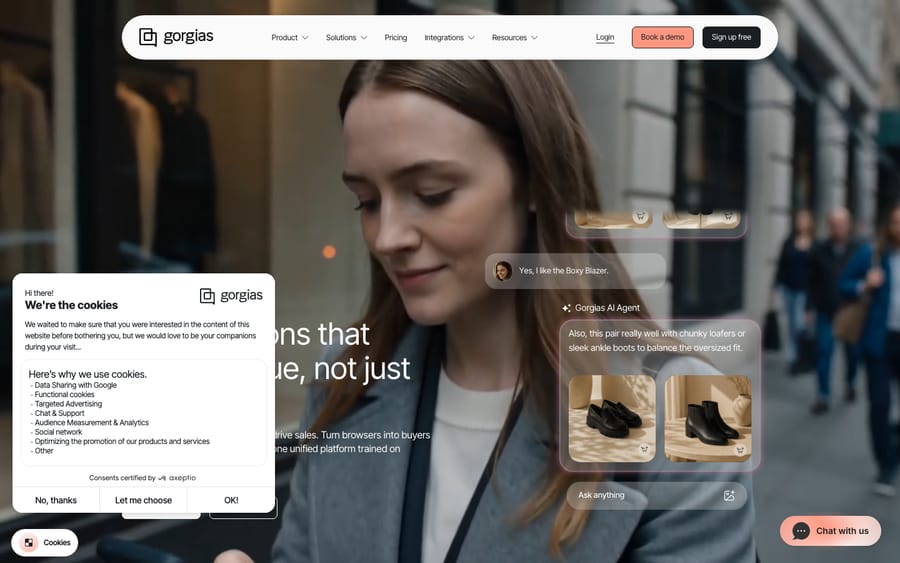
If your support is mostly order-related — WISMO, returns, refunds, subscriptions — a vertical specialist like Gorgias is worth a look. It's a Shopify-era ticketing system purpose-built for ecommerce, pulling order and refund data straight into the ticket and automating retail conversations natively (G2 4.6/5). It's a poor fit outside retail and bills on ticket volume rather than seats, so we cover it fully in the help desk software roundup rather than re-running it here.
The other option: an AI layer on top of your ticketing system
One disclosure before this section closes: we build this, it is not a ticketing system, and that's exactly why it isn't a tenth row in the table above.
Run your eye back down the watch-out column and a single thread connects most of it. The queues, SLAs, and routing in these tools are largely fine — what's expensive and uneven is the AI bolted onto them: Zendesk's per-resolution charges, Freddy Copilot as a paid add-on, Front's per-conversation Autopilot. Ripping out a ticketing system you've already configured — every SLA policy, every assignment rule, every view your agents lean on daily — just to fix its AI is solving the wrong problem at the highest possible cost.
Macha is an AI agent layer that sits on top of a ticketing system you already run — Zendesk, Freshdesk, Gorgias, Front, Intercom or HubSpot. It doesn't replace your queue; it works inside it. Its agents read the customer's actual question, pull from the order/CRM data and help center you connect, then triage, draft, tag, and route routine tickets within your existing workflow — handing off to a human, with full context, the moment confidence drops. Your queues, SLA timers, routing logic, and reporting stay exactly where they are.
Pricing model: per ticket — one conversation, charged once, however many replies, lookups, tags and routing steps the agent takes, and whichever model it runs on. From $299 a month for 750 tickets, about $0.40 each. We bill per ticket rather than per "resolution" because the bill shouldn't hang on an outcome definition you don't control.
The honest watch-out: Macha is only as strong as the integrations and knowledge you wire into it, it runs on Zendesk, Freshdesk, Gorgias, Front, Intercom and HubSpot rather than on every system here, and it's one more system to configure. If the thing actually failing you is the ticketing — the queues, SLAs, or routing themselves — then one of the nine systems above is the right fix, not a layer. Otherwise, see how the AI layer works on Zendesk, or start a free trial ($50 of usage, no credit card required).
How do you choose the right ticketing system?
- Name your real bottleneck first. Need deep configurability and reporting? Zendesk or Zoho Desk. Simplicity and warmth? Help Scout. ITSM and internal requests? Jira Service Management. One unified customer record? HubSpot. Collaboration? Front. Cheap to start? Freshdesk or HappyFox. Full control with zero license cost? osTicket. If the bottleneck is AI cost or deflection, an AI layer on your current system may fix it without a migration.
- Match the structure to your support type. External CX support skews to Zendesk, Freshdesk, Zoho Desk, Help Scout, HappyFox. Internal IT/service desks want Jira Service Management. Email-heavy collaborative ops want Front.
- Check the ticketing fundamentals at your volume. Confirm the queues, SLA policies, automation rules, and routing logic you actually need are in the tier you can afford — not gated two tiers up.
- Model the total cost, including AI. The sticker per-seat (or per-ticket) price is rarely the real bill. Add AI cost, onboarding fees, and channel charges, then compare like-for-like.
- Pilot on a real slice of your queue. Run your shortlist on live tickets and measure resolution rate, CSAT, and time-to-first-response before you commit. Sandbox demos hide the friction.
What do users say about each ticketing tool?
Ratings tell you the average; reviews tell you the why. The recurring themes across G2 and Capterra in 2026:
- Zendesk (G2 4.3/5): powerful and complete, but "expensive for startups and smaller teams," with AI billed on top.
- Freshdesk (G2 4.4/5, Capterra 4.5/5): intuitive and easy to set up; advanced reporting and Freddy AI gated to higher tiers.
- Zoho Desk (G2 4.4/5): big value and deep automation, with a UI reviewers call "cluttered" and a steeper learning curve.
- Help Scout (G2 ~4.4/5): "made for customer support by customer support," outstanding ease of use; lighter on heavy routing and SLAs.
- Front (G2 4.7/5): praised for collaboration depth; costs scale with seats and AI add-ons.
- HappyFox (G2 4.5/5, Capterra 4.6/5): intuitive and quick to onboard; price sensitivity at the $99 Pro tier.
- Jira Service Management (G2 4.3/5, Capterra 4.5/5): strong ITSM depth and free-requester pricing; heavy for simple CX support.
- HubSpot Service Hub (G2 ~4.4/5): loved for CRM unification; pricing and onboarding fees the top cons.
- osTicket (G2 4.4/5, Capterra 4.4/5): genuinely free and customizable; dated UI and self-hosting burden.
Each bullet is the aggregate pattern across that tool's current G2 and Capterra reviews; the attributed Capterra quote in each tool's section above puts a real reviewer, role, and date behind the theme. The patterns repeat across hundreds of reviews per tool — osTicket on a smaller base than the rest.
Frequently asked questions
What is the best ticketing system in 2026? There's no single winner — it depends on your bottleneck. Zendesk is the strongest for depth and ecosystem; Freshdesk, Zoho Desk, and osTicket are the best value; Help Scout wins on simplicity; HappyFox on clean mid-market ticketing; Jira Service Management for IT/internal service desks; HubSpot Service Hub if you're on HubSpot CRM; and Front for collaborative, email-heavy teams. If your real problem is AI cost rather than the ticketing itself, an AI layer like Macha on top of Zendesk or Freshdesk may solve it without switching.
What is the difference between a ticketing system and a help desk? They overlap heavily. A ticketing system is the engine that captures, tracks, and routes requests as tickets; a help desk is the broader product that wraps ticketing together with knowledge base, multichannel intake, reporting, and customer-facing portals. In practice most modern help desks (Zendesk, Freshdesk, Zoho Desk) are ticketing systems plus extras — see our help desk software guide for the wider category.
What is the cheapest ticketing software? osTicket is free to self-host (you pay only for hosting and setup). Among paid cloud tools, Zoho Desk ($7/agent/month, free for 3 users) and Freshdesk ($19/agent/month) are the most budget-friendly, and Jira Service Management is free for up to 3 agents. Remember to add AI costs when comparing.
Is osTicket good for customer support? Yes, for the fundamentals. osTicket handles queues, SLAs, auto-assignment, and a customer portal well, and it's free and customizable. The trade-offs are a dated UI, limited reporting, no native AI, and the fact that you host and maintain it yourself — so it suits budget-conscious or technical teams more than those wanting a polished, hands-off platform.
Do I have to replace my ticketing system to get better AI? No. If your only frustration is the cost or capability of your system's native AI, you can add an AI agent layer on top instead of migrating. Macha does exactly that for Zendesk, Freshdesk, Gorgias, Front, Intercom and HubSpot — it auto-triages and resolves routine tickets inside your existing workflow and escalates to a human with context, billed per ticket. If your problem is the ticketing itself, one of the tools above is the better move.
Which ticketing system should you pick?
The best ticketing system is the one that fixes your specific bottleneck. Zendesk is the heavyweight; Freshdesk, Zoho Desk, and open-source osTicket the value picks; Help Scout the simplicity choice; HappyFox the clean mid-market ticketing tool; Jira Service Management the ITSM-grade service desk; HubSpot Service Hub the CRM-unified option; and Front the collaborative inbox. Pin down whether you're doing external CX or internal IT support, confirm the queues, SLAs, automation, and routing you need are in the tier you can afford, model the total cost including AI, and pilot on real tickets before you migrate. And if your real frustration is AI cost or deflection rather than the ticketing itself, remember you don't have to switch at all — an AI layer on top of Zendesk or Freshdesk can solve that while you keep the tool your team already knows.
Vendor pricing re-checked on each pricing page on 24 September 2026; ratings are mid-2026 readings. Ticketing and AI pricing in this category changes fast — confirm current terms on each vendor's site before buying.






