





 Shopify
 Stripe
 Slack
Slack Notion
 Google Workspace
 Confluence

What Is the Best Help Desk Software for a Small Business in 2026? 8 Picks Compared


Small teams need a help desk that costs little at 1 to 5 agents and goes live in an afternoon, not one built around enterprise routing and SLAs. We compared eight on price at small scale, setup effort and free tiers, with prices re-checked in September 2026.
Key takeaways
- Help Scout is the simplest help desk for most small teams, with a free plan for up to 5 users and paid tiers from $25 per user per month.
- Zoho Desk is the cheapest paid option in the roundup, with a free plan for up to 3 agents and an Express tier around $7 per agent per month.
- Freshdesk no longer offers a permanent free plan; its Growth tier costs $19 per agent per month billed annually, with a 14-day trial.
- Gorgias bills small ecommerce brands by ticket volume from $10 a month for 50 tickets, and a ticket its AI Agent resolves carries both a ticket fee and an automation fee.
- Zendesk's Suite Team plan starts at $55 per agent per month, the highest entry price of the eight help desks compared for small business.

For most small businesses, the best help desk is Help Scout (free for up to 5 users, then $25 per user a month), Zoho Desk (free for 3 agents, Express about $7 per agent) or Freshdesk (Growth at $19 per agent a month billed annually), with Gorgias the pick for small Shopify stores and Tidio for teams that mostly answer live chat. We judged eight tools on three things that decide it for a team of 1 to 5 agents: the real monthly bill including AI add-ons, how fast a non-technical person can get it running, and whether a free or cheap tier is genuinely usable. Prices were re-checked on vendor pricing pages on 24 September 2026.
For the all-segments version, see our best help desk software roundup; if budget is the only thing that matters, start with the best free help desk software.
Which help desk is best for a small business at a glance?
| Tool | Rating (approx.) | SMB starting price | Free tier? | Best for (small business) |
|---|---|---|---|---|
| Help Scout | G2 ~4.4/5 | $25/user/mo | Yes, up to 5 users | Small teams wanting simplicity + warmth |
| Freshdesk | G2 4.4/5 (~3,700) | $19/agent/mo | No; 14-day trial | Cost-conscious teams that live in ticketing |
| Zoho Desk | G2 4.4/5 (~7,300) | $7/agent/mo (Express) | Yes, up to 3 agents | Budget teams, esp. in the Zoho stack |
| Tidio | G2 4.6/5 (~1,880) | Free, then $24.17/mo (Starter, annual) | Yes, 50 conversations a month | Tiny teams & ecommerce wanting live chat |
| HubSpot Service Hub | G2 ~4.4/5 (~2,500) | $20/seat/mo (Starter, monthly) | Yes, up to 2 users | Teams already on HubSpot CRM |
| Gorgias | G2 4.6/5 (~547) | from $10/mo (ticket-based) | Trial only | Small Shopify / DTC ecommerce brands |
| Front | G2 ~4.4/5 (~2,400) | $25/seat/mo | Trial only | Collaborative, email-heavy small teams |
| Zendesk | G2 4.3/5 (~6,000+) | $55/agent/mo | Trial only | SMBs that expect to scale fast (heavier) |
Prices re-checked on vendor pricing pages on 24 September 2026; ratings are mid-2026 readings and move. "SMB starting price" is the lowest realistic paid tier (annual billing where it applies).
How did we compare help desks for small teams?
We scored each tool on the four things that decide it for a small team:
- Price at small scale. Not the headline per-seat number but the real monthly bill for 2–5 agents, including the AI and add-ons you'll actually turn on.
- Ease and setup speed. Can someone non-technical get it live in an afternoon, or does it need configuration you don't have time for?
- Free / low-cost entry. Is there a free tier or a sub-$20 plan that's genuinely usable, not a crippled teaser?
- Right-sized, not bloated. Enterprise help desks pile on features (granular SLAs, complex routing, skill-based assignment) that small teams pay for and never use. We flag where that bloat is a tax.
For real-user evidence we pulled the current G2 or Capterra star rating and approximate review count for each, plus the recurring praise and complaints from review pages. G2's review pages are bot- and login-walled (they return a 403 to automated access), so the sentiment below is synthesised from current G2 and Capterra reviews and framed as recurring themes paraphrased in aggregate, not verbatim quotes from named individuals. Ratings are mid-2026 readings; prices were re-read on each vendor's pricing page on 24 September 2026. Confirm before you buy, because this category's pricing moves fast.
What are the 8 best help desk tools for a small business?
1. Help Scout — the simplest warm inbox
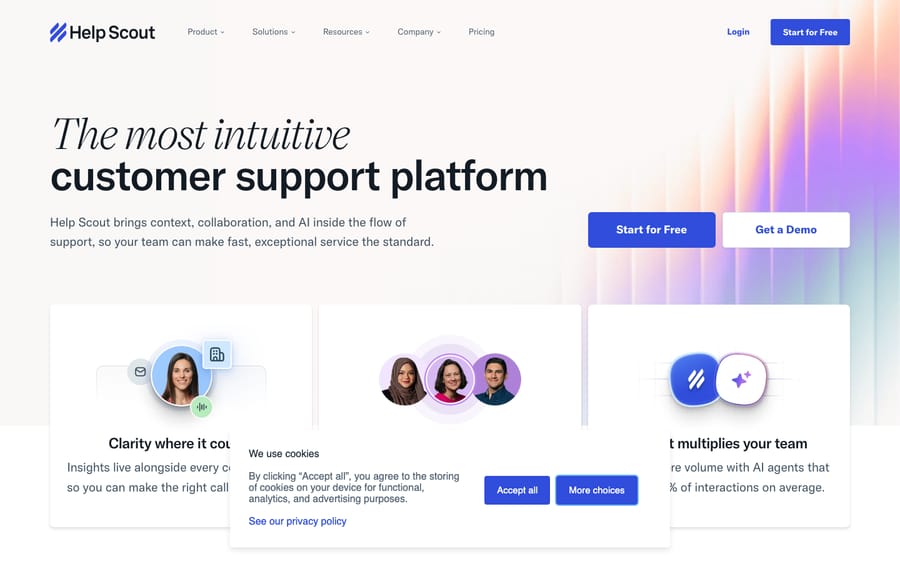
SMB fit: This is the one most small teams enjoy using. Help Scout deliberately hides the "ticket" machinery so it feels like a shared email inbox, which means onboarding is measured in hours, not weeks. The free plan (up to 5 users, 1 inbox, 1 Docs knowledge base, 100 contacts/month) is enough to run a small business's support before you ever pay. Pricing: Per user — Standard $25, Plus $45, Pro $75 per user/month (annual works out to roughly $21 / $38 / $63), plus a free plan for up to 5 users. Watch the add-ons: extra inboxes are ~$10/month each, extra Docs sites ~$20/month, and AI Answers is $0.75 per resolution. Who it's for: Small SaaS, services, and DTC teams who find heavier help desks overwhelming and want a fast, friendly setup. Rating: G2 ~4.4/5; Capterra reviewers rate it highly for value and ease of use. What users say: Reviewers repeatedly describe it as "made for customer support by customer support" — easy to adopt with responsive vendor support. The recurring complaint is depth: complex routing, granular SLAs, and heavy automation are thin, and a few note the bill creeps up once you add inboxes and channels.
2. Freshdesk — the value-led generalist
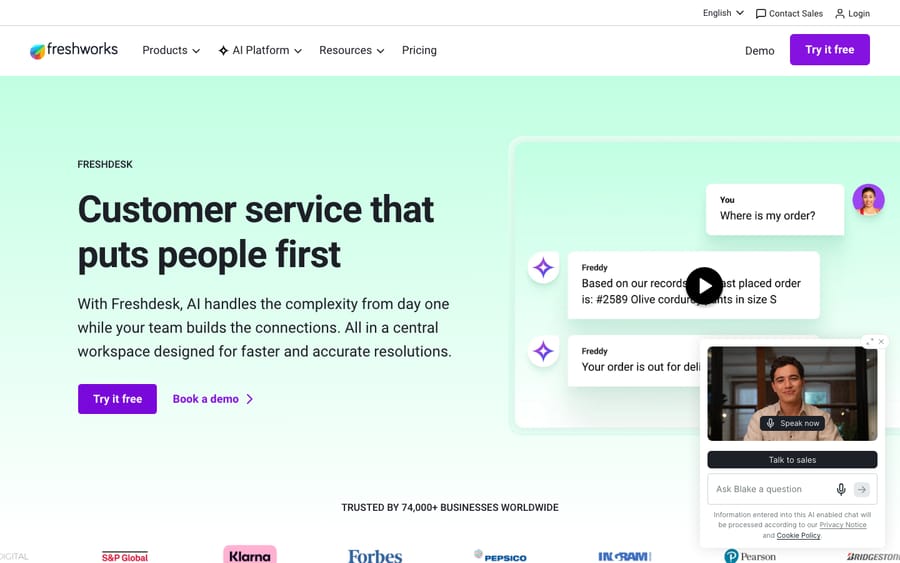
SMB fit: Freshdesk is built to be cheap to start and quick to set up, which is exactly the SMB sweet spot. Its Growth tier at $19/agent/month is one of the lowest real entry prices for a full omnichannel ticketing help desk, and a 14-day trial lets you test it on real email before paying. Pricing: Per agent, billed annually — Growth $19, Pro $55, Enterprise $89. There is no permanent free plan any more; the pricing page offers a 14-day trial of the Enterprise plan, and a separate Free program covers up to 2 agents for 6 months. Freddy AI is extra: the agent-facing Copilot is $29 per agent a month, and customer-facing AI Agent sessions beyond the first 500 cost $49 per 100 (Freshdesk pricing, 24 September 2026). Who it's for: Cost-conscious small and mid-sized teams that live in ticketing and want a low entry price with room to grow. Rating: G2 4.4/5 (~3,700 reviews) and Capterra 4.5/5. What users say: Praised for an intuitive interface and gentle setup. The dominant gripe: the genuinely useful stuff — advanced reporting, deeper automation, and Freddy AI — sits in higher tiers, so the real bill climbs as you scale.
3. Zoho Desk — the budget powerhouse
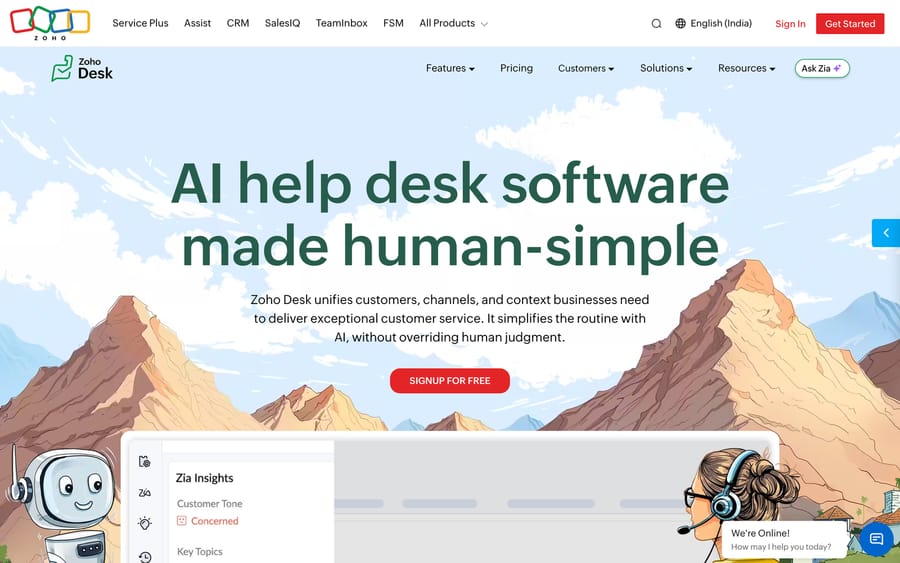
SMB fit: Zoho Desk packs the most capability per dollar of anything here. There's a free plan for up to 3 agents, a lightweight Express tier around $7/agent/month, and a Standard tier at $14, and you still get strong automation and its Zia AI assistant. For a price-sensitive small business, especially one already using any Zoho app, it's hard to beat on raw value. Pricing: Per agent, billed annually — roughly Express ~$7, Standard $14, Professional $23, Enterprise $40, with a free plan for up to 3 agents. Who it's for: Budget teams that want a lot of features for very little, and anyone already running Zoho CRM or Zoho One. Rating: G2 4.4/5 across ~7,300 reviews — one of the largest review bases in the category. What users say: Reviewers consistently praise the value and depth of automation. The recurring complaint is a UI that can feel cluttered and a steeper learning curve than the price suggests — and the ecosystem pull is strongest only if you're already inside Zoho.
4. Tidio — live chat first for tiny teams
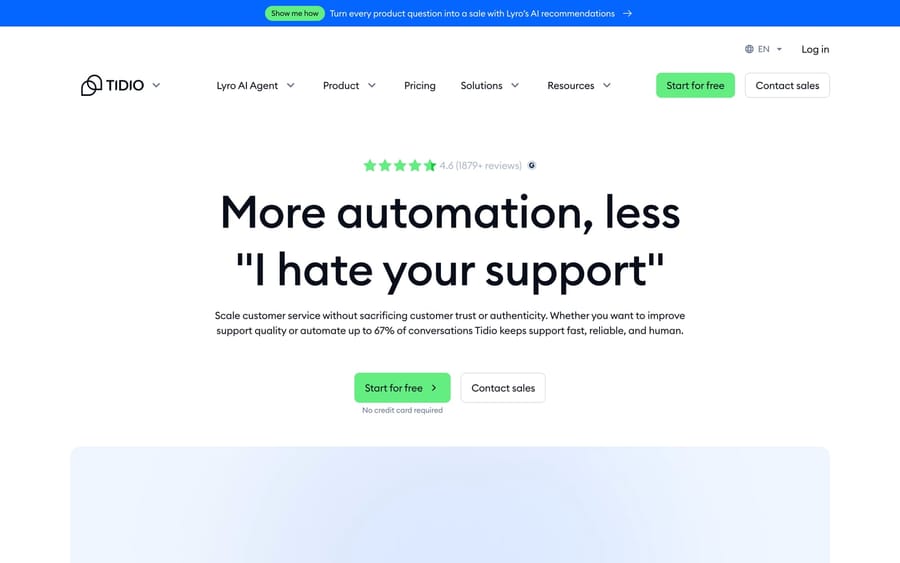
SMB fit: Tidio comes at support from the live-chat-and-chatbot side rather than email ticketing, which suits very small businesses and online stores that mostly field quick pre-sale and order questions on the website. It's famously easy to install (drop in a widget, you're live), and 93% of its reviewers are small businesses — this is squarely its market. Pricing: Free (50 billable conversations a month), then Starter $29 a month for 100 conversations and Growth from $59 for 250, or $24.17 and $49.17 a month billed annually (Tidio pricing, 24 September 2026). Plans are metered by billable conversations, not seats. Two catches: the next tier, Plus, starts at $300 a month plus usage, and Lyro AI and Flows are billed separately (from $39 and $29 a month, or $32.50 and $24.17 annually), so the AI you came for adds to the sticker price. Who it's for: Solo founders and tiny teams, and small ecommerce shops that want website live chat plus light automation more than a full ticketing system. Rating: G2 4.6/5 (~1,880 reviews) and Capterra 4.7/5. What users say: Reviewers love how fast it is to set up and how well the free tier serves a small shop. The recurring concerns: pricing ramps quickly once you add operators or AI, the Growth-to-Plus jump is steep, and reporting is light for anyone who wants real analytics.
5. HubSpot Service Hub — the CRM-unified option
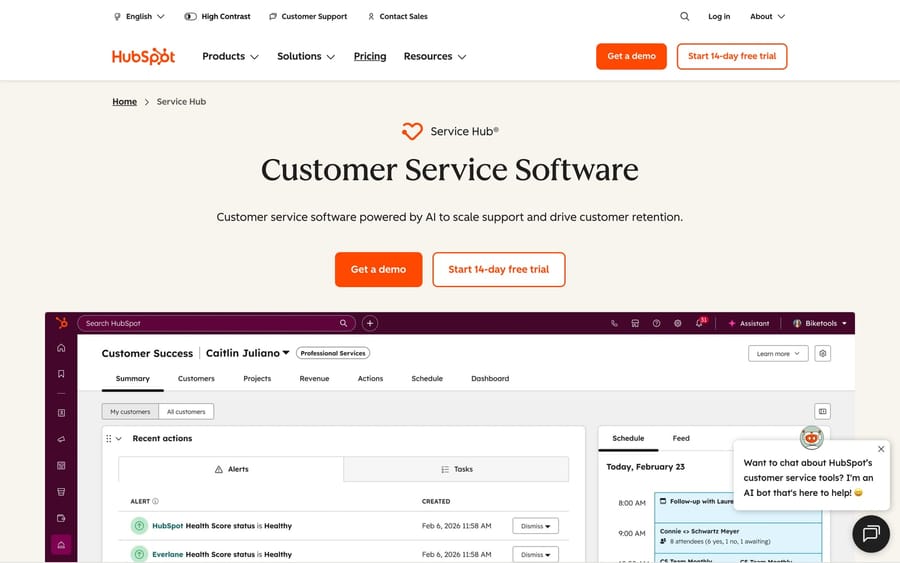
SMB fit: Service Hub only makes sense as a small-business pick if you're already (or about to be) on HubSpot's free CRM — then support tickets sit on the same customer record as your sales and marketing, and the free plan (up to 2 users) plus a Starter tier at $20 a seat billed monthly are a reasonable on-ramp. Standalone, it's overkill for a small support-only team, and the jump to Professional is steep. Pricing: Free for up to 2 users; Starter $20 a seat billed monthly, Professional $90 a seat on annual billing ($100 monthly), Enterprise $150 a seat (HubSpot pricing, 24 September 2026). The big SMB watch-out is the one-time onboarding fee at the higher tiers: $1,500 on Professional and $3,500 on Enterprise, which is easy to miss when budgeting. Who it's for: Small teams already on HubSpot CRM who want support, sales, and marketing unified on one timeline. Rating: G2 ~4.4/5 across ~2,500 reviews. What users say: Reviewers love the single unified customer record across the funnel. The most-cited cons are pricing that gets hard to justify as you scale and the onboarding fees, and it's a weaker pure ticketing tool than the specialists.
6. Gorgias — for small ecommerce brands
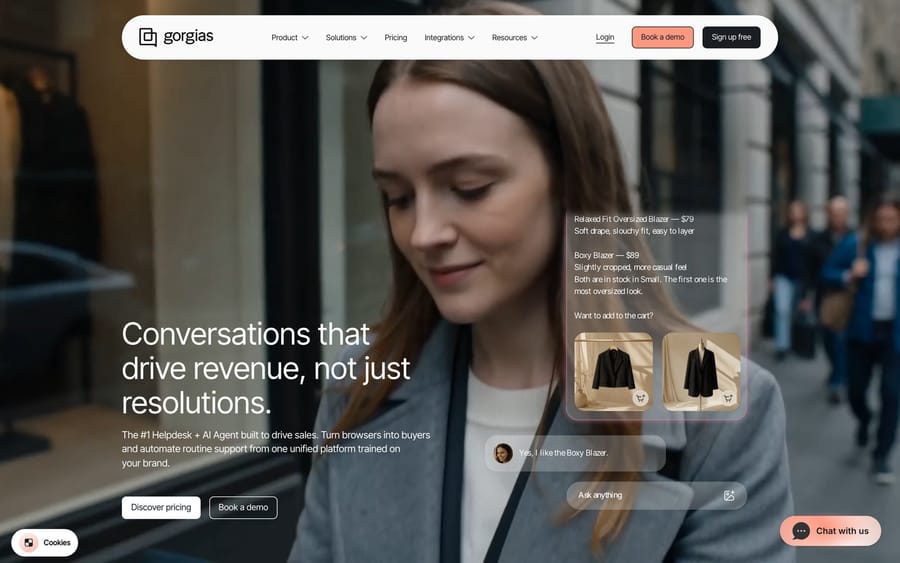
SMB fit: If your small business is a Shopify or DTC store, Gorgias is built for exactly you. It pulls order, refund, and subscription data into the ticket and automates the order questions (WISMO, returns) that dominate retail support. Its ticket-volume pricing starts at $10/month for 50 tickets, so a lean store with modest volume can start very cheap. Pricing: Billed on monthly ticket volume, not seats: Starter $10/month (50 tickets), Basic $60 (300), Pro $360 (2,000 tickets) and Advanced $900 (5,000) on monthly billing. The AI Agent costs $0.90 per resolved conversation on most plans and $1 on Starter. The quirk small stores must model: Gorgias's billing docs say an automation fee and a ticket fee both apply to a ticket the AI Agent resolves on its own, so you pay twice for the same conversation. Who it's for: Small Shopify, BigCommerce, and DTC brands whose support is mostly order-related. Rating: G2 4.6/5 across ~547 reviews (also ~4.3/5 on the Shopify App Store). What users say: Ecommerce reviewers love the Shopify integration and out-of-the-box retail automation. The recurring concern is pricing — especially AI tickets counting against two limits — and that it's a poor fit outside ecommerce.
7. Front — the collaborative shared inbox
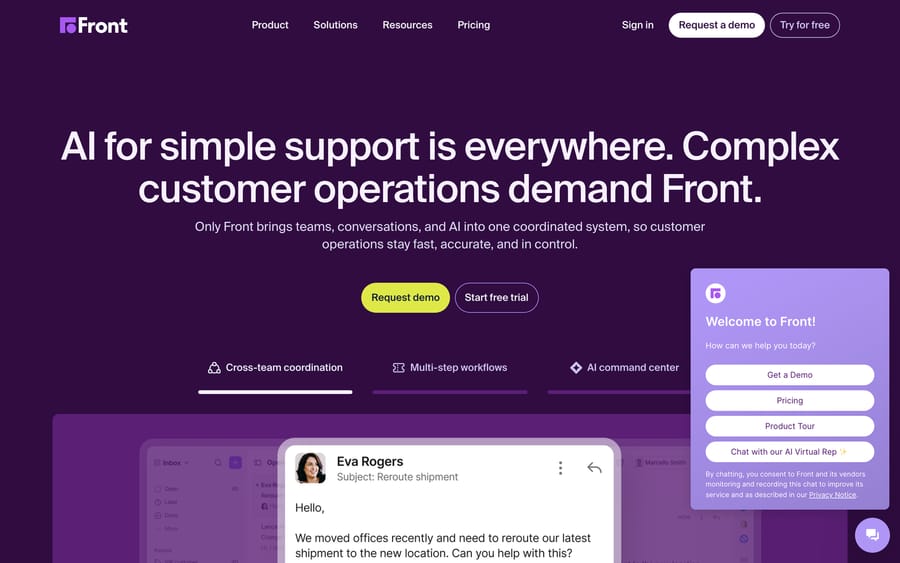
SMB fit: Front suits small teams whose "support" is really collaborative email — logistics, B2B services, agencies — where messages need internal comments, assignments, and shared drafts rather than rigid tickets. The Starter tier at $25/seat is approachable, though the collaboration features that make Front special live in the pricier tiers. Pricing: Per seat, billed annually — Starter $25, Professional $65, Enterprise $105. Copilot adds $20 a seat below Enterprise, Smart QA is Enterprise only, and Autopilot bills each conversation once at its highest level: $0.05 triage, $0.39 handoff or $0.89 resolution (Front pricing and Front's Autopilot pricing, as of October 2026). Who it's for: Small, high-touch teams that handle customers as a group and want a souped-up shared inbox more than a ticketing system. Rating: G2 ~4.4/5 across ~2,400 reviews (listings vary from 4.2 to 4.7). What users say: Reviewers praise the collaboration depth — internal comments and shared drafts make it feel like a team inbox, not a ticketing tool. The flip side: process-heavy shops may miss classic help desk structure, and costs scale as you add seats and AI add-ons.
8. Zendesk: powerful, but heavier than most SMBs need
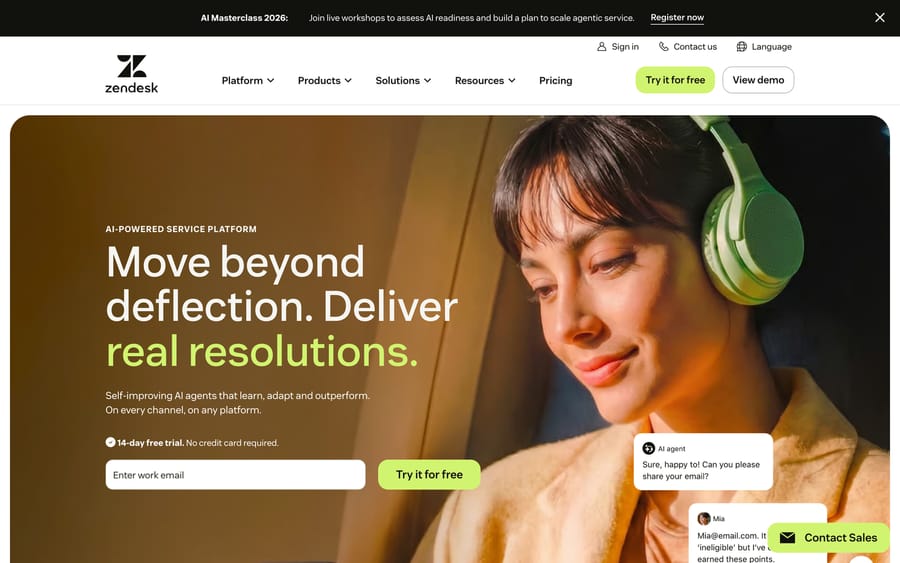
SMB fit: Zendesk is the category heavyweight, and we're including it with a caveat: for most small businesses it's more than you need and the entry price is the highest here. Its lowest Suite tier starts at $55/agent/month, and the depth that justifies that — granular routing, advanced reporting, a huge marketplace — is exactly the enterprise weight a 3-person team won't use. Where it earns a spot on an SMB shortlist is if you expect to scale fast and would rather not migrate later. Pricing: Per agent, billed annually — Suite Team $55, Growth $89, Professional $115, with Copilot AI bundles pushing higher and AI "automated resolutions" billed separately on top. Who it's for: Small businesses that are confident they'll grow into a larger, more complex support operation soon. Rating: G2 4.3/5 across ~6,000+ reviews. What users say: Reviewers describe it as powerful and complete, but the most consistent theme for smaller teams is cost — it becomes expensive for startups and small teams, and the AI adds its own per-resolution bill.
What if you already have a help desk and want AI?
A disclosure first: we make this one, and it is not a help desk, so it isn't a ninth item on the list above.
If you read the watch-outs, you'll notice the AI is usually where the cost and complexity creep in — Freddy add-ons, Tidio's separate Lyro pricing, Gorgias charging twice for AI tickets, Zendesk's per-resolution bill. For a small business, the practical sequence is: start cheap on a help desk that fits (Freshdesk, Zoho Desk, Help Scout), grow, and then — once volume is high enough that automation pays off — add an AI layer rather than re-platforming.
Macha is an AI agent layer that runs on top of your existing help desk: Zendesk, Freshdesk, Gorgias, Front, HubSpot or Intercom. It isn't a help desk and doesn't replace one. For a small business on Freshdesk, that means you keep the tool your team already knows, and once ticket volume grows you can switch on AI agents that resolve routine tickets inside your existing workflow — drafting the reply, tagging, routing — then hand off to a human with full context when they're not confident. Pricing is per ticket, not per "resolution": one conversation is charged once however many steps an agent takes, starting at $299 a month for up to 750 tickets, with setup and monitoring by the Macha team included.
The honest watch-out: it runs on Zendesk, Freshdesk, Gorgias, Front, HubSpot or Intercom, not every tool above; it's only as good as the integrations and knowledge you connect, and it's one more thing to set up, so it's the right move after you've outgrown manual support, not on day one. See how the AI layer works on your help desk, or start with $50 of free usage, no credit card and no time limit.
How should a small business choose a help desk?
- Start with a free or cheap tier, not a demo. Help Scout (5 users), Zoho Desk (3 agents), Tidio and HubSpot (2 users) have free plans, and Freshdesk has a 14-day trial. Run your real email or chat through one for a week before paying anything.
- Model the real bill at your size. Multiply the per-agent price by your actual headcount, then add the AI add-on and any onboarding fee. A "$19" tool with a $29 AI add-on and a $1,500 onboarding fee is a very different number.
- Avoid enterprise bloat. Skill-based routing, complex SLA policies, and deep custom reporting are things small teams pay for and rarely use. If a tool's value lives in features you won't touch, it's the wrong tool — pick the simpler one.
- Match it to where your customers actually are. Mostly website chat and orders? Tidio or Gorgias. Mostly email? Help Scout or Front. Broad omnichannel on a budget? Freshdesk or Zoho Desk. Already on HubSpot? Service Hub.
- Buy for the next 12 months, not 3 years. A small business changes fast. Pick the tool that fits now and is cheap to leave — and remember that if your only future problem is AI cost, you can add a layer rather than migrate.
What do small-business users say about each tool?
Ratings tell you the average; reviews tell you the why. The recurring SMB themes across G2 and Capterra, read in mid-2026:
- Help Scout (G2 ~4.4/5): "made for support by support," fast to adopt; small teams flag thin advanced workflows and creeping add-on costs.
- Freshdesk (G2 4.4/5, Capterra 4.5/5): intuitive, cheap to start; the good features and Freddy AI gate to higher tiers.
- Zoho Desk (G2 4.4/5): enormous value for the money; UI feels cluttered and there's a learning curve.
- Tidio (G2 4.6/5, Capterra 4.7/5): dead-simple setup, great free tier for tiny shops; pricing ramps fast and AI costs extra.
- HubSpot Service Hub (G2 ~4.4/5): loved for CRM unification; pricing and onboarding fees are the top cons at scale.
- Gorgias (G2 4.6/5): best-in-class for Shopify support; AI-ticket double-counting is the recurring pricing gripe.
- Front (G2 ~4.4/5): praised for collaboration; costs scale with seats and AI add-ons.
- Zendesk (G2 4.3/5): powerful and complete, but consistently called expensive for small teams.
These are aggregate sentiment themes drawn from current G2 and Capterra review pages (login-walled to automated access), not single attributed individuals — but the patterns repeat across hundreds of reviews per tool.
Frequently asked questions
What is the best help desk software for a small business in 2026? There's no single winner — it depends on your channels and budget. Help Scout is the easiest and warmest; Freshdesk and Zoho Desk are the best value with low entry prices; Tidio is great for tiny teams and stores that live in live chat; Gorgias owns small ecommerce; HubSpot Service Hub is best if you're on HubSpot CRM; Front suits collaborative email teams; and Zendesk is powerful but heavier than most small teams need.
What is the cheapest help desk for a small business? Zoho Desk (free for up to 3 agents, Express ~$7, Standard $14) and Freshdesk ($19 per agent, no permanent free plan) are the most budget-friendly full help desks. Help Scout is free for up to 5 users, and Tidio is free for 50 conversations a month. Always add AI and add-on costs before comparing, because the base price is rarely the final bill. See our best free help desk software guide for the no-cost options.
Do small businesses need help desk software, or is email enough? A shared Gmail inbox works until volume, channels, or headcount cross a line — then messages get missed, you can't tell who's handling what, and you have no metrics. A small-business help desk adds shared visibility, assignment, and basic reporting without enterprise complexity. Most small teams switch when two or more people are answering customers.
What's the best help desk for a small ecommerce store? Gorgias is purpose-built for Shopify and DTC brands — it pulls order data into the ticket and automates order questions, and its ticket-based pricing starts at $10/month. Tidio is a lighter, live-chat-first alternative for very small shops. Just model Gorgias's AI billing, where a ticket the AI Agent resolves carries both a ticket fee and an automation fee.
Should a small business pay for AI in its help desk? Not on day one. At low volume, AI add-ons (per-resolution Fin-style bills, separate Lyro pricing, Freddy session packs) often cost more than they save. Start with a tool that fits your budget and channels, and add AI once your volume is high enough that automation clearly pays — including the option of an AI layer on top of Zendesk or Freshdesk instead of switching tools.
Update (September 2026): Salesforce completed its acquisition of Fin, the company formerly called Intercom, on September 10, 2026, in a deal worth about $3.6 billion. Worth weighing in any long-term Intercom or Fin decision.
Which help desk should a small business pick?
The best help desk software for a small business is the one that fits your budget, your channels, and your patience for setup — not the one with the most features. Help Scout wins on simplicity, Freshdesk and Zoho Desk on value, Tidio on tiny-team live chat, Gorgias on small ecommerce, HubSpot Service Hub if you're already on HubSpot, Front for collaborative email, and Zendesk only if you expect to scale fast. Start on a free or cheap tier, model the real bill at your size, and avoid paying for enterprise weight you'll never use. And when volume grows enough that automation pays off, remember you don't have to re-platform to get good AI — an AI layer on top of the desk you already run can add it while you keep the tool your team knows. For the all-segments view, see our best help desk software roundup.
Prices re-checked on vendor pricing pages on 24 September 2026; ratings are mid-2026 readings. Help desk and AI pricing changes fast, so confirm current terms on each vendor's site before buying.






