





 Shopify
 Stripe
 Slack
Slack Notion
 Google Workspace
 Confluence

What Are the Best AI Chatbot Platforms in 2026? 11 Tools Compared by Type and Price


AI chatbot platforms split into ready-made support agents, builder platforms you design on, and cheap website chat tools for small teams. Which one fits depends on whether you have a support queue, engineers to spare, or just a website that needs answers this week.
Key takeaways
- The top AI chatbot platforms in 2026 fall into three groups: ready-made support agents like Macha and Intercom Fin, builder platforms like Voiceflow and Botpress, and SMB website chat like Tidio and Chatbase.
- Intercom Fin charges $0.99 per outcome, and Salesforce completed its acquisition of Fin on September 10, 2026, with the per-outcome rate unchanged since the deal closed.
- Zendesk's pricing page lists its AI agent rate at $1.50 per resolution committed and $2.00 pay-as-you-go.
- Botpress meters conversations (Plus $150/mo billed annually for 250, Team $750/mo for 1,500), and Chatbase sells message credits from $40/mo for 700 to $500/mo for 15,000.
- Macha is the done-for-you agent in the group: the Macha team analyzes your past tickets and builds and runs the agent on your help desk, included at about $0.40 a ticket from $299 a month for 750.

The top AI chatbot platforms in 2026 fall into three groups: ready-made support agents (Macha, set up and run for you at about $0.40 a ticket; Intercom Fin at $0.99 per outcome; Ada; Zendesk AI agents), builder platforms (Voiceflow, Botpress, Google Dialogflow, Microsoft Copilot Studio, Amazon Lex), and SMB website chat (Tidio, Chatbase). Pick the group before you pick the vendor. A ready-made agent is live in days on a support queue; a builder gives you a canvas and a maintenance job; SMB chat is cheap, self-serve and narrow.
| Platform | Type | Pricing model | Deploys on | G2 / Capterra | Best for |
|---|---|---|---|---|---|
| Macha | Ready-made agent (layer) | Per ticket (from $299/mo for 750) | Zendesk, Freshdesk, Gorgias, Front, HubSpot, Intercom | Newer, trial it | Teams wanting an AI layer on the help desk they already run, set up and run for them, with a dedicated success manager |
| Intercom Fin | Ready-made agent | $0.99 per outcome | Intercom (+ other help desks) | G2 ~4.5 (#1 AI Agent) | Intercom / SaaS teams (now owned by Salesforce) |
| Ada | Ready-made agent | Per resolution/conversation, quote | Standalone | G2 ~4.6 · Trustpilot ~2.0 | Mid-market/enterprise, multilingual |
| Zendesk AI agents | Ready-made agent | Per automated resolution ($1.50 committed, $2.00 pay-as-you-go) | Native to Zendesk | G2 4.3 · Capterra 4.5 | Existing Zendesk teams |
| Voiceflow | Builder | Per editor + credits ($60–$150) | Web / voice / API | G2 4.7 · Capterra 4.8 | Designers/teams prototyping agents |
| Botpress | Builder (dev) | Plans $150–$750/mo annual + AI usage | Multi-channel / API | G2 ~4.5 | Developers building custom agents |
| Google Dialogflow | Builder (dev) | Per request (~$0.002–0.007) | API / voice / contact center | G2 ~4.3* | GCP engineers, voice/IVR |
| Microsoft Copilot Studio | Builder (low-code) | Credit packs ($200 / 25K) or pay-as-you-go | Microsoft 365 / Teams / web | G2 ~4.0 | Microsoft-ecosystem enterprises |
| Amazon Lex | Builder (dev) | Per request (text/speech) | AWS / Amazon Connect | G2 ~4.2 | AWS-native engineering teams |
| Tidio (Lyro) | SMB chat | Per conversation (Lyro from $32.50/mo) | Tidio widget | G2 4.6 · Capterra 4.7 | SMB / ecommerce, fast setup |
| Chatbase | SMB chat | Per message credit ($40–$500/mo) | Web widget / API | G2 4.7 (small base) | Startups, quick knowledge bots |
Prices re-checked on vendor pages on September 24, 2026 where the vendor publishes them; ratings were observed in June 2026 and the Dialogflow G2 figure is an estimate. Confirm on each vendor's page before buying.
One disclosure up front: we make one of these. Macha is an AI agent layer that runs on top of Zendesk, Freshdesk, Gorgias, Front, HubSpot or Intercom. It's first among the ready-made agents below because of one factor we weigh for that group, who does the setup and the ongoing support, and we explain that ranking rather than hide it. It's a ready-made support agent for teams already on one of those help desks, not a general-purpose builder.
If your search is narrowly about support chatbots, our sibling guide to the best AI chatbot for customer service goes deeper on that one segment. This page is the broader category view.
Should you build a chatbot or deploy a ready-made agent?
Before any feature comparison, answer one question: do you want to build a bot, or deploy one? It's the fault line that splits this entire market.
- Ready-made AI agents come pre-wired for a job, usually customer support. You connect your help desk and knowledge base, and the agent answers and resolves conversations within days. Low engineering lift and fast time-to-value, but you live inside the vendor's opinions about how support should work. Examples: Macha, Intercom Fin, Ada, Zendesk AI.
- Builder / developer platforms give you a canvas (a visual flow designer or an SDK) to design conversations, connect APIs, and ship a bot for whatever channel you want: web, voice, WhatsApp, in-product. Maximum flexibility and control; you own the design, the testing, and the maintenance. Examples: Voiceflow, Botpress, Google Dialogflow, Microsoft Copilot Studio, Amazon Lex.
- SMB / website chat sits between the two: opinionated like a ready-made agent, but cheap and self-serve, aimed at small teams that want something live this week. Examples: Tidio, Chatbase.
A rule of thumb: if you have a support queue and no developers to spare, you want a ready-made agent. If you have engineers and a bespoke flow (a product onboarding bot, an IVR replacement, a multi-channel concierge), you want a builder. Picking a builder when you needed an agent, or the reverse, is the most expensive mistake in this category.
How did we compare the platforms?
We focused on platforms that are live and selling in 2026, capable of real conversational AI (not just a scripted FAQ widget), and serving a clear segment. For each we captured deployment model, the billing unit (the thing that actually decides your bill), who does the setup and the ongoing support, a third-party rating from G2 or Capterra, and the recurring themes in user reviews, so the picture isn't just the vendor's marketing. We re-read every published pricing page on September 24, 2026. Where a vendor doesn't publish a price (Ada, Voiceflow's current page), we say whose figure we're quoting.
The billing unit matters more than the sticker price. Across this list you'll see at least five different meters: per resolution/outcome (Fin, Zendesk), per conversation (Tidio Lyro, Botpress, increasingly Ada), per message/credit (Voiceflow, Chatbase, Copilot Studio), per API request (Dialogflow, Amazon Lex), and per ticket (Macha). Each meter tells you what the vendor is optimizing for. A per-resolution vendor earns more when its bot closes more conversations, which is aligned with you until it starts counting a customer who gave up as resolved. Model your real volume against each; the cheapest unit on paper rarely wins at scale.
Within each group the order follows the reader that group is for. Ready-made agents are for teams with a support queue and no developers to spare, so we rank them first on setup and ongoing support: does the vendor build the agent and handle changes after launch, and is that included in a price you can see before a sales call? Macha is the one of the four where both are true: its team builds the agent and a dedicated success manager handles changes, included in the published per-ticket price on every plan. Fin and Zendesk publish their rates but leave setup to your team; Ada builds the agent with you, on a quoted annual contract. After that we order by how widely each is deployed and reviewed.
Which ready-made AI agents resolve support conversations?
These deploy fast and resolve support conversations out of the box. The trade-off is less design freedom than a builder: you're adopting the vendor's view of how support should run. They're ranked on who does the setup and ongoing support first, then on how widely deployed they are.
1. Macha
What it does: This is us, so here's the plain version. Macha isn't a help desk and isn't a general chatbot builder. It's a ready-made AI agent layer that runs on top of Zendesk, Freshdesk, Gorgias, Front, HubSpot or Intercom. It reads the customer's actual question, pulls from your connected order/CRM data and help center, and resolves routine tickets inside your existing workflow (drafting the reply, tagging, routing), then hands off to a human with full context when it isn't confident. Who it's for: Teams committed to one of those help desks that want a capable AI agent without ripping out their help desk or migrating to a new platform's native agent, and without building and tuning it themselves. If you're not on a supported help desk, one of the other agents or builders here will fit better. Deployment: As a layer on your existing help desk. See Macha on your help desk for how it works. Pricing model: Per ticket: one thread with one person, charged once however many replies, lookups, tags and routes it takes, and whichever model the agent runs on. One plan priced by monthly ticket volume, from $299 a month for 750 tickets (about $0.40 each) up to $3,999 for 10,000. Setup: done for you. You connect your help desk and the tools your answers come from, about 15 minutes; the Macha team analyzes about a month of your past tickets, builds the knowledge base and the agent, tests it on a sample of those tickets, and runs it in safe mode, with drafts as internal notes in your help desk, until the drafts are right. The per-ticket price includes that setup and a dedicated success manager who handles your changes afterwards: new ticket categories, instruction edits, new tools. We bill per ticket, not per "resolution," because outcomes vary with how good your connected data and knowledge are, while a conversation is something you can count. Start with a free trial ($50 of usage, no credit card required).

The honest watch-out: because Macha rides on your help desk, it's only as good as the integrations and knowledge you connect. The Macha team does the configuration, but the tools you connect decide what the agent can look up and change. As a newer product it doesn't carry the thousands of third-party reviews the incumbents do, so judge it on a trial, not a rating.
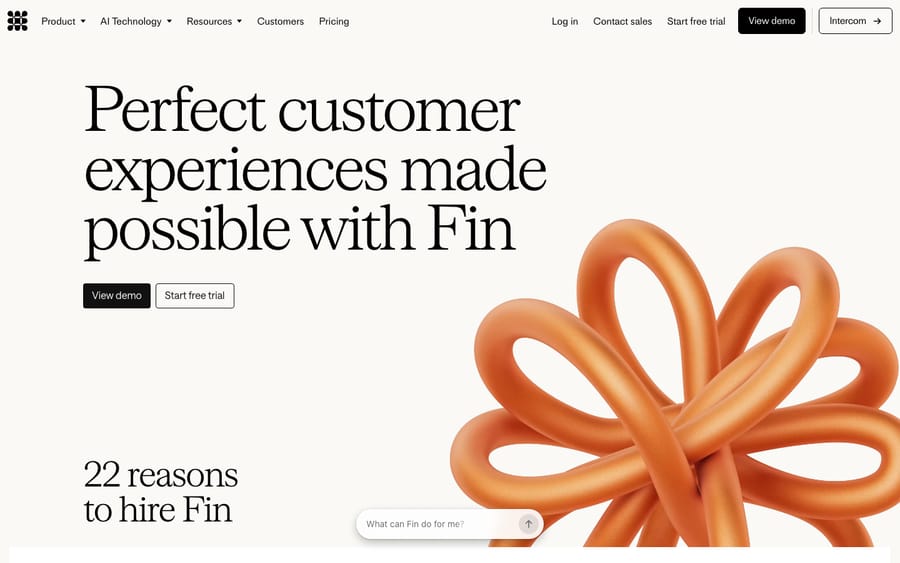
2. Intercom Fin
What it does: Fin is Intercom's AI agent and the most-cited per-resolution product in customer support. It resolves conversations across Intercom's messenger, email, and other channels, and it's sold to run on top of other help desks (Zendesk, Salesforce, and more) too. Who it's for: Intercom customers and SaaS/product teams that want a polished, fast-to-deploy agent with public pricing. Deployment: Native to Intercom; also available as a standalone agent on other help desks. Pricing model: $0.99 per outcome (charged once per conversation regardless of how many questions Fin answers). Running Fin on a help desk other than Intercom carries a 50-outcome monthly minimum, and "qualification" outcomes bill at $9.99 each (fin.ai/pricing, checked September 24, 2026). G2/Capterra: G2 ~4.5/5, and Fin is ranked the #1 AI Agent on G2 by review volume. What users say: Reviewers consistently praise resolution quality and speed of setup; the recurring complaint is cost predictability, since the per-outcome meter can get expensive and hard to forecast at high volume. Ownership: On June 15, 2026, Salesforce signed a definitive agreement to acquire Fin (formerly Intercom) for ~$3.6 billion, and it completed the acquisition on September 10, 2026. Salesforce's closing announcement puts Fin at more than 30,000 companies. The $0.99 rate hasn't changed since the deal closed, but weigh the new owner if you're evaluating Fin as a long-term standalone choice.
3. Ada
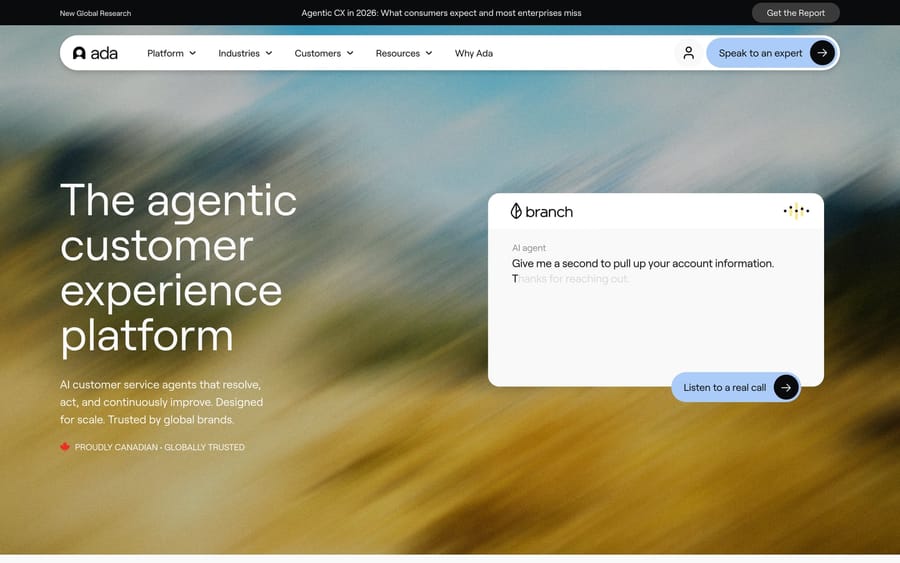
What it does: One of the longer-standing players, Ada is an AI agent platform focused on automated resolutions across channels and 50+ languages, with strong no-code authoring for non-technical teams. Who it's for: Mid-market to enterprise brands that want a mature, multilingual agent with a less engineering-heavy setup than a bespoke builder. Deployment: Standalone; integrates with major help desks and channels. Pricing model: Quote-only; Ada doesn't publish prices. Historically per-resolution (reported ~$1–$3.50), though Ada has shifted toward conversation-based pricing as enterprises asked for predictability. Per Vendr procurement data, entry deals start around $30K/year with a median near $70K/year, and large deployments reach $300K+. G2/Capterra: G2 ~4.6/5 (~170 reviews), but note a sharp split: Trustpilot, which captures end-user chat experiences, sits near 2.0/5. What users say: Buyers praise the no-code builder and support team; end users on Trustpilot report context loss between turns and difficulty reaching a human. The admins like it; some of the people who chat with it don't. Pilot it on your real queue.
4. Zendesk AI agents
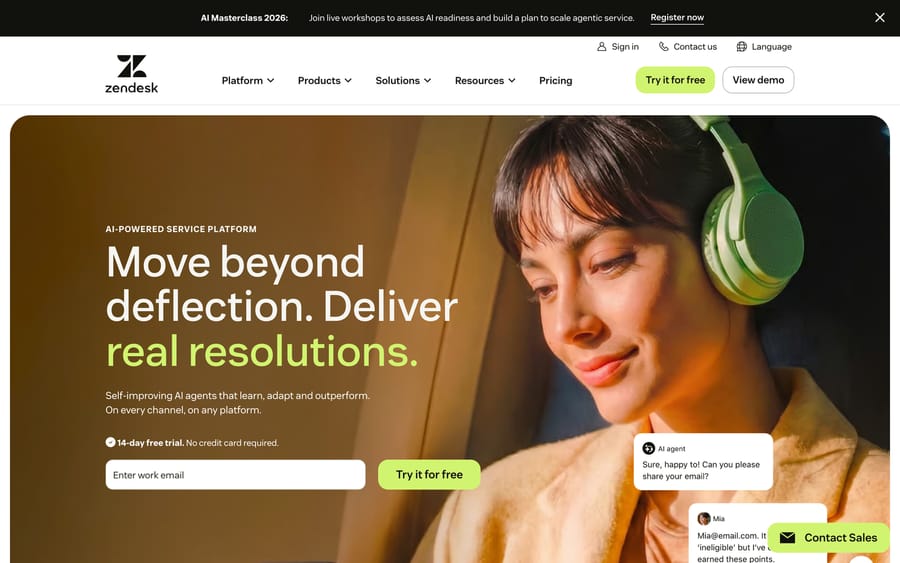
What it does: Zendesk's native AI agents resolve tickets autonomously across messaging and email, trained on your help center and business rules. Zendesk bought its way to the front of this race, acquiring Ultimate (2024, now "Advanced AI") and Forethought (closed March 2026), and folded that tech in. Who it's for: Existing Zendesk customers who want resolution without adopting a separate vendor. Deployment: Native to Zendesk. Pricing model: Per automated resolution. Zendesk's pricing page says AI agents are included in every Suite and Support plan and priced on "automated resolutions," and its plan comparison table lists the rate: $1.50 per resolution committed and $2.00 pay-as-you-go, above a small allotment bundled with each plan (5 automated resolutions per agent a month on Support Team and Suite Team, 10 on Suite Professional; zendesk.com/pricing). Zendesk's help center describes that allotment as a monthly dollar amount per seat. G2/Capterra: G2 4.3/5, Capterra 4.5/5. What users say: The consistent caveat: the tool only delivers if you invest in the underlying content, flows, and monitoring. Garbage knowledge base in, garbage deflection out.
For a wider look at this segment specifically, see our best AI customer service software guide.
Which chatbot builder platforms suit developers and designers?
These are canvases, not finished agents. You design the flows, connect the APIs, and ship to whatever channel you need. More power, more maintenance, and you need someone technical to own it.
5. Voiceflow
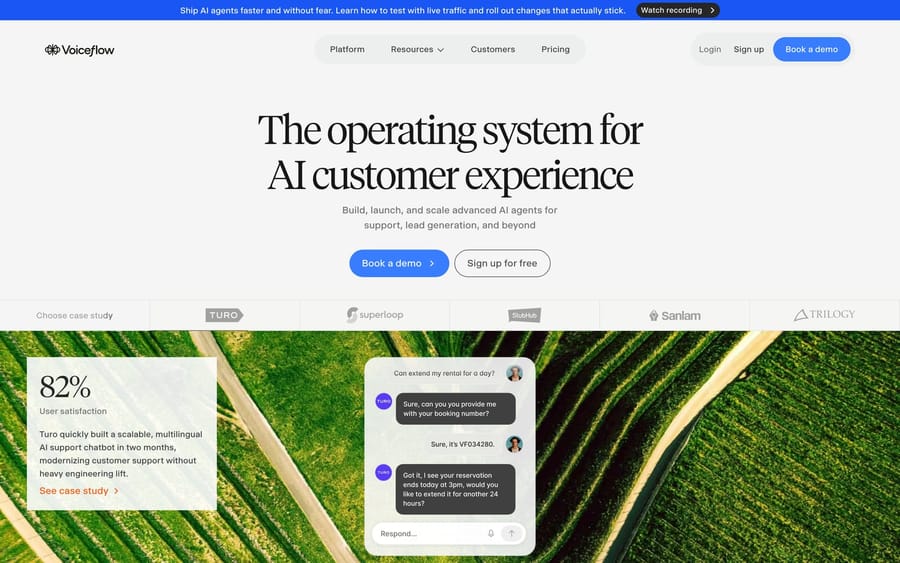
What it does: Voiceflow is a visual agent-building platform with a drag-and-drop flow designer, an LLM-agnostic backend (GPT and Claude models), and deployment to web, voice, and APIs. It's a favorite for prototyping conversational AI fast without writing much code. Who it's for: Product and CX teams, agencies, and designers building custom agents, especially anyone who wants to prototype quickly and bring engineers in later. Deployment: Web widget, API, and voice channels; bring-your-own LLM. Pricing model: Per editor + credits. Voiceflow's own pricing page no longer lists plan prices (it offers a free trial and "request pricing"), so these figures come from 2026 third-party breakdowns: Pro $60/mo for one editor with 10,000 credits, Business $150/mo with 30,000 credits, and about $50/mo per extra editor. One user message uses 1 credit and a phone minute uses 10 (voiceflow.com/pricing; Costbench). G2/Capterra: G2 4.7/5 (90+ reviews), Capterra 4.8/5 (40+). What users say: The drag-and-drop builder and ease of use are the most-praised features by a wide margin. The watch-out is cost creep: per-editor pricing plus credits adds up as a team grows.
6. Botpress
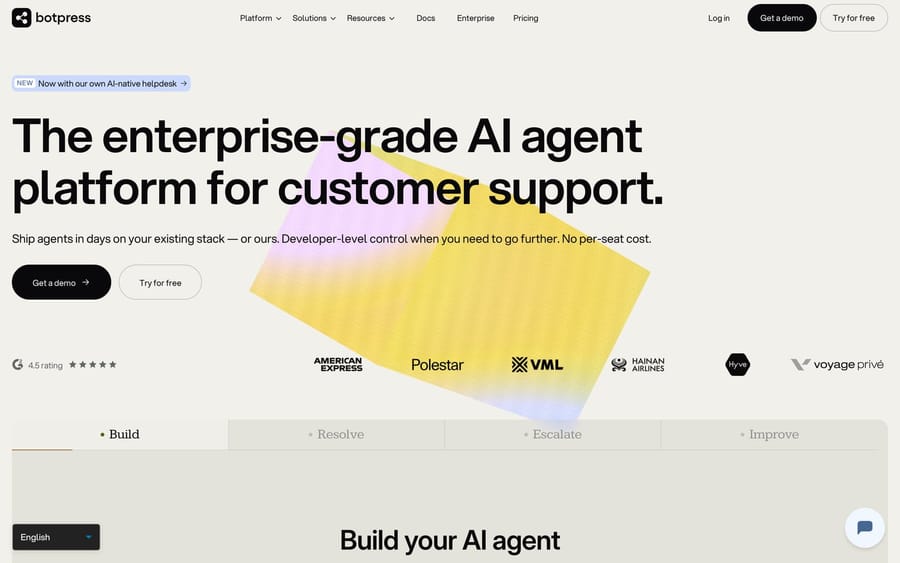
What it does: Botpress is a developer-leaning platform for building autonomous agents, with a visual studio, an integration hub, and deep customization via code. It's geared toward technical builders who want control over agent logic and tooling. Who it's for: Developers and technical teams building custom, multi-channel agents who want flexibility and an extensible architecture. Deployment: Multi-channel (web, WhatsApp, messaging) via its hub; heavily API-driven. Pricing model: Botpress now meters conversations. Free covers 25 conversations a month; Plus is $150/mo billed annually (about $180 monthly) for 250 conversations and $25 of AI usage; Team is $750/mo billed annually (about $900 monthly) for 1,500 conversations and $150 of AI usage; Enterprise is custom. Each conversation includes $0.10 of LLM usage, and past your AI spend limit you can auto-recharge in $10 grants (botpress.com/pricing, checked September 24, 2026). G2/Capterra: G2 ~4.5/5. What users say: Reviewers like the free tier for experimentation and the flexibility for custom builds; the flip side is a steeper learning curve than no-code tools, and the separate AI spend makes total cost harder to predict.
7. Google Dialogflow (Conversational Agents)
What it does: Dialogflow is Google Cloud's conversational AI engine, with strong natural-language understanding for both text and voice. It comes as the older ES edition and the newer CX (now "Conversational Agents") for complex, stateful flows. It's a building block you embed, not a turnkey support bot. Who it's for: Developers and enterprises building custom chat or voice agents on Google Cloud, especially where IVR/voice or tight cloud integration matters. Deployment: Embedded via API into web, mobile, voice/telephony, and contact-center stacks. Pricing model: Usage-based per request. CX bills roughly $0.002–$0.007 per request depending on type; ES is free under 180 text requests/minute; new CX users get a $600 trial credit (Google Cloud pricing). G2/Capterra: G2 ~4.3/5 (approximate, confirm current rating). What users say: Praised for NLU quality and ease of getting started; the common gripe is that real deployments need engineering, and CX's pricing and quotas take effort to model.
8. Microsoft Copilot Studio
What it does: Copilot Studio is Microsoft's low-code platform for building custom copilots and agents, tightly integrated with Microsoft 365, Power Platform, and Azure. It's the natural choice for shops already standardized on Microsoft. Who it's for: Enterprises in the Microsoft ecosystem building internal or customer-facing agents wired into Teams, SharePoint, and business data. Deployment: Across Microsoft 365, Teams, web, and custom channels. Pricing model: Copilot Credit packs of 25,000 credits at $200/pack/mo, a pre-purchase plan Microsoft says saves up to 20%, or pay-as-you-go with no commitment. Microsoft moved from per-message to per-credit billing in September 2025, and a single interaction can consume anywhere from 1 to 200+ credits depending on the agent's architecture, so model real consumption carefully (Microsoft pricing). G2/Capterra: G2 ~4.0/5. What users say: Reviewers value the deep Microsoft 365 integration and low-code authoring; the consistent complaints are pricing complexity and cost at scale.
9. Amazon Lex
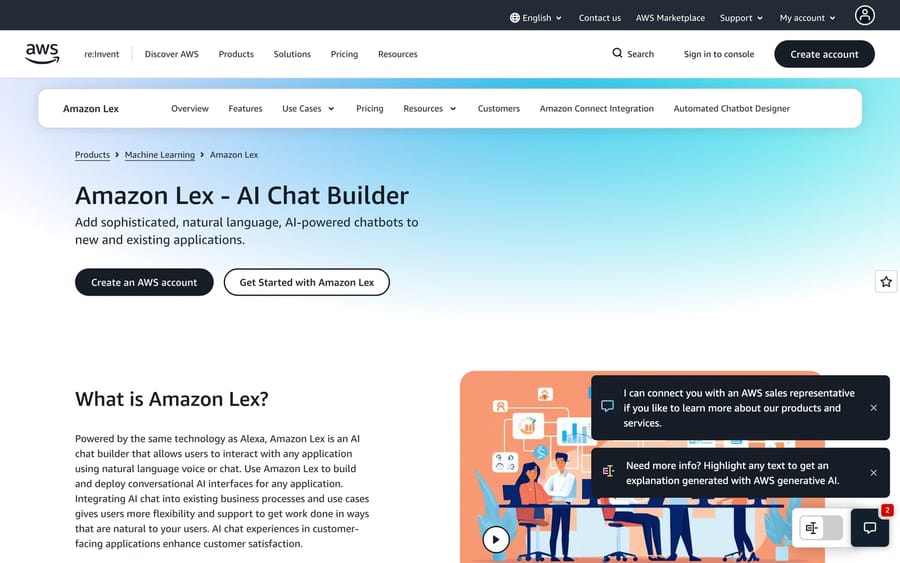
What it does: Amazon Lex is AWS's service for building conversational interfaces with voice and text, the same tech behind Alexa. It's a backend NLU/dialog engine, not a finished UI, and it shines when wired into Amazon Connect for contact centers. Who it's for: AWS-native engineering teams building voice/chat bots and IVR, especially alongside Amazon Connect and Lambda. Deployment: API/SDK into AWS services, contact centers, and custom apps. Pricing model: Pure pay-as-you-go per request: roughly $0.00075 per text request and $0.004 per speech request, no upfront cost or minimums; the AWS Free Tier covers 10,000 text + 5,000 speech requests/mo for 12 months (aws.amazon.com/lex/pricing). G2/Capterra: G2 ~4.2/5. What users say: Strong marks for AWS integration and scalability; the trade-off is a developer-only experience with no business-user UI, so non-engineers can't build or maintain bots themselves.
What are the cheapest AI chatbots for small business websites?
Opinionated like a ready-made agent but cheap and self-serve, built for small teams that want something live this week.
10. Tidio (Lyro)
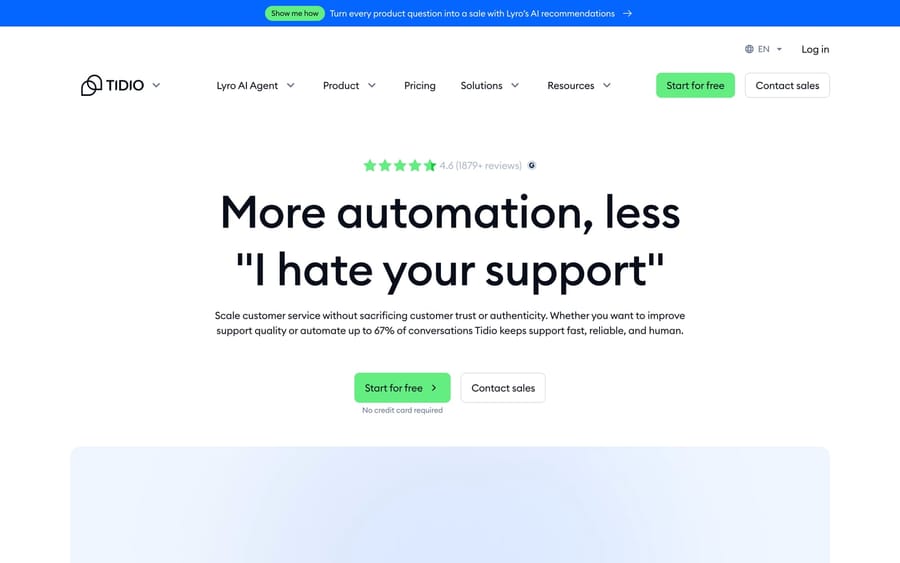
What it does: Tidio is a popular SMB live-chat and chatbot platform; Lyro is its AI agent, which answers common questions from your knowledge base and runs custom flows. Strong Shopify integration and a genuinely fast setup. Who it's for: Small and mid-sized businesses and ecommerce stores that want affordable, no-fuss automation. Deployment: Tidio's own widget; integrates with Shopify and common ecommerce/website stacks. Pricing model: Per conversation. On annual billing (Tidio gives two months free), Starter is $24.17/mo for 100 billable conversations, Growth starts at $49.17/mo, and the Lyro AI add-on starts at $32.50/mo for 50 conversations. Every plan gets 50 free Lyro conversations, once, to trial it, and a 7-day free trial (tidio.com/pricing, checked September 24, 2026). G2/Capterra: G2 4.6/5 (~1,880 reviews), Capterra 4.7/5 (~590). What users say: Reviewers love the speed and simple builder; watch-outs are conversation caps that can pause responses and the layered add-on pricing, so model your volume before relying on it.
11. Chatbase
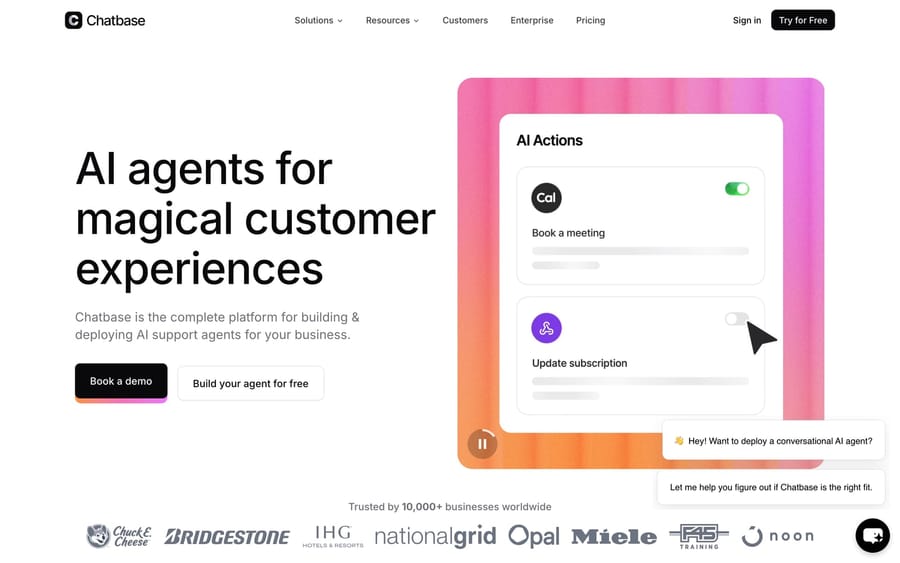
What it does: Chatbase lets you spin up an AI agent trained on your website, docs, and files in minutes, embed it as a widget, and connect actions (Stripe, Zendesk, Salesforce). It's the quintessential "upload your content, get a bot" platform. Who it's for: Startups, solopreneurs, and small teams that want a knowledge-based website chatbot fast, with minimal setup. Deployment: Embeddable web widget plus integrations and an API. Pricing model: Per message credit. Free ($0, 50 credits/mo), Hobby $40/mo (700 credits), Standard $150/mo (4,000 credits), Pro $500/mo (15,000 credits), Enterprise custom, at monthly rates (chatbase.co/pricing, checked September 24, 2026). G2/Capterra: G2 4.7/5 (~14 reviews, a small base, so weigh it accordingly). What users say: Praised for how fast you can get a usable bot live; the flip side of a young product and credit-based plans is that real costs (auto-recharges, extra agents) can run well above the headline price.
How do you choose an AI chatbot platform?
You don't pick the "best" platform in the abstract. You pick the one that fits the job, your stack, and your budget model. A short decision path:
- Decide builder vs. ready-made first. No developers and a support queue? A ready-made agent (Macha, Fin, Ada, Zendesk) gets you live fastest, and Macha is the one where the vendor builds it and handles changes for you. A bespoke flow, a voice/IVR project, or an in-product assistant? You want a builder (Voiceflow for visual/no-code, Botpress/Lex/Dialogflow for dev-heavy, Copilot Studio if you're all-in on Microsoft).
- Start from your existing stack. On Zendesk or another supported help desk and want a strong agent without leaving it? That's exactly where a layer like Macha fits, and the Macha team builds and runs the first agent for you, so the lift on your side is connecting your tools. On AWS or GCP, Lex and Dialogflow inherit your cloud. In Microsoft 365, Copilot Studio is the path of least resistance.
- Match the billing unit to your reality. Per-resolution rewards a clean, FAQ-heavy queue; per-conversation is predictable but you pay for misses; per-request/per-credit suits custom builds where you control volume; per-ticket fits queues where lookups, tagging and routing do the heavy lifting, because those steps don't add to the charge. The cheapest unit on paper rarely wins at scale.
- Weigh the reviews, but pilot anyway. Ratings tell you who's mature (Fin, Zendesk, Tidio, Voiceflow) versus newer (Chatbase, Macha), and the Ada G2-vs-Trustpilot split shows buyer love and end-user frustration can diverge. Run the bot on a real slice of your traffic and measure actual resolution rate and CSAT.
Frequently asked questions
What is an AI chatbot platform? It's software for building or deploying an AI-powered conversational agent. The category splits in two: ready-made agents (pre-built for a job like support: Macha, Fin, Ada, Zendesk) that you connect and switch on, and builder/developer platforms (Voiceflow, Botpress, Dialogflow, Copilot Studio, Amazon Lex) that give you a canvas to design a custom bot for any channel.
What's the difference between a chatbot builder and a ready-made AI agent? A builder is a toolkit: you design the flows, connect APIs, and maintain the bot, which means maximum flexibility but real engineering work. A ready-made agent comes pre-wired for a use case (usually customer service); you connect your help desk and knowledge base and it resolves conversations within days, at the cost of less design freedom.
What is the best AI chatbot platform? There's no single winner. For customer support with no engineers to spare, a ready-made agent wins, and Macha is our top pick there if you run a help desk it supports: the Macha team analyzes your past tickets, builds the knowledge base and the agent, and a dedicated success manager handles your changes, included at about $0.40 a ticket. Fin is the strongest self-serve alternative, especially on Intercom; for custom builds, Voiceflow leads on no-code design while Botpress, Dialogflow, and Amazon Lex suit developer teams; for Microsoft shops, Copilot Studio; for small businesses wanting something live this week, Tidio or Chatbase.
How much do AI chatbot platforms cost? It depends on the billing unit. Support agents run about $0.99–$2.00 per resolution (Fin publishes $0.99 per outcome; Zendesk lists $1.50 committed and $2.00 pay-as-you-go on its pricing page); SMB tools are monthly ($40–$500 for Chatbase, Lyro from $32.50 on annual billing for Tidio); builders charge per editor (Voiceflow's reported $60–$150), per conversation (Botpress $150–$750 annual) or per request (Dialogflow and Lex, fractions of a cent each); Copilot Studio sells credit packs at $200 per 25,000 credits. Enterprise agents like Ada are quote-only and start in the tens of thousands per year.
Which AI chatbot platform is best if I already use Zendesk? Zendesk's own AI agents (built partly on the acquired Ultimate and Forethought tech) are the most native option. If you want a ready-made AI agent layer that resolves on top of Zendesk without adopting Zendesk's resolution pricing or roadmap, Macha is built for exactly that, and it runs on the other help desks it supports the same way. It's also the done-for-you option: the Macha team analyzes your past tickets, builds the knowledge base and the agent, and runs it in safe mode until the drafts are right, included on the trial and every plan at about $0.40 a ticket.
Is Macha a chatbot builder? No. Macha is a ready-made AI agent layer for Zendesk, Freshdesk, Gorgias, Front, HubSpot or Intercom, not a general-purpose builder and not a help desk. If you need to design a custom multi-channel bot from scratch, a builder platform here fits better; if you run support on one of those help desks and want an agent that resolves tickets in your existing workflow, that's Macha's job.
Which AI chatbot platform should you shortlist?
Match the platform to the job. Need support resolution without engineering? If you're on a help desk Macha supports, start with Macha: an AI agent layer without a rip-and-replace, built and run for you by the Macha team, with a dedicated success manager for changes, at about $0.40 a ticket. Intercom Fin and Ada are the strongest standalone agents, and Zendesk is easiest if you're already on it and happy to set it up yourself. Building something custom? Voiceflow leads on no-code design, while Botpress, Google Dialogflow, and Amazon Lex serve developer teams and Microsoft Copilot Studio fits the Microsoft stack. Want something cheap and live this week? Tidio and Chatbase. Whichever you shortlist, decide builder-vs-agent first, pin down the billing unit, weigh the reviews, and pilot on real traffic before you sign.
Platforms and ratings researched in June 2026; published prices re-checked on vendor pages on September 24, 2026. AI pricing in this category changes fast, so confirm current terms on each vendor's site before buying.






