





 Shopify
 Stripe
 Slack
Slack Notion
 Google Workspace
 Confluence

How Do You Surface Help Center Articles for Agents During a Chat?


A Macha agent with Get Ticket and Search Articles reads the open ticket, searches your Help Center and other connected knowledge, and returns the best matches ranked by relevance. If all your articles live in one Zendesk Help Center, Zendesk's native Knowledge panel on Suite Growth and above may be all you need.
Key takeaways
- A Macha knowledge-finder agent uses two Zendesk tools, Get Ticket and Search Articles, to read the open ticket and return the 2-3 most relevant articles ranked by match.
- Zendesk's Knowledge section in the context panel suggests help center articles and community posts on Suite Growth, Professional, Enterprise and Enterprise Plus, and adds external content only on Enterprise.
- A Macha agent can search the Zendesk Help Center, Notion, Confluence, Google Docs and uploaded files together, then draft the steps into a reply or an internal note.
- Macha's Ticket Assigned trigger can run the article-finder when a ticket is assigned, so suggested articles are waiting in an internal note when the support agent opens it.
- A Copilot chat in Macha, including several article searches and follow-ups, counts as one ticket, about $0.40 on the $299-a-month, 750-ticket plan, which includes setup by the Macha team and a dedicated success manager.

To surface Help Center articles during a chat, give support agents a Macha agent with two Zendesk tools, Get Ticket and Search Articles: it reads the open ticket, searches your Help Center plus any connected Notion, Confluence or Google Docs, and returns the 2-3 best matches ranked by relevance, with an offer to drop the steps into the reply. If your knowledge lives only in one Zendesk Help Center, Zendesk's own Knowledge section in the context panel (Suite Growth and above) already suggests articles, so start there.
| Option | What it searches | What it does with a match | Plan or cost |
|---|---|---|---|
| Zendesk Knowledge in the context panel | Help Center articles and community posts; external content on Enterprise with federated search | Suggests, links, quotes or flags an article | Suite Growth, Professional, Enterprise or Enterprise Plus |
| Macha knowledge-finder agent | Zendesk Help Center, Notion, Confluence, Google Docs, uploaded files | Ranks matches, drafts the steps into a reply or an internal note | Per ticket, from $299 a month for 750 tickets, setup and a dedicated success manager included |
What does "surface articles during chat" mean?
There are two ways an agent gets knowledge mid-conversation, and they're worth separating:
- Passive suggestions: a panel lists articles it thinks are relevant to the open ticket. The agent glances over and picks one.
- Active retrieval: the agent asks ("any articles on 2FA setup?") and gets a ranked answer back, with the option to act on it.
Macha does the second, as a configurable agent: a named worker with instructions and tools, not a fixed widget. In this workflow the agent's job is narrow: take the question in front of you, search the connected knowledge, and return the best matches with a relevance score so you can judge the ranking at a glance.
Here's the shape of the interaction. An agent, working ticket #8301, types into Macha's chat:
"The customer wants to know how to set up two-factor authentication. Any relevant articles?"
Macha searches the Help Center and replies:
Here are the most relevant Help Center articles: 1. "Setting Up Two-Factor Authentication" (98% match) covers setup steps for SMS and authenticator-app methods. 2. "Account Security Best Practices" (82% match) includes 2FA plus password requirements and session management. Want me to include the setup steps in your reply, or share the article link directly?
The relevance score is what makes the list quick to trust: a 98% match means use this one; an 82% match is the "related, but read it first" backup. The closing question saves the most time, because the agent never leaves the conversation to fetch the link or retype the steps. The score and the format come from the agent's instructions (shown below), so you can change them.
Doesn't my help desk already suggest articles?
It often does, and we won't pretend otherwise. Zendesk ships a Knowledge section in the context panel that suggests help center articles and community posts relevant to the ticket, lets agents search and filter by content type, brand and language, link, quote or flag an article in one click, and request a new one to fill a gap. It needs Suite Growth, Professional, Enterprise or Enterprise Plus (or Support with Knowledge Professional or Enterprise), and agents need a knowledge agent or admin role. On Enterprise plans, if federated search is set up, results also include external content, and AI-generated quick answers appear when quick answers is turned on, per Zendesk's own docs. Freshdesk and most modern suites have a version of the same thing.
So if all you need is "suggest Zendesk articles inside the Zendesk agent workspace," turn on the native feature first. It's included on those plans, well integrated, and you don't need us for it. Macha is an AI agent layer on top of your helpdesk, not a replacement for it; we'd rather you use the native panel than add a tool you don't need.
Macha earns its place when one of three things is true:
- Your knowledge lives in more than one place. The answer isn't always in the Help Center. It's split across the public Help Center, an internal Notion wiki, a Confluence space, and policy docs in Google Docs. Below Enterprise, the native panel searches your help center and community. A Macha agent searches all of them in one ranked answer.
- You want the agent to act, not just list. "Want me to include the setup steps in your reply?" isn't something a suggestions panel offers. Because Macha's agent has instructions and tools, it can draft the response, paste the steps, or pull the live link.
- The question shows up outside the helpdesk. The same agent that searches the Help Center for a ticket can answer a teammate in Slack who asks the same thing. (That's a sibling workflow, auto-suggesting knowledge base articles in Slack, built on the same retrieval.)
How do you build an article-finder agent in Macha?
The whole thing is one agent with a tight set of tools. Here's the configuration.
1. Connect your knowledge
Connect Zendesk so the agent can read the ticket and search your Help Center, then add any other source the answer might live in. The Zendesk connector's Search Articles action searches your Help Center, and Help Center sync keeps the articles as a live knowledge source. Notion pages and Google Docs sync as live knowledge sources too, Confluence adds page search as a tool, and uploaded files cover the rest. The more of your knowledge you connect, the better the ranked answer.
2. Give the agent its tools and instructions
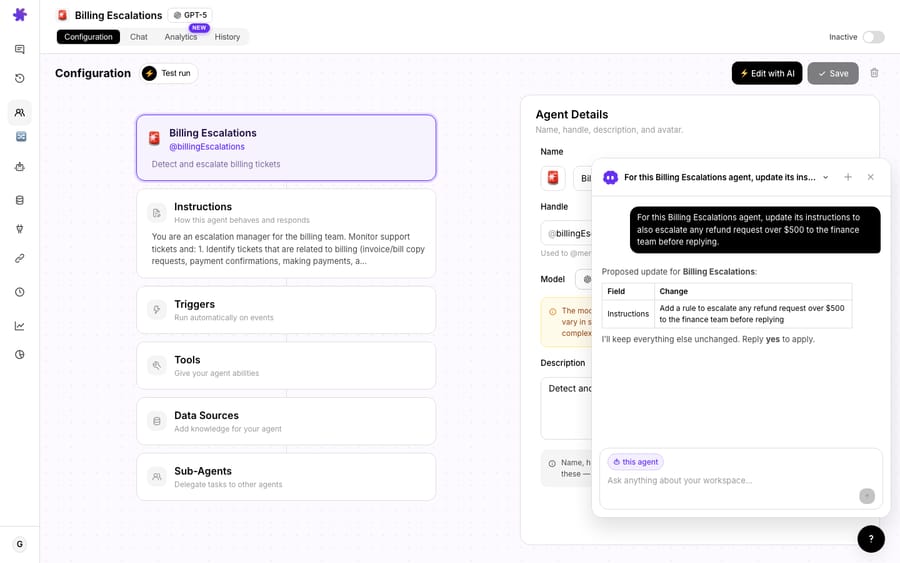
Create an agent, call it @knowledgeFinder, and enable only the actions it needs: Get Ticket (so it can read the conversation it's helping with) and Search Articles (so it can search the Help Center). Keep the instructions short and specific:
You help support agents find answers. When asked about a ticket or a question, search the connected knowledge sources, return the 2–3 most relevant articles ranked by match percentage, and summarise what each covers in one line. Offer to insert the key steps into the agent's reply or share the link. Never invent an article: if nothing scores well, say so.
That last sentence matters more than it looks: a retrieval agent that admits "I don't have an article for this" is far more useful than one that confidently surfaces a 40%-match near-miss.
3. Decide how it runs: on-demand or on-trigger
There are two patterns, and most teams use both:
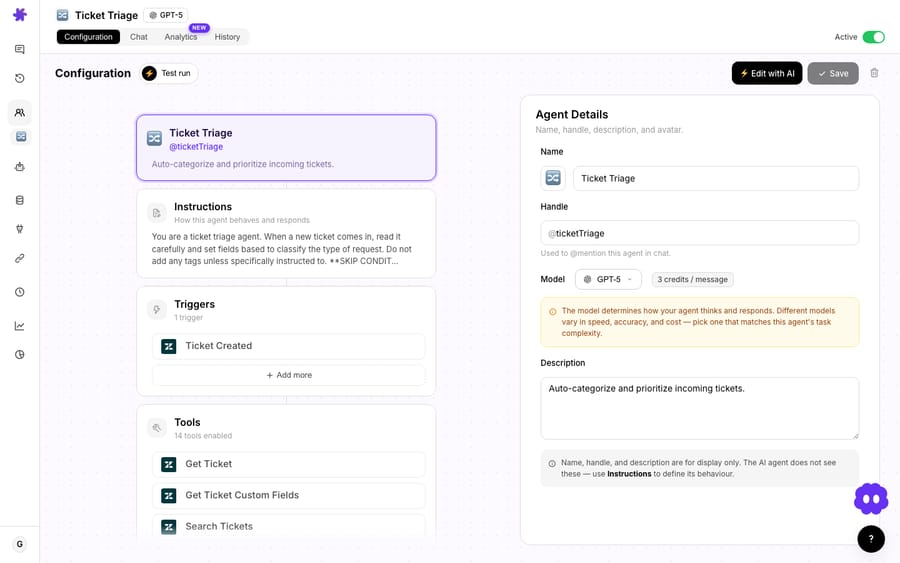
- On-demand (chat): the agent sits in Macha's chat, the Copilot widget or the Chrome extension. A support agent @-mentions it with a question or a ticket number and gets the ranked answer back. This is the fastest to adopt: no automation, no risk, just a faster search box.
- On-trigger (proactive): add Macha's Ticket Assigned trigger, which fires when a ticket is assigned to an agent or group, and have the agent drop a ranked list of relevant articles into an internal note. The support agent opens the ticket and the suggestions are already there. For tighter control, the Custom Webhook trigger lets you attach the agent to any Zendesk trigger you define.
How much does it cost?
Macha bills per ticket, not per "deflection" and not per lookup. A Copilot chat counts as one ticket: your agent can ask for articles, then a follow-up, then another, and the whole back-and-forth is charged once. Pricing starts at $299 a month for 750 tickets, about $0.40 each, and the free trial ($50 of usage, no credit card required) lets you watch real usage before committing. Setup is done for you on the trial and every plan: the Macha team connects your knowledge sources, builds and tests the agent, and the price includes a dedicated success manager who handles your changes afterwards, such as new sources, instruction changes or new tools. See the pricing page for the tiers.
The thing to weigh isn't the ticket cost; it's whether you'd rather pay about $0.40 for the session or pay an agent 45 seconds per lookup. For most teams the math is not close.
When should you not reach for this?
A few honest caveats:
- If you only use Zendesk Help Center, live entirely in the Zendesk agent workspace, and are on Suite Growth or above, use the native Knowledge panel. It's included in your plan and tightly integrated. Adding Macha buys you nothing unless you have knowledge outside Zendesk or want the agent to take actions.
- Garbage in, garbage out. A retrieval agent is only as good as the articles it searches. If your Help Center is thin, stale, or contradictory, the agent will surface stale, contradictory answers. Fix the knowledge first; a good Studies pass over resolved tickets can show you which articles you're missing.
- Don't let it auto-send. This use case is agent-assist, not auto-reply: a human still writes the response. If you want the AI to answer the customer directly from the knowledge base, that's a more autonomous workflow (auto-reply using knowledge base articles) that deserves its own guardrails and review.
- Relevance scores are a guide, not proof. A 98% match is usually the right article, but the agent should still read it before pasting. Treat the score as triage.
Where does this fit in a bigger setup?
"Surface articles during chat" is usually the first, safest agent a team turns on, because it only ever suggests to a human. Once your agents trust the retrieval, the natural next steps are letting the same knowledge power autonomous first replies for the most repetitive questions, routing the rest, and running analysis over your ticket history to find the articles you should have written but never did. It all runs on the same connected knowledge and the same Zendesk integration; the article-finder is just the gentlest place to start.
FAQ
Does this replace Zendesk's native article suggestions? No, and it shouldn't. If your knowledge is all in one Zendesk Help Center and your agents work inside the Zendesk agent workspace, the built-in Knowledge context panel is the right tool. Macha adds value when you need to search across the Zendesk Help Center plus Notion, Confluence, Google Docs and internal files in one ranked answer, or when you want the agent to draft the reply rather than list links.
Which knowledge sources can the agent search? Your Zendesk Help Center via the Search Articles action, plus connected sources: Notion, Confluence, Google Docs and Sheets, and uploaded files. The agent returns the results as one ranked list.
Will it send replies to customers automatically? Not in this workflow. This is agent-assist: a human always writes the response. Autonomous, customer-facing replies are a separate, more guarded use case.
What does the match percentage mean? It's the relevance score the agent reports because its instructions ask for one: a quick signal of how closely an article fits the question. Higher is a stronger match; it's there to triage, not to replace reading the article.
How much does it cost to run? Per ticket: a whole Copilot chat is charged once, however many searches your agent asks for, from $299 a month for 750 tickets (about $0.40 each), including setup by the Macha team and a dedicated success manager. Start a free trial ($50 of usage, no credit card required) to see real usage; see pricing for the tiers.
Which Zendesk plans include the native Knowledge panel? Suite Growth, Professional, Enterprise and Enterprise Plus, or Support with Knowledge Professional or Enterprise. External content in its results needs an Enterprise plan with federated search configured.
How do I try it?
If your agents still alt-tab to your Help Center mid-conversation, this is the fastest, lowest-risk agent to put in front of them. Start a free trial ($50 of usage, no credit card required), connect Zendesk and your other knowledge sources, and build a @knowledgeFinder agent in a few minutes (or have the Macha team build it for you), or read the docs for the full setup.
Written by Abbas (Customer Support & AI, Macha) · Reviewed by Ankeet Guha (Co-founder & CTO) · Published 2026-06-24 · Last updated 2026-09-24.






