Intercom
 Shopify
 Stripe
 Slack
Slack Notion
 Google Workspace
 Confluence

The Best Zendesk Alternatives for Small Businesses & Startups (2026)


Zendesk is built to scale to thousands of agents — which is exactly why so many small businesses and startups end up looking elsewhere. When your "support team" is three people (or a founder answering tickets between sales calls), Zendesk's per-agent pricing, configuration depth, and setup time can feel like buying a forklift to move a few boxes. This guide covers the seven Zendesk alternatives that genuinely fit small teams in 2026 — judged on price, setup speed, ease of use, and not paying for enterprise features you'll never switch on — with verified starting prices, real G2 ratings, and the honest catch on each.

Looking at the whole market, not just the SMB cut? This is the small-team spin-off of our best Zendesk alternatives hub, which covers all 12 (including enterprise options like Salesforce and ServiceNow). If you're a small business or startup, stay here — these seven are the ones worth your time.
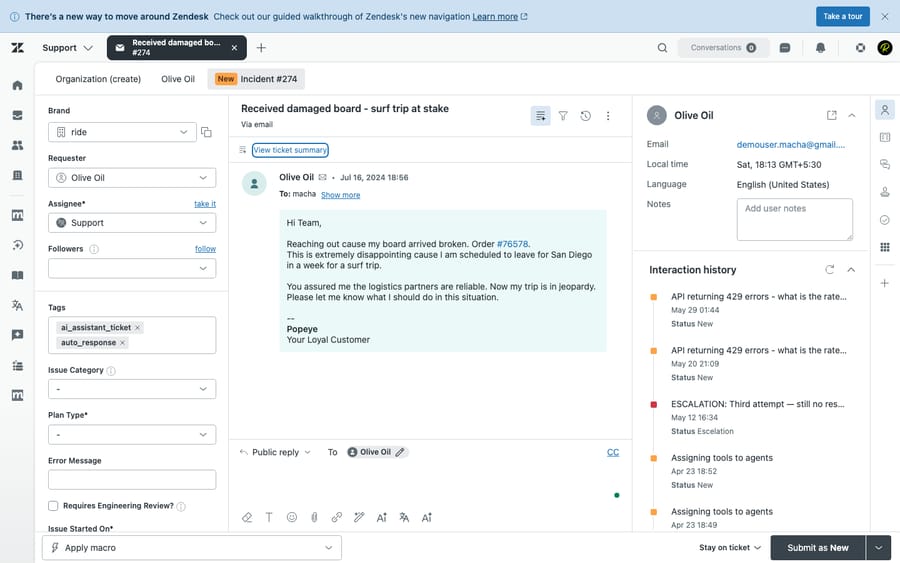
A single Zendesk ticket in a live test account. It's genuinely good software — unified conversation, fields, macros, triggers, side conversations — but most of that surface area is built for larger, more specialized teams. For a small business, the question isn't "is Zendesk capable?" (it is) — it's "am I paying for, and maintaining, far more than I need?"
Why small businesses and startups outgrow — or skip — Zendesk
Three things push small teams away from Zendesk, and none of them is "Zendesk is bad":
- Cost climbs fast at small seat counts. The entry Support Team plan is $19/agent/month, but the Suite plans most teams actually want start at $55/agent/month (Suite Team), then $89 (Growth) and $115 (Professional) — billed annually. Add the Advanced AI or Copilot add-on at $50/agent/month and a 4-person team is comfortably past $400/month before a single AI feature earns its keep. For a deeper breakdown, see Zendesk pricing explained.
- Complexity you have to maintain. Triggers, automations, SLAs, views, business rules, and an admin center deep enough to need its own training. That power is an asset at 50 agents and a tax at five — someone has to own and maintain it.
- Setup time you don't have. Standing up Zendesk properly is a project. Startups optimizing for "answering customers by Friday" often want a tool that's productive the same afternoon.
If any of those is your real reason for leaving, the tools below are built around the opposite priorities: low starting price, fast time-to-value, and a UI a new hire can learn in an hour.
How we picked these seven. We ran Zendesk hands-on in a live test account (screenshot above) to set the baseline, verified every price against each vendor's official pricing page in June 2026 (per agent/seat per month, annual billing unless noted), cross-checked ratings against G2 and Capterra (observed June 2026), and filtered the full alternatives market down to tools that genuinely fit teams under ~25 agents on price and ease of use. We left out enterprise platforms (Salesforce Service Cloud, ServiceNow, Kustomer) on purpose — they're the wrong shape for a small business. Macha is our own product; it's deliberately not on the list because it's an AI layer you add on top of a help desk, not a help desk you'd switch to (more on that below).
What small teams should specifically ignore. Most of these vendors will steer you toward features that only earn their keep at scale. At under ~10 agents, you can safely skip: SLA management and multi-tier escalation (you don't have tiers yet), advanced custom reporting/BI add-ons (the built-in dashboards are plenty), dedicated success-manager/onboarding packages (a real cost on HubSpot Pro and enterprise Zendesk), and omnichannel you won't staff — paying for voice, SMS, and social when 90% of your volume is email is the most common small-team overspend. Buy the tier that covers your current channels and seat count, not the one that "leaves room to grow." Re-evaluate when you actually grow.
The 7 best Zendesk alternatives for small teams
1. Freshdesk — best all-around value
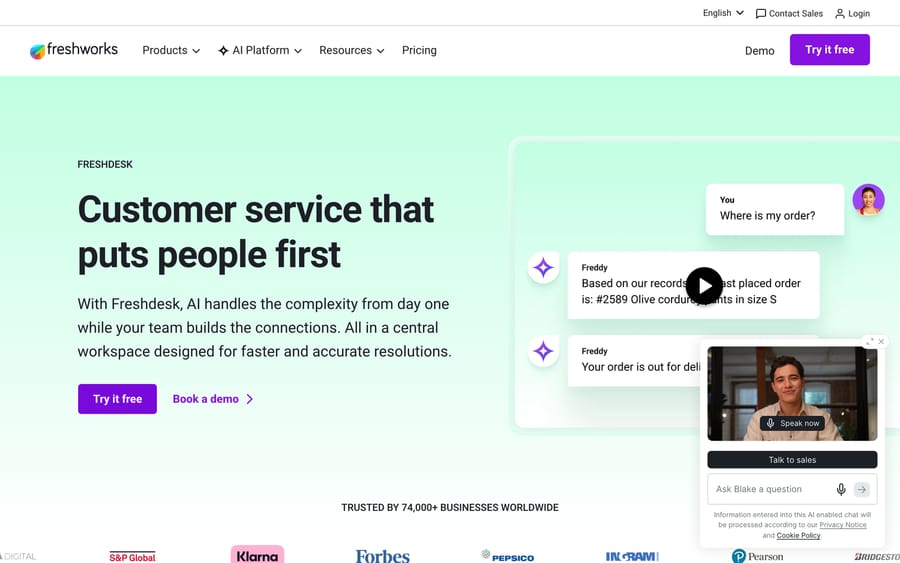
The most direct like-for-like swap from Zendesk, and usually cheaper. You get ticketing, automations, a knowledge base, multichannel support, and Freddy AI in a UI that's noticeably lighter to set up. There's a genuine free plan for tiny teams, then paid tiers that undercut Zendesk's Suite at every step.
- Starting price: Free plan, then Growth from $15/agent/month (annual; ~$19 monthly), Pro $49, Enterprise $79. Freddy Copilot adds ~$29/agent.
- Why it fits SMBs: the closest thing to "Zendesk but simpler and cheaper" — familiar model, faster onboarding, real free tier to start.
- The catch: at the top end, Zendesk's reporting and customization still go deeper; Freddy's customer-facing AI is billed via session packs on top.
- Setup: live in days — a familiar Zendesk-like model without the configuration project.
- What users say: "User-friendly and offers great features like multi-channel support" — Nitish P., developer (Capterra, Jan 2025).
- G2: 4.4 / 5. Compare: Zendesk vs. Freshdesk →
2. Help Scout — best for simple, email-first support
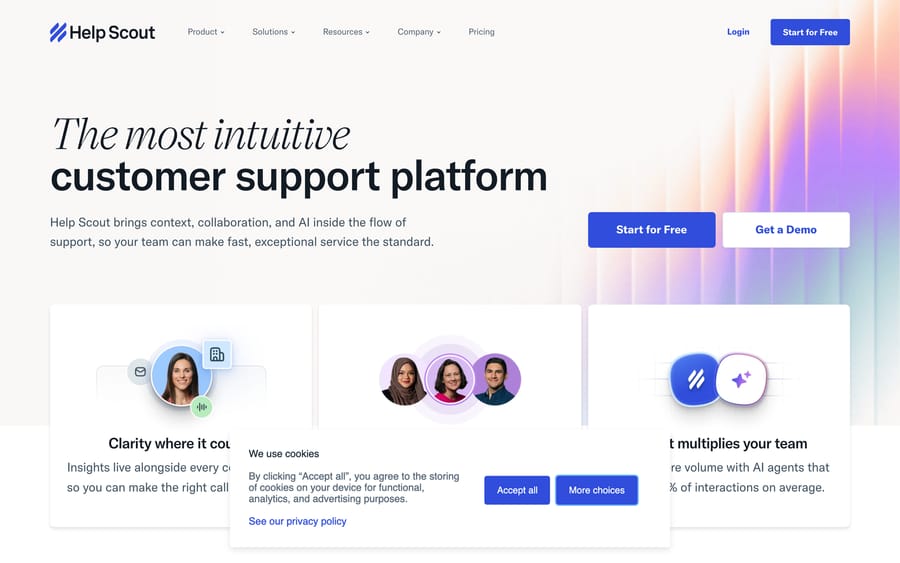
If your support is mostly email and you want zero "admin center" overhead, Help Scout is the easiest tool on this list to live in. It looks and feels like a clean shared inbox rather than a ticketing system, which is exactly what a lot of small teams want. Customers never see ticket numbers; agents see a tidy conversation view.
- Starting price: Free plan (up to 5 users, limited), then Standard from $25/user/month (annual), Plus $45, Pro $75. AI Answers (chatbot) is billed at ~$0.75 per AI-resolved conversation.
- Why it fits SMBs: the fastest to learn, minimal configuration, friendly for non-technical teams. Productive the same day.
- The catch: lighter on advanced workflows, routing, and reporting — you can outgrow it if your processes get complex.
- Setup: the fastest here — live the same day, no admin center to configure.
- What users say: "Clear and intuitive design is what I like most. While beginners don't need instructions to get started, they are readily available" — Zofia M., Customer Success Lead (Capterra, Mar 2025).
- G2: 4.4 / 5 (Capterra 4.6). Compare: Zendesk vs. Help Scout →
3. Zoho Desk — best on a tight budget
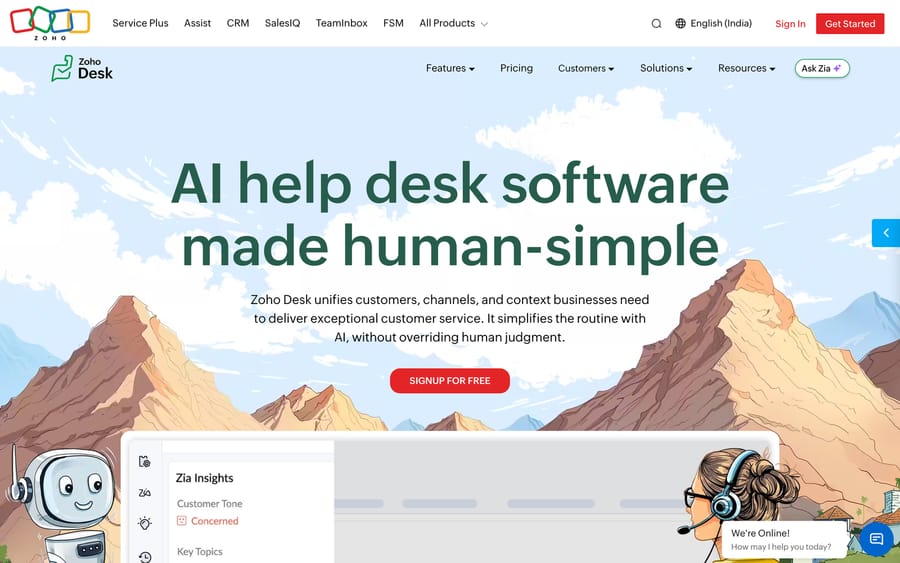
Pound for pound the cheapest credible Zendesk replacement, especially if you already use other Zoho apps (CRM, Books, Projects). The feature-to-price ratio is excellent, and a free tier for three agents lets a startup run real support for $0.
- Starting price: Free (3 agents), then Express $7, Standard $14, Professional $23, Enterprise $40 per agent/month (annual). Zia AI is gated to the Enterprise tier.
- Why it fits SMBs: lowest real-world cost on this list, and tight integration if you're already in the Zoho ecosystem.
- The catch: the UI is busier than Help Scout's, and the best AI (Zia) only shows up at the $40 Enterprise tier — so "cheap" and "AI" don't overlap here.
- Setup: live in days; faster still if you're already inside the Zoho ecosystem.
- What users say: "Zoho has been a game changer for our business! It is so easy to use, keeps great track of customers and is really everything we need!" — Autumn H., Front Office Administrator (Capterra, Dec 2024).
- G2: 4.4 / 5. Compare: Zendesk vs. Zoho Desk →
4. Front — best for a collaborative team inbox
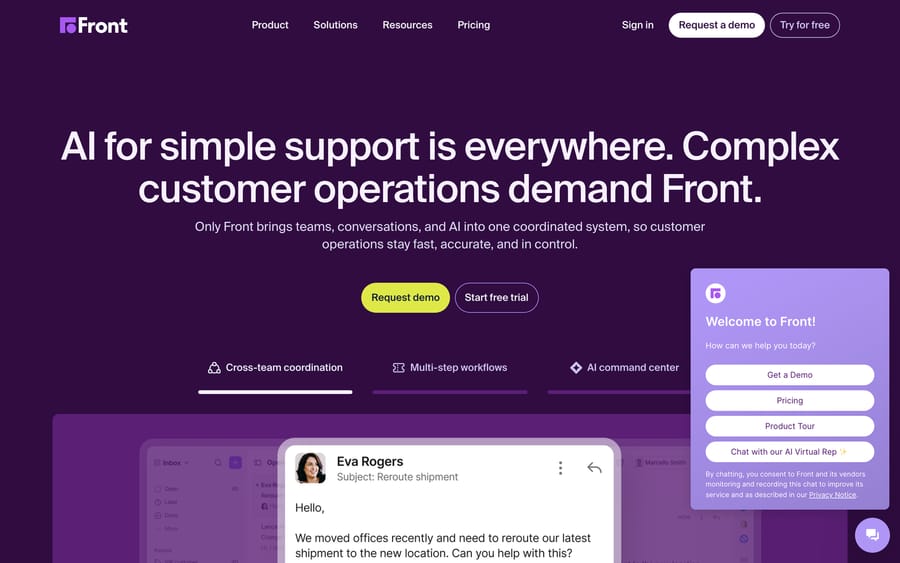
Front is the pick when support is a team sport — multiple people triaging shared inboxes across email, chat, SMS, and social, with internal comments and assignments layered right on top of real messages. It feels like email, so adoption is easy, but it adds the collaboration and automation a growing startup needs.
- Starting price: Starter $25/seat/month (annual; single channel, up to 10 seats), Pro $65, Enterprise $105. AI add-ons (Copilot, Smart QA) run ~$20/seat; Autopilot resolutions are ~$0.89 each.
- Why it fits SMBs: excellent for small teams that manage shared mailboxes (support@, hello@, billing@) and want to stop CC'ing each other.
- The catch: the Starter tier is single-channel and seat-capped, so true omnichannel means jumping to $65/seat — and AI is mostly a paid add-on.
- Setup: live in days — it feels like email, so adoption is quick.
- What users say: "Being on the front line on customer services it assist in channeling communication directly to customers, creates a friendly platform to chat, send messages and files and engage the right agents on time" — Nancy W., Customer Care Representative (Capterra, Jun 2025).
- G2: 4.7 / 5. Compare: Zendesk vs. Front →
5. Gorgias — best for small e-commerce (Shopify) brands
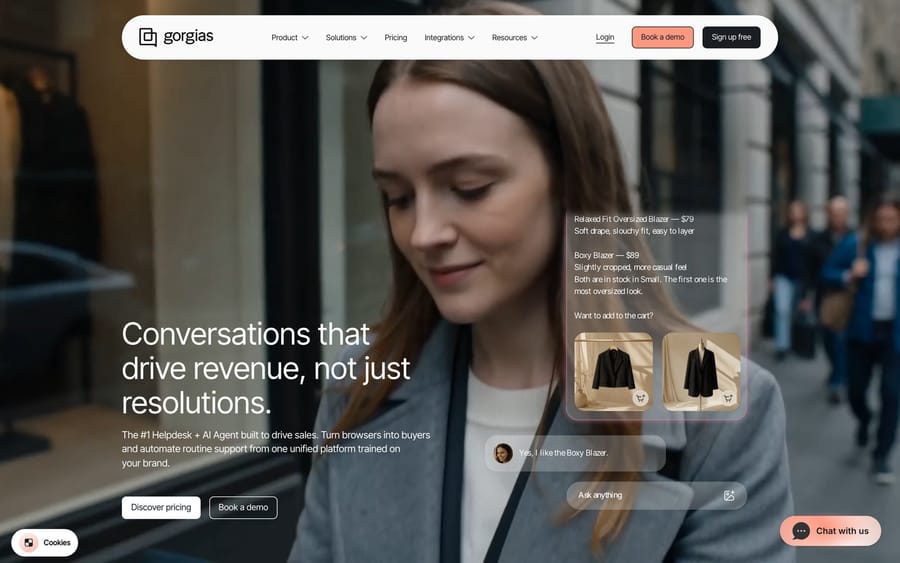
If you sell online, Gorgias is purpose-built for you. It pulls order, refund, and subscription data straight into the ticket and integrates deeply with Shopify and BigCommerce, so agents can edit orders or issue refunds without leaving the help desk. Its pricing model is unusual — you pay per ticket, not per agent — which can be a bargain for a small store with low volume and several seats.
- Starting price: Starter $10/month (50 billable tickets, up to 3 seats), Basic ~$50–60 (300 tickets), Pro ~$300–360, Advanced ~$750–900. The AI Agent add-on is ~$0.90–1.00 per resolved conversation.
- Why it fits SMBs: per-ticket pricing means a small store can add seats cheaply; the e-commerce context is unmatched.
- The catch: the ticket-based model punishes high volume, and the fit is narrow — outside retail, a per-agent tool is usually better value.
- Setup: live in days for a Shopify store — the integration does most of the heavy lifting.
- What users say: praise centers on the e-commerce depth — "native ecommerce sidebar giving us quick access to customer orders" — Frank A., Head of Digital (Capterra, Mar 2026).
- G2: 4.6 / 5. Compare in depth: see the alternatives hub.
6. HubSpot Service Hub — best if you're already on HubSpot CRM
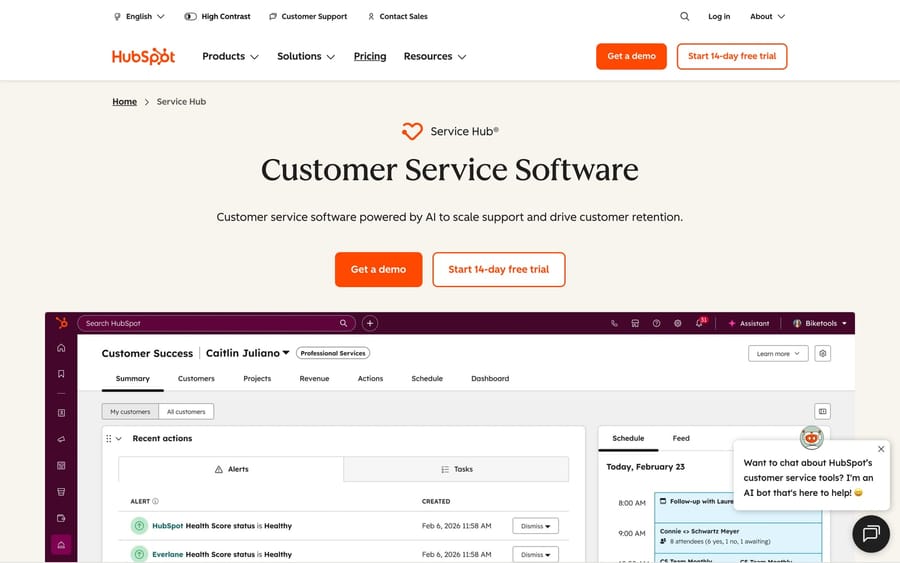
This one's situational but powerful: if your startup already runs sales and marketing on HubSpot, Service Hub keeps support on the same customer record, so an agent sees the full lifecycle without bouncing between tools. There's a free tier for two users, and a low Starter price that's hard to beat as an add-on to a CRM you're already paying for.
- Starting price: Free (2 users), then Starter $15/seat/month (annual; often promo-priced at ~$9), Professional $90/seat (with a one-time $1,500 onboarding fee).
- Why it fits SMBs: near-zero added cost and friction if HubSpot is already your system of record.
- The catch: the jump from Starter to Professional is steep (and Professional carries a one-time $1,500 onboarding fee), and the value evaporates if you're not a HubSpot shop — don't adopt the whole CRM just to get the help desk.
- Setup: live in days if HubSpot is already your CRM; otherwise factor in standing up the wider platform.
- What users say: "Fits in incredibly well with the rest of the HubSpot tech stack… lots of customizability to fit our business' support requirements" — Nabil B., Director, Marketing & Advertising (Capterra, Dec 2024).
- G2: 4.4 / 5.
7. Intercom — best for startup-style, product-led support
Update (September 2026): Salesforce completed its acquisition of Fin — the company that had already renamed itself from Intercom on May 12, 2026, before any deal was signed — on September 10, 2026, in a deal worth ~$3.6 billion, and plans to fold it into Salesforce's Agentforce. Worth weighing in any long-term Intercom/Fin decision.
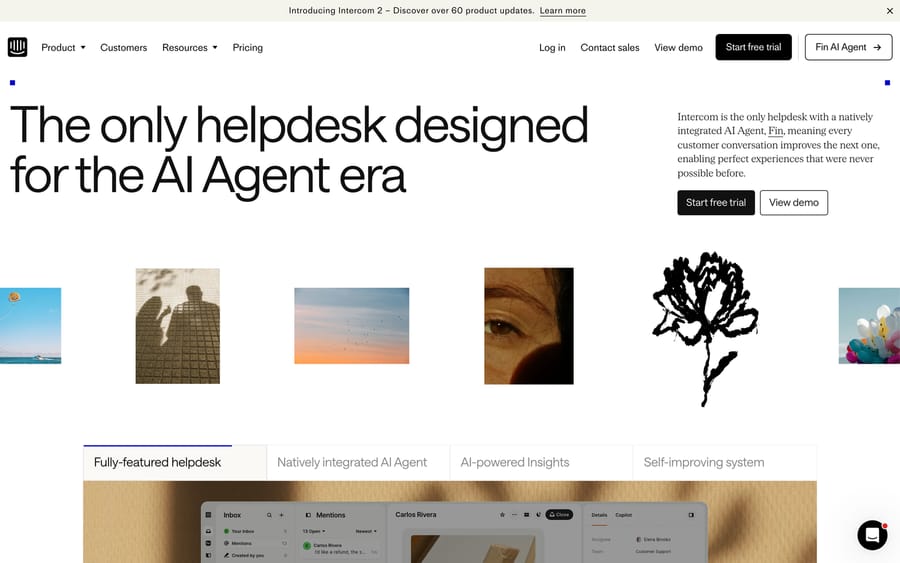
Intercom is the polished, modern choice for SaaS and product-led startups: in-app messenger, slick chat, proactive messaging, and the well-regarded Fin AI agent. It's a favorite among funded startups for good reason — but it's the one tool here where you have to watch the bill closely, because two pricing levers (seats and per-resolution AI) both move.
- Starting price: Advanced $85/seat/month and Expert $132 on annual billing ($99 and $139 monthly), with the entry Essential plan inside a live pricing test at $19 to $29 annual — plus Fin AI at $0.99 per resolution.
- Why it fits SMBs: best-in-class in-app/chat experience and a strong AI agent; great for product-led, chat-first support. Startups can often access discounted early-stage programs.
- The catch: cost is the trade-off — seat fees plus $0.99-per-resolution Fin charges plus channel add-ons make the real monthly bill genuinely hard to predict as you grow.
- Setup: live in days for the messenger; the AI/Fin tuning is where the time goes.
- What users say: "Offers customers a great and efficient support experience while saving our internal team countless hours" — Matt B., Director of Products (Capterra, Jan 2026). The recurring counterpoint is cost: "The cost seems to be high and it keeps continuing to increase" (Anna H., Capterra, Jan 2026).
- G2: 4.5 / 5. Compare in depth: see the alternatives hub.
Quick comparison
| Tool | Best for | Starting price | G2 rating |
|---|---|---|---|
| Zendesk (baseline) | The incumbent | $19/agent (Suite from $55) | 4.3 / 5 |
| Freshdesk | All-around value | Free, then $15/agent | 4.4 / 5 |
| Help Scout | Simple, email-first | Free, then $25/user | 4.4 / 5 |
| Zoho Desk | Tight budget | Free (3), then $7–$14/agent | 4.4 / 5 |
| Front | Collaborative inbox | $25/seat | 4.7 / 5 |
| Gorgias | Small e-commerce | $10/mo (per-ticket) | 4.6 / 5 |
| HubSpot Service Hub | Already on HubSpot CRM | Free (2), then $15/seat | 4.4 / 5 |
| Intercom | Product-led startups | $19–$29/seat (annual) + $0.99/Fin res | 4.5 / 5 |
Prices are per agent/seat per month on annual billing unless noted (verified June 2026); monthly billing typically runs ~20% higher. G2 ratings observed June 2026 — review-base sizes vary widely (a few hundred to several thousand), so a higher star average on a smaller base isn't directly comparable to a slightly lower one on thousands of reviews.
What a small team actually pays (4 agents)
Headline prices hide the real number. Here's the illustrative monthly bill for a realistic small team — 4 agents, annual billing — across Zendesk and the three lowest-cost picks, with the AI add-on each vendor would push:
| Tool & tier | Per seat | Base (4 seats) | + AI | Monthly total |
|---|---|---|---|---|
| Zendesk Suite Team | $55 | $220 | + Copilot $50/agent → $200 | $220 base / $420 with AI |
| Freshdesk Growth | $15 | $60 | + Freddy Copilot ~$29/agent → $116 | $60 base / ~$176 with AI |
| Help Scout Standard | $25 | $100 | AI Answers usage-based ($0.75/resolved convo) | $100 base + usage |
| Zoho Desk Standard | $14 | $56 | Zia AI gated to Enterprise ($40/agent) | $56 base (no AI at this tier) |
Illustrative list math, not a quote — verify against current vendor pricing. Per agent/seat per month on annual billing; monthly billing typically runs ~20% higher. The takeaway: at 4 agents, every pick lands at less than half of Zendesk's $220 base, and the gap widens further once Zendesk's $50/agent AI add-on stacks on. Note the AI billing models differ — fixed per-seat (Zendesk, Freshdesk) vs. usage-based per resolution (Help Scout), which is the cheaper shape at low volume.
How to choose for a small team
Don't start from a feature checklist — start from your single biggest constraint, then sanity-check it against your channels and budget at your real seat count.
- Budget is the hard limit → Zoho Desk (free for 3, then $7–$14) or Freshdesk's free/Growth tier. Both run real support for next to nothing.
- You want the simplest possible tool → Help Scout. Email-first, learnable in an hour, no admin overhead.
- Support is a shared-inbox team effort → Front. Built for several people working the same mailboxes.
- You sell online (Shopify/BigCommerce) → Gorgias. Order context in the ticket; per-ticket pricing suits low-volume stores.
- You already live in HubSpot → Service Hub. One customer record across sales, marketing, and support.
- You're a product-led SaaS startup and chat is your channel → Intercom — but model the Fin/seat cost before you commit.
A few rules of thumb that save small teams money: model total cost at your actual seat count, not the headline price; weight time-to-value heavily (a tool you can run by Friday beats a more powerful one you'll configure for a month); and don't pay for AI you can't yet use — several of these gate their best AI behind the top tier.
A note on the AI question (and where Macha fits)
Here's a pattern worth naming: a lot of small teams think they need to leave Zendesk when their real frustration is that the AI doesn't resolve enough — not the help desk itself. Those are separable problems. You can switch help desks, or you can keep the one you have and add an AI layer on top.
That second path is where Macha fits, and it's why Macha isn't a numbered option above: it's not a help desk you'd switch to — it's a helpdesk-agnostic AI agent layer you run on top of whichever tool you pick (Zendesk, Freshdesk, Front, Help Scout, and others). It plugs into your knowledge base and systems and automates support work — drafting replies, triaging and routing, looking up order or account data, and resolving repetitive tickets — without a migration. Pricing is usage-based on credits (one credit ≈ one AI action, with the cost per action varying by the model you choose), so you pay for the automation you actually run rather than a flat per-seat AI tax or a per-resolution fee. The honest watch-out: if you genuinely need to replatform — your help desk is too expensive or too clunky regardless of AI — an AI layer won't fix that; pick the right help desk first, then layer AI on top. You can try it free: $50 of free usage, no credit card required.
Frequently asked questions
What's the cheapest Zendesk alternative for a small business? Zoho Desk is the lowest real-world cost — free for 3 agents, then $7 (Express) or $14 (Standard) per agent/month. Freshdesk is the strongest value if you want a fuller feature set, with a free tier and paid plans from $15/agent.
What's the best Zendesk alternative for a startup? It depends on your channel. Product-led SaaS startups with chat-first support gravitate to Intercom (watch the Fin/seat cost); teams that want simple and cheap pick Help Scout or Zoho Desk; e-commerce startups pick Gorgias. Several of these also run discounted early-stage programs.
Are there free Zendesk alternatives? Yes. Zoho Desk (free for 3 agents), Freshdesk (free plan), HubSpot Service Hub (free for 2 users), and Help Scout (free for up to 5 users, limited) all have genuine free tiers suited to very small teams.
Which Zendesk alternative is easiest to set up? Help Scout is the fastest — it works like a clean shared inbox with almost no configuration, so most teams are productive the same day. Freshdesk and Front are also quick relative to Zendesk's setup project.
Do I have to migrate off Zendesk to get better AI? No. If your only real gripe is that the AI doesn't resolve enough, an AI agent layer like Macha adds autonomous AI on top of Zendesk (or whichever help desk you choose) — no migration, no rebuilding your config. Fix the AI gap without the replatforming project.
The bottom line
For a small business or startup, the best Zendesk alternative is the one that matches your single biggest constraint. Choose Zoho Desk or Freshdesk if budget rules; Help Scout if you want the simplest tool; Front for a collaborative shared inbox; Gorgias if you sell online; HubSpot Service Hub if you're already on HubSpot; and Intercom if you're a chat-first SaaS startup (with one eye on the bill). And remember the AI question stands apart from the help desk question — pick the platform that fits your team and channels, then layer AI separately on whatever you land on.
Not the help desk — just the AI? See how Macha adds autonomous AI agents on top of your existing help desk, no migration required. $50 of free usage, no credit card required. Learn more.
Add AI agents to your Zendesk
Macha reads the ticket, drafts the reply and takes the action, inside the Zendesk you already run.