





 Shopify
 Stripe
 Slack
Slack Notion
 Google Workspace
 Confluence

What Is SiteGPT and How Much Does It Cost in 2026?


SiteGPT is a chatbot builder that trains an AI on your website, files and connected apps, and its self-serve plans cost $59, $129 or $429 a month. It answers visitor questions from indexed content but cannot take actions such as refunds or order lookups.
Key takeaways
- SiteGPT trains a chat widget on your website, files and apps such as Notion, Google Drive and GitHub, and its self-serve plans cost $59, $129 or $429 a month.
- SiteGPT's Starter plan caps messages at 4,000 a month on GPT-4.1-mini or 400 on GPT-4.1, with Growth allowing 10,000 or 1,000 and Scale 40,000 or 4,000.
- SiteGPT charges a separate $39 a month to remove its branding and another $39 a month for each extra 5,000 messages on every paid plan.
- SiteGPT lists a Zendesk integration from the Growth plan, and Scale and Enterprise add a Zendesk AI Agent that answers first inside Zendesk Messaging.
- SiteGPT cannot issue a refund or check an order status; Macha's agents act on tickets inside the help desk, set up and run by the Macha team at about $0.40 a ticket with a dedicated success manager included.

SiteGPT is a chatbot builder that trains an AI on your website, files and connected apps, then answers visitors from that content, and it costs $59, $129 or $429 a month on its Starter, Growth and Scale plans ($39, $79 or $259 a month billed annually), with custom Enterprise pricing and a 7-day trial that needs a credit card (sitegpt.ai/pricing, checked 24 September 2026). It answers questions; it does not take actions such as refunds or order lookups.
| Question | Answer (checked 24 September 2026) |
|---|---|
| Price | $59 / $129 / $429 a month; Enterprise custom |
| Billing unit | Messages per month, capped by plan and model |
| Models | GPT-4.1-mini and GPT-4.1 |
| Help desk integrations | Zendesk and Freshdesk Messaging from Growth; Zendesk AI Agent on Scale and Enterprise |
| Takes actions? | No, answers from indexed content only |
| Trial | 7 days, credit card required |
What is SiteGPT?
SiteGPT was founded in 2023 by Bhanu Teja Pachipulusu and Sai Dheeraj P, and the company is based in Bangalore. Its homepage describes the product as being "like having ChatGPT specifically for your products." You point it at a URL, a PDF, a Notion workspace, or a pile of text files, and it answers visitor questions from what it indexed.
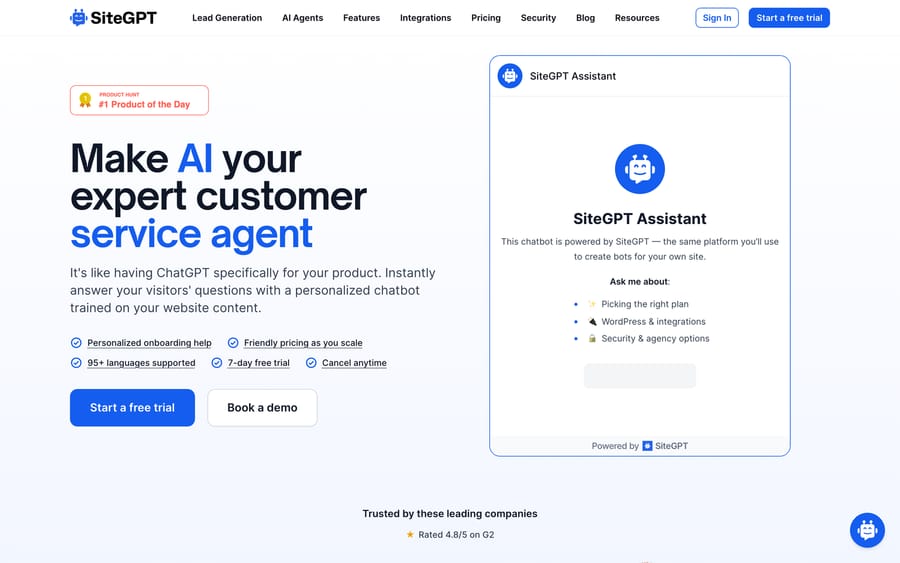
SiteGPT's homepage, showing the "Make AI your expert customer service agent" headline next to a live demo of its own chat widget.
SiteGPT sits in the "train a chatbot on my content" category alongside Chatbase, and it's aimed at the same buyer: a small support or marketing team that wants a chat widget answering FAQs without building a retrieval pipeline themselves. The pitch is speed. Sync a source, get a working bot, install one script tag, and start narrowing its answers as real visitors ask real questions.
The company doesn't publish funding or headcount, and there's no press page describing an acquisition or a rebrand. As of this writing it looks like an independent, bootstrapped product with a small team. On its site, SiteGPT states it is "SOC 2 Type II examined, GDPR certified, and HIPAA assessed," and that customer data "is never used to train AI models." Those are the vendor's own claims. We didn't independently audit the certification.
How does SiteGPT train and answer?
The mechanism is standard retrieval-augmented generation, and SiteGPT doesn't claim otherwise. You feed it sources: a website crawl, uploaded PDFs, DOCX, PPTX, CSV, TXT or Markdown files, raw pasted text, or a live connection to Notion, Google Drive, or GitHub. It chunks and indexes that content. When a visitor asks a question, the bot retrieves the most relevant chunks and has a model (GPT-4.1 or GPT-4.1-mini, depending on plan) generate an answer grounded in them. That answer comes from the indexed content, not from the model's general training data.
What differentiates one RAG chatbot from another is mostly what happens around that core loop, and SiteGPT's additions are aimed at making the bot better over time without an engineer in the room:
- Quick Prompts suggest starter questions so a visitor doesn't stare at a blank chat box.
- Weekly Digest emails a summary of what visitors actually asked, so a non-technical owner can see gaps in the source content.
- AI-grouped conversation topics cluster real questions so a team can spot the same unanswered question showing up ten different ways.
- Human escalation hands a conversation to a live agent when the bot can't answer confidently.
The result is a tool that a marketing or support lead can run without engineering involvement: sync, publish, watch the digest, add the content that's missing. That's the whole workflow, and for a single-product website answering pricing and how-to questions, it's often enough.
What features does SiteGPT include?
- Multi-format training: website URLs, PDF/DOCX/PPTX/CSV/TXT/MD uploads, raw text, and connectors for Notion, Google Drive, Dropbox, OneDrive, Box and GitHub.
- Lead capture built into the chat widget, so a support question can also register interest.
- Analytics on daily conversation trends and topic clustering.
- Integrations from the Growth plan up: Google Chat, Messenger, Slack, Zendesk, Crisp, Freshdesk Messaging and Zoho SalesIQ. Scale and Enterprise add a Zendesk AI Agent that installs SiteGPT inside Zendesk Messaging.
- API access from the Growth plan up, for teams that want to embed the chatbot logic somewhere other than the default widget.
- 95+ languages supported for both training content and visitor conversations, per the vendor.
- Auto-refresh of trained content: manual on Starter, monthly on Growth, weekly on Scale and daily on Enterprise.
The Zendesk AI Agent is the most specific help desk feature SiteGPT describes: per its pricing page, the bot answers first in your Zendesk Messaging widget and hands the conversation to a human agent with the full history when needed. That is a front-line chat role. SiteGPT doesn't describe it reading or updating email tickets already in the queue, so confirm the scope with SiteGPT before you buy on the strength of it. The underlying model doesn't change either way: it's still generating answers from indexed content, just surfaced in a second location.
Where it stops being self-serve
Two things are worth flagging before you commit content and time to it. First, message volume is capped hard by plan and by model: the advertised "4,000 messages" on Starter applies only if every one is answered by the cheaper GPT-4.1-mini, and drops to 400 if you run GPT-4.1. Second, none of SiteGPT's tiers take an action on your behalf. It generates an answer from indexed content; it can't look up an order, issue a refund, or update a CRM record. If your support volume is mostly "where's my order" or "cancel my subscription," a content-trained chatbot answers the FAQ about your policy and then still hands the actual case to a human.
How much does SiteGPT cost?
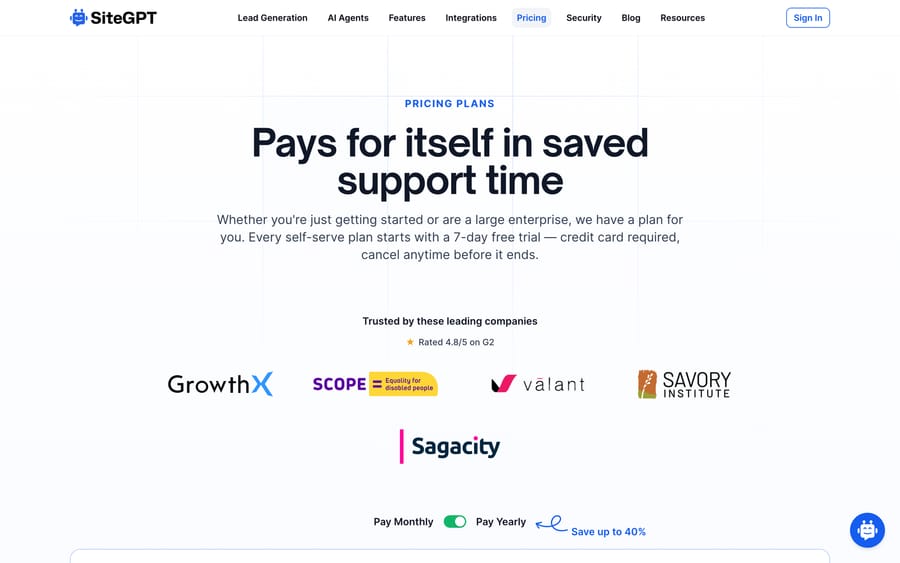
SiteGPT's pricing page, headlined "Pays for itself in saved support time," with the customer logo strip and the monthly/yearly billing toggle that advertises savings up to 40%.
We re-checked SiteGPT's pricing page on 24 September 2026. The self-serve plans bill monthly or annually, with the annual price paid up front ($468, $948 or $3,108 a year):
| Plan | Monthly | Annual (per mo) | Chatbots | Messages/mo (mini / GPT-4.1) | Pages | Team seats |
|---|---|---|---|---|---|---|
| Starter | $59 | $39 | 1 | 4,000 / 400 | 1,000 | 1 |
| Growth | $129 | $79 | 2 | 10,000 / 1,000 | 10,000 | 4 |
| Scale | $429 | $259 | 3 | 40,000 / 4,000 | 50,000 | 10 |
| Enterprise | Custom | Custom | up to 1,000 | custom | 500,000 | up to 1,000 |
A few things sit outside that table. Removing SiteGPT's own branding from the widget costs a separate $39/month on every paid plan. An extra 5,000 messages is also a flat $39/month add-on, so a Starter customer who blows through 4,000 mini-model messages is choosing between a $39 top-up or a $70/month jump to Growth for the same headline message count. That's the shape of the business model: message caps are tuned tight enough that real usage pushes a growing account toward the next tier or an add-on, and the upsell is the point of setting the free room where it is. Growth's own 10,000-message cap works out to roughly $0.013 per message on GPT-4.1-mini at the monthly price. That's cheap per unit, but it's a message, and a single customer question can take three or four back-and-forth messages before it's answered, so the effective cost per resolved question runs several times higher. The 7-day trial requires a credit card up front, per SiteGPT's own pricing page, and you can cancel any time before it ends.
What reviewers say: SiteGPT holds 4.8 out of 5 from 13 reviews on G2 and 4.0 out of 5 from a single review on Capterra, both checked 21 September 2026. Fourteen reviews in total is too thin to lean on, which is worth remembering when you see the score quoted on SiteGPT's own site.
What are SiteGPT's pros and cons?
Pros
- Fast to set up: sync a source, install a script tag, and the bot is live the same day.
- Message-based pricing is transparent and published, with no sales call required at any tier.
- Multi-format training (files, Notion, Drive, GitHub) covers more source types than a website-crawl-only competitor.
- 95+ languages out of the box, useful for a site with international traffic.
Cons
- The bot answers from content only. It can't look up an order, process a refund, or take any action in a backend system.
- Message caps reset the value proposition quickly if a plan's model choice (mini vs. full GPT-4.1) isn't obvious up front.
- Branding removal and extra messages are both separate paid add-ons rather than plan features.
- No named case study with measured deflection or resolution numbers. The social proof is a logo strip and a self-reported G2 score.
Who is SiteGPT best for?
SiteGPT fits teams whose support questions are genuinely answerable from static content: pricing, how-to, policy, product spec, and who don't have or don't want to build a backend integration. A single-product SaaS company, an info-product seller, or a services business with a documented FAQ can be live with a working bot in under an hour. It's the wrong fit if your support volume is mostly account-specific, covering order status, subscription changes, or refunds, because those need to read or write a real system and SiteGPT's job stops at generating an answer from what it indexed.
It's also worth being honest about scale. The pricing is built for a marketing site or a lean SaaS product, not a support team already running thousands of tickets a month through a help desk. At that volume, the message caps and per-tier chatbot limits (2 chatbots on Growth, 3 on Scale) start to feel like a ceiling rather than a feature, and a team that size is usually better served by an AI layer built to sit inside the ticketing system it already has.
How does SiteGPT compare with Chatbase and Macha?
| SiteGPT | Chatbase | Macha | |
|---|---|---|---|
| Model | Website-trained chatbot widget | Website-trained chatbot widget | AI agent layer on your existing help desk |
| Best for | Small sites with static FAQ content | Small sites with static FAQ content | Teams on Zendesk, Freshdesk, Gorgias, Front, HubSpot or Intercom |
| Can take actions (refunds, order lookups)? | No | Limited, via integrations | Yes, via connectors and custom tools |
| Pricing | $59–$429/mo by message cap, published | Published, message-based (see our Chatbase guide) | From $299/mo for 750 tickets (~$0.40/ticket), published |
| Setup | Self-serve, no engineering needed | Self-serve, no engineering needed | Done for you by the Macha team, with a dedicated success manager, included |
| Trial | 7 days free, credit card required | Free tier available | $50 of free usage, no credit card |
SiteGPT and Chatbase are close enough in shape that the decision usually comes down to message-cap math at your expected volume and which integrations you need. Macha is a different kind of tool. It's an AI agent layer that works inside the help desk your support team already uses, with access to your order data, subscriptions, and other systems through connectors, so it can take action on a ticket. It's also the done-for-you option here. SiteGPT and Chatbase are self-serve, so your team builds and tunes the bot, while with Macha, the Macha team analyzes your past tickets, builds the knowledge base and the agent, and runs it in safe mode, with drafts as internal notes in your help desk, until the drafts are right. If your support load already lives in Zendesk, Freshdesk, Gorgias, Front, HubSpot or Intercom and the tickets need an action taken, a content-only chatbot like SiteGPT can answer the FAQ but can't close the ticket. Macha costs about $0.40 a ticket from $299 a month for 750 tickets, which includes the setup and a dedicated success manager who handles your changes. See how Macha's agents work and current pricing.
The two closest alternatives both have guides here: Chatbase, the default comparison in this category, and Wonderchat, which sells the same crawl-your-site widget at a similar price and has a slightly deeper review record.
How we researched this: The features, pricing and customer figures above come from SiteGPT's own public pages and the third-party sources linked inline. The review figures were read in a browser on 21 September 2026, because G2 and Capterra block scripted requests. The plan prices, message caps, integrations and add-ons were re-checked against SiteGPT's pricing page on 24 September 2026.
FAQ
What is SiteGPT? A chatbot builder that trains an AI on your website, uploaded files, or connected apps (Notion, Google Drive, GitHub), then serves a chat widget that answers visitor questions from that content.
How much does SiteGPT cost? Four plans: Starter at $59/mo, Growth at $129/mo, Scale at $429/mo ($39, $79 and $259 a month billed annually), and custom Enterprise pricing. Each plan caps messages per month, and the cap differs by which OpenAI model answers, running roughly 10x more messages on the cheaper mini model than on full GPT-4.1.
Does SiteGPT offer a free trial? Yes, a 7-day free trial on every self-serve plan, but SiteGPT's own pricing page requires a credit card to start it, and canceling before the 7 days end avoids a charge.
Can SiteGPT take actions like issuing refunds or checking order status? No. It answers questions from indexed content. Looking up an order or processing a refund needs a tool that can read and write to your backend systems, which is outside what a content-trained chatbot does.
What are good alternatives to SiteGPT? Chatbase is the closest direct comparison, in the same category with the same website-trained-widget model. For teams whose support runs through an existing help desk and needs to take actions on tickets, an AI agent layer like Macha is a different kind of alternative worth comparing.
Does SiteGPT integrate with Zendesk? Yes. Growth and above list a Zendesk integration alongside Slack, Google Chat, Messenger, Crisp, Freshdesk Messaging and Zoho SalesIQ. The Scale plan ($429/mo) and Enterprise add a Zendesk AI Agent that answers first in Zendesk Messaging and hands conversations to human agents with full history.
Is SiteGPT good for a business with an existing support ticket queue? It suits FAQ-style questions arriving through the website widget. It doesn't read or act on existing help desk tickets, so it's a supplement to a ticket queue rather than a way to automate it.
Sources: SiteGPT homepage, SiteGPT pricing.






