





 Shopify
 Stripe
 Slack
Slack Notion
 Google Workspace
 Confluence

What Are the Best HubSpot Service Hub Alternatives in 2026?


HubSpot Service Hub Professional costs $90 a seat a month billed annually plus a $1,500 onboarding fee, which is why many support teams price out a focused help desk instead. Here are eight alternatives, from Zoho Desk at $7 a user to Zendesk, Intercom and Kustomer, with who each one suits.
Key takeaways
- The eight strongest HubSpot Service Hub alternatives in 2026 are Zendesk, Freshdesk, Zoho Desk, Help Scout, Intercom, Front, Gorgias and Kustomer.
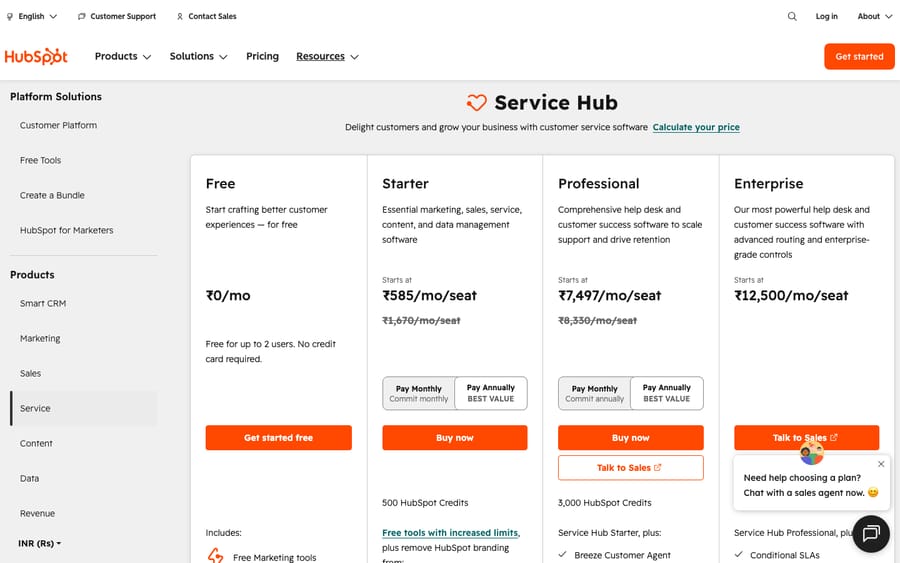
- HubSpot Service Hub Professional costs $90 a seat a month billed annually plus a one-time $1,500 onboarding fee, and Enterprise starts at $150 a seat with a $3,500 fee.
- Zoho Desk is free for up to 3 users, then runs from $7 to $40 per user a month, the cheapest paid entry among the eight alternatives.
- Zendesk's public pricing page lists Support Team at $19 and Suite Team and Suite Professional at $55 and $115 per agent a month; Suite Growth no longer appears.
- Kustomer no longer publishes per-seat prices, so older roundup figures for its Enterprise and Ultimate plans have been replaced with quote-only pricing.

The best HubSpot Service Hub alternatives in 2026 are Zendesk, Freshdesk, Zoho Desk, Help Scout, Intercom, Front, Gorgias and Kustomer, and the cheapest paid entry among them is Zoho Desk Express at $7 per user a month. The right pick depends on why you are leaving: HubSpot's Professional plan costs $90 a seat a month billed annually plus a one-time $1,500 onboarding fee, and Enterprise starts at $150 a seat with a $3,500 onboarding fee (hubspot.com/pricing/service, checked 24 September 2026).
| Tool | G2 rating (mid-2026 reading) | Starting price | Best for | How it differs from HubSpot |
|---|---|---|---|---|
| Zendesk | 4.3/5 (~6,800) | $19 (Support Team), Suite $55–$115/agent/mo | Scaling teams wanting depth + ecosystem | Ticketing-first, deeper, no CRM lock-in; AI billed per resolution |
| Freshdesk | 4.4/5 (~3,700) | $19–$89/agent/mo | Cost-conscious teams that live in tickets | Cheaper to start, no onboarding fee; AI is an add-on |
| Zoho Desk | 4.4/5 (~7,000) | Free for 3 users, then $7–$40/user/mo | Budget teams (esp. in the Zoho stack) | Far cheaper, no forced bundle; own CRM optional |
| Help Scout | ~4.4/5 (~440) | Free for 5 users, then $25–$75/user/mo | Small/mid teams wanting simplicity | Simpler shared inbox, no CRM weight |
| Intercom (Fin) | 4.5/5 (~2,840) | $29–$132/seat + $0.99 per Fin outcome | SaaS / chat-led, AI-first support | Messenger + AI agent; not a CRM |
| Front | 4.7/5 (~2,400) | $25–$105/seat/mo | Collaborative, email-heavy ops | Shared-inbox collaboration, not CRM-centric |
| Gorgias | ~4.6/5 (~555) | from $10/mo (ticket-based) | Shopify / DTC ecommerce | Ecommerce-native, order data not full CRM |
| Kustomer | 4.4/5 (~400) | Quote only | High-volume, data-driven CX | Conversation-CRM for support, not marketing/sales |
Prices are annual-billing list prices checked on each vendor's page on 24 September 2026 unless noted. G2 ratings are mid-2026 readings; G2 blocks automated fetches, so we could not re-read them today.
Update (September 2026): Salesforce completed its acquisition of Fin on 10 September 2026. Fin is still sold at $0.99 per outcome. Worth weighing in any long-term Intercom/Fin decision.
Why do teams look for a HubSpot Service Hub alternative?
Service Hub isn't a bad product. But a few recurring, fair complaints push teams to look elsewhere, and it's worth naming them precisely before you switch, because the right alternative depends on which one is yours.
- The CRM bundle is the whole point, and not everyone wants it. Service Hub's biggest advantage is unification with HubSpot's CRM, marketing, and sales tools. If you don't use the rest of HubSpot, you're paying for gravity you'll never feel, and a standalone help desk will usually be cheaper and more focused.
- Onboarding fees and seat minimums. Professional carries a one-time $1,500 onboarding fee; Enterprise carries a $3,500 onboarding fee. Third-party 2026 pricing guides also report a 10-seat minimum on Enterprise; HubSpot's pricing page doesn't state one, so confirm it in your quote. Reviewers frequently mention needing a third-party partner to get set up, a real and often-overlooked cost on top of the subscription.
- Per-seat pricing scales painfully. Multiple reviewers flag that paying per seat (rather than per team) gets expensive fast as headcount grows, and that advanced plans are "expensive for a small business." Professional is $90 a seat billed annually or $100 billed monthly.
- It's a CRM-first tool, not a ticketing-first one. Some support leaders find the ticketing UX and core help desk functionality thinner than purpose-built help desks, and a few note it has been "behind the curve on AI."
None of this makes Service Hub the wrong choice. It makes it a specific choice: very strong when you're all-in on HubSpot and weaker when you want a lean, ticketing-first tool. Service Hub itself still has a free plan for up to 2 users and a Starter plan at $7 a seat billed annually ($20 monthly), so small teams aren't forced into Professional. Keep your real reason in mind as you read; it decides which alternative below actually fixes your problem. (For a full breakdown of what Service Hub costs, see our HubSpot Service Hub pricing guide.)
How did we compare the alternatives?
We focused on established, currently-selling help desks that a HubSpot Service Hub team could realistically move to, plus the ecommerce- and shared-inbox-specific tools that win for particular segments. For each we pulled live pricing from the vendor's own pages (or noted where pricing is quote-only), the G2 or Capterra star rating and approximate review count as a real-user signal, and we read through G2, Capterra, and TrustRadius sentiment for recurring praise and complaints. G2's review pages are bot- and login-walled (they return a 403 to automated fetches), so the verbatim HubSpot quotes in the "what users say" section come from Capterra, which serves them publicly. Prices were re-checked on 24 September 2026; ratings are mid-2026 readings. Confirm on each vendor's page before you sign. For a wider field, see our best help desk software guide.
What are the 8 best HubSpot Service Hub alternatives?
1. Zendesk: the ticketing-first heavyweight
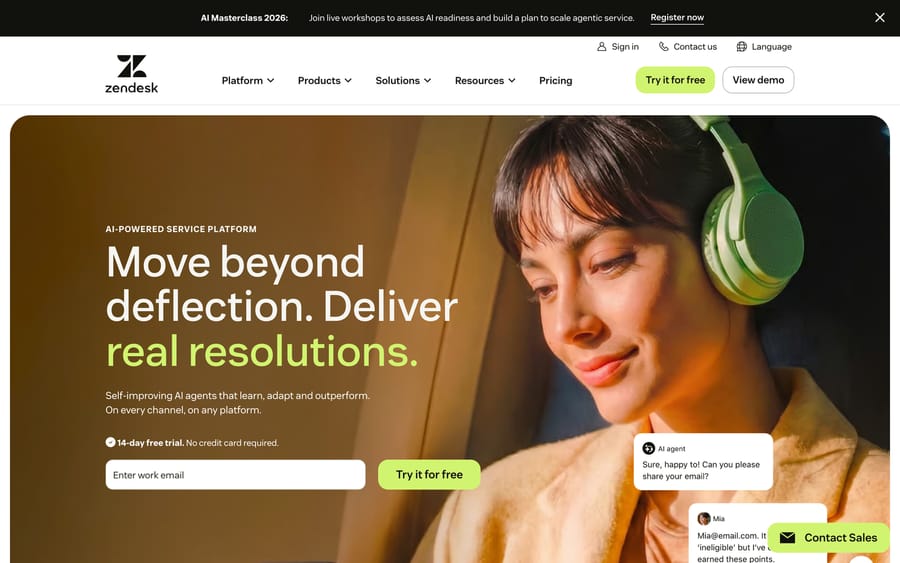
What it is: The category's most established support platform: deep, extensible omnichannel ticketing with a mature app marketplace, solid reporting, and native AI agents (built partly on its acquired Ultimate technology; Zendesk also completed its acquisition of Forethought on 26 March 2026). Who it wins for: Teams that want serious help-desk depth and a huge ecosystem without buying a marketing/sales suite to get it. If support is your core function and you don't need HubSpot's CRM gravity, Zendesk gives you more ticketing power for the money. Pricing: The basic Support Team plan is $19/agent/month; the Suite plans on the public pricing page are $55 (Team) and $115 (Professional) per agent/month billed annually, with Enterprise by quote. Suite Growth no longer appears on the public page. AI agents are billed per automated resolution; Zendesk's pricing page lists $1.50 committed or $2.00 pay-as-you-go. Copilot is $50/agent/month on Suite Professional and above. G2 rating: 4.3/5 across ~6,800 reviews. How it differs from HubSpot: Zendesk is ticketing-first where HubSpot is CRM-first. You get deeper routing, SLAs, and analytics and a bigger app marketplace, but you don't get HubSpot's unified sales/marketing record out of the box. There's no mandatory onboarding fee, though enterprise implementations still take work.
2. Freshdesk: the affordable, ticketing-first workhorse
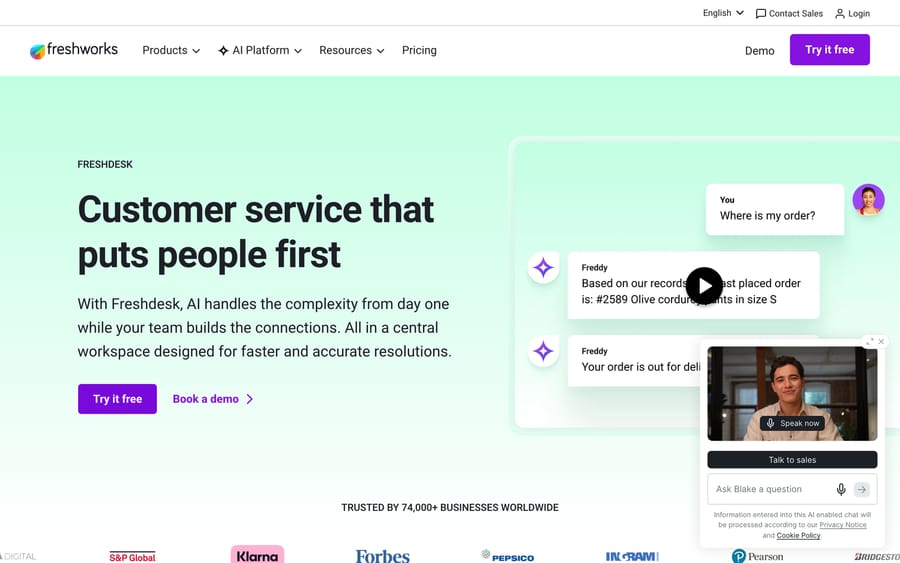
What it is: Freshworks' popular help desk: quick to set up, affordable to start, with omnichannel ticketing, automation, and the optional Freddy AI suite. Who it wins for: Cost-conscious teams that mostly live in tickets and don't want to pay HubSpot's CRM premium or onboarding fees. A $19 entry plan and a 14-day trial make it one of the lowest-friction ways to leave Service Hub. Pricing: Growth $19, Pro $55, Enterprise $89/agent/month billed annually. The pricing page no longer lists a free plan; a separate Free program covers up to 2 agents for 6 months. Freddy AI Copilot is $29/agent/month, and the Freddy AI Agent comes with a one-time allowance of 500 sessions per account, then $49 per 100 sessions. G2 rating: 4.4/5 across ~3,700 reviews; Capterra 4.5/5 (~3,400). How it differs from HubSpot: Much cheaper to start and no onboarding fee, with a ticketing-first design. The trade-off is the reverse of HubSpot's: you don't get a built-in CRM record across sales and marketing, and Freshdesk's AI is an add-on rather than a bundled customer agent.
3. Zoho Desk: the budget pick
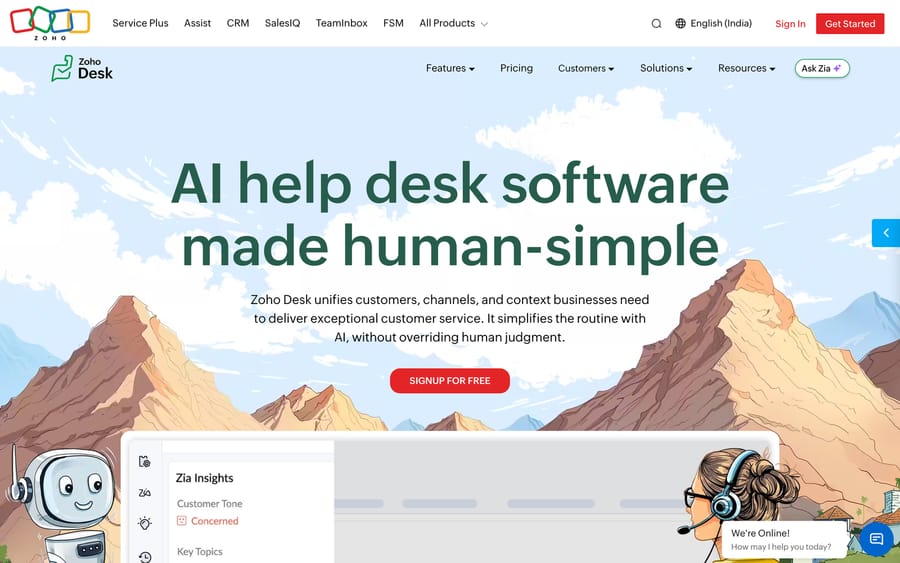
What it is: A feature-rich, omnichannel help desk that punches well above its price, with strong automation, its Zia AI assistant, and tight integration into the broader Zoho suite. Who it wins for: Budget-minded teams that want a lot of capability per dollar, and especially anyone who wants an optional CRM (Zoho CRM) without HubSpot's price tag. You can run Zoho Desk standalone or wire it into Zoho's ecosystem on your terms. Pricing: Free for up to 3 users, then Express $7 (up to 5 users), Standard $14, Professional $23, Enterprise $40/user/month billed annually, far cheaper than Service Hub Professional. Zia's AI agents and Zia Actions sit on Enterprise; Answer Bot starts on Standard. G2 rating: 4.4/5 across ~7,000 reviews, one of the largest review bases in the category. How it differs from HubSpot: A fraction of the cost with no onboarding fee or seat minimum, and arguably deeper raw help-desk features. The UI can feel busier, and if you want the unified record you'd lean on Zoho's own CRM rather than HubSpot's. Bundling is optional, not forced.
4. Help Scout: the simpler, human-first inbox
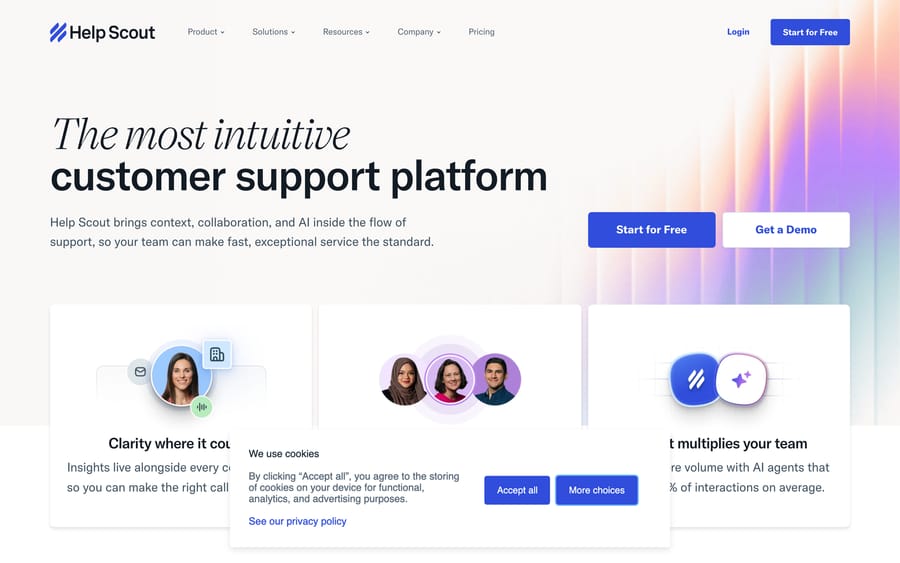
What it is: A clean, conversation-style help desk built around a shared inbox, knowledge base (Docs), and live chat (Beacon), with AI features layered in. It deliberately hides the "ticket" machinery to feel like email. Who it wins for: Small to mid-sized teams, especially SaaS and services, that find Service Hub heavy and CRM-centric and just want fast onboarding with a warm customer experience. Pricing: A free plan covers up to 5 users; paid plans are $25, $45 and $75 per user/month (Standard, Plus, Pro), with AI Answers billed at $0.75 per resolution after a 3-month free trial. G2 rating: ~4.4/5 (~440 reviews), consistently praised for ease of use and quality of support. How it differs from HubSpot: Far lighter and friendlier, with none of the CRM weight or onboarding overhead. The trade-off is depth and unification: you give up HubSpot's single sales/marketing/service record and its heavier automation in exchange for speed and simplicity.
5. Intercom (with Fin AI): the AI-first, chat-led platform
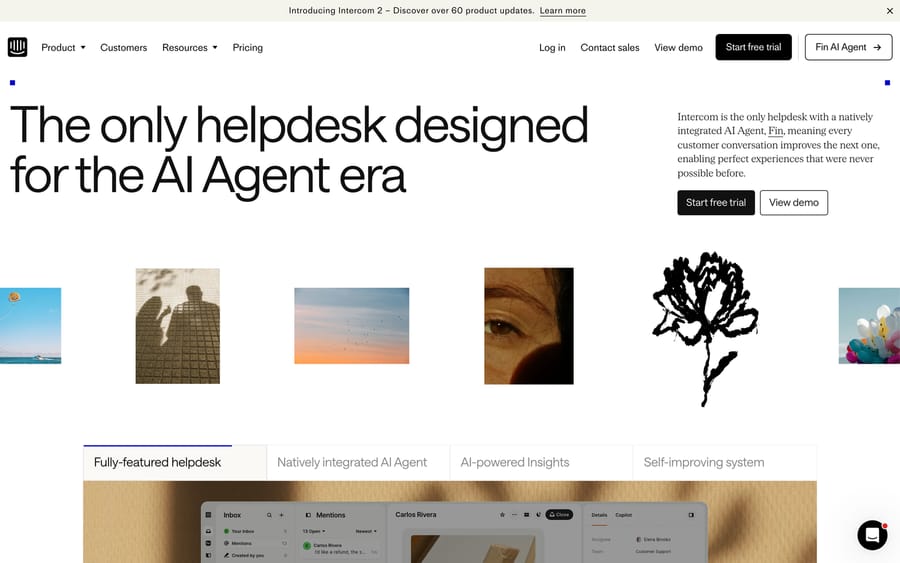
What it is: A messenger-first support and engagement platform whose Fin AI agent is one of the most-cited per-outcome products on the market. Strong at proactive in-app messaging, chat, and product-led support. Who it wins for: SaaS and digital-first companies whose support skews to in-app chat and email and who want strong AI resolution, not a marketing/sales CRM bundle. Pricing: The Essential seat is $29 a seat billed annually (Intercom has also shown $19 in a pricing test), Advanced $85 and Expert $132, with Fin charged at $0.99 per outcome on top, so your real bill depends heavily on volume. Salesforce, which completed its acquisition of Fin on 10 September 2026, cites a 76% average resolution rate. G2 rating: 4.5/5 across ~2,840 reviews. How it differs from HubSpot: A far stronger messenger and AI agent, but it's a support/engagement tool, not a CRM platform. The modular pricing is harder to predict than HubSpot's per-seat model; best when chat and AI deflection are your priority.
6. Front: the collaborative shared inbox
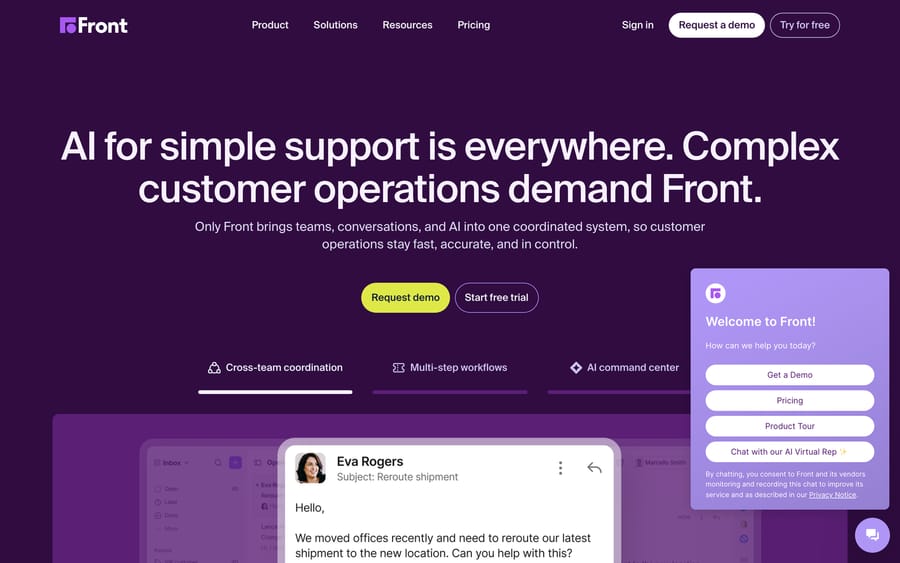
What it is: A shared-inbox platform that blends email, chat, SMS, and social into one collaborative workspace with internal comments, assignments, and shared drafts, plus AI features on top. Who it wins for: Operations-heavy, high-touch teams (logistics, finance, B2B services) where support is a team sport and conversations need real collaboration, and where a full CRM bundle would be overkill. Pricing: Per seat: Starter $25 (up to 10 seats), Professional $65 (up to 50 seats) and Enterprise $105 per seat/month billed annually. Copilot and Smart QA are $20 a seat each, Smart CSAT $10, and Autopilot starts at $0.05 per conversation. G2 rating: 4.7/5 across ~2,400 reviews, among the highest-rated tools in this list. How it differs from HubSpot: Feels like a souped-up, collaborative shared inbox rather than a CRM-anchored help desk. Collaborative teams love it; if you specifically wanted the unified customer record across sales and marketing, that's HubSpot's territory, not Front's.
7. Gorgias: the ecommerce specialist
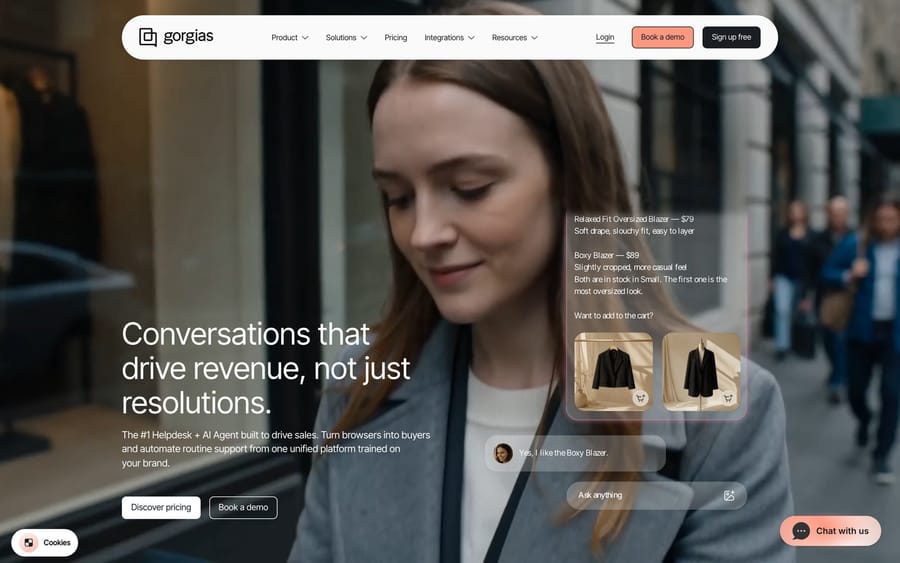
What it is: The dominant Shopify-era help desk, purpose-built for ecommerce. It pulls order, refund, and subscription data into the ticket, and its AI Agent resolves WISMO, returns, and product questions natively. Who it wins for: Shopify, BigCommerce, and DTC brands whose support is mostly order-related and who want commerce data in the ticket rather than a general-purpose CRM. Pricing: Billed on monthly ticket volume, not seats. The help desk alone runs $10, $60, $360 and $900 a month (Starter, Basic, Pro, Advanced, billed monthly), and AI Agent interactions cost $0.90 each on most plans ($1 on Starter), $1.50 past the included amount. G2 rating: ~4.6/5 across ~555 reviews. How it differs from HubSpot: Far better for retail conversations out of the box, with ecommerce data, not a marketing/sales CRM, at the center. It's a specialist: a poor fit if you're not in ecommerce, and not a general-purpose Service Hub replacement.
8. Kustomer: the conversation-CRM for support
What it is: A CRM-style support platform built around a single timeline of every customer conversation across channels, with strong data, automation, and AI agents. Who it wins for: High-volume, data-driven support teams that want a unified customer view for support without buying HubSpot's marketing and sales suite. Pricing: Quote only. Kustomer's pricing page says it doesn't post one-size-fits-all pricing, so the per-seat figures that older roundups quote are no longer published; expect a sales conversation. G2 rating: 4.4/5 across ~400 reviews. How it differs from HubSpot: Kustomer gives you a customer-360 timeline aimed squarely at support and CX, where HubSpot's record spans sales and marketing too. It's strong for high-ticket-volume operations, but you can't price it without a quote and it is narrower than HubSpot's full-funnel platform.
What if your real problem is AI cost, not the help desk?
One more thing worth saying plainly, with a disclosure: we make an AI tool, and it is not a HubSpot Service Hub alternative, so we're not listing it as one. Macha isn't a help desk at all. It's an AI agent layer that runs on top of Zendesk, Freshdesk, Gorgias, Front, HubSpot or Intercom.
Why mention it here? Because if you read the "why teams leave" list above and your real frustration is AI cost or deflection rather than the help desk itself, you may not need a migration at all: Macha connects to HubSpot, so you can add it to Service Hub where you are. And if you're already planning to move to one of the other help desks it connects to, you can add the same layer after the switch. Macha reads the customer's actual question, pulls from your connected order/CRM data and help center, and resolves routine tickets inside your existing workflow (drafting the reply, tagging, routing), then hands off to a human with full context when it isn't confident.
It's billed per ticket (one plan from $299/month for 750 tickets, one charge however many steps the agent takes), rather than per "resolution," and setup and monitoring by the Macha team are included. The honest watch-out: it only helps if you're on a help desk it connects to, it's only as good as the data and knowledge you connect, and it's one more thing to configure. If your problem is genuinely Service Hub's ticketing or CRM fit, one of the eight alternatives above is the right move, not a layer. You can see how the layer works on your help desk, or start with $50 of free usage, no credit card required.
What do real users say about HubSpot Service Hub?
Ratings tell you the average; the reviews tell you the why. HubSpot Service Hub held a G2 rating of ~4.4/5 and a Capterra rating of 4.5/5 (~4,400 reviews) in mid-2026. The praise is consistent: a clean interface, strong reporting, and the unified CRM record. The criticism clusters just as consistently around price, seat economics, and setup. A few verbatim, attributed reviews from Capterra (G2's review pages are bot-walled and return a 403 to automated access, so we sourced quotes from Capterra, which serves them publicly):
"While HubSpot Service Hub is packed with features, the pricing can be steep, especially for small businesses." — Heather T., Owner and Operator (Facilities Services), Capterra
"Pay per seat instead of pay per team. As we get more and more members, it can be a bit pricy." — Pedro A., Marketing & Growth Ops (Financial Services), Capterra
"Set up can [be] really tricky. We had to hire a 3rd party team that met with our team and walked us through set up." — Joshua R., Director of WIX (Marketing and Advertising), Capterra
"Poor UX for support ticketing, lacking in core functionality, behind the curve on AI capabilities." — Bo L., VP of Customer Success (Computer Software), Capterra
Read together, the themes line up with the reasons teams shop around: pricing that's hard to justify below a certain scale, per-seat economics that climb with headcount, onboarding that often needs outside help, and ticketing/AI that some support-first teams find thinner than a dedicated help desk. Plenty of reviewers also love the unified record and reporting, which is exactly why the right move depends on your specific friction.
What users say about the top alternatives
The same role-and-platform attribution applies here (G2 pages are bot-walled to automated access, so these reflect verbatim sentiment we read on Capterra, which serves reviews publicly, plus aggregate G2 themes):
"For the cost, Freshdesk is a great ticketing platform... nothing else came close to this balance of features and usability for the price." — small-business support reviewer on Capterra (2026).
Zoho Desk "offers tremendous functionality and value, with the trade-off of a learning curve and some occasional rough edges," a recurring note that the platform is highly configurable but can overwhelm new teams. — small-business reviewer on Capterra/G2 (2026).
Zendesk earns consistent praise for automation, routing, and reporting, but reviewers caution the agent workspace "can feel heavy and slow when handling a large number of tickets" and that pricing "can be expensive for smaller teams." — support-team reviewers on G2 (2026).
How do you choose the right HubSpot Service Hub alternative?
- Name your real reason for leaving. If it's price or onboarding fees, look at Freshdesk or Zoho Desk. If it's ticketing depth, Zendesk. If it's simplicity, Help Scout. If it's AI and chat, Intercom. If it's ecommerce, Gorgias. If it's a support-focused customer-360, Kustomer. Don't switch platforms to fix a single feature gap.
- Decide how much CRM you actually need. HubSpot's edge is the unified sales/marketing/service record. If you don't use the rest of HubSpot, a focused help desk is cheaper and cleaner. If you do, weigh the migration carefully; you may be giving up real value.
- Model the total cost, including onboarding and AI. Service Hub taught everyone this lesson: the per-seat sticker isn't the real bill. Add onboarding fees, seat minimums, and AI usage (per seat, per resolution or per outcome), then compare like-for-like at your actual volume.
- Match the tool to your channel mix. Chat- and product-led? Intercom. Email-heavy and collaborative? Front. Omnichannel on a budget? Zoho Desk or Freshdesk. Order-driven retail? Gorgias. High volume with a unified timeline? Kustomer.
- Pilot on a real slice of your queue. Whatever you shortlist, run it on live tickets and measure resolution rate, CSAT, and time-to-first-response against your Service Hub baseline before you commit.
If you want to keep HubSpot and replace only its AI agent, see the best HubSpot Breeze alternatives.
Frequently asked questions
What is the best HubSpot Service Hub alternative in 2026? There's no single winner; it depends on why you're leaving. Zendesk is the strongest ticketing-first upgrade; Freshdesk and Zoho Desk are the best value and avoid onboarding fees; Help Scout wins on simplicity; Intercom leads on chat and AI; Front is best for collaborative, email-heavy teams; Gorgias owns ecommerce; and Kustomer is the support-focused customer-360. Pick the one that fixes your specific reason for looking.
Why do teams leave HubSpot Service Hub? The most common reasons are price and seat economics (Professional is $90/seat/month billed annually and you pay per seat as you grow), onboarding fees ($1,500 on Professional, $3,500 on Enterprise, plus a 10-seat Enterprise minimum reported by third-party guides), and the fact that Service Hub is CRM-first: great if you use all of HubSpot, less ideal if you just want a focused, ticketing-first help desk. See our full HubSpot Service Hub pricing guide for the breakdown.
What's the cheapest HubSpot Service Hub alternative? Zoho Desk (free for up to 3 users, then from $7–$14/user/month) is the most budget-friendly full help desk, followed by Freshdesk (from $19/agent/month) and Help Scout (free for 5 users, then $25/user). None of them charges HubSpot's onboarding fees. Remember to add AI costs when comparing; the base price is rarely the final number.
Do I have to keep HubSpot's CRM to use these? No. Zendesk, Freshdesk, Zoho Desk, Help Scout, Front, Gorgias, and Kustomer all run as standalone help desks and integrate with whatever CRM you use (including HubSpot's CRM if you keep it). The whole point of leaving Service Hub for one of these is to get a focused help desk without committing to the full HubSpot bundle.
Can I add AI to my help desk without switching? Yes. If your real goal is better AI deflection, you can layer an AI agent on top of the help desk you have instead of relying on the native add-on. Macha does that for Zendesk, Freshdesk, Gorgias, Front, HubSpot or Intercom, HubSpot included, resolving routine tickets inside your existing workflow and escalating to a human with context, billed per ticket.
Which alternative should you shortlist first?
Shortlist the one that fixes your specific reason for looking. Zendesk is the ticketing-first heavyweight; Freshdesk and Zoho Desk are the value picks that skip the onboarding fees; Help Scout is the simplicity choice; Intercom is the AI- and chat-led platform; Front is the collaborative inbox; Gorgias is the ecommerce specialist; and Kustomer is the support-focused customer-360. Decide how much CRM you actually need, model the total cost including onboarding and AI, and pilot on real tickets before you migrate. And if your real frustration turns out to be AI deflection rather than the help desk itself, an AI layer on top can solve that on HubSpot or after a move, without another migration.
Vendor prices re-checked on vendor pages on 24 September 2026; ratings are mid-2026 readings. Help desk and AI pricing in this category changes fast, so confirm current terms on each vendor's site before buying.






