Intercom
 Shopify
 Stripe
 Slack
Slack Notion
 Google Workspace
 Confluence

The Best Zendesk Alternatives for Enterprise (2026)


Zendesk scales — that was never the question. The question enterprise buyers actually ask is narrower: does Zendesk scale on our terms? At enterprise size, the decision stops being about ticket queues and macros and starts being about SOC 2 and ISO reports your security team will read line by line, HIPAA and data-residency commitments, governance and audit trails, deep customization, omnichannel and contact-center depth, analytics your CFO trusts, and whether the tool has a real platform or CRM story behind it.

On those axes, Zendesk's enterprise tier is strong but pointed. Suite Enterprise lists from $169/agent/month, with Enterprise Plus moving to quote-only, and the capabilities enterprises specifically need tend to live in stacked add-ons: Advanced AI at $50/agent, the Contact Center at $50/agent, and Advanced Data Privacy & Protection — the layer that carries the HIPAA/GDPR controls — at another $50/agent. Add governance, and the effective per-seat number drifts well past the sticker. And because Zendesk is a customer-experience platform first, it has real ITSM gaps for orgs that want IT/dev service management on the same backbone.
None of that makes Zendesk wrong. It makes it worth pressure-testing against platforms built for a different center of gravity — CRM, ITSM, AI-first deflection, or contact-center scale. Below are seven enterprise-grade options, each with where it wins, its compliance/scale notes, its pricing model (mostly quote-only — we say so), and the catch.
A note on what "enterprise-grade" means here. We use it to mean: SOC 2 Type II / ISO 27001 attestations, HIPAA support where relevant, configurable data residency, role-based governance and audit logs, SSO/SCIM, deep customization, and a vendor that sells and implements at scale. Every tool below clears that bar in some form — the differences are in which enterprise problem they were built to solve.
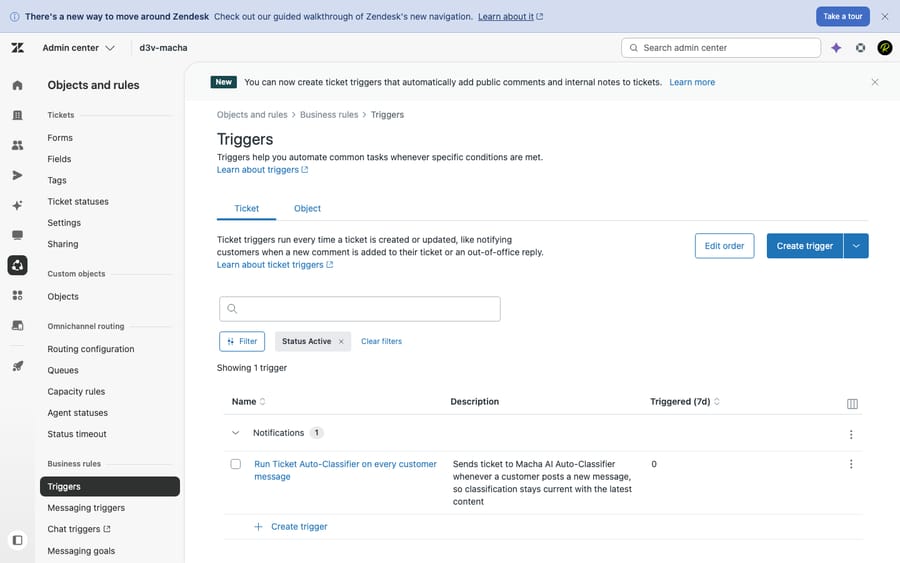
Zendesk's Triggers and automation admin in a live test account — the conditional routing depth enterprises require, and a fair preview of the configuration overhead that comes with running it at scale. Every alternative below is measured against this baseline.
How we built this list. Pricing is verified against vendor pages and current third-party pricing trackers (June 2026); most enterprise tiers are quote-only, and we label them as such rather than inventing a number. Capabilities and compliance claims are checked against each vendor's product and trust documentation. Sentiment reflects G2 ratings observed June 2026 (review-base sizes vary widely, so treat star averages as directional). We run Zendesk hands-on in a live test account (screenshot above) to set the baseline. Macha is our own product; it appears only as an aside because it's an AI layer you add on top of a helpdesk, not a helpdesk you'd switch to — more on that below.
The 7 best Zendesk alternatives for enterprise
This is a curated shortlist, not a directory. Each pick represents a distinct enterprise center of gravity — pick the one that matches where your org's gravity already is.
1. Salesforce Service Cloud — best when the CRM is the system of record
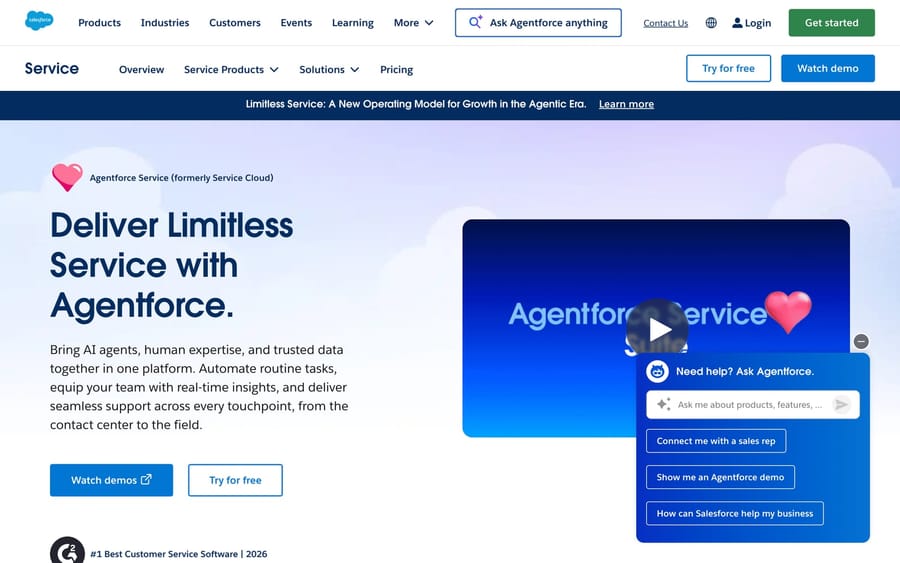
If your company already runs on Salesforce, Service Cloud puts support on the same customer record as sales and marketing — one timeline, one data model, one set of automations. That unification is the whole pitch, and at enterprise scale it's a genuinely strong one.
- Enterprise strengths: unmatched customization (Flow, Apex, custom objects), Agentforce/Einstein AI, omnichannel, and the AppExchange ecosystem. A true platform, not just a desk.
- Compliance & scale: SOC 2, ISO 27001, PCI, HIPAA via the appropriate editions/agreements, Hyperforce for data residency, granular governance and field-level security. Built for regulated, global orgs.
- Pricing model: published per-user list — Starter $25, Pro $100, Enterprise $165, Unlimited $330, Einstein 1 Service $500 (per user/month, annual). But add-ons (Digital Engagement, Voice, Field Service) run $50–200/user each, so a realistic Enterprise deployment lands around $400–600/user/month at list before discount. List prices rose ~6% in late 2025.
- The catch: total cost of ownership and implementation complexity. You will likely need a partner to deploy it well, and the bill is rarely the sticker. G2 ~4.4/5 (note: the listing now blends "Agentforce Service" AI sentiment, so treat as approximate).
Compare in depth: Zendesk vs. Salesforce Service Cloud →
2. ServiceNow — best for enterprise workflow and ITSM at scale
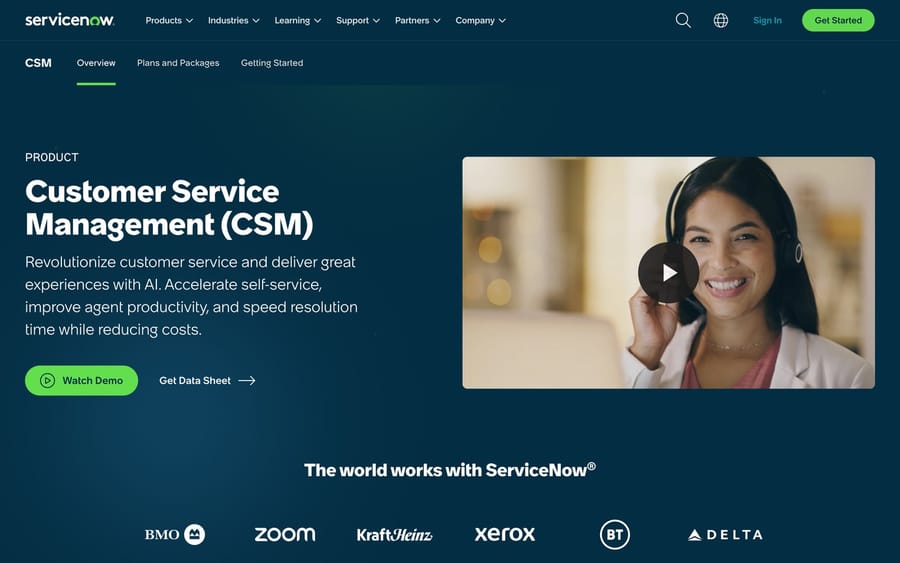
ServiceNow is the heavyweight for organizations that want customer service, IT service management, HR, and operations running on a single workflow platform. It serves a large share of the Fortune 500 and dominates the ITSM market — if your "support" problem is really an enterprise workflow problem, this is the category leader.
- Enterprise strengths: the Now Platform's workflow engine, deep ITSM/CSM integration, change/incident/problem management, low-code app building, and AI (Now Assist) across the stack.
- Compliance & scale: extensive — SOC 2, ISO 27001/27017/27018, FedRAMP, HIPAA, and regional data-center options. Built for the most demanding governance requirements.
- Pricing model: quote-only. ServiceNow does not publish list pricing; CSM "Fulfiller" licenses commonly land around $130–180/user/month depending on roles, modules, and volume, on top of substantial implementation fees.
- The catch: cost and complexity are real. For a customer-support-only team it's overkill; the value shows up when you're consolidating multiple enterprise workflows. G2 4.4/5 (CSM).
Compare in depth: Zendesk vs. ServiceNow →
3. Intercom — best for AI-first deflection at scale
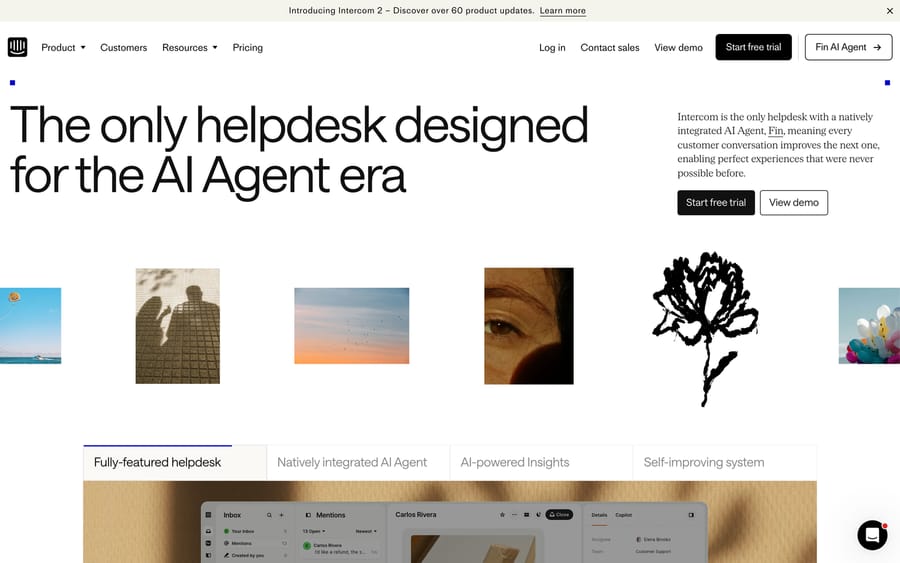
Update (September 2026): Salesforce completed its acquisition of Fin — the company that had already renamed itself from Intercom on May 12, 2026, before any deal was signed — on September 10, 2026, in a deal worth ~$3.6 billion, and plans to fold it into Salesforce's Agentforce. Worth weighing in any long-term Intercom/Fin decision.
Intercom has bet the company on AI, and at enterprise volume its Fin agent is one of the more credible autonomous-resolution stories on the market. If your strategy is "deflect as much as possible before a human touches it," Intercom is built around that goal rather than bolting it on.
- Enterprise strengths: Fin AI agent, strong in-app/messenger experience, modern workspace, and a clean product-led support model.
- Compliance & scale: SOC 2 Type II, ISO 27001, HIPAA-supported configurations, SSO/identity management on the Expert tier. Solid, though historically more product-led-growth than classic enterprise-IT in feel.
- Pricing model: published seat tiers — Advanced $85 and Expert $132/seat/month (annual), with the entry Essential plan inside a live pricing test at $19 to $29 — plus Fin at $0.99 per resolution. Enterprise contracts are quote-only; high-volume orgs (25+ seats, heavy AI) commonly report $75k–$200k+/year, with the AI line often the majority of spend.
- The catch: the per-resolution AI model makes costs scale directly with volume — predictable per unit, but it climbs fast and the AI line can dwarf the seat line. G2 4.5/5.
Compare in depth: Zendesk vs. Intercom →
4. Genesys Cloud CX — best for contact-center / CCaaS depth
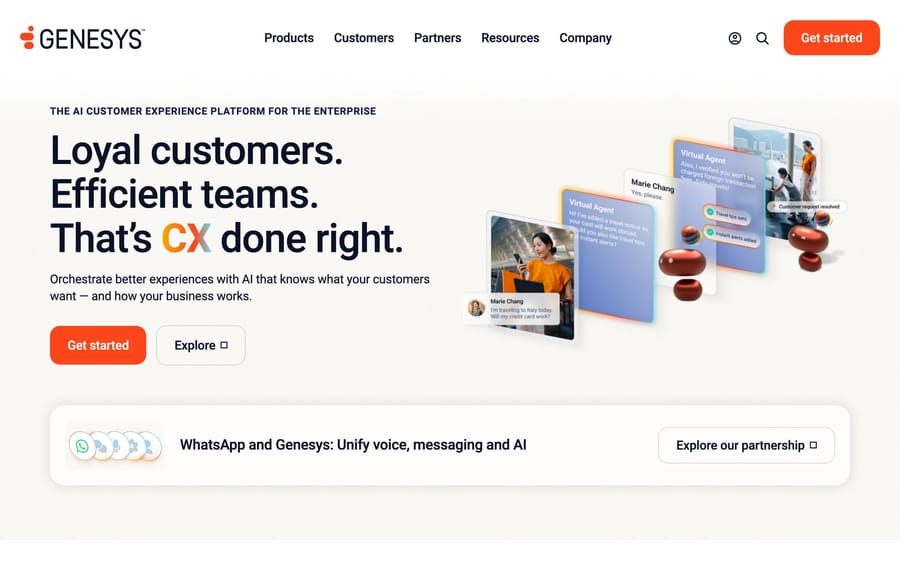
When the enterprise requirement is voice-first, omnichannel routing, workforce engagement management, and contact-center-grade reporting, a CX/CCaaS platform like Genesys is a more natural fit than a ticketing tool with a voice add-on. Genesys started in telephony and moved to cloud, and that heritage shows in routing and call-flow customization.
- Enterprise strengths: advanced ACD/IVR routing, WEM (forecasting, scheduling, quality), omnichannel, and a deep customization story for complex call flows.
- Compliance & scale: SOC 2, ISO 27001, PCI DSS, HIPAA, and FedRAMP options — built for large, regulated contact centers.
- Pricing model: more transparent than most here — from about $75/user/month, with pay-as-you-go consumption options that can be cost-effective versus on-prem. Enterprise bundles are still quote-driven.
- The catch: it's a contact-center platform, not a help desk — if your need is text-first ticketing rather than voice/omnichannel routing, it's more than you need. The recurring review theme is cost. G2 4.4/5. (Alternative in this lane: Sprinklr Service, a unified-CX platform strong on social/digital channels; enterprise entry around $4,200/user/year, G2 4.3/5.)
5. Freshworks / Freshdesk Enterprise — best balance of enterprise features and price
Freshdesk is the most direct like-for-like alternative to Zendesk, and its Enterprise tier brings the governance and AI features larger teams need at a generally lower price point than the equivalent Zendesk stack. For mid-market-to-enterprise orgs that want enterprise capability without enterprise-grade complexity, it's the value pick.
- Enterprise strengths: ticketing, omnichannel, automation, knowledge base, audit logs, approval workflows, and Freddy AI — with a noticeably gentler setup curve than Salesforce or ServiceNow.
- Compliance & scale: SOC 2, ISO 27001, HIPAA, GDPR, and data-residency options across regions. The Enterprise plan is explicitly aimed at regulated industries with stricter internal policies.
- Pricing model: published — Enterprise $79/agent/month (annual) (some trackers list ~$89), plus Freddy AI Copilot at $29/agent and Freddy AI Agent at $49 per 100 sessions (after a free allotment). Far more transparent than the quote-only crowd.
- The catch: at the very top end, the deepest analytics and extensibility still favor the bigger platforms; Freshworks trades a little ceiling for a lot of simplicity. G2 ~4.4/5.
6. Kustomer — best for omnichannel CX at high volume
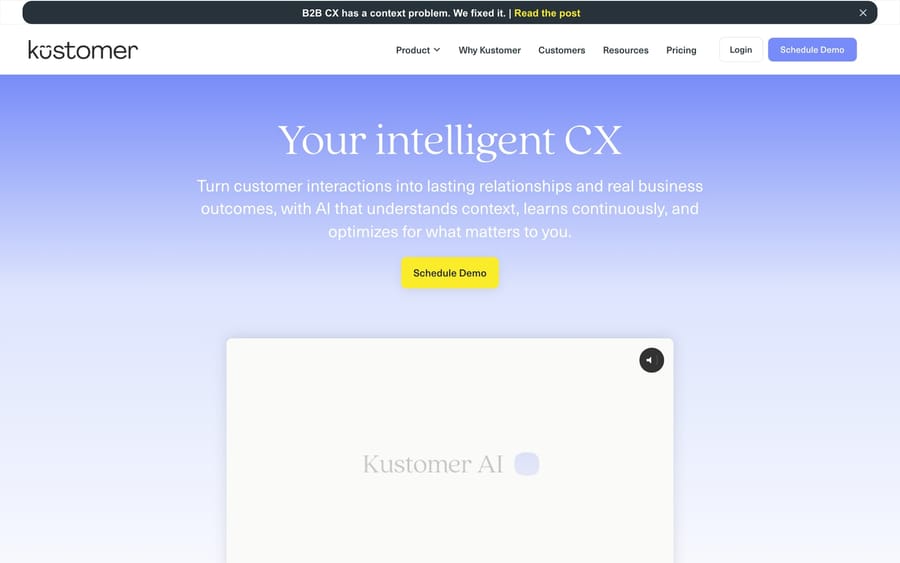
Kustomer is built around a single customer timeline across every channel, designed for high-volume, direct-to-consumer support where agents need full context in one view rather than hopping between tools. For brands managing large contact volumes, that unified-record model is the differentiator.
- Enterprise strengths: the unified customer timeline, omnichannel queue, automation/business rules, and AI-assisted resolution — strong for consumer-scale CX operations.
- Compliance & scale: SOC 2, ISO 27001, HIPAA, and GDPR support; built to handle high message volume.
- Pricing model: published with conditions — Enterprise $89/user/month, Ultimate $139/user/month, both annual, with an 8-seat minimum (so a floor of ~$8,544/year). Voice, SMS, and WhatsApp are billed as usage on top (voice from ~$0.02/min).
- The catch: the seat minimum and usage-based channel/AI add-ons make it an investment, and the fit is narrower (high-volume B2C) than a general-purpose platform. G2 4.5/5.
Compare in depth: Zendesk vs. Kustomer →
7. Jira Service Management — best for IT and dev-centric enterprises
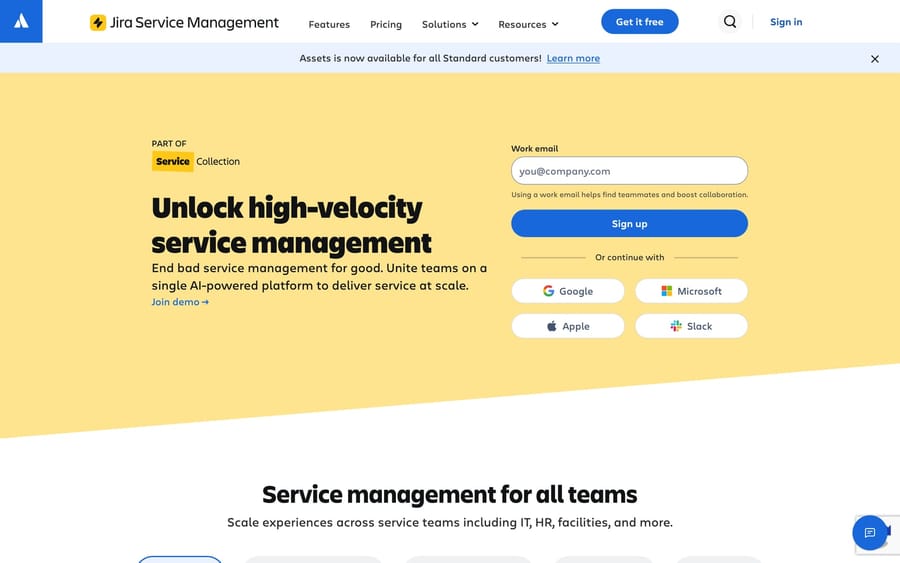
If your enterprise lives in the Atlassian world — Jira, Confluence, Bitbucket — Jira Service Management keeps service requests, incidents, and changes connected to the engineering work that resolves them. For IT and developer-heavy organizations, that tight loop between tickets and the dev backlog is hard to replicate elsewhere.
- Enterprise strengths: ITIL-aligned incident/problem/change management, native Jira/Confluence integration, asset management, and automation — purpose-built for IT and DevOps.
- Compliance & scale: SOC 2, ISO 27001/27018, PCI, HIPAA (on appropriate plans), and data-residency options through Atlassian's cloud.
- Pricing model: published — Free (up to 3 agents), Standard $20/agent, Premium $51.42/agent, and Enterprise quote-only (per agent/month; only ticket-handling agents are billed, requesters are free). Note: Atlassian is phasing out Data Center — new customers lose access to new Data Center subscriptions after March 30, 2026 — so cloud is the path forward.
- The catch: it's excellent for internal IT/dev service but less polished for external, customer-facing CX. G2 4.3/5.
Compare in depth: Zendesk vs. Jira Service Management →
Enterprise comparison at a glance
| Tool | Pricing model | Best for | G2 rating |
|---|---|---|---|
| Zendesk (baseline) | Suite Enterprise from $169/agent; Enterprise Plus quote-only (+ stacked add-ons) | CX-first enterprises wanting a mature, configurable desk | 4.3 / 5 |
| Salesforce Service Cloud | Published $25–$500/user; effective ~$400–600 with add-ons | CRM-unified service (Salesforce shops) | ~4.4 / 5 * |
| ServiceNow | Quote-only (~$130–180/user fulfiller + implementation) | Enterprise workflow & ITSM at scale | 4.4 / 5 |
| Intercom | $19–$29 entry to $132/seat + Fin $0.99/resolution; enterprise quote-only | AI-first deflection at scale | 4.5 / 5 |
| Genesys Cloud CX | From ~$75/user + pay-as-you-go; bundles quote-driven | Contact-center / CCaaS depth (voice-first) | 4.4 / 5 |
| Freshdesk Enterprise | Published $79/agent (+ Freddy add-ons) | Enterprise features at a better price | ~4.4 / 5 |
| Kustomer | $89–$139/user, 8-seat min; usage add-ons | Omnichannel CX at high volume (B2C) | 4.5 / 5 |
| Jira Service Management | Free / $20 / $51.42 / Enterprise quote-only | IT & dev-centric enterprises (Atlassian) | 4.3 / 5 |
G2 ratings observed June 2026; review-base sizes differ greatly, so a higher average on a small base isn't directly comparable to a slightly lower one on thousands of reviews. \ Salesforce Service Cloud's G2 listing now blends "Agentforce Service" AI sentiment, so its star average is hard to isolate — treat as approximate.*
How to evaluate an enterprise help desk (beyond the feature grid)
At enterprise scale, the feature checklist is the easy part — most of these platforms can technically do most things. The decision usually turns on three things that don't show up in a comparison table:
1. Security, compliance, and governance. Get the actual artifacts, not the marketing page. Ask for the SOC 2 Type II report and ISO 27001 certificate, confirm HIPAA support (and a BAA) if you handle PHI, and verify data residency in the regions your legal team requires. Then check the governance layer you'll live with daily: SSO/SCIM, role-based access, field-level permissions, audit logs, and data-retention controls. With Zendesk, note that several of these sit in the Advanced Data Privacy & Protection add-on rather than the base plan — a real factor when comparing effective cost.
2. Total cost of ownership, not sticker price. Model it at your real seat count, then add the lines that hide: AI/resolution charges (Fin's per-resolution, Freddy's per-session, Einstein/Agentforce), channel add-ons (voice, social, digital engagement), premium support, sandbox/environment fees, and renewal uplift. For quote-only vendors (ServiceNow, Enterprise tiers everywhere), get the multi-year number including implementation — that's frequently the largest single line in year one.
3. Implementation and time-to-value. A platform you can't deploy is a platform you don't have. Salesforce and ServiceNow typically mean a partner-led implementation measured in months; Freshdesk, Intercom, and Jira Service Management can stand up far faster. Be honest about your internal admin capacity — the routing depth in the Zendesk screenshot above is powerful, but someone owns that configuration forever. Weigh ongoing administration, not just the initial build.
Run all three against your shortlist and the field usually narrows itself to one or two.
Where Macha fits (the honest aside)
Worth ruling in or out before a replatform: if the only reason you're evaluating alternatives is that Zendesk's AI doesn't resolve enough, switching enterprise platforms is an expensive way to fix an AI gap. Macha is an AI agent layer that runs on top of your existing enterprise desk — Zendesk, Salesforce Service Cloud, Freshdesk, and others — adding autonomous resolution and automation without a migration. It is not a help desk and not one of the alternatives on this list; it's the thing you'd add to whichever platform you keep or choose.
It also bills differently on purpose. Where Fin charges per resolution and Zendesk/Einstein price AI per outcome, Macha is an automation platform: you pay per ticket (one charge per thread, however many replies), on one plan priced on ticket volume from $299/month for 750 tickets — and the model you assign to simple triage or complex resolutions doesn't change the charge. Think in three buckets when you evaluate AI: deflection vs. resolution vs. automation. Macha sits in automation — it can deflect and resolve, but the same per-ticket charge also covers summarizing, tagging, routing, or looking up data in another system, not just closing a ticket.
The watch-out, stated plainly: a layer is only as good as the desk and the knowledge base underneath it. If your help center is thin or your CRM data is messy, an AI layer surfaces that faster than it fixes it — clean knowledge and clean data come first. Macha is the right answer when the helpdesk fits but the AI doesn't; it's the wrong answer if the platform itself is genuinely failing you at scale.
Fix the AI gap without the migration. See how Macha adds autonomous AI agents on top of your existing enterprise desk. $50 of free usage, no credit card required. Learn more.
Frequently asked questions
What is the best Zendesk alternative for enterprise? It depends on your center of gravity. Salesforce Service Cloud wins for CRM-unified service, ServiceNow for enterprise workflow and ITSM, Intercom for AI-first deflection, Genesys for contact-center/voice depth, Freshdesk Enterprise for value, Kustomer for high-volume B2C omnichannel, and Jira Service Management for IT/dev-centric Atlassian shops. Match the tool to the problem you're actually solving, not the longest feature list.
Why is enterprise help desk pricing usually quote-only? Because enterprise deals vary enormously by seat count, modules, channels, AI usage, data-residency needs, and implementation scope. ServiceNow and the top tiers of most vendors negotiate per customer. Always get a multi-year quote that includes implementation and AI/usage lines, not just the per-seat sticker.
Are these alternatives SOC 2 and HIPAA compliant? All seven offer SOC 2 (Type II) and ISO 27001, and provide HIPAA support on the appropriate editions with a BAA. Specifics — FedRAMP, PCI, regional data residency — differ by vendor and plan, so request the current attestations directly and confirm they cover the regions and frameworks your security and legal teams require.
Where does Zendesk's enterprise tier fall short? Three places come up most: pricing transparency (Enterprise Plus is quote-only and core capabilities stack as paid add-ons), the HIPAA/governance controls living in the Advanced Data Privacy & Protection add-on rather than the base plan, and ITSM depth — Zendesk is CX-first, so dedicated IT/dev service management is a gap that ServiceNow or Jira Service Management fill natively.
Do we have to migrate off Zendesk to get better enterprise AI? No. If the platform fits but the AI underperforms, an agent layer like Macha adds autonomous resolution and automation on top of Zendesk (or whichever enterprise desk you choose) without a migration — you keep your data, config, integrations, and your team's muscle memory.
The bottom line
For enterprise buyers, "best Zendesk alternative" resolves to a single question: which platform matches the problem you're really solving? If it's CRM unification, Salesforce Service Cloud; enterprise workflow and ITSM, ServiceNow; AI-first deflection, Intercom; voice and contact-center depth, Genesys; enterprise capability at a kinder price, Freshdesk Enterprise; high-volume B2C omnichannel, Kustomer; IT and dev service in an Atlassian stack, Jira Service Management. Evaluate them on compliance artifacts, true TCO, and time-to-value — not the feature grid. And keep the AI question separate from the platform question: you can replatform, or you can keep the desk that fits and add an AI layer on top. Choose the platform for fit; choose your AI deliberately.
Add AI agents to your Zendesk
Macha reads the ticket, drafts the reply and takes the action, inside the Zendesk you already run.