Shopify
 Stripe
 Slack
Slack Notion
 Google Workspace
 Confluence

Best Zendesk Agent Productivity Apps (2026): 13 Marketplace Apps Scored


The best Zendesk agent productivity apps in October 2026 are SweetHawk's Hide Ticket Fields, GrowthDot's Email Tracking, Read Receipts for Zendesk Pro and Lovestock and Leaf's Quickie, which each scored 10 of 10 on our five public criteria. Zendesk's Marketplace files 382 apps under Agent Productivity, 371 of them from third parties, and 226 of those third-party apps have no reviews at all. We scored 13 apps that have real review histories and do a specific job inside the ticket or the queue, and we show every score so you can disagree with us line by line.
Key takeaways
- Hide Ticket Fields, Email Tracking, Read Receipts for Zendesk Pro and Quickie tie at 10 of 10, ordered by review count, with Hide Ticket Fields on 865 reviews.
- Most paid apps here cost between $0.50 and $3 per agent per month, so the price question is usually about how many agents need access.
- Three of the most installed apps in this list, Ticket History, Split 'n' Close and Download All Attachments, lose points on ratings below 4.0 stars.
- Download All Attachments is free, and its listing was updated April 4, 2025, so it scores 1 on maintenance.
- Apps that write internal notes, ticket fields or signatures change what an AI agent reads and writes on the same ticket, so check them before an agent goes live.

The 13 apps at a glance
| # | App | Maker | What it does | Reviews (avg) | Price | Score |
|---|---|---|---|---|---|---|
| 1 | Hide Ticket Fields | SweetHawk | Hides selected ticket fields from agents | 865 (4.99) | Free | 10 |
| 2 | Email Tracking | GrowthDot | Email opens, clicks and replies on the ticket | 124 (4.83) | $2 or $3 per agent/month | 10 |
| 3 | Read Receipts for Zendesk Pro | Infigos LLC | Read receipts and link tracking | 77 (4.95) | $2 per agent/month | 10 |
| 4 | Quickie | Lovestock & Leaf | Search, view folders, bookmarks | 68 (4.93) | $0.50 per agent/month | 10 |
| 5 | Notify | SweetHawk | Trigger-driven pop-up notifications | 191 (5.00) | $2 per agent/month | 9 |
| 6 | Zignatures | Andrey Sarapulov | Dynamic agent signatures | 72 (4.57) | Free | 9 |
| 7 | Lovely Views | Lovestock & Leaf | Work the queue without opening tickets | 28 (4.96) | $1.95 per agent/month | 9 |
| 8 | Reply From | Reply From | Picks the sender address per ticket | 23 (5.00) | $1 per agent/month | 9 |
| 9 | Routing | Playlist | Round robin and capacity-based assignment | 12 (4.67) | $9 per agent/month | 9 |
| 10 | Tickler FREE | Lovestock & Leaf | Checklists inside tickets | 124 (3.76) | Free | 8 |
| 11 | Split 'n' Close | SmallCubed Inc. | Split a ticket, close with a reason | 82 (3.79) | Free, Premium $3 per user/month | 8 |
| 12 | Ticket History | Zena Hirsch | Requester's recent tickets in the sidebar | 523 (3.62) | Free | 7 |
| 13 | Download All Attachments | Sparkly | All of a ticket's attachments in one click | 146 (3.68) | Free | 7 |
Review counts and per-star breakdowns come from the Zendesk Marketplace catalog; the average is computed from that breakdown because the listing pages show only the count. Prices come from the vendor's site where it prints one, otherwise from the Marketplace plan data. Everything was read on October 29, 2026.
How we scored them
We started from every app in the Marketplace's Agent Productivity category and kept third-party apps with at least 10 reviews whose main job happens inside Zendesk Support: a field, a reply, a queue, an assignment. We left out AI drafting apps, because we compare those in our ranking of Zendesk AI copilot apps, and connectors to engineering tools, which our Zendesk integrations for dev teams post covers. Macro apps get their own roundup. Each app is scored 0 to 2 on five criteria.
| Criterion | 2 points | 1 point | 0 points |
|---|---|---|---|
| Marketplace reviews | Average 4.5+ with 50+ reviews | 4.0+ with 10+ reviews | Fewer or none |
| Published price | Full price on the listing or vendor site | A free tier or "from" price only | Contact sales |
| Works in the ticket | Acts inside the ticket or agent workspace with documented features | View-only or limited | Unclear |
| Setup effort | Marketplace install with documented self-serve setup | Needs configuration help or an onboarding call | Custom work or undocumented |
| Maintained | Listing or app updated in the last 12 months | 12 to 24 months | Older or unknown |
Maintained uses the date the listing shows as Last updated. Ties are broken by review count. We count a fully free app as a full published price, since there's nothing left to ask sales. The rubric rewards what a buyer can check before installing, not how well an app works on your account; only a sandbox trial tells you that.
Zendesk's own apps, the obvious defaults, sit outside the ranking: User Data has 11,368 reviews averaging 3.41, Five Most Recent 8,605 averaging 3.30, and Time Tracking 5,679 averaging 3.56.
The 13 apps, ranked
1. Hide Ticket Fields: one job, done for free, 10/10
SweetHawk's Hide Ticket Fields is the most reviewed third-party app in the category, with 865 reviews averaging 4.99 and more than 1,500 installs. The listing describes it as an app that "hides ticket fields you select in the agent interface for all agents." That's the whole feature. It doesn't hide fields by role, group or field value; the listing points you to SweetHawk's separate Field Rules app for that. SweetHawk's pricing page lists it as "Free forever," and the listing shows an update in March 2026.
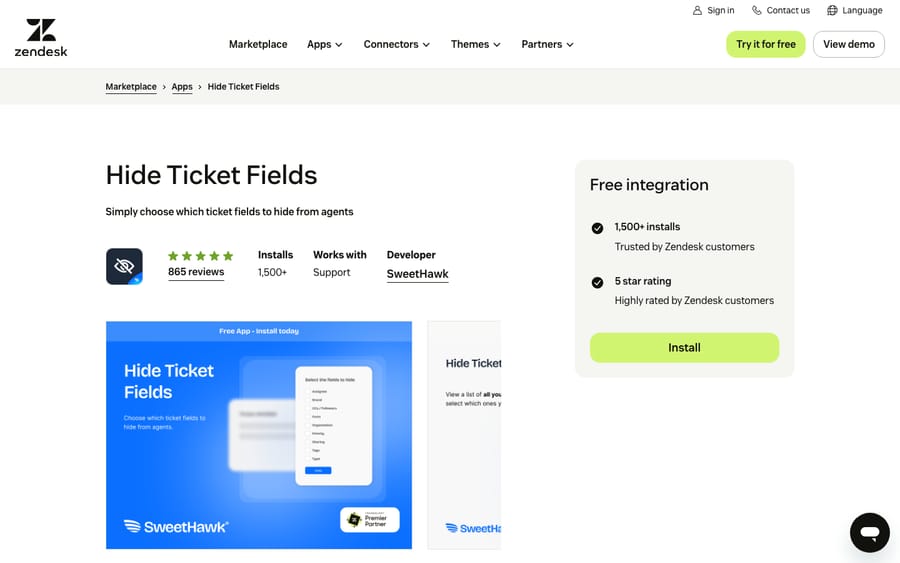
Scores: reviews 2, price 2, works in the ticket 2, setup 2, maintained 2.
The incentive behind a free app from SweetHawk is easy to read: the same pricing page sells a Suite of its apps at $12 per agent per month billed annually, or $15 monthly. A free app with 865 good reviews brings support admins to that page, which gives SweetHawk a reason to keep it maintained.
Best for: admins with fields that exist for reporting or integrations and only clutter the agent's view.
2. Email Tracking: opens, clicks and replies on the ticket, 10/10
GrowthDot's Email Tracking shows whether a customer opened your reply, clicked a link or replied, with the open date, time and device. It adds Seen and Unseen columns to personal views, writes an internal note when a ticket follower opens an email, and stops tracking once the ticket closes. It has 124 reviews averaging 4.83. Pricing is $2 per agent per month for Lite and $3 for Pro on monthly billing, with a 7-day trial; Pro adds link and attachment tracking, 30 days of history instead of 10, and agent comparison. You pay only for agents who use it.
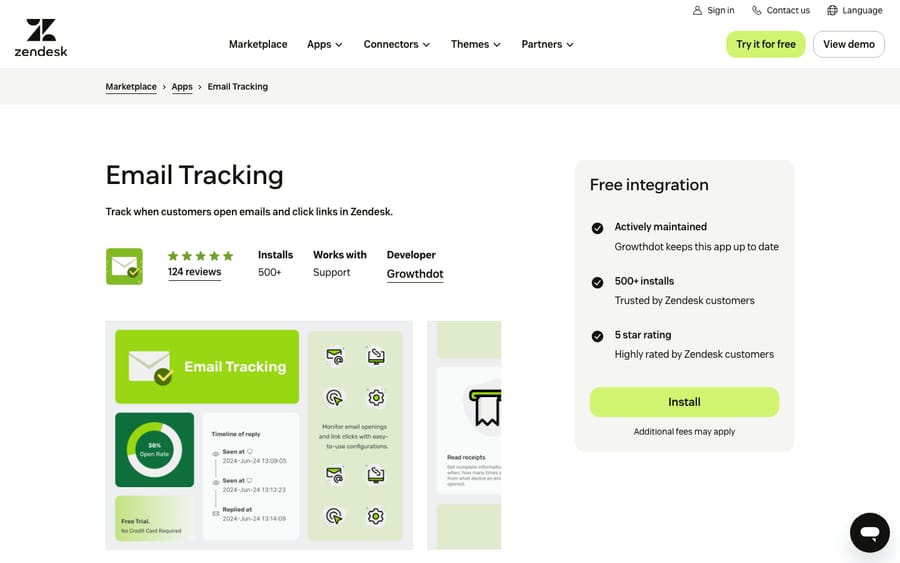
Scores: reviews 2, price 2, works in the ticket 2, setup 2, maintained 2.
Setup takes four documented steps, and tracking can be switched off for recipients in France, Italy and other regions. It was updated in October 2026.
Best for: teams chasing customers for a reply, such as billing, collections or onboarding, where "did they see it?" decides the next step.
3. Read Receipts for Zendesk Pro: read receipts with your own storage choice, 10/10
Read Receipts for Zendesk Pro, from Infigos LLC, does a similar job with a different emphasis. It shows which comment a customer read, records link opens, and can exclude internal or partner IP ranges so your own staff don't trigger false reads. You choose whether receipts land as private comments or in ticket fields. The Marketplace listing shows a single plan at $2 per agent per month after a 7-day trial; myreadreceipts.com doesn't print the price. It has 77 reviews averaging 4.95, and setup is documented step by step on the listing and in the vendor's help center.
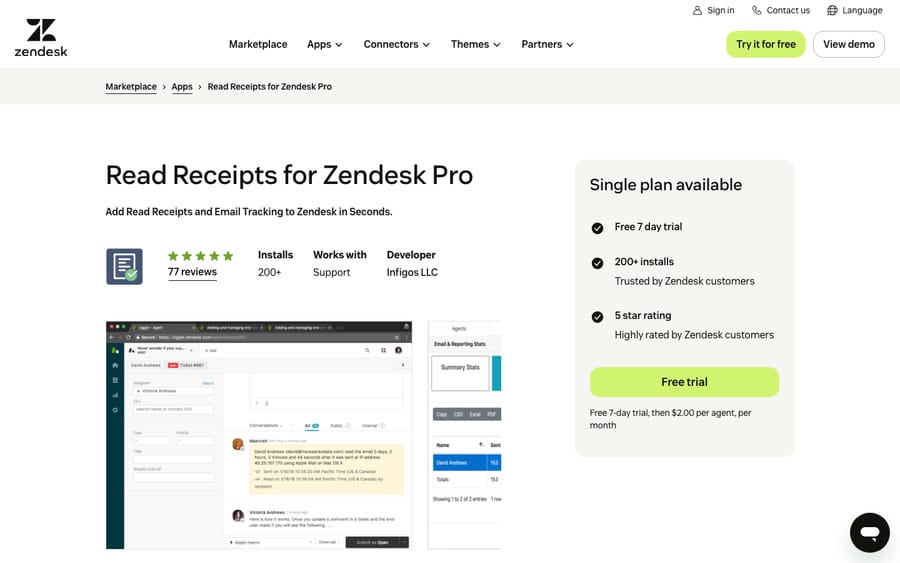
Scores: reviews 2, price 2, works in the ticket 2, setup 2, maintained 2.
Best for: teams that want read data in a ticket field they can build views and triggers on, rather than in notes. A free version, Read Receipts for Zendesk, has 6 reviews.
4. Quickie: search, folders and bookmarks for $0.50 an agent, 10/10
Quickie from Lovestock & Leaf adds a Seek tab for saved, ordered ticket searches, unlimited view folders with Favorites and a Home view, one-click bookmarks, and an Activity tab of tickets you've opened recently. It costs US$0.50 per agent per month, the cheapest paid app in this list. It has 68 reviews averaging 4.93, a published user guide, and an update in March 2026. The listing says you can use it as soon as it's installed.
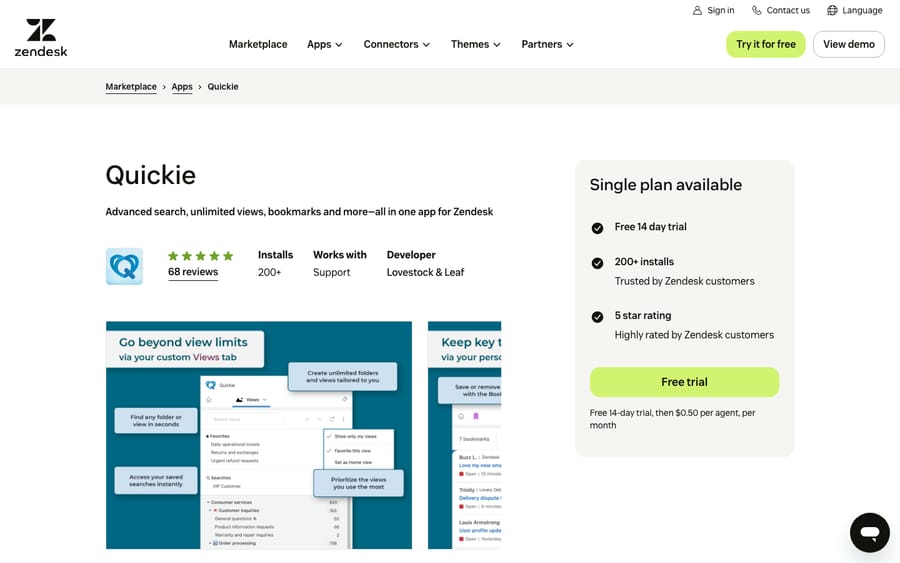
Scores: reviews 2, price 2, works in the ticket 2, setup 2, maintained 2.
Best for: agents who live in search and a handful of views and are tired of rebuilding the same query.
5. Notify: trigger-driven alerts agents can dismiss, 9/10
SweetHawk's Notify adds pop-up notifications in the top right of Zendesk Support, created from your existing triggers and automations. Admins set the icon, text and level (notice, alert or error), target groups or agents, and can see who dismissed each one. The listing suggests uses like approaching SLA deadlines, reopened tickets and new CSAT responses. Notifications link to a ticket by ID without carrying ticket details. It has 191 reviews, every one of them five stars, and costs $2 per agent per month on SweetHawk's pricing page.
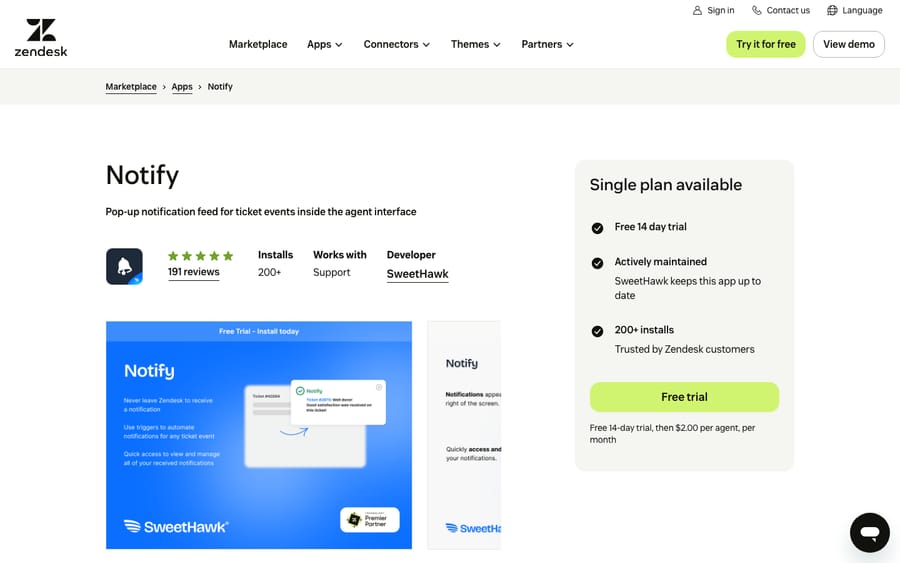
Scores: reviews 2, price 2, works in the ticket 1, setup 2, maintained 2.
It loses a point because a notification tells an agent something and links to the ticket; it doesn't act on the ticket. Since it rides on Zendesk triggers, the setup is only as tidy as your trigger list.
Best for: teams where SLA breaches happen because nobody noticed the ticket, not because nobody could answer it.
6. Zignatures: dynamic signatures from placeholders and Liquid, 9/10
Zignatures adds the configured signature when an agent presses Submit. The signature can use plain text, HTML, Zendesk placeholders, Dynamic Content and Liquid, so one template can change by brand, skip SMS or internal notes, or pull in the agent's name. The listing says it runs entirely within the Zendesk app framework and sends no data to outside servers. It's free, its code is on GitHub, and it has 72 reviews averaging 4.57 with more than 750 installs.
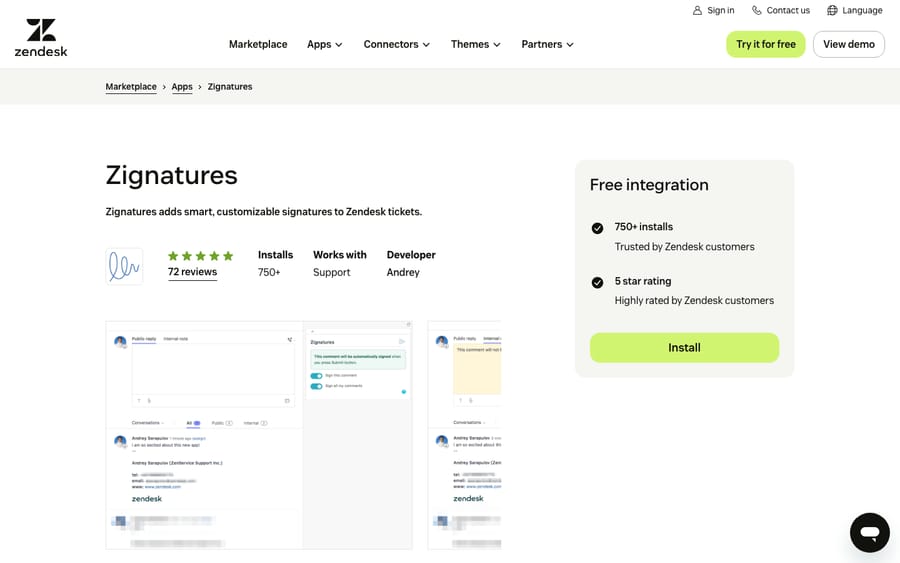
Scores: reviews 2, price 2, works in the ticket 2, setup 2, maintained 1.
Its listing was last updated in September 2025, 13 months before we checked, which costs it a point. If you need conditional signatures, our guide to Zendesk email signatures shows what you can do before installing anything.
Best for: multi-brand accounts whose signatures need logic that the built-in agent signature can't express.
7. Lovely Views: work the queue without opening each ticket, 9/10
Lovely Views is Lovestock & Leaf's larger app. From the queue, agents preview the full conversation, add a public reply or internal note, change status and submit without opening the ticket. It adds unlimited views in folders, saved searches, bulk actions, merging, read and unread marks, and AI summaries where your Zendesk account supports them. It costs US$1.95 per agent per month, with cost calculated daily on the agents who have access, and it was updated in September 2026. It has 28 reviews averaging 4.96, which is why it scores 1 on reviews despite a near-perfect average.
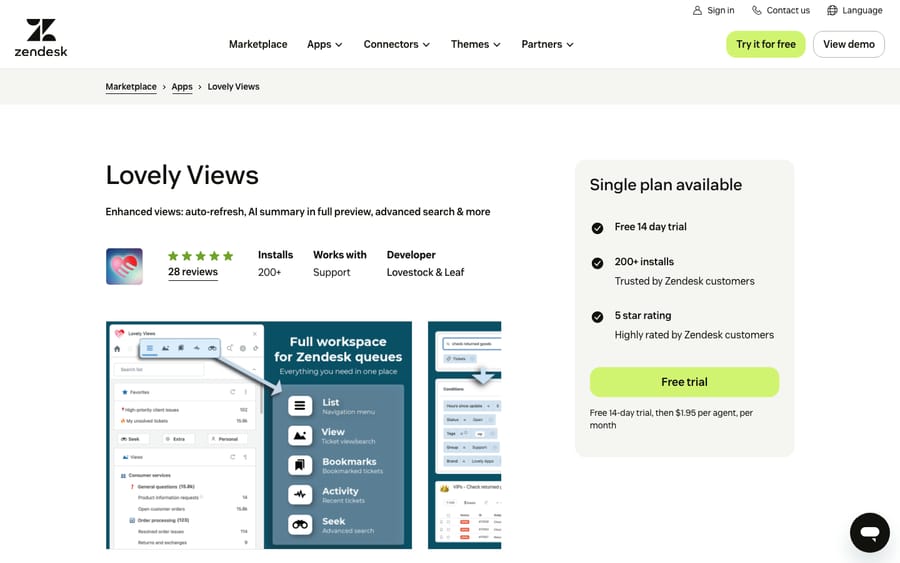
Scores: reviews 1, price 2, works in the ticket 2, setup 2, maintained 2.
Read our explainer on Zendesk views first, then decide whether a view manager is worth $1.95 per agent.
Best for: high-volume queues where agents triage dozens of tickets an hour and opening each one is the bottleneck.
8. Reply From: the right sender address on every ticket, 9/10
Reply From lets an agent change the reply-from address on a new or existing ticket, and lets admins set rules that pick the address by group and brand. It can also block a reply when no valid sender address is set. The Pro plan is $1 per agent per month after a 15-day trial with no card required. It has 23 reviews averaging 5.00.
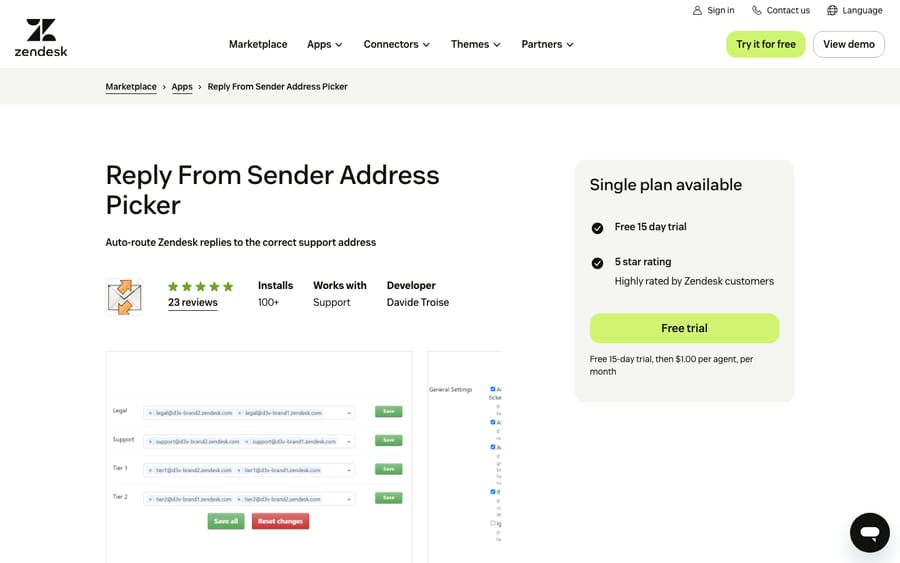
Scores: reviews 1, price 2, works in the ticket 2, setup 2, maintained 2.
Best for: accounts with several support addresses across brands, where replies from the wrong one confuse customers or break mail rules.
9. Routing: round robin with capacity limits, 9/10
Playlist's Routing assigns tickets by round robin in batches every minute, respecting agent limits and schedules. It builds queues from your existing views, supports inbox and daily limits, sticky same-agent routing, percentage splits between groups, and pull assignment through a button. The Marketplace listing shows a single plan at $9 per agent per month after a 14-day trial; Playlist's own page mentions the trial but not the price. It has 12 reviews averaging 4.67 and was updated in April 2026.
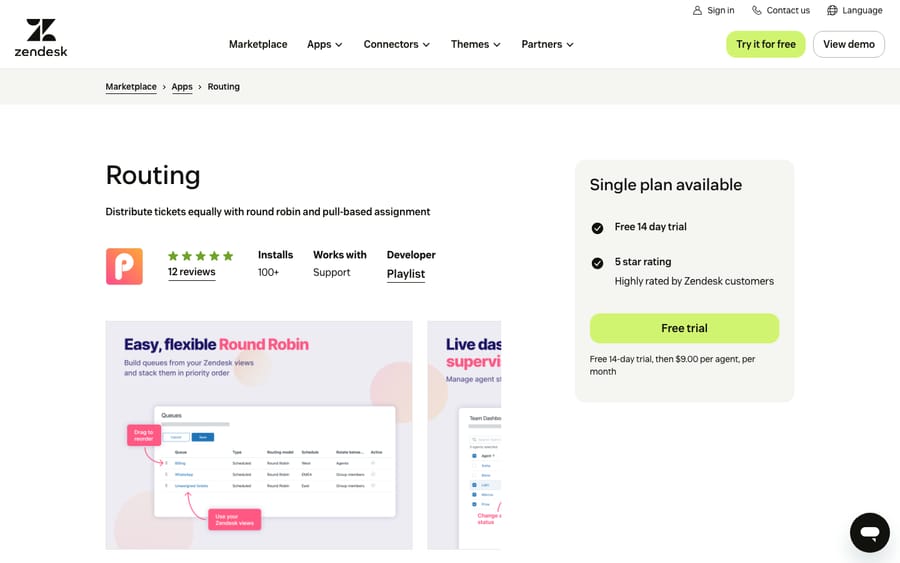
Scores: reviews 1, price 2, works in the ticket 2, setup 2, maintained 2.
The listing lets you limit Routing to select agents with group restrictions, so a pilot can start on one team.
Best for: teams that want fair distribution with capacity caps.
10. Tickler FREE: checklists in the ticket, 8/10
Tickler FREE lets agents create and manage checklists inside tickets. Setup needs one step more than most apps: you create a ticket field to store Tickler's data, add it to every ticket form you use, and enter its ID in the app settings. The paid Tickler, at US$1.95 per agent per month, adds templates, checklists triggered by tags or dropdown values, tasks that update fields or run macros, and blocking a ticket from being solved until its checklist is complete. Tickler FREE has 124 reviews averaging 3.76.
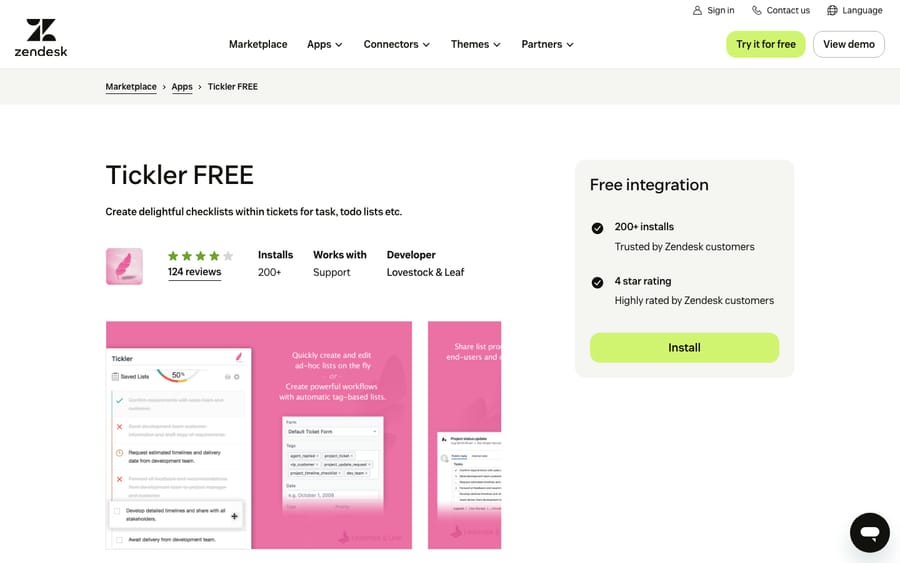
Scores: reviews 0, price 2, works in the ticket 2, setup 2, maintained 2.
Best for: processes with steps that have to happen in order, such as account closures or onboarding, where a missed step costs more than the app.
11. Split 'n' Close: break one ticket into two, 8/10
Split 'n' Close from SmallCubed creates a new ticket from the current one, pre-filled from the last comment, links the two with notes, and copies CCs. It also closes a ticket with a comment explaining why. Premium, at $3 per agent per month after a 10-day trial, adds choosing which comments carry over, the assignee, requester, custom fields, attachments and tags. The free version covers the basic split. It has more than 1,000 installs and 82 reviews averaging 3.79.
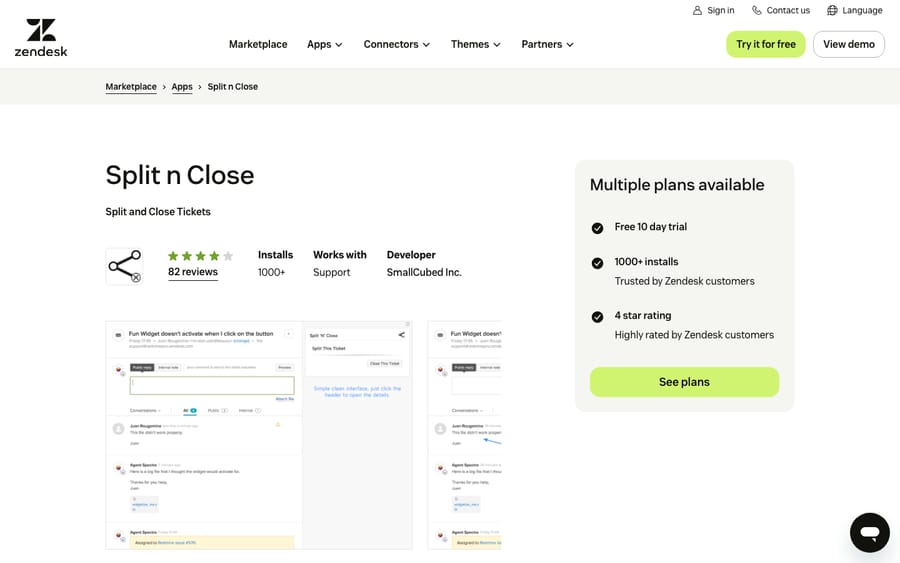
Scores: reviews 0, price 2, works in the ticket 2, setup 2, maintained 2.
The listing notes that the app sends usage data (IP address, an anonymized ID and your subdomain) to SmallCubed, which some security reviews will ask about.
Best for: teams whose customers put three unrelated questions in one email.
12. Ticket History: the requester's recent tickets, free, 7/10
Zena Hirsch's Ticket History shows a requester's recent tickets in the sidebar with status, creation date and assignee, and opens a preview of the original comment on click. It's free, has 2,096 installs (the most in this list) and 523 reviews, averaging 3.62. The privacy note on the listing says data is loaded on demand and kept in memory for the session only.
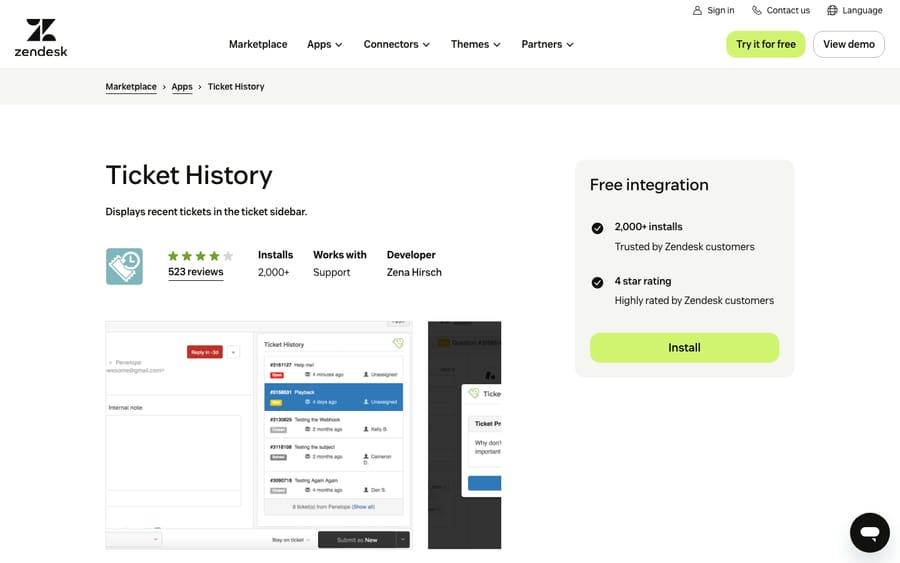
Scores: reviews 0, price 2, works in the ticket 1, setup 2, maintained 2.
It scores 1 for working in the ticket because it's read-only. It covers similar ground to Zendesk's own Five Most Recent app, and both sit below 4 stars.
Best for: teams that want a requester's history one click away.
13. Download All Attachments: every attachment in one click, 7/10
Download All Attachments, now maintained by Amsterdam-based Sparkly, downloads every attachment on a ticket at once, as separate files or one ZIP, including inline images if you choose. Sparkly's help article says it's free and that downloads fail when Zendesk's secure attachments setting is on. It has 146 reviews averaging 3.68 and more than 1,000 installs.
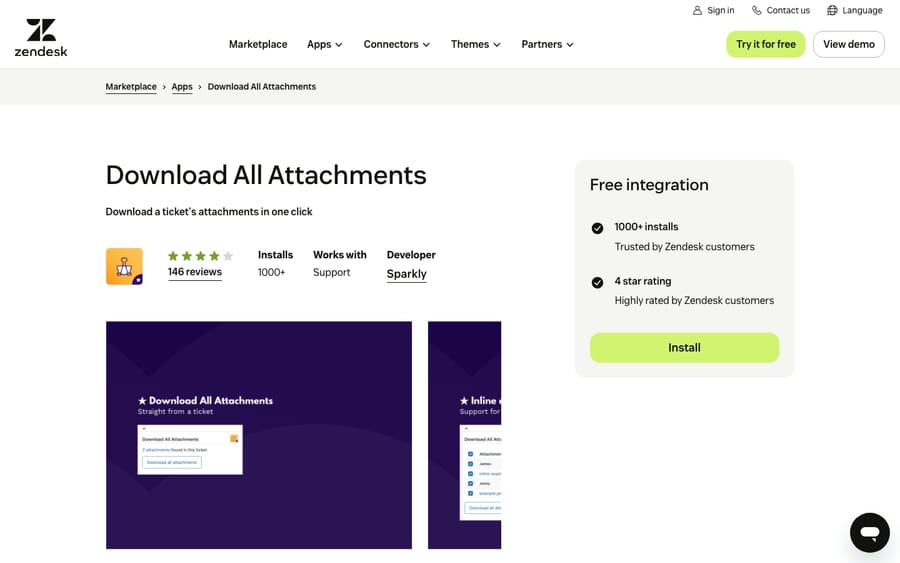
Scores: reviews 0, price 2, works in the ticket 2, setup 2, maintained 1.
Listing updated April 4, 2025, so it scores 1 on maintenance.
Best for: teams handling damage photos or invoices who forward files to finance or a carrier, and who don't use secure attachments.
What these apps change for an AI agent on the same tickets
Several apps on this list write to the same ticket a Macha agent works, so they shape how we set the agent up. Macha's Zendesk tools read the ticket and its comments, custom field values and the field definitions, and write status, priority, custom fields, tags, internal notes and public replies.
We check four things. First, apps that write internal notes, like Email Tracking's "follower opened this" notes or Read Receipts stored as private comments. Those notes sit in the thread the agent reads, and the agent's instructions should say to ignore them. Second, apps that keep data in ticket fields, like Tickler and Read Receipts set to fields. We look at the field definitions so the agent doesn't overwrite a field an app owns; our post on custom fields and AI agents covers that. Third, signature apps like Zignatures fire when a person presses Submit, so we check whether a reply written through the API gets a signature, or two. Fourth, apps driven by triggers, like Notify and Routing. Macha's own triggers use a tag-and-exclude pattern so they don't loop, and we check that a notification trigger doesn't fire on every note the agent adds.
Then we replay past tickets in a simulation and confirm whether replies post as internal notes or public before anything runs on its own.
Where AI fits
Every app above makes a person faster at a step they still do themselves. An AI agent reads the ticket, drafts or sends the reply, sets fields and tags, and hands off what it shouldn't handle.
Macha runs AI agents inside the Zendesk account you already have, set up and monitored by the Macha team. It fits teams already running Zendesk who want agents acting inside the ticket on the routine requests, while apps like Lovely Views and Routing keep working for the tickets that stay with people. Pricing starts at $299/month for 750 tickets, with a trial of $50 of free usage (about 125 tickets), no credit card, no time limit.
Which one fits your situation?
- Agents can't find the right ticket fast enough: Quickie at $0.50 per agent, or Lovely Views at $1.95 if they should also reply from the queue.
- The ticket form is cluttered: Hide Ticket Fields, free. Move to a paid field-rules app only if you need hiding by role or group.
- You chase customers for replies: Email Tracking if you want notes and view columns, Read Receipts for Zendesk Pro if you'd rather store reads in fields.
- SLAs slip because nobody noticed: Notify, on top of triggers you already run.
- Tickets land unevenly: Routing, piloted on one group.
- Several brands and addresses: Reply From for the sender, Zignatures for the signature.
- Multi-step processes: Tickler FREE to start, paid Tickler when you need templates or a block on solving.
FAQs
What are the best Zendesk apps for agent productivity?
On our rubric, Hide Ticket Fields, Email Tracking, Read Receipts for Zendesk Pro and Quickie each scored 10 of 10, followed by Notify, Zignatures, Lovely Views, Reply From and Routing on 9. All 13 scored apps, with every score, are in the table above.
Are Zendesk Marketplace apps free?
Some are. Hide Ticket Fields, Zignatures, Tickler FREE, Ticket History and Download All Attachments are free, and Split 'n' Close has a free tier. The paid apps in this list cost between $0.50 and $9 per agent per month, and most offer a trial of 7 to 15 days.
How do I see whether a customer read my Zendesk reply?
Install a read-receipt app. Email Tracking ($2 or $3 per agent per month) shows opens, clicks and replies and can add Seen and Unseen view columns. Read Receipts for Zendesk Pro ($2 per agent per month) can store reads in ticket fields or private comments.
Why do Zendesk's own apps have lower ratings than third-party apps?
They reach far more accounts than any third-party app here. A high rating on a few dozen reviews and a middling one on thousands aren't directly comparable, which is why our rubric needs both a 4.5 average and 50 reviews for full marks.
Do productivity apps work with AI agents in Zendesk?
Yes, with some checking. Apps that add internal notes, store data in ticket fields or fire on triggers change what an AI agent reads and writes on the same ticket, so set the agent's instructions and triggers around them before it goes live.
<div class="docs-callout"><div><p class="docs-callout-title">Are you listed here?</p><p class="docs-callout-body">Partners and app makers can send corrections with a public source to [email protected]. We fix facts within a week. Scores follow the rubric above, not requests.</p></div></div>
How we researched this
On October 29, 2026 we queried the Zendesk Marketplace catalog, 1,812 apps, for the Agent Productivity category: 382 apps, 371 from third parties across 188 vendors, of which 31 have 10 or more reviews and 226 have none. From those 31 we kept apps whose job is agent productivity inside Support and left out AI drafting apps, macro apps, connectors to outside products, and two stale, weakly rated apps. Review counts, per-star breakdowns and install counts come from the catalog, last-update dates from each listing, and we computed each average from the per-star counts because the listing pages show only the review count.
We read all 13 listings on zendesk.co.uk the same day (zendesk.com returns a 403 to scripted requests). Prices come from the vendors' own pages where they print one; Infigos and Playlist don't, so theirs come from their Marketplace listings. No archive fallbacks were needed. We didn't install or test any app, didn't contact any vendor, and one reviewer applied the scores to public pages only.
Disclosure: Macha makes AI agents that run inside help desks. Nobody paid to be listed, and Macha is not ranked here.