Shopify
 Stripe
 Slack
Slack Notion
 Google Workspace
 Confluence

Best Zendesk Macro and Template Apps (2026): 13 Marketplace Apps Scored


The best Zendesk macro apps in October 2026 are Sparkly's Macro Suite and Pythia's Advanced Macros, which share the top tier on 9 of 10 across our five public criteria. Zendesk's Marketplace has 40 apps with "macro", "template" or "canned" in their name or summary, from 32 vendors, and 18 of them have no reviews at all. We scored the 13 third-party apps that do a real macro or template job, grouped them into tiers where scores tie, and show every score so you can check our reasoning.
Key takeaways
- Macro Suite and Advanced Macros share the top tier on 9 of 10, and they're the only macro apps with 10 or more reviews averaging above 4.5.
- Only 4 of the 40 macro and template apps in the Marketplace have 10 or more reviews, so most scores here rest on price, placement and maintenance, not ratings.
- Prices run from free (Extended Macros, Liquid Placeholders, Macro Export) to $349 a month for Macro Suite's Enterprise plan, with two one-time purchases at $199 and $249.
- Six of the 13 apps act inside the ticket; the other seven are admin tools that run from the nav bar, the top bar or outside Zendesk.
- Apps that act on tags with a set prefix, like Extended Macros and Macro Date, need checking before an AI agent that adds its own tags goes live.

The 13 apps at a glance
| Tier | App | Maker | What it does | Reviews (avg) | Price | Score |
|---|---|---|---|---|---|---|
| 9/10 | Macro Suite | Sparkly | Guided inputs inside macros, usage and bulk editing | 28 (5.00) | $99, $199 or $349 a month | 9 |
| 9/10 | Advanced Macros by Pythia | Pythia | Macro search, suggestions and quick buttons in the ticket | 20 (4.95) | $19 per agent/month | 9 |
| 8/10 | PasteAway for Support | PasteAway (TestLapp BV) | Canned responses from a shared PasteAway library | 117 (2.97) | Free app; PasteAway from $10 a month | 8 |
| 8/10 | Extended Macros | Eastern Logic | Extra macro actions such as CCs, requester and custom fields | 7 (4.86) | Free | 8 |
| 8/10 | Macro Date | pluscloud | Relative due dates and date fields set by macro | 6 (5.00) | $1 per agent/month | 8 |
| 8/10 | Power Actions | SweetHawk | Macro-like action sets that can set "From", CCs and lookups | 1 (5.00) | $50 a month | 8 |
| 7/10 | Email Template Builder | Premium Plus | HTML layouts for Zendesk's email notifications | 7 (4.29) | $249 once or $79 a month | 7 |
| 7/10 | Macro Manager by LEAFWORKS | Leafworks | Bulk import, export and dynamic content preview | 5 (4.80) | $199 once | 7 |
| 7/10 | Liquid Placeholders | SweetHawk | Build and test placeholders against a real ticket | 2 (5.00) | Free | 7 |
| 7/10 | Macro: Find & Replace | 1999 Studio | Bulk find and replace across macro text and titles | 2 (5.00) | $29 or $79 a month | 7 |
| 6/10 | Macros Reporting and Management | Pythia | Usage reporting, bulk edits, history and restore | 4 (5.00) | From $19 a month | 6 |
| 6/10 | Macro Export | Swifteq | CSV export of macros and dynamic content | 1 (5.00) | Free | 6 |
| 5/10 | Bulk Macro/Dynamic Content Management | Editz | Bulk updates to macros and dynamic content | 8 (3.50) | Free install, unpriced limit | 5 |
Inside a tier, apps are listed by review count, then installs, and that order isn't a ranking. Prices and update dates come from the zendesk.co.uk listings, read on October 29, 2026.
How we scored them
We kept the third-party apps whose main job is a Zendesk macro or a reply or email template, and cut WhatsApp and telephony template senders, AI drafting apps, rule-audit and backup tools, long-stale apps and new apps with no reviews. Each app is scored 0 to 2 on five criteria.
| Criterion | 2 points | 1 point | 0 points |
|---|---|---|---|
| Marketplace reviews | Average 4.5+ with 50+ reviews | 4.0+ with 10+ reviews | Fewer or none |
| Published price | Full price on the listing or vendor site | A free tier or "from" price only | Contact sales |
| Works in the ticket | Acts inside the ticket or agent workspace with documented features | View-only or limited | Unclear |
| Setup effort | Marketplace install with documented self-serve setup | Needs configuration help or an onboarding call | Custom work or undocumented |
| Maintained | Listing or app updated in the last 12 months | 12 to 24 months | Older or unknown |
We scored "works in the ticket" strictly. An app gets 2 only if it runs in the ticket sidebar or editor and changes that ticket. Six of the 13 do: Macro Suite, Advanced Macros, PasteAway, Extended Macros, Macro Date and Power Actions. The nav-bar, top-bar and off-Zendesk admin tools get 1. An app with no Marketplace install gets 1 for setup. A free app counts as a full published price. Ties are shown as tiers.
No macro app has 50 reviews averaging 4.5, so nobody scores 2 on reviews, and only two apps clear the 10-review bar for 1.
Zendesk's own macros, outside the ranking
Every Zendesk account already has macros, the default these apps extend. Zendesk's article on using macros to update tickets explains that agents apply one or more macros, can preview them, and can apply them with a slash shortcut in Agent Workspace. It also lists limits: a macro that sets a field only works if that field is on the ticket form, agents need permission for every change a macro makes, and "macros cannot be set up for specific channels." Zendesk's Copilot add-on guide adds suggested macros, which help agents find existing macros "based on the content of that specific ticket" once the account has enough macro usage data. Our Zendesk macros explainer covers the native feature.
Tier 1, 9/10: Macro Suite and Advanced Macros
1. Macro Suite: guided fields inside a macro, 9/10
Macro Suite from Sparkly turns a macro into a short form. Its Macro Elements give agents text, number, dropdown and date inputs when they apply a macro, and Custom Actions change the ticket based on what the agent picks. It also warns when a macro was already used on this customer recently, and adds usage reporting and find and replace. It has 28 reviews, all five stars, and 92 installs in the catalog. Jeljenna Albrecht wrote on the listing that "being able to offer our agents sleek multiple choice questions to assist in crafting the perfect written response has quickly become an essential." The listing was updated on October 9, 2026.
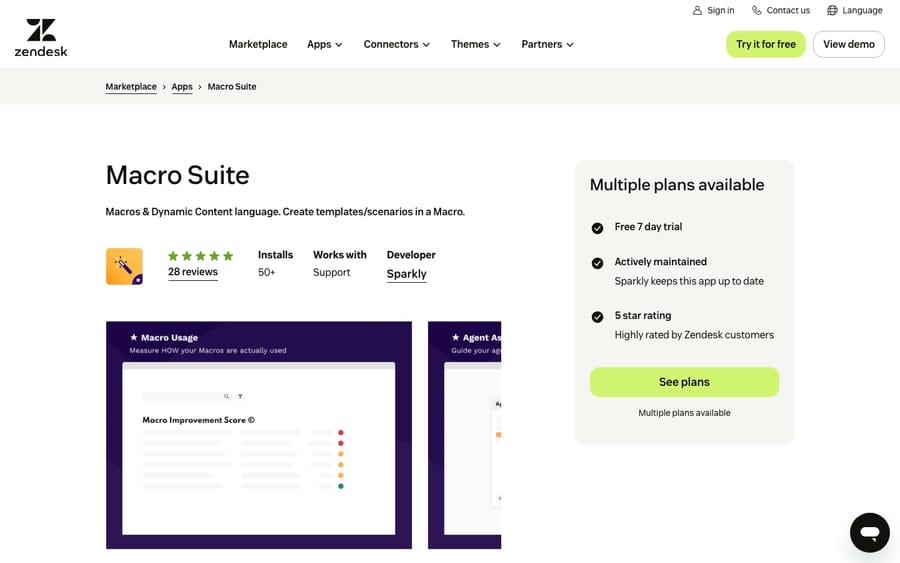
Scores: reviews 1, price 2, works in the ticket 2, setup 2, maintained 2.
Pricing is per account and tiered by macro count: Team at $99 a month for up to 25 macros, Professional at $199 for up to 250, and Enterprise at $349 for up to 5,000, each with a 7-day trial that asks for card details up front. Dynamic content management and import and export start at Professional. Pricing by macro count means the vendor earns more as your library grows, whatever your agent count.
Best for: macros that need agent input every time, such as order numbers, refund reasons or dates.
2. Advanced Macros by Pythia: faster macro finding in the ticket, 9/10
Pythia's Advanced Macros helps agents find the right macro. In the ticket sidebar and editor it adds search across macro titles and text, quick buttons for an agent's most-used macros, reply suggestions, preview, and Instant Submit, which sends a macro without the separate Apply step. It has 20 reviews averaging 4.95, though the five the listing shows are all over three years old. Alan Pugh wrote that "the rapid responses with emoji labels have really helped speed up our most common responses for the support team as well."
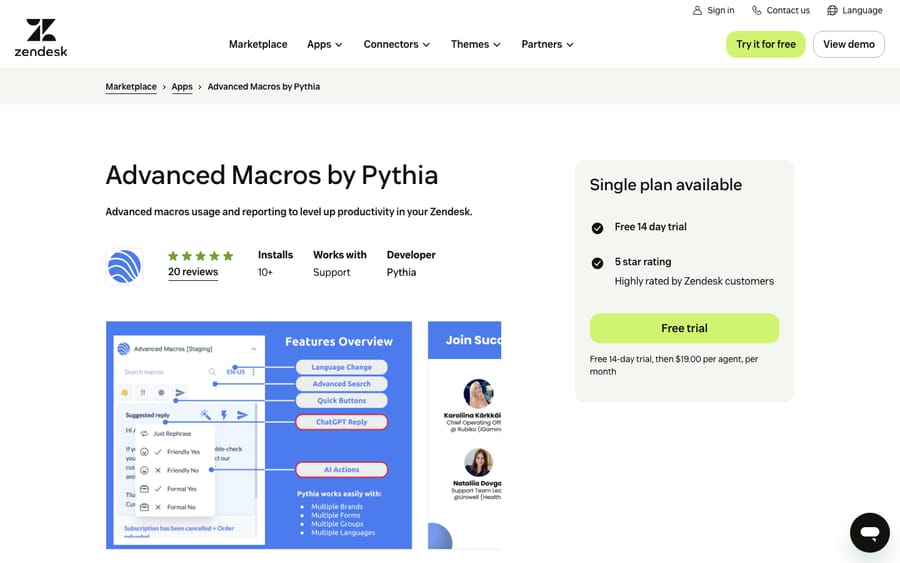
Scores: reviews 1, price 2, works in the ticket 2, setup 2, maintained 2.
The listing prices it at $19 per agent per month after a 14-day trial. Setup is three documented steps: install, add your Zendesk credentials, and sync your macros. Pythia's pricing page now files it under "Classic Zendesk Apps", separate from its active products. The listing was last updated on December 4, 2025.
Best for: large macro libraries that agents scroll through.
Tier 2, 8/10: PasteAway, Extended Macros, Macro Date and Power Actions
3. PasteAway for Support: a canned-response library outside Zendesk, 8/10
PasteAway is a cloud clipboard for canned responses, and this app searches your team's PasteAway library from the ticket sidebar and pastes a clip into the reply. It has the most reviews here, 117, but they split: 42 one-star and 41 five-star, for a 2.97 average.
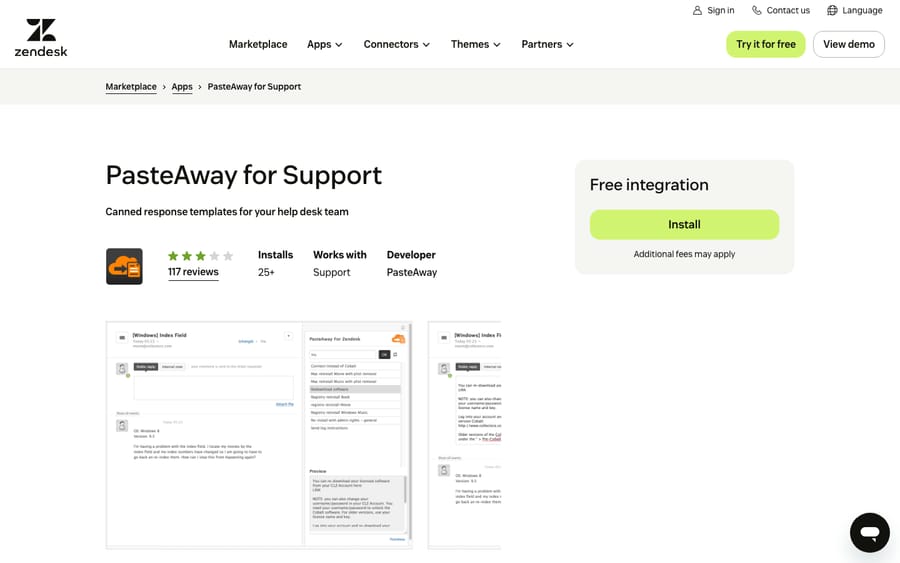
Scores: reviews 0, price 2, works in the ticket 2, setup 2, maintained 2.
The Zendesk app is free, and PasteAway's pricing page charges for the library: $10 a month for one agent, $30 for 5, $50 for 10 and $100 for 25, with the first month free for one agent. The responses live outside Zendesk, so they work in every app an agent types into but don't carry macro actions, placeholders or dynamic content.
Best for: one set of saved replies across several tools.
4. Extended Macros: actions native macros can't set, 8/10
Eastern Logic's Extended Macros adds actions to ordinary macros through a tag syntax: a macro adds a tag with the app's prefix, and the app carries out the action. The list includes adding or removing CCs, setting the requester, changing the outbound email address, linking a problem ticket, adding skills, setting a due date and updating custom fields, including lookup and regex fields. It's free, has 7 reviews averaging 4.86, and has the most installs of any macro-action app here at 300.
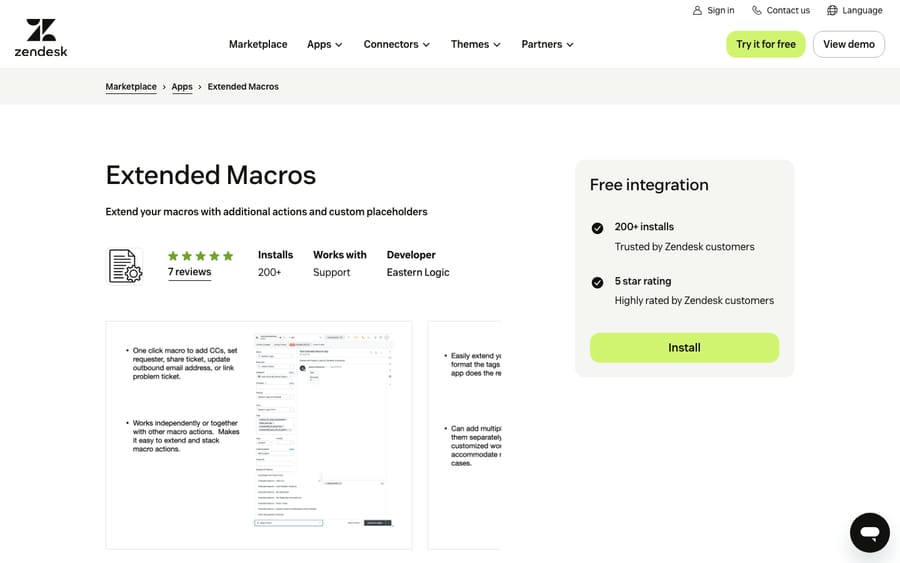
Scores: reviews 0, price 2, works in the ticket 2, setup 2, maintained 2.
Setup is four steps on the listing, including choosing your own tag prefixes, and the listing was updated on April 21, 2026. Gentry Toman's review shows where the syntax gets fiddly: "I really like the Requester and CC feature, but I can't seem to find the Sharing ID needed to set up automatic sharing/unsharing."
Best for: admins who've hit the edge of Zendesk's macro actions, especially CCs, requester changes and lookup fields.
5. Macro Date: relative dates set by a macro, 8/10
pluscloud's Macro Date lets a macro set the Due Date or a custom date field to a relative date: three workdays from now, two months out, or the start of next quarter. It can count business days and skip holidays from the ticket's schedule, and you can install it more than once for several date fields. It has 6 reviews, all five stars.
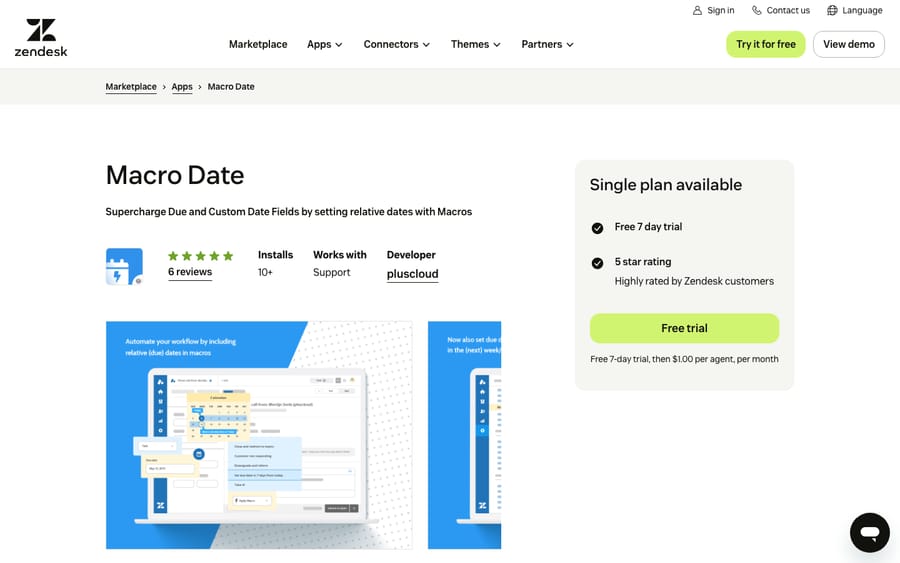
Scores: reviews 0, price 2, works in the ticket 2, setup 2, maintained 2.
The listing prices it at $1 per agent per month after a 7-day trial and was updated on March 21, 2026. The listing describes pluscloud as a Premier Solution Provider of Zendesk, so a $1 app also puts the firm in front of admins who might hire it.
Best for: warranty, delivery or follow-up workflows where an agent sets a date with every reply.
6. Power Actions: macro-style actions triggers can also run, 8/10
SweetHawk's Power Actions are sets of actions that agents apply from the ticket's apps panel, like macros, or that triggers and automations run on their own. The listing names what they add: setting the "From" address, adding or removing CCs, setting the requester and organization, choosing comment authors, and writing number, date, multi-select and lookup fields. It has one review and 115 installs, and it was published in October 2025.
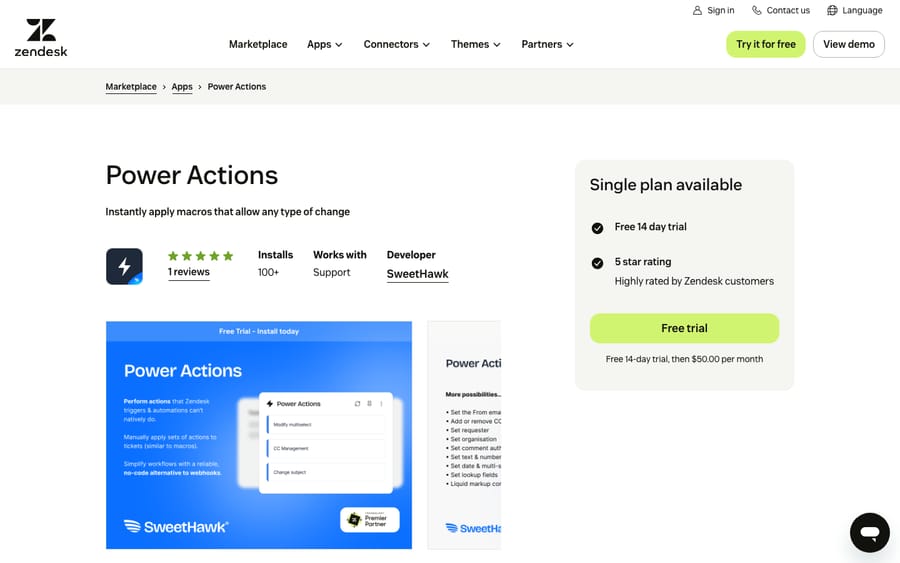
Scores: reviews 0, price 2, works in the ticket 2, setup 2, maintained 2.
The listing and SweetHawk's pricing page both put it at $50 a month after a 14-day trial. SweetHawk also sells all its apps as a Suite at $12 per agent per month billed annually, or $15 monthly. That passes Power Actions' flat $50 at four agents on monthly billing ($60) and at five on annual ($60), so the Suite only pays off if you'd use several SweetHawk apps.
Best for: the same extra actions as Extended Macros, but run by triggers as well as agents.
Tier 3, 7/10: four admin and template tools
7. Email Template Builder: HTML layouts for Zendesk's emails, 7/10
Premium Plus's Email Template Builder designs the HTML layout that wraps every email Zendesk sends. It ships more than 10 templates you can brand with a live preview, and you paste the resulting code into Zendesk's admin settings yourself. It has 7 reviews averaging 4.29 and 231 installs.
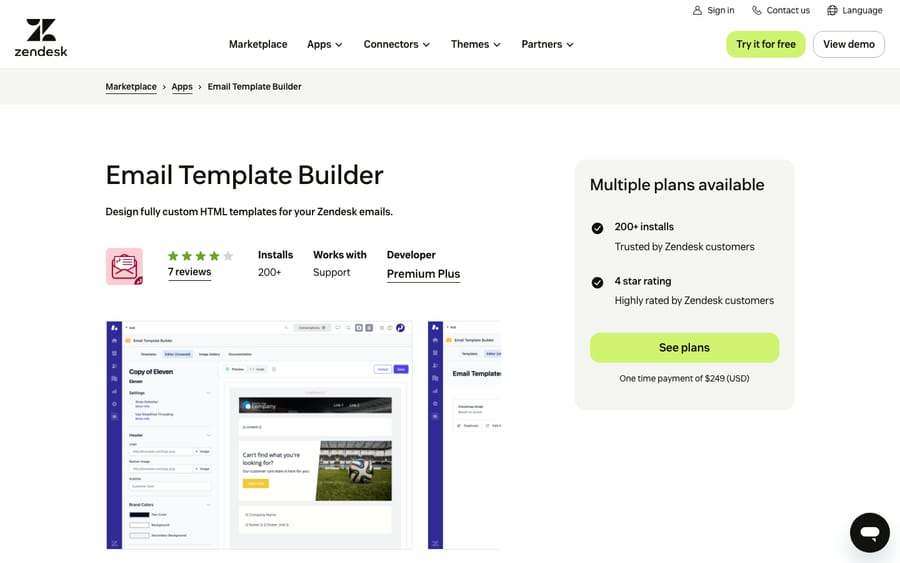
Scores: reviews 0, price 2, works in the ticket 1, setup 2, maintained 2.
The listing offers a one-time purchase at $249 or a subscription at $79 a month. Not every reviewer thought it was worth it: one wrote that you "can't remove items from the template without editing the HTML, and can't edit fonts either within their interface." The listing was updated on February 2, 2026, though the catalog shows the app itself last updated in July 2025.
Best for: branded email without writing HTML.
8. Macro Manager by LEAFWORKS: bulk import and export with an Excel file, 7/10
Leafworks' Macro Manager exports macros to Excel and imports them back, edits, activates or deletes several at once, and previews dynamic content in multiple languages. It has 5 reviews averaging 4.80 and 64 installs.
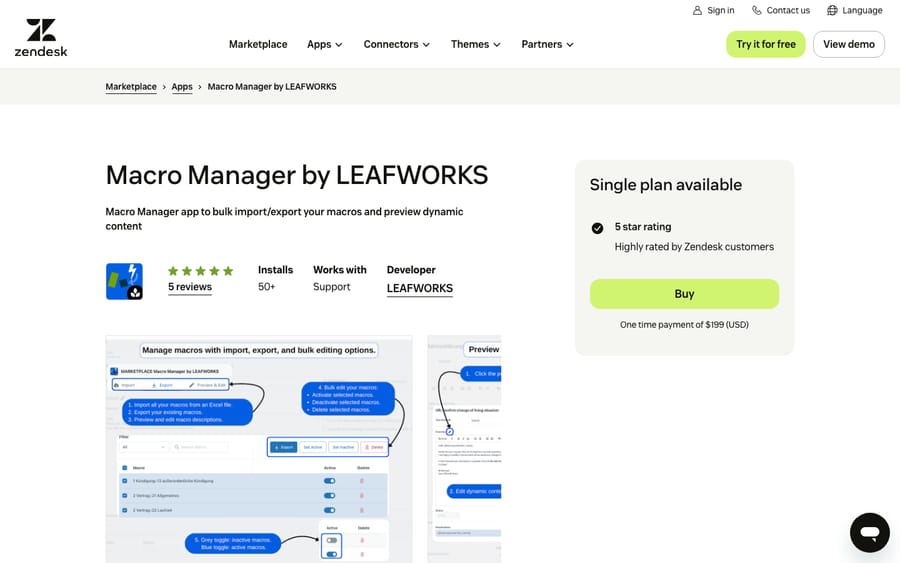
Scores: reviews 0, price 2, works in the ticket 1, setup 2, maintained 2.
It's a one-time payment of $199 on the listing, so a single cleanup or a migration between Zendesk accounts doesn't turn into a subscription. The listing was updated on November 19, 2025. Pair it with our guide to multilingual dynamic content if your macros carry several languages.
Best for: a one-off migration or audit in a spreadsheet.
9. Liquid Placeholders: test a placeholder before it ships, 7/10
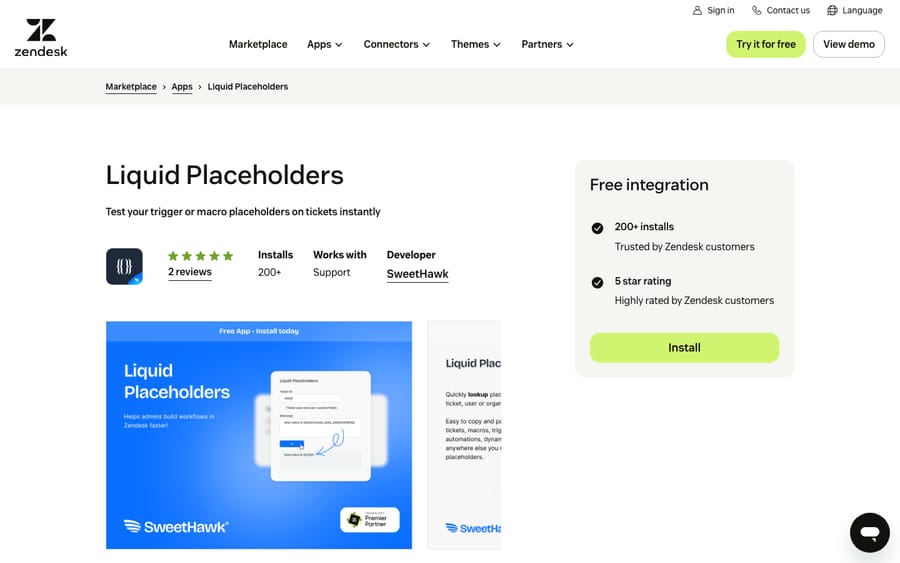
SweetHawk's Liquid Placeholders is a free top-bar tool: enter a ticket ID, search for any placeholder including custom fields, write Liquid markup, and press Test to see what it returns on that ticket. You copy the result into a macro, trigger or dynamic content item. It has 2 reviews and 376 installs, the most of any app on this list.
Scores: reviews 0, price 2, works in the ticket 1, setup 2, maintained 2.
SweetHawk lists it as "Free forever," and the listing was updated on March 17, 2026. Placeholder mistakes are a common reason macros stop working, and our placeholders and dynamic content guide covers the syntax this app tests.
Best for: admins who write Liquid in macros.
10. Macro: Find & Replace: one change across every macro, 7/10
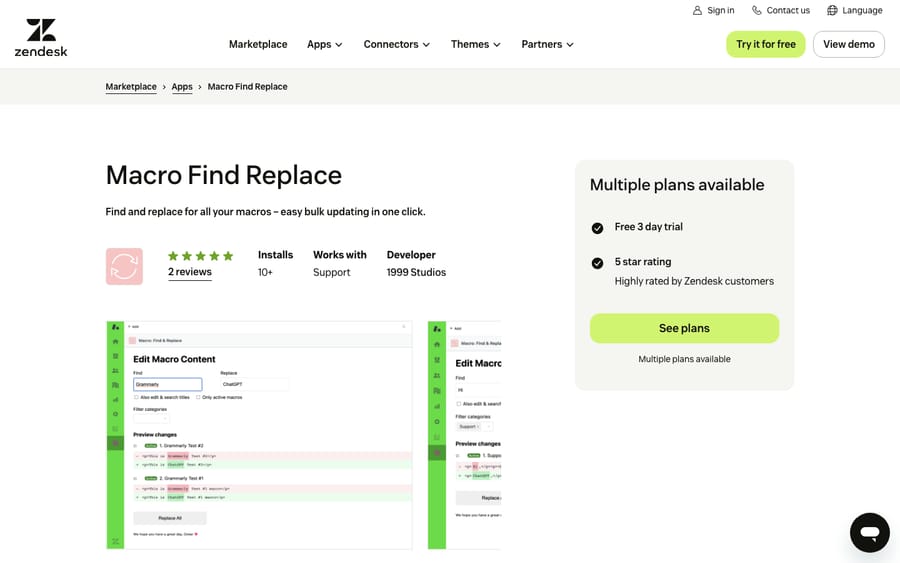
1999 Studio's Macro: Find & Replace replaces a word or phrase across macro text and titles, with filters and a before-and-after view. It has 2 reviews, both five stars, and 19 installs.
Scores: reviews 0, price 2, works in the ticket 1, setup 2, maintained 2.
A review from almost four years ago calls it free; the listing now shows two plans: $29 a month and an Enterprise plan at $79 a month, each after a 3-day trial. The listing was updated on May 9, 2026, though the catalog dates the app itself to August 2024.
Best for: a renamed product or policy change that touches dozens of macros. Our macro best practices guide covers the naming habits that make these edits safer.
Tier 4, 6/10: Macros Reporting and Management and Macro Export
11. Macros Reporting and Management: usage data, history and restore, 6/10
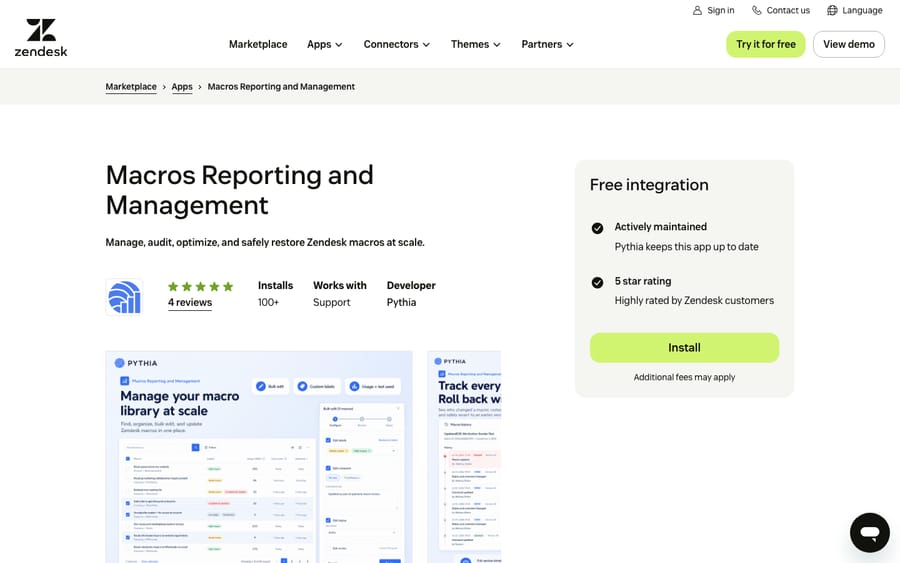
Pythia's newer nav-bar app reports on macro usage and performance, bulk edits titles, access, status and actions, and keeps a change history. Deleted macros can be restored, and a macro can be rolled back under the same ID. It has 4 reviews, all five stars, and 114 installs, and its listing was updated on October 21, 2026, the most recent in this list.
Scores: reviews 0, price 1, works in the ticket 1, setup 2, maintained 2.
The listing says it's free to install and links to Pythia's pricing page. For teams with up to 1,000 tickets a month, it shows Essential at $19 a month for reporting only and Pro at $29 for management, bulk edits, history, restore and rollback. Prices rise with ticket volume, and we could only read the lowest band, so it scores 1 for price. The 14-day Pro trial needs no card, and setup connects through Zendesk OAuth.
Best for: finding unused macros before a cleanup, with an undo on the Pro plan if a bulk edit goes wrong.
12. Macro Export: a free CSV of every macro, 6/10
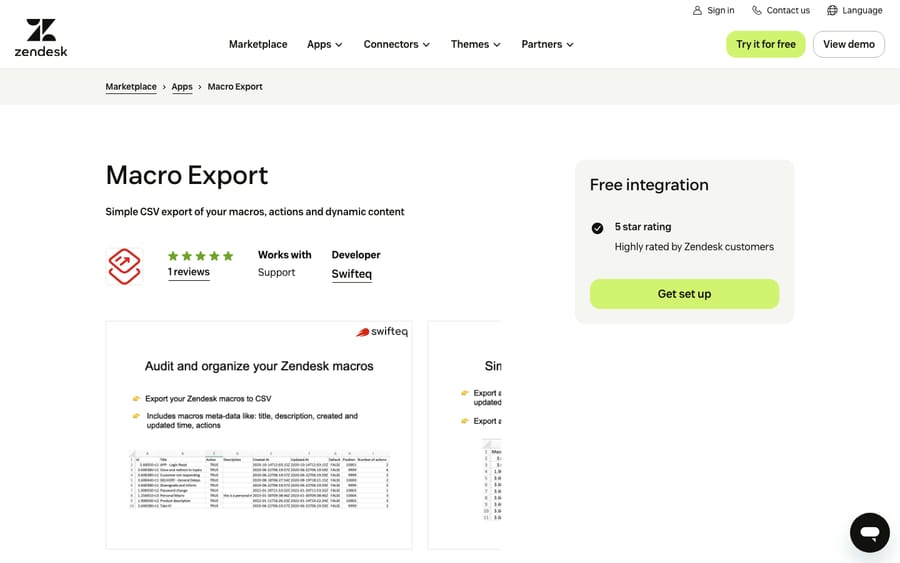
Swifteq's Macro Export exports all your macros, with their actions and dynamic content, to a CSV, and does nothing else. You register on Swifteq's site rather than installing from the Marketplace, connect Zendesk, and receive the file by email. The listing has one review and was updated on March 4, 2026.
Scores: reviews 0, price 2, works in the ticket 1, setup 1, maintained 2.
Swifteq's page says "it's totally free for you to use" and that macros are stored only temporarily during the export.
Best for: a free backup or audit spreadsheet before you change your macro library.
Tier 5, 5/10: Bulk Macro/Dynamic Content Management
13. Bulk Macro/Dynamic Content Management: the older bulk editor, 5/10
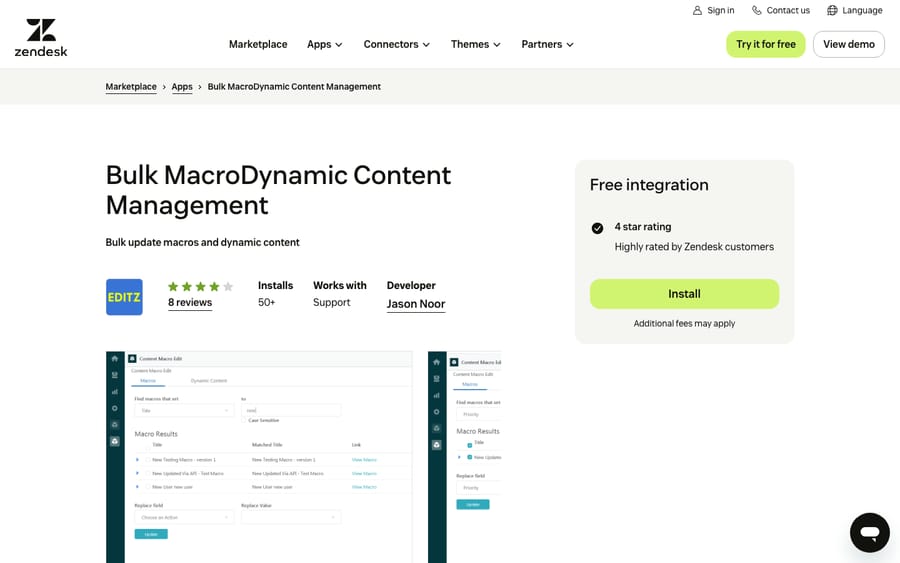
Editz's Bulk Macro/Dynamic Content Management updates several macros and dynamic content items at once, including content, status and who they're assigned to. It has 8 reviews averaging 3.50 and 53 installs, and it only works for agents who can already edit macros and dynamic content.
Scores: reviews 0, price 1, works in the ticket 1, setup 2, maintained 1.
The listing calls it a free integration but adds "Additional fees may apply". A reviewer wrote almost six years ago that only the first 21 updates were free, and no price is published, so it scores 1 for price. A review from over three years ago reports an application error on install. The listing was last updated on April 4, 2025, and the catalog dates the app itself to April 2020.
Best for: teams already running it, who should plan a move to a maintained bulk editor.
What macro apps change for an AI agent on the same tickets
Several of these apps write to the same tickets a Macha agent works. Macha's Zendesk tools read the ticket and its comments, custom field values and the field definitions, and write status, priority, custom fields, tags, internal notes and public replies.
We check three things. First, apps that act on tags with a set prefix, like Extended Macros and Macro Date. A Macha agent adds tags too, so we make sure none of its tags start with an app's prefix. Second, apps that own a field, like Macro Date writing a due date or Power Actions filling lookup fields. We read the field definitions and tell the agent which fields to leave alone; our post on custom fields and AI agents covers that. Third, apps that run from triggers, like Power Actions. Macha's triggers use a tag-and-exclude pattern so they don't loop, and we check that an app's trigger doesn't fire on every note the agent adds.
Past replies written from macros sit in the ticket history the agent reads, so a macro library full of outdated text is worth cleaning up first. Then we replay past tickets in a simulation and confirm whether replies post as internal notes or public before anything runs on its own.
Where AI fits
Every app above makes a pre-written reply faster to find, fill in or maintain. An AI agent writes the reply for the ticket in front of it, sets fields and tags, and hands off what it shouldn't handle.
Macha runs AI agents inside the Zendesk account you already have, set up and monitored by the Macha team. It fits teams already running Zendesk who want agents handling the routine requests that macros were written for, while macro apps keep serving the tickets that stay with people. Pricing starts at $299/month for 750 tickets, with a trial of $50 of free usage (about 125 tickets), no credit card, no time limit.
Which one fits your situation?
- Agents can't find the right macro: Advanced Macros at $19 per agent per month.
- Macros need agent input every time: Macro Suite's Macro Elements, from $99 a month for up to 25 macros.
- Native macro actions don't go far enough: Extended Macros, free, or Power Actions at $50 a month.
- A big cleanup or migration: Macro Manager at $199 once, or Macro Export for a free CSV first.
- One phrase changed across dozens of macros: Macro: Find & Replace at $29 a month.
- You don't know which macros are used: Macros Reporting and Management, from $19 a month.
FAQs
What are the best Zendesk macro apps?
On our rubric, Macro Suite and Advanced Macros by Pythia share the top tier on 9 of 10. PasteAway for Support, Extended Macros, Macro Date and Power Actions follow on 8. All 13 scored apps, with every score, are in the table above.
Can Zendesk macros set CCs, the requester or lookup fields?
SweetHawk's listing for Power Actions says triggers and automations can't natively set the "From" address or add or remove CCs, and both Power Actions and Extended Macros list CCs, the requester and lookup fields among the actions they add. Extended Macros is free; Power Actions costs $50 a month.
How do I bulk edit Zendesk macros?
Use an app. Macro: Find & Replace changes text across all macros, Macro Manager by LEAFWORKS edits through an Excel import and export, and Macros Reporting and Management's Pro plan, from $29 a month, bulk edits titles, access, status and actions with a change history you can roll back.
Do macro apps work with AI agents in Zendesk?
Yes, with some checking. Apps that act on tag prefixes, own a field or run from triggers affect the same tickets, so set the agent's tags, field rules and triggers around them first.
<div class="docs-callout"><div><p class="docs-callout-title">Are you listed here?</p><p class="docs-callout-body">Partners and app makers can send corrections with a public source to [email protected]. We fix facts within a week. Scores follow the rubric above, not requests.</p></div></div>
How we researched this
On October 29, 2026 we queried the Zendesk Marketplace catalog of 1,812 apps for names or short descriptions mentioning macros, templates or canned responses: 40 apps from 32 vendors, 18 with no reviews and 4 with 10 or more. We kept 13 and left out messaging template senders, AI drafting apps, backup and rule-audit tools, three apps last updated between 2018 and 2021, a general admin console, and new apps with no reviews.
We read all 13 listings on zendesk.co.uk the same day in a browser, because plan prices only appear once the page's scripts run. Prices are active plans, checked against SweetHawk, PasteAway, Pythia and Swifteq's own pages. We checked Eastern Logic's site and it returned an expired certificate, with no archived copy, so Extended Macros' facts come from its listing alone. We didn't install or test any app, didn't contact any vendor, and one reviewer applied the scores to public pages only.
Disclosure: Macha makes AI agents that run inside help desks. Nobody paid to be listed, and Macha is not ranked here.