Shopify
 Stripe
 Slack
Slack Notion
 Google Workspace
 Confluence

Best Zendesk Translation Apps (2026): 12 Marketplace Apps Scored


The best Zendesk translation app on our rubric in October 2026 is Swifteq's Translate Conversations, which scored 9 of 10. Translation by Lingpad, Tolto's AI Translation and Infigos's Translator AI share the next tier on 8, with Fluentic, Help Center Translate and Requester Language on 7. Zendesk's Marketplace files 51 apps under Translations, 50 of them from third parties, and 20 of those have no reviews at all. We scored 12 apps whose main job is translating tickets, translating help center articles or handling a customer's language, and we show every score so you can check our reasoning against the listings.
Key takeaways
- Swifteq's Translate Conversations ranks first at 9 of 10, with a free plan and a published $7 per agent per month price for unlimited translations.
- No translation app scores 2 on reviews, and the most reviewed one, Unbabel, averages 3.60 across 143 reviews, below our 4.0 line.
- Four of the 12 apps print no price on their listing or site, which usually means a sales call before you can try the app on real tickets.
- Zendesk's built-in conversation translation now covers every channel except voice on Team plans and above, so a paid app has to beat a click that's already included.
- Apps that post translations as internal notes change what an AI agent reads on the same ticket, so check them before an agent goes live.

The 12 apps at a glance
| # | App | Maker | What it does | Reviews (avg) | Price | Score |
|---|---|---|---|---|---|---|
| 1 | Translate Conversations | Swifteq | Auto-translates customer messages, translates replies back | 16 (5.00) | Free plan; $7 per agent/month | 9 |
| 2 | Translation by Lingpad | Lingpad | Ticket translation with brand context | 14 (4.93) | $59/month plus AI credits | 8 |
| 3 | AI Translation by Tolto | Tolto | Two-way ticket translation with a glossary | 3 (5.00) | US$10 per agent/month | 8 |
| 4 | Translator AI | Infigos LLC | One-click translation into a note or the composer | 2 (5.00) | $3 per agent/month | 8 |
| 5 | Fluentic | Fluentic Ltd | Auto-translates incoming tickets to English | 32 (3.75) | From $220/month | 7 |
| 6 | Help Center Translate | Swifteq | Bulk-translates Guide articles | 20 (4.85) | $80 to $330/month | 7 |
| 7 | Requester Language | Cloudhuset A/S | See and change the requester's language | 4 (5.00) | Free | 7 |
| 8 | Language Detection by Knots | Knots | Tags each ticket with its language | 1 (4.00) | Part of Knots plans, from $269/month | 6 |
| 9 | Unbabel for Zendesk Support | Unbabel | AI translation with human review | 143 (3.60) | Not published | 5 |
| 10 | Translation by Language IO - Inline | Language I/O | Inline translation for tickets, chat and messaging | 5 (5.00) | Not published | 5 |
| 11 | Language Translator | Telus Digital | Real-time translation via DeepL and Azure | 2 (3.00) | Not published | 5 |
| 12 | Translation Pilot | Pilot Engineering | Translates outgoing replies | 2 (5.00) | Not published | 5 |
Review counts and per-star breakdowns come from the Zendesk Marketplace catalog; the average is computed from that breakdown because the listing pages show only the count. Prices come from the vendor's site where it prints one, otherwise from the Marketplace listing. Everything was read on October 29, 2026.
By score: 9/10 Translate Conversations; 8/10 Lingpad, Tolto and Translator AI; 7/10 Fluentic, Help Center Translate and Requester Language; 6/10 Language Detection by Knots; 5/10 Unbabel, Language I/O, Language Translator and Translation Pilot. Inside a tier, the order doesn't mean one app beats another.
How we ranked them
We started from the Marketplace's Translations category plus apps elsewhere whose description mentions translation, and kept third-party apps whose main job is translation or language handling in Zendesk Support. AI copilots that translate as a side feature sit in our ranking of Zendesk AI copilot apps instead. Each app is scored 0 to 2 on five criteria.
| Criterion | 2 points | 1 point | 0 points |
|---|---|---|---|
| Marketplace reviews | Average 4.5+ with 50+ reviews | 4.0+ with 10+ reviews | Fewer or none |
| Published price | Full price on the listing or vendor site | A free tier or "from" price only | Contact sales |
| Works in the ticket | Acts inside the ticket or agent workspace with documented features | View-only or limited | Unclear |
| Setup effort | Marketplace install with documented self-serve setup | Needs configuration help or an onboarding call | Custom work or undocumented |
| Maintained | Listing or app updated in the last 12 months | 12 to 24 months | Older or unknown |
Maintained uses the date the listing shows as Last updated. Ties are broken by review count, then installs. An app scores 2 for working in the ticket only if it runs in the ticket sidebar or editor; one that runs in the background, the nav bar or on the vendor's site scores 1. An app you can't install from the Marketplace scores 1 for setup. A free app counts as a full published price, and an app that prints no price anywhere scores 0, the same as "contact sales."
No app here has both the 50 reviews and the 4.5 average that 2 points need (Unbabel has 143 reviews but averages 3.60), so the ranking turns mostly on price, setup and maintenance.
What Zendesk already does without an app
Zendesk's own conversation translation works on all Suite plans from Team up and on Support Team, Professional and Enterprise. It covers every channel except voice. When the agent's language and the customer's differ, a banner offers to translate; the agent opts in per conversation. Customer comments are stored only in their original language. We walked through the setup in our guide to translating Zendesk tickets.
That's the baseline every app below has to beat. Zendesk's Dynamic Content, the one Zendesk-built app in the category, handles translated macro and trigger text instead of live tickets; our Dynamic Content walkthrough covers it.
The 12 apps, ranked
1. Translate Conversations: auto-translation with a free plan, 9/10
Swifteq's Translate Conversations translates incoming customer messages into the agent's language automatically and translates the agent's reply back into the customer's language. It can save the agent's original as an internal note. It adds a glossary, language exclusions and an AI co-writer. The free plan covers up to 100 translations and 200 AI replies a month. Unlimited Translations costs $7 per agent per month and Unlimited Co-writer $9, each after a 7-day trial; Swifteq's site adds a quote-only Enterprise plan.
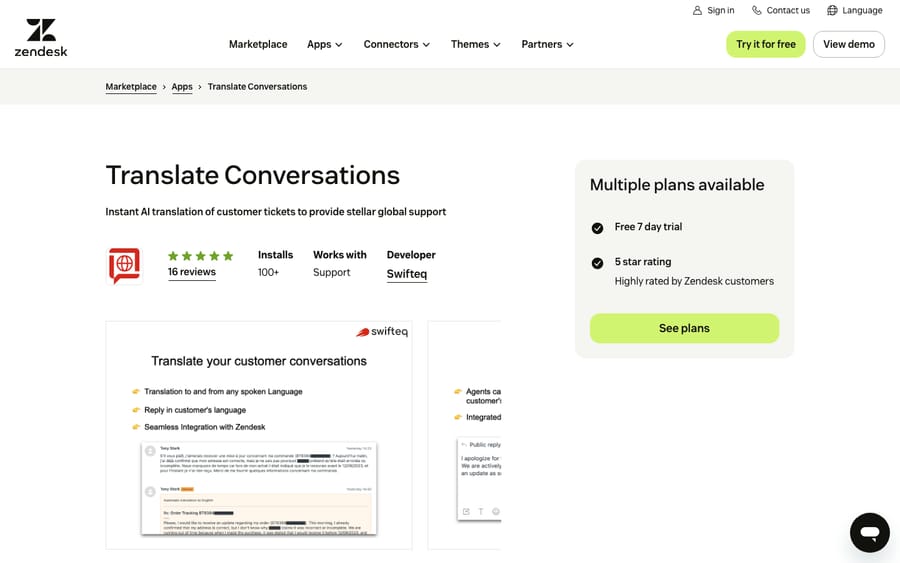
Scores: reviews 1, price 2, works in the ticket 2, setup 2, maintained 2.
Setup is five documented steps around a Swifteq API key. It has 16 reviews, all five stars, and was updated in September 2026. One review on the listing says it "is simple to use, integrates smoothly into Zendesk, and saves a lot of time that would otherwise be spent on manual translation." The free tier fits Swifteq's business model. Its site lists more than a dozen other Zendesk apps, and a free install puts it one step from selling you Help Center Translate.
Best for: teams that want foreign-language tickets translated before the agent opens them.
2. Translation by Lingpad: translations that know your brand, 8/10
Lingpad translates ticket conversations in more than 120 languages and lets you feed it your business, industry and audience so the translation carries context. Agents translate a reply with the Lingpad icon, or write an internal note starting with an exclamation mark, which Lingpad translates and sends to the customer. It adds a glossary, tone settings and translation memory. It has 14 reviews averaging 4.93 and was updated in September 2026.
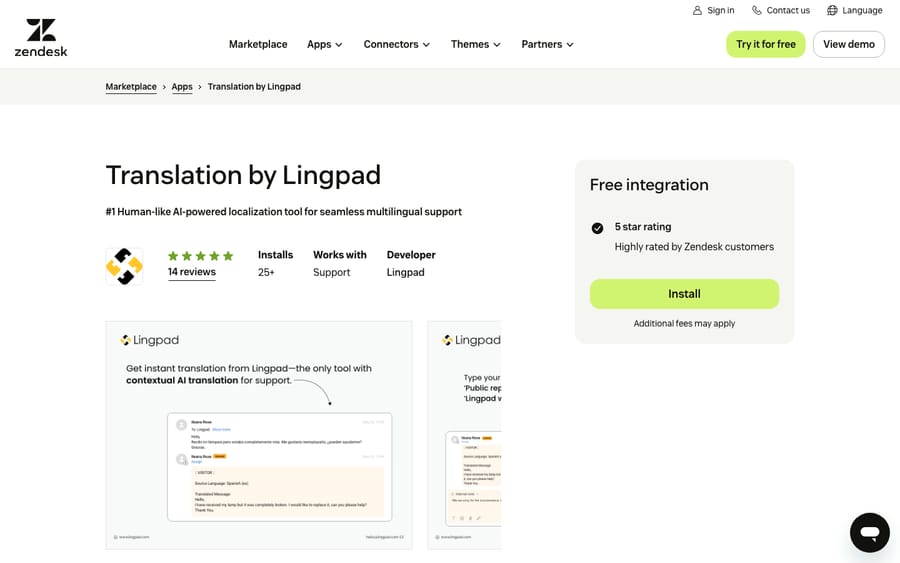
Scores: reviews 1, price 1, works in the ticket 2, setup 2, maintained 2.
Lingpad's pricing page shows a $59 monthly platform fee and pay-as-you-go AI credits that roll over, but no price per credit, so it scores 1. The 7-day trial includes 10,000 credits.
Best for: brands whose product names get mangled by generic machine translation.
3. AI Translation by Tolto: one flat seat price, 8/10
Tolto translates incoming messages into the agent's default language and the agent's reply into the customer's, in more than 120 languages, across tickets, live chat and email. Agents click Translate, or start an internal note with "!" to translate a reply, and can preview before sending. A glossary keeps brand terms untouched. The price is US$10 per agent per month with unlimited translations and every feature, after a 14-day trial with no card.
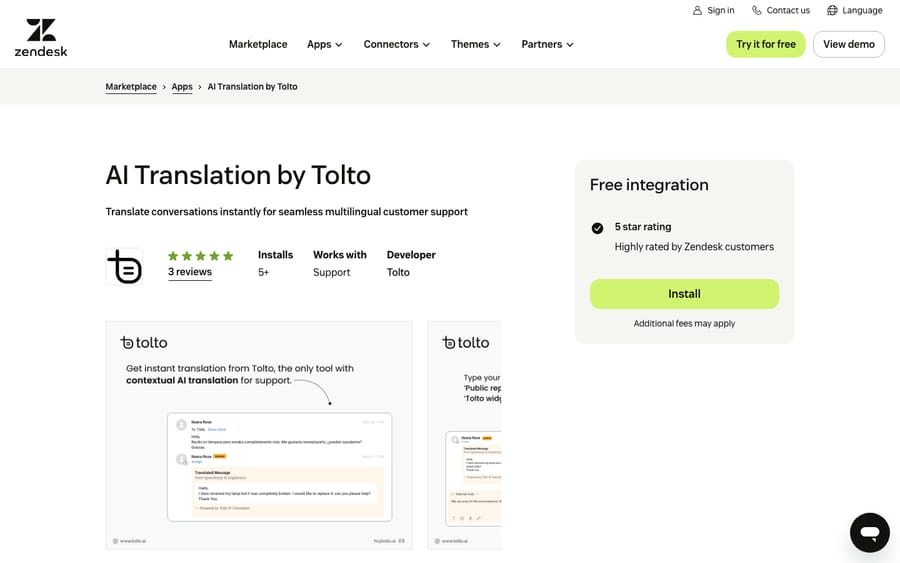
Scores: reviews 0, price 2, works in the ticket 2, setup 2, maintained 2.
Setup is four self-serve steps. Only 3 reviews hold it back. A flat seat price with no usage cap suits unpredictable volume.
Best for: small teams that don't want to count credits.
4. Translator AI: one click, written as a note, 8/10
Infigos's Translator AI does one thing per click. With text in the editor, it detects the language and replaces your draft with a translation into the customer's language. With an empty editor, it translates the most recent public customer message into your language and posts it as an internal note labeled with the direction, such as "Translated (French → English)." The Marketplace lists it at $3 per agent per month after a 14-day trial.
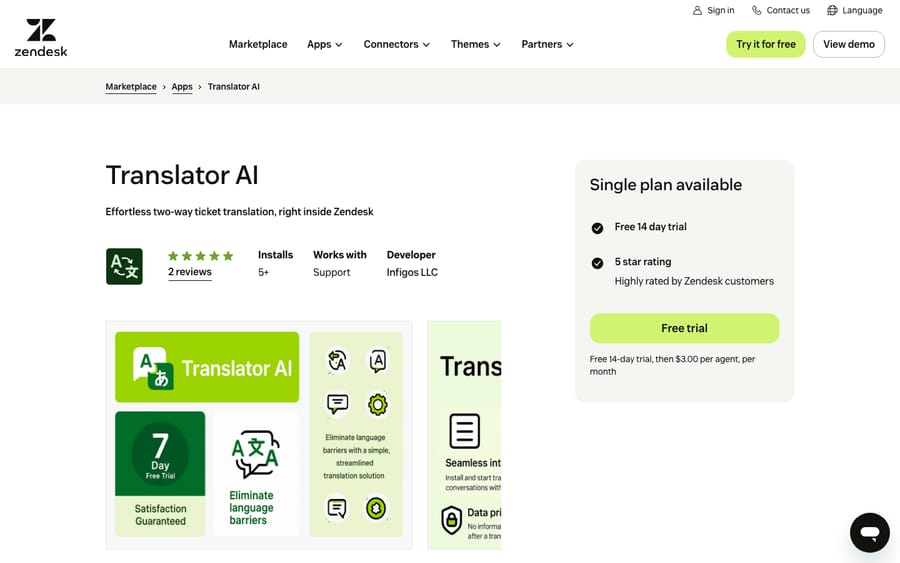
Scores: reviews 0, price 2, works in the ticket 2, setup 2, maintained 2.
It has 2 reviews and was updated in December 2025. The notes keep a written record of the customer's message in your language, which native translation doesn't. It translates only the latest public message per click.
Best for: teams that want a cheap, auditable translation in the ticket record.
5. Fluentic: incoming tickets arrive in English, 7/10
Fluentic, formerly Transfluent for Zendesk, translates incoming tickets into English automatically when they arrive, so the agent does nothing. The agent writes in English and the reply goes out in the customer's language when sent, or the agent reviews the translation first. It supports 80 languages on the listing (78 on its site), with custom glossaries set up through Fluentic's support. It has 32 reviews averaging 3.75 and was updated in July 2026. A written review on the listing from more than three years ago, under the Transfluent name, says "it also didn't take even 10 minutes to onboard the team to use the tool."
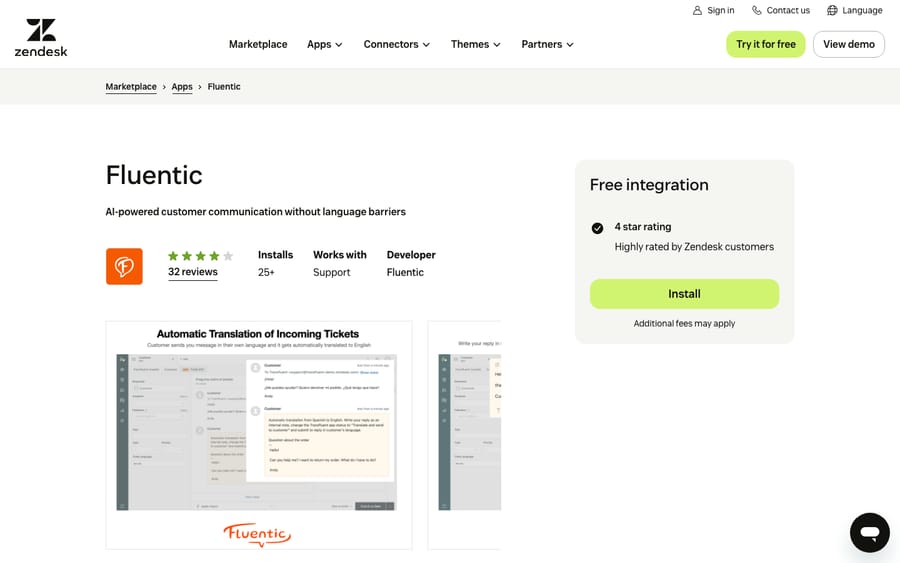
Scores: reviews 0, price 1, works in the ticket 2, setup 2, maintained 2.
Fluentic's site says plans start from about $220 (€199) a month excluding VAT and asks you to get a quote for the rest, so it scores 1 on price. Setup is self-serve. The $220 floor is a team price, so it gains on per-agent apps as headcount grows.
Best for: English-speaking teams receiving tickets in many languages.
6. Help Center Translate: bulk translation for Guide articles, 7/10
Help Center Translate is Swifteq's help center app. It translates Guide articles into more than 50 languages, in bulk, through OpenAI's API, keeping links, images and headings intact. It applies a glossary and syncs updates. Swifteq's pricing page counts article translations: about $90 (€79) a month for 100 or $280 (€249) for 500, and $80 (€69) for 100, $220 (€199) for 500 or $330 (€299) for 1,000 under its annual billing toggle, with a 14-day trial.
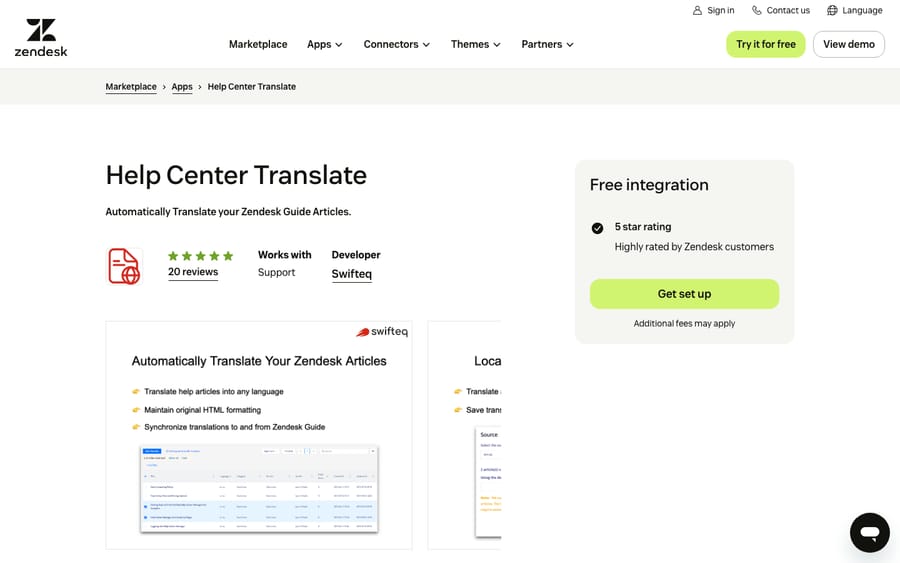
Scores: reviews 1, price 2, works in the ticket 1, setup 1, maintained 2.
It scores 1 for working in the ticket because it works on articles, not tickets, and 1 for setup because it can't be installed from the Marketplace; the listing's "Get set up" button starts a sign-up on swifteq.com. One article into three languages counts as three translations. For the structure underneath, see our explainer on the Zendesk Guide knowledge base.
Best for: help centers that must exist, and stay in sync, in several languages.
7. Requester Language: fix the profile language from the ticket, 7/10
Cloudhuset's Requester Language shows the requester's language in the ticket sidebar and lets the agent change it there. If you run translated macros through Dynamic Content, the requester's language decides which variant the customer gets, so a wrong profile language means a wrong-language reply. It's free with more than 200 installs.
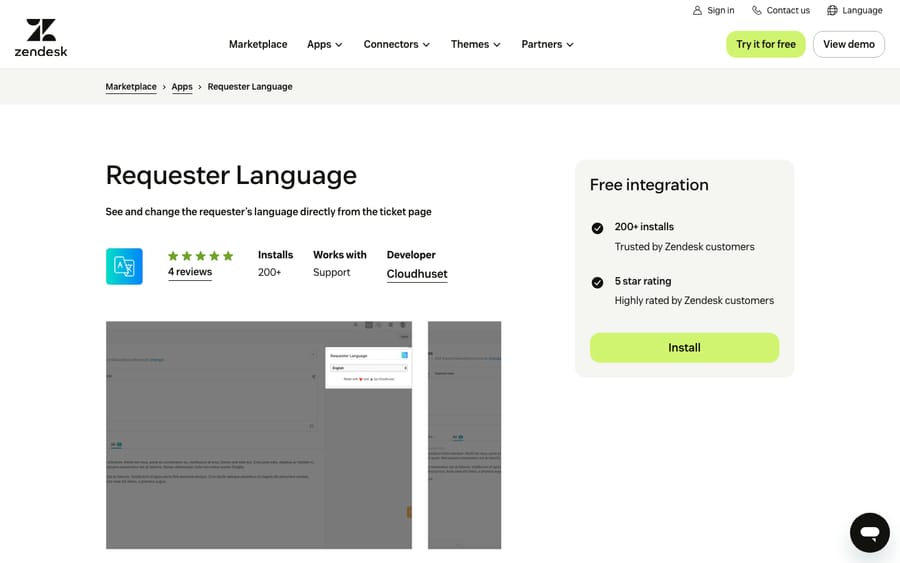
Scores: reviews 0, price 2, works in the ticket 2, setup 2, maintained 1.
Its listing was updated April 4, 2025, so it scores 1 on maintenance.
Best for: teams whose Dynamic Content macros go out in the wrong language.
8. Language Detection by Knots: tags the language for routing, 6/10
Knots detects the language of each incoming ticket before an agent opens it and saves it as a tag or in a field. You then route on that tag with Zendesk triggers. It runs in the background with a trigger you activate during setup, after you create a Knots account, and every Knots app has a 14-day trial. It was updated in December 2025.
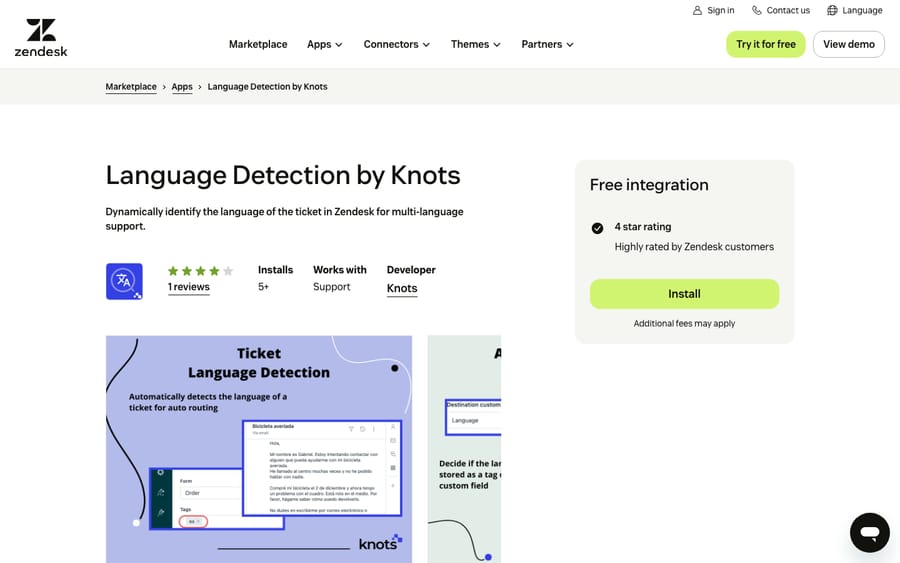
Scores: reviews 0, price 1, works in the ticket 1, setup 2, maintained 2.
It scores 1 for working in the ticket because it runs in the background and from the Zendesk nav bar, not in the ticket sidebar or editor. Knots's pricing page lists Essentials with 3 apps at $269 a month and Power Suite with 10 at $899, but doesn't price this app alone, so it scores 1 on price.
Best for: teams that route tickets to language groups.
9. Unbabel for Zendesk Support: AI with human review, 5/10
Unbabel combines machine translation with human review and is the most reviewed translation app in the category, with 143 reviews averaging 3.60 and more than 200 installs. Its help center documents a translate button, automatic pre-translation and thread translation. It was updated in February 2026.
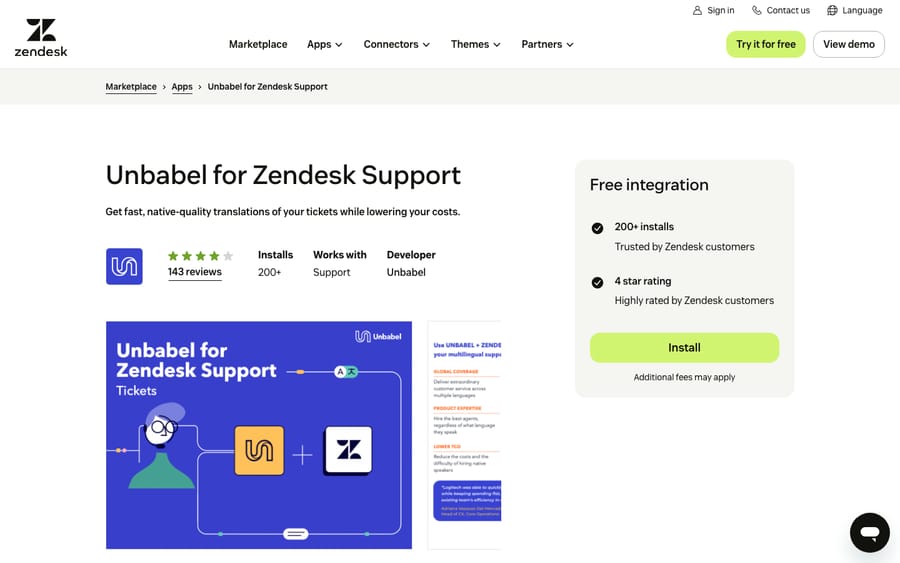
Scores: reviews 0, price 0, works in the ticket 2, setup 1, maintained 2.
The listing says the app requires an Unbabel account and subscription, and the setup docs open with an installation and user-acceptance-test plan. Behind the 143 ratings, the listing shows 29 written reviews, and the five on display are about five years old; one calls it "a sweetspot between AI and human translations." Unbabel's site publishes no price and routes you to a demo. A vendor selling human review at volume has an incentive to price each contract after a call, which is why it scores 0 on price.
Best for: larger teams where a mistranslation costs enough to justify paying for human review.
10. Translation by Language IO - Inline: translation in the conversation area, 5/10
Language I/O's Inline app translates inbound and outbound messages directly in Zendesk's conversation area across tickets, messaging and chat, in more than 100 languages, with preferences set from the sidebar. The listing says personal data is encrypted before translation and not stored afterward. It was updated in October 2026.
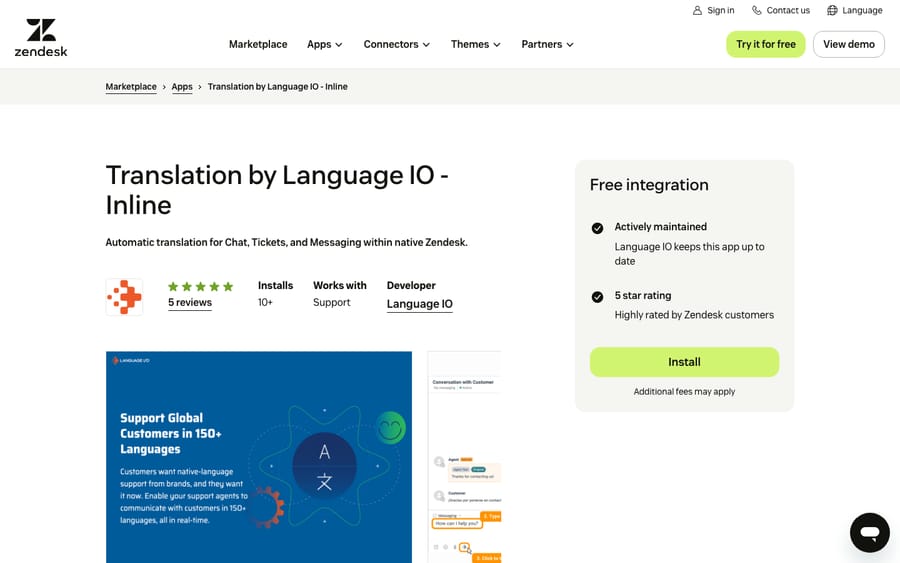
Scores: reviews 0, price 0, works in the ticket 2, setup 1, maintained 2.
Installation isn't self-serve: the listing says Language I/O must create an account on its side first. Language I/O's Zendesk page publishes no price and offers a demo.
Best for: enterprise teams whose security review needs PII handling in writing.
11. Language Translator: DeepL and Azure through Telus Digital, 5/10
Telus Digital's Language Translator offers real-time translation for chat and email in over 100 languages, using DeepL Pro and Microsoft Azure AI Services. It was updated in March 2026.
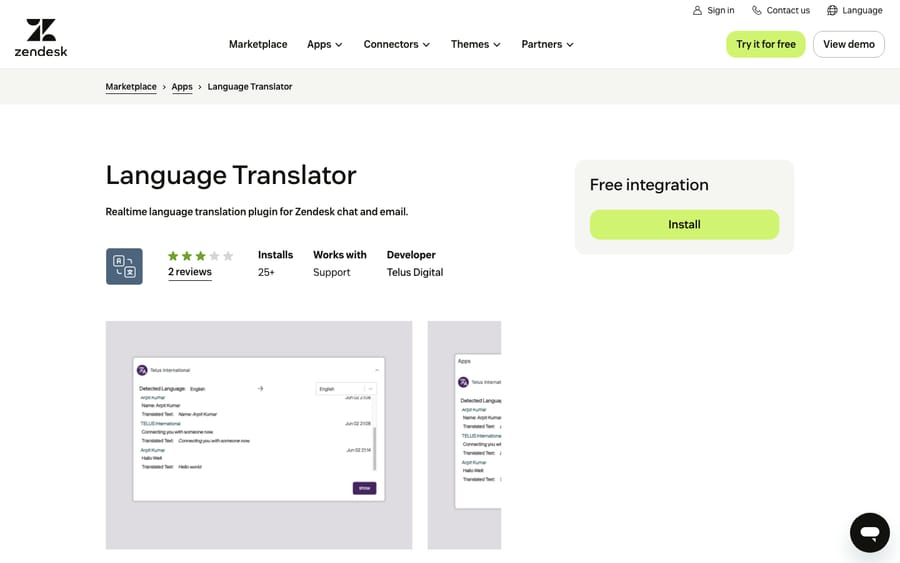
Scores: reviews 0, price 0, works in the ticket 2, setup 1, maintained 2.
It runs in the ticket sidebar, where the listing's screenshots show the detected language and a translation under each message. Installation needs Telus Digital to create an account first, and we found no published price. It has 2 reviews averaging 3.00.
Best for: teams already working with Telus Digital who want translation from the same supplier.
12. Translation Pilot: built for the outgoing reply, 5/10
Translation Pilot, from Pilot Engineering, focuses on outgoing replies, since its listing notes that Zendesk translates incoming messages natively. It can save the original as a comment, skip ignore words such as brand names, set a formality level, and correct the detected customer language from the sidebar. There's no account to create; the 7-day trial starts on install.
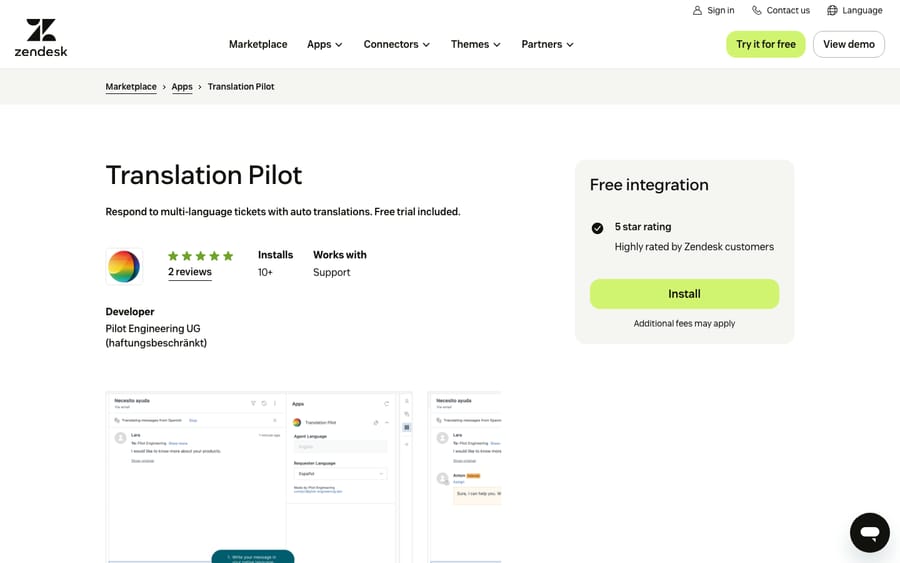
Scores: reviews 0, price 0, works in the ticket 2, setup 2, maintained 1.
The plans page the listing links to rendered no prices when we loaded it in a real browser, so it scores 0 on price. Its listing was updated April 4, 2025.
Best for: teams happy with native inbound translation who want formality control.
Enterprise translation platforms with Zendesk connectors
We didn't rank localization vendors whose Zendesk apps have no reviews yet: Phrase, Smartling, Crowdin, SYSTRAN, Language Weaver from RWS, Intento, TaskUs's TranslateBuddy and 5CA's AICX Translate. They suit companies already paying for the platform.
We also left out two much-reviewed apps. Translate.com by Humans still has 81 reviews, but Translate.com's Zendesk pricing page says it stopped accepting new orders in 2026, and its listing was last updated April 4, 2025. Stylo Assist (93 reviews, 4.98) translates as one of many copilot features.
What translation apps change for an AI agent on the same tickets
When we set up a Macha agent on a Zendesk account, we read the installed apps first, because translation apps write to the same tickets the agent works. Macha's Zendesk tools read the ticket, its comments and fields, and write fields, tags, internal notes and public replies.
We check four things. First, apps that post translations as internal notes, like Translator AI's labeled notes or Swifteq's saved originals. The agent's instructions say which notes are translations. Second, apps that use an internal note as a command, like Lingpad and Tolto, where a note starting with "!" gets translated and sent to the customer. The agent must never start a note that way. Third, apps that write language tags or fields, like Language Detection by Knots. Those make good trigger conditions, and we read the field definitions so the agent doesn't overwrite a field an app owns (see custom fields and AI agents). Fourth, apps that translate on send. We check whether a reply posted through the API passes through the app at all, and that an app's triggers don't fire on every note the agent adds; Macha's own triggers use a tag-and-exclude pattern so they don't loop.
Then we replay past tickets in a simulation and confirm whether replies post as internal notes or public before anything runs on its own.
Where AI fits
Every app above translates words, and someone still has to know what the answer is. An AI agent reads the ticket, works out the answer from your policies and knowledge, and writes it in the customer's language.
Macha runs AI agents inside the Zendesk account you already have, set up and monitored by the Macha team. It fits teams already running Zendesk who want agents handling routine requests in whatever language they arrive in, while an app like Translate Conversations keeps working on the tickets that stay with people. Macha also publishes an AI Ticket Translations app on the Marketplace, which we didn't rank here. Pricing for agents starts at $299/month for 750 tickets, with a trial of $50 of free usage (about 125 tickets), no credit card, no time limit.
Which one fits your situation?
- A few foreign-language tickets a week: Zendesk's built-in translation, plus Translator AI at $3 per agent for a written record.
- Tickets should arrive already translated: Translate Conversations at $7 per agent, or Fluentic from about $220 a month if you'd rather pay per team.
- Brand names keep getting translated: Lingpad for brand context, Tolto for a flat-priced glossary.
- Your help center needs other languages: Help Center Translate, priced by article translation.
- Language groups and routing: Language Detection by Knots for tags, Requester Language to fix the profile.
- Mistakes are expensive: Unbabel's human review, after a demo.
- Security review comes first: Language I/O or Telus Digital, whose listings describe how they protect personal data.
FAQs
What is the best translation app for Zendesk?
On our rubric, Swifteq's Translate Conversations scored highest at 9 of 10. Translation by Lingpad, AI Translation by Tolto and Translator AI share the next tier on 8. All 12 scored apps, with every score, are in the table above.
Does Zendesk translate tickets without an app?
Yes. Zendesk's conversation translation is included on Suite Team and above and on Support Team, Professional and Enterprise, and works on every channel except voice. An agent turns it on per conversation from a banner, as Zendesk's article describes.
How much do Zendesk translation apps cost?
Translator AI is $3 per agent per month, Translate Conversations $7 and Tolto US$10. Lingpad starts at $59 a month plus credits and Fluentic at about $220 a month. Unbabel, Language I/O, Translation Pilot and Telus Digital publish no price.
Can I translate my Zendesk help center articles automatically?
Yes, with an app. Swifteq's Help Center Translate bulk-translates Guide articles into more than 50 languages and syncs updates. Larger companies often connect Guide to a localization platform such as Phrase, Smartling or Crowdin instead.
Do translation apps work with AI agents in Zendesk?
Yes, with some checking. Apps that post translations as notes, send notes that start with "!", or tag tickets by language change what an AI agent reads and writes.
<div class="docs-callout"><div><p class="docs-callout-title">Are you listed here?</p><p class="docs-callout-body">Partners and app makers can send corrections with a public source to [email protected]. We fix facts within a week. Scores follow the rubric above, not requests.</p></div></div>
How we researched this
On October 29, 2026 we queried the Zendesk Marketplace catalog of 1,812 apps. Review counts and install counts come from the catalog, with each average computed from the per-star counts, and last-update dates from each listing.
We checked all 12 listings on zendesk.co.uk the same day (zendesk.com returns a 403 to scripted requests), plus the vendors' own pricing pages. Translator AI's price is the one shown on its Marketplace listing. Translation Pilot's plans page, Unbabel's help center and the review text needed a real browser. We didn't install or test any app, didn't contact any vendor, and one reviewer applied the scores to public pages only.
Prices are shown in US dollars; prices published in other currencies were converted at European Central Bank reference rates of October 29, 2026.
Disclosure: Macha makes AI agents that run inside help desks. Nobody paid to be listed, and Macha is not ranked here.