Shopify
 Stripe
 Slack
Slack Notion
 Google Workspace
 Confluence

Best Zendesk WhatsApp and Messaging Apps (2026): 15 Marketplace Apps Scored


The best Zendesk WhatsApp and messaging apps in October 2026 are Respira's WhatsApp Connector and OAPPS's Instagramer Suite, which share the top tier at 9 of 10, followed by a tier of five apps on 8 that covers Telegram, SMS, WhatsApp campaigns and WhatsApp voice notes. Zendesk can already run WhatsApp as a native messaging channel, so these apps fill the gaps around it: sending template messages after the 24-hour window closes, bulk sends, voice notes, and channels such as Instagram DMs and Telegram. We scored 15 third-party apps from the Marketplace's Messaging category on five public criteria and show every score.
Key takeaways
- Respira's WhatsApp Connector and Instagramer Suite share the top tier at 9 of 10, both with published monthly prices and sidebar actions inside the ticket.
- No app scores 10, because none of the 15 has the 50 or more reviews averaging 4.5 that the top review score needs.
- Of 139 third-party apps in Zendesk's Messaging category, 84 have no reviews at all, so most WhatsApp apps here lose the review point by default.
- Seven of the 15 apps need Sunshine Conversations or a Suite Professional plan, which Zendesk includes from Suite Professional upward.
- WhatsApp tools that create tickets from campaign replies, or add tags and notes on delivery, change which tickets an AI agent's triggers match.

The 15 apps at a glance
| # | App | Maker | Channel and job | Reviews (avg) | Installs | Last updated | Price | Score |
|---|---|---|---|---|---|---|---|---|
| 1 | WhatsApp Connector | Respira Internet | Proactive and bulk WhatsApp templates | 22 (4.82) | 200+ | Jun 2026 | Free tier; about $20 to $180 (€19 to €158)/month | 9 |
| 2 | Instagramer Suite | OAPPS | Instagram DMs, comments and mentions as tickets | 13 (4.38) | 200+ | Dec 2025 | $39 to $119/month | 9 |
| 3 | Telegramer | OAPPS | Telegram bots, groups and channels as tickets | 5 (5.00) | 100+ | Dec 2025 | $9, $29 or $59/month | 8 |
| 4 | WitWave | Witbor | WhatsApp voice notes, transcription | 3 (4.67) | 5+ | Jul 2026 | $12 or $30/month | 8 |
| 5 | Impulsis Notifications and Campaigns | Clever Development | WhatsApp campaigns and sidebar sends | 1 (5.00) | 25+ | Jul 2026 | $59 or $165/month | 8 |
| 6 | Heymarket | Heymarket | SMS, MMS, RCS and WhatsApp inbox | 1 (5.00) | 25+ | Aug 2026 | $99 or $199 per user/month with Zendesk | 8 |
| 7 | Witalker Suite | Witbor | WhatsApp notifications, broadcasts, user merge | 0 | 50+ | Oct 2026 | $15 to $70/month | 8 |
| 8 | Textline for Zendesk Support | Textline | Business SMS | 28 (4.18) | 100+ | Mar 2026 | Contact sales | 7 |
| 9 | Whatsapp Audio Player | Zenital | Plays WhatsApp voice notes in the ticket | 6 (4.17) | 200+ | Apr 2025 | Free | 7 |
| 10 | Zaplay | Clever Development | Voice notes, AI transcription and summaries | 2 (5.00) | 10+ | Feb 2026 | Free tier; $25 or $59.99/month | 7 |
| 11 | OAPPS for WhatsApp Support | OAPPS | WhatsApp numbers as a ticket channel | 1 (5.00) | 50+ | Dec 2025 | $29, $59 or $99/month | 7 |
| 12 | Chatarmin | Chatarmin | WhatsApp marketing and support inbox | 0 | 25+ | Jun 2026 | Custom pricing | 6 |
| 13 | Sunshine Conversations Campaigns PRO | Centribal | WhatsApp template campaigns | 0 | 25+ | Sep 2026 | Needs a Centribal license, from about $310 (€280) | 6 |
| 14 | WhatsApp by Conciex.Messaging | BCR.CX | WhatsApp and SMS sends, campaigns | 7 (5.00) | 50+ | Dec 2025 | Not published | 5 |
| 15 | WhatsApp Broadcast | Chat Inc | One-to-one and bulk WhatsApp templates | 6 (3.50) | 50+ | Apr 2025 | Contact sales | 5 |
Tiers: 9 (apps 1-2), 8 (apps 3-7), 7 (apps 8-11), 6 (apps 12-13), 5 (apps 14-15). Averages are computed from the Marketplace catalog's per-star counts.
How we scored them
We kept third-party apps whose main job is a customer messaging channel inside Zendesk Support: WhatsApp sends and templates, voice notes, SMS, Instagram and Telegram. Phone systems have their own roundup, and marketplace connectors such as ChannelReply belong to our Zendesk integrations for ecommerce post. Slack and Teams apps, AI-first apps and file transfer are out, and so is GrowthDot's Proactive Campaigns, an email campaign app filed under CRM and Marketing that adds SMS on paid plans and doesn't send WhatsApp. Each app is scored 0 to 2 on five criteria.
| Criterion | 2 points | 1 point | 0 points |
|---|---|---|---|
| Marketplace reviews | Average 4.5+ with 50+ reviews | 4.0+ with 10+ reviews | Fewer or none |
| Published price | Full price on the listing or vendor site | A free tier or "from" price only | Contact sales |
| Works in the ticket | Acts inside the ticket or agent workspace with documented features | View-only or limited | Unclear |
| Setup effort | Marketplace install with documented self-serve setup | Needs configuration help or an onboarding call | Custom work or undocumented |
| Maintained | Listing or app updated in the last 12 months | 12 to 24 months | Older or unknown |
Works in the ticket scores 2 only for apps placed in the ticket sidebar or editor, per each app's locations in the Marketplace catalog. Maintained uses the "Last updated" date each listing shows. Free apps, and tier lists that end in a custom Enterprise tier, score 2 on price; a single "from" price scores 1. When apps tie, we present them as a tier and order them by review count, then installs.
What Zendesk does without an app
Zendesk connects WhatsApp itself. Its help article on WhatsApp channels puts the setup at Admin Center > Channels > Messaging and social > Messaging, on every Suite plan from Team up, and says a WhatsApp Business Account is "limited to 20 numbers by default." Until Meta verifies the business, the account can send notifications to 250 unique customers in a rolling 24-hour period. We walk through the setup in how to connect WhatsApp to Zendesk.
What the native channel leaves to apps is mostly the outbound side. Meta's pricing page says a 24-hour customer service window opens when a user messages you, and "if it is not open, businesses can only send template messages to reach out to users." Meta bills each delivered template at rates that vary by country, and since October 1, 2026 it also charges for service messages past 1,000 a month per number. Most of the WhatsApp apps below exist to send those templates from a ticket or a list. Our post on rejected WhatsApp templates covers why they fail.
Seven of the 15 apps (Respira's connector, WitWave, Impulsis, Witalker Suite, Zaplay, Centribal's app and Chat Inc's) need Sunshine Conversations or Suite Professional, which includes the conversations API.
Zendesk Labs also publishes Relay, a free WhatsApp and SMS campaign app with more than 1,000 installs. It needs Suite Professional and custom objects, and its listing says it "may be withdrawn at any time," so we don't rank it.
Top tier, 9 of 10: WhatsApp Connector and Instagramer Suite
1. WhatsApp Connector by Respira: templates after the 24-hour window, 9/10
Respira's WhatsApp Connector sends immediate and scheduled WhatsApp templates from the ticket sidebar, bulk sends from Excel or CSV files, and lets macros, triggers and automations send WhatsApp messages. Failed deliveries come back as internal notes and tags. It needs Suite Professional or Enterprise. A reviewer named Pablo wrote five months ago that it allows "you to send proactive WhatsApp messages outside the 24-hour window."
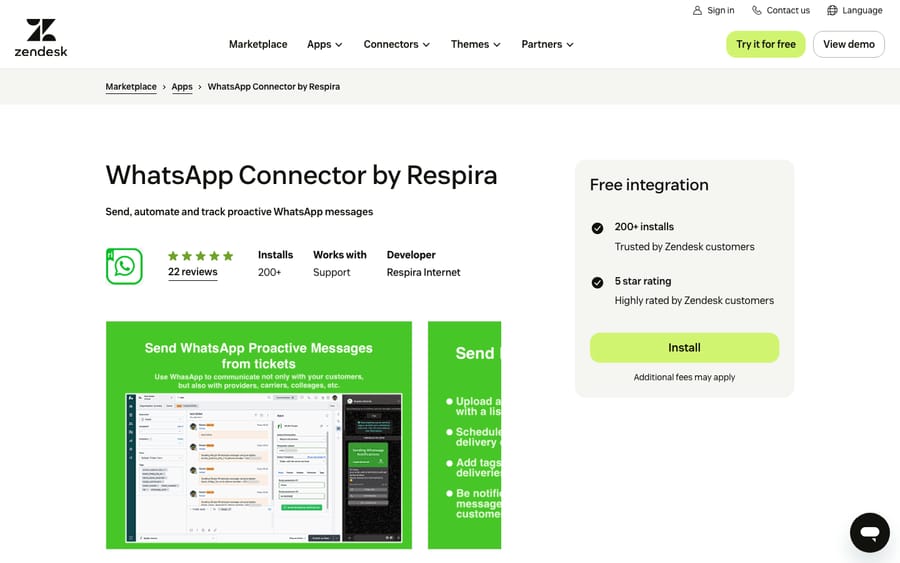
Scores: reviews 1, price 2, works in the ticket 2, setup 2, maintained 2.
Respira's pricing page charges for messages, not seats: 100 free notifications a month with no card, Starter at about $20 (€19) a month, and Professional at about $90 (€79) for 5,000 messages a month or about $180 (€158) for 10,000. Every plan includes unlimited users and phone lines, and the prices "do not include additional charges by Zendesk or Meta," so Meta's template fees sit on top.
One anonymous reviewer wrote about a year ago, "If you need help, forget! They will never answer you," and Respira replied asking the reviewer to get in touch.
2. Instagramer Suite: Instagram DMs and comments as tickets, 9/10
OAPPS's Instagramer Suite turns Instagram direct messages, comments, mentions, story replies and Reels comments into Zendesk tickets, and lets agents hide, delete or reply privately to comments from the sidebar.
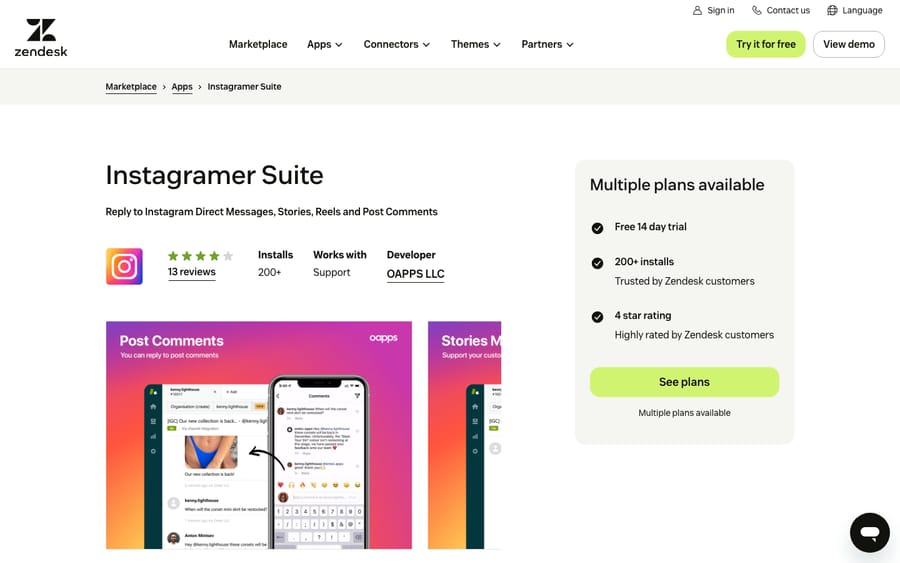
Scores: reviews 1, price 2, works in the ticket 2, setup 2, maintained 2.
The listing shows four plans after a 14-day trial: Suite Comments at $39 a month for comments only, Beginner at $49 for one account and 500 messages, Professional at $89 for two accounts and 6,000 messages, and Leader at $119 for five accounts and 25,000 messages. Unlimited messages cost $399 a month.
One reviewer, almost two years ago, said the app "creates a user for each comment"; OAPPS replied that running two Instagram apps at once caused duplicates.
Second tier, 8 of 10: five apps
3. Telegramer: Telegram support with Zendesk's own tools, 8/10
OAPPS's Telegramer connects a Telegram bot, or a personal account through Telegram's Business chatbot feature, and brings one-to-one chats, group messages and channel comments into Zendesk, where agents work them with macros, triggers and assignments. One anonymous reviewer wrote almost two years ago: "Some of our feature requests have been taken care of within a couple of weeks."
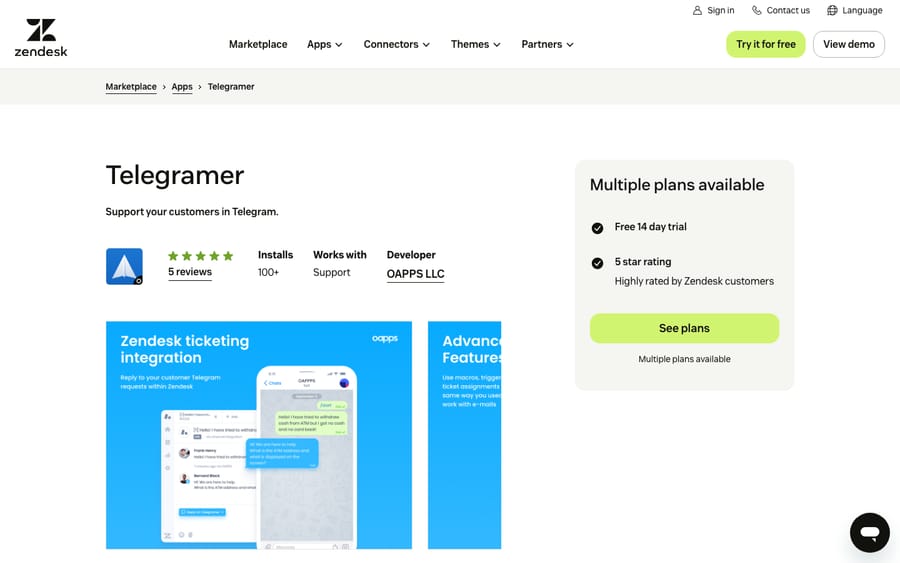
Scores: reviews 0, price 2, works in the ticket 2, setup 2, maintained 2.
The listing shows Beginner at $9 a month for one bot and 1,500 messages, Professional at $29 for two bots and unlimited messages, and Leader at $59 for unlimited bots, each after a 14-day trial.
4. WitWave: WhatsApp voice notes, played and transcribed in the ticket, 8/10
Witbor's WitWave lets agents play WhatsApp voice notes on a waveform, record and send new ones from the ticket, and transcribe audio with AI, saving the text to the ticket. It also shows whether Meta's 24-hour window is still open. María Paz wrote on the listing two months ago that saving the transcription in the ticket "permite consultar la información rápidamente sin tener que reproducir el audio nuevamente" (lets you check the information without replaying the audio).
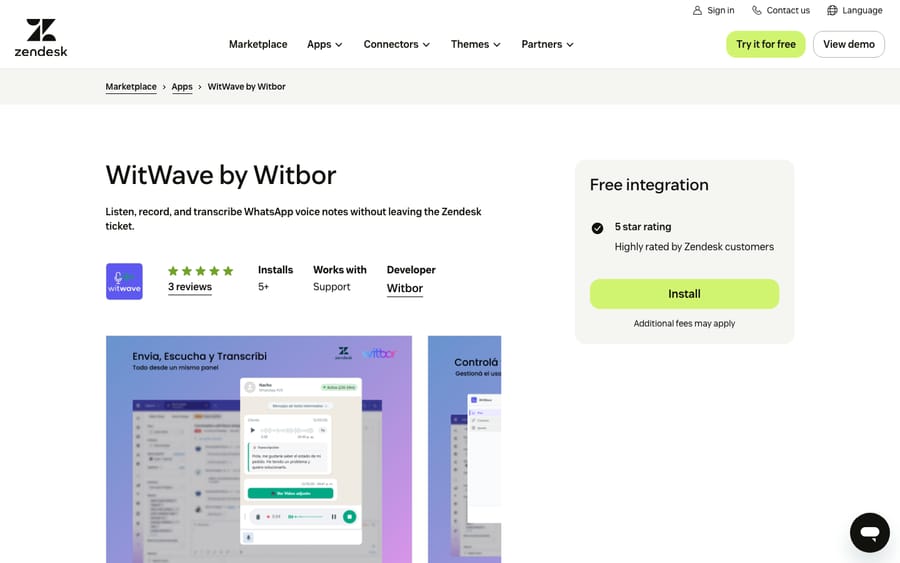
Scores: reviews 0, price 2, works in the ticket 2, setup 2, maintained 2.
WitWave's site prices it by minutes of audio: Basic at $12 a month for 100 minutes, Pro at $30 for 500 minutes and audio macros, and a $12 one-off pack of 200 extra minutes. Enterprise is on request.
5. Impulsis Notifications and Campaigns: WhatsApp campaigns that open tickets, 8/10
Clever Development's Impulsis sends segmented WhatsApp broadcasts and single messages from the ticket sidebar, with template management, scheduling and delivery tracking. A customer's reply opens a Zendesk ticket with tags, and the vendor's site says delivery failures and unread messages can open one too.
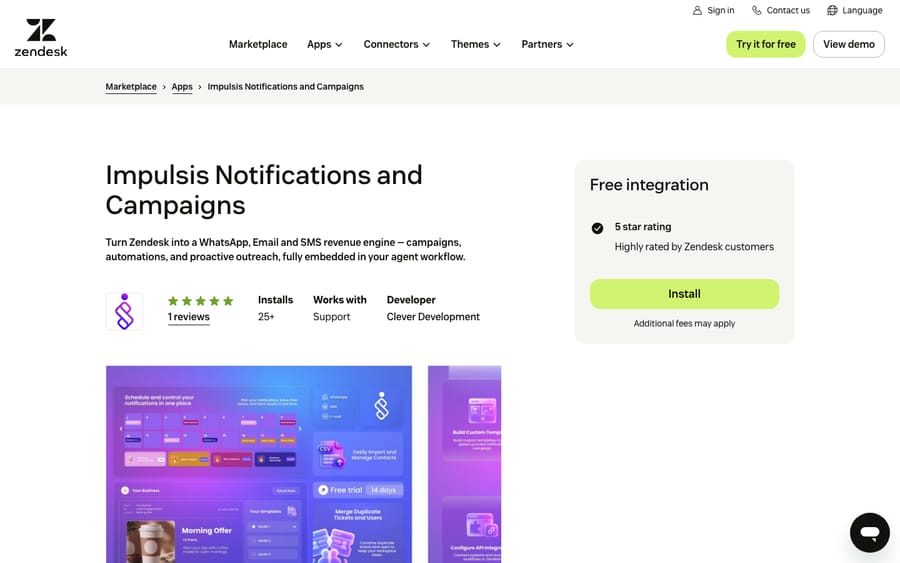
Scores: reviews 0, price 2, works in the ticket 2, setup 2, maintained 2.
Impulsis prices it at $59 a month for 2,000 messages from the sidebar, or $165 for 10,000 WhatsApp notifications with CSV campaigns, after a 15-day trial with no card. The site says email is "coming soon," so today it's a WhatsApp tool.
6. Heymarket: an SMS and WhatsApp inbox wired into Zendesk, 8/10
Heymarket adds SMS, MMS, RCS and WhatsApp to Zendesk through a top bar widget and a channel integration that creates a ticket for every incoming text. It can text-enable an existing phone number while keeping voice service, maps Zendesk groups and brands to separate inboxes, and handles opt-outs and 10DLC registration. Its one review, from Andrew Katz more than four years ago, says: "They keep making it better!"
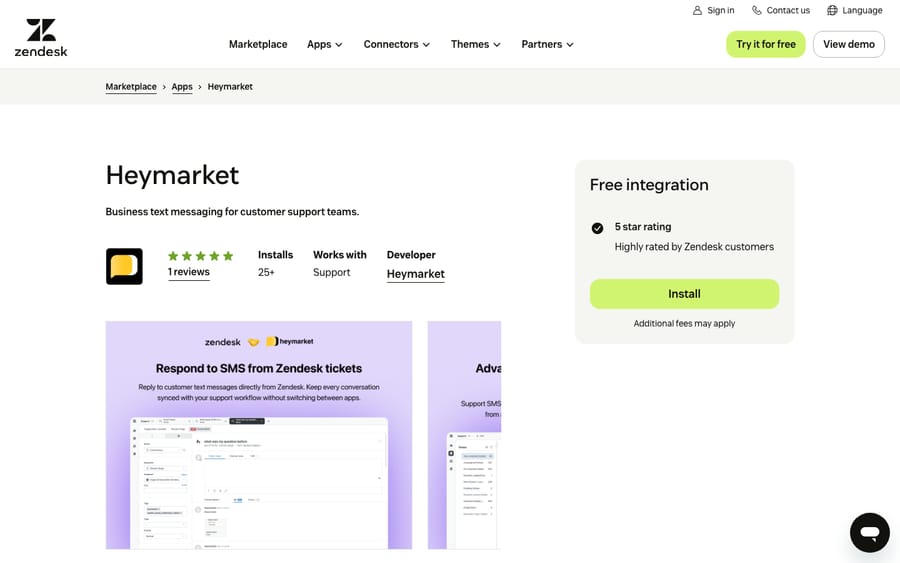
Scores: reviews 0, price 2, works in the ticket 2, setup 2, maintained 2.
The pricing page lists Standard at $49, Plus at $99 and Pro at $199 per user per month billed annually, with a two-user minimum, and says "Zendesk: not available on Standard." So the cheapest way to use it with Zendesk is two Plus seats at $198 a month, or $2,376 a year. Gating the help-desk integration one tier up is a plain upsell. The listing also sells Heymarket's own AI agents.
7. Witalker Suite: WhatsApp notifications, broadcasts and user merging, 8/10
Witbor's Witalker Suite sends WhatsApp notifications one at a time or in bulk, resumes conversations after the 24-hour window, sends automated welcome messages, and finds and merges duplicate users by name or phone number.
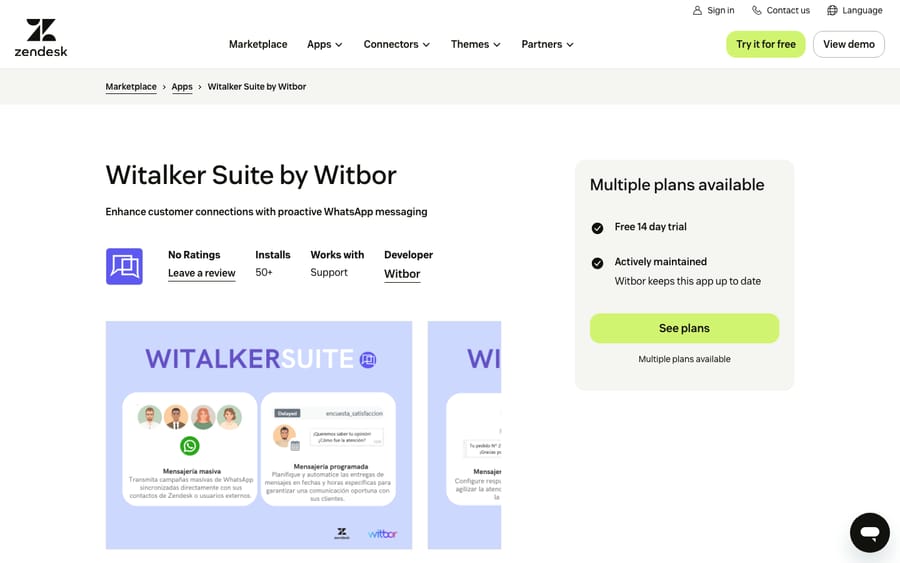
Scores: reviews 0, price 2, works in the ticket 2, setup 2, maintained 2.
The listing sells it in modules after a 14-day trial: Reactive Messaging at $15 a month, Merge Users at $15, Witalker for WhatsApp at $40 for proactive notifications and broadcasts, and Witalker Pro at $70 for everything plus scheduling.
Third tier, 7 of 10: four apps
8. Textline for Zendesk Support: business texting with no listed price, 7/10
Textline gives agents a shared business number for SMS and MMS, with templates, transfers, scheduled messages and private notes, and logs every text on the customer's ticket. Agents text from a top bar widget or the ticket sidebar.
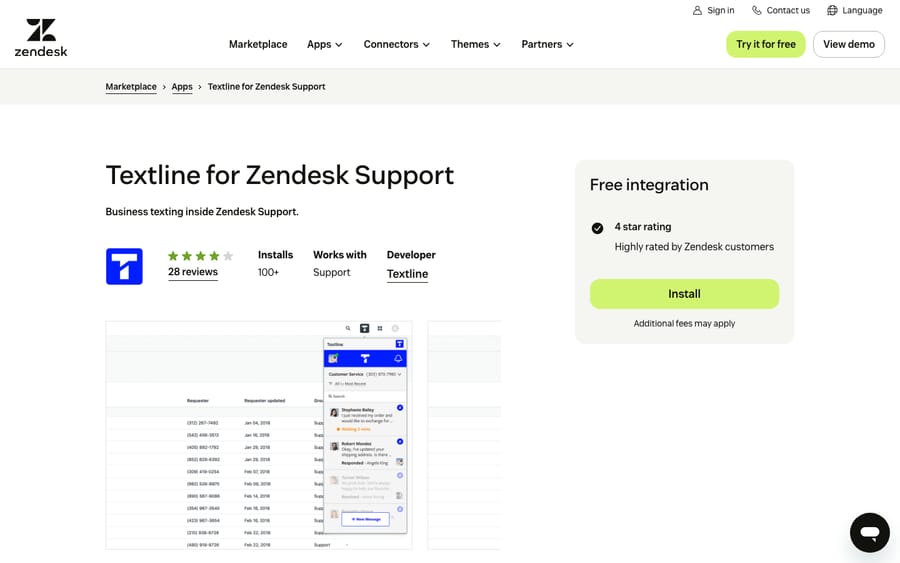
Scores: reviews 1, price 0, works in the ticket 2, setup 2, maintained 2.
The pricing page names three plans, Essentials with three agents and Pro with five, but no prices. Its FAQ tells buyers to "contact our sales team to get a personalized quote."
9. Whatsapp Audio Player by Zenital: free playback of voice notes, 7/10
Zenital's Whatsapp Audio Player shows WhatsApp voice notes in the ticket sidebar so agents can listen without downloading the file. There's nothing to configure, and it's free. Onlineberatung wrote almost two years ago that "we can now listen to the voice message without downloading it." Juan Manuel Giannini, about three years ago, noted the limit: "It only works for Whatsapp channels."
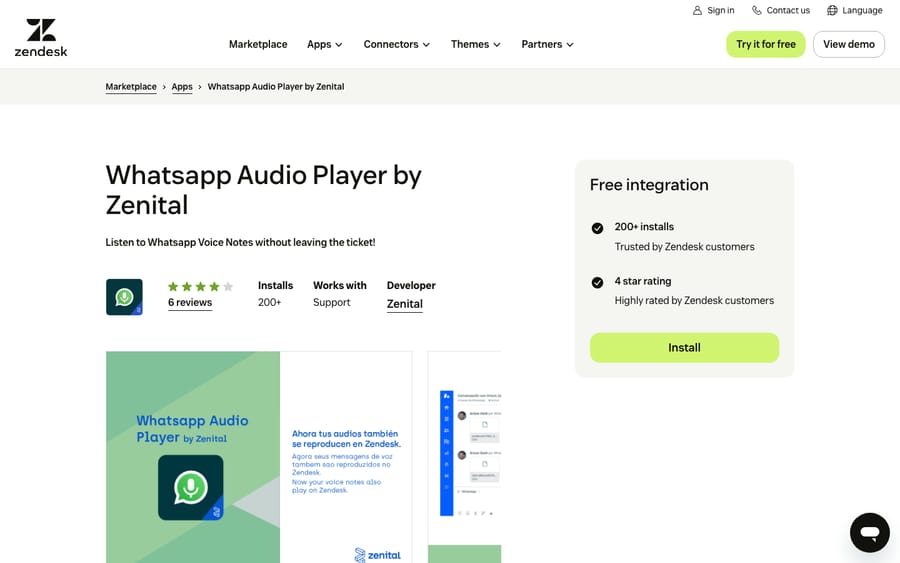
Scores: reviews 0, price 2, works in the ticket 2, setup 2, maintained 1.
Its last update, April 4, 2025, costs it a point on maintenance.
10. Zaplay: voice notes with AI transcripts and summaries, 7/10
Clever Development's Zaplay records, plays and transcribes WhatsApp voice messages, summarizes and translates them, and can add the transcript as an internal note.
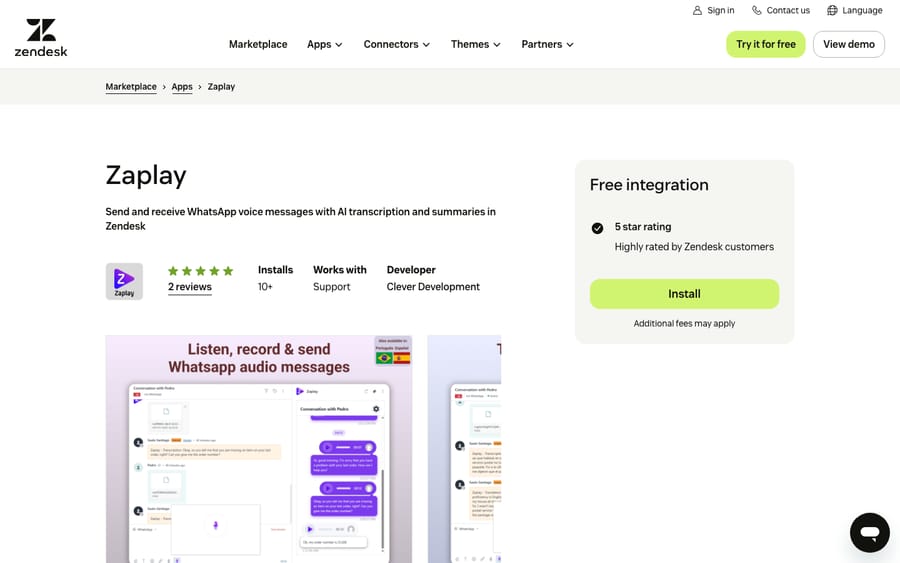
Scores: reviews 0, price 2, works in the ticket 2, setup 1, maintained 2.
Zaplay's page lists a free plan with 5 minutes of audio a day, Audio at $25 a month for 400 minutes, and Pro at $59.99 with summaries, translation and automatic internal notes. Both paid plans are marked "private offer, by e-mail," and the page says "Self-serve signup is being configured," so it scores 1 on setup.
11. OAPPS for WhatsApp Support: WhatsApp numbers as a ticket channel, 7/10
OAPPS for WhatsApp Support links one or more WhatsApp Business numbers to Zendesk, over the WhatsApp Cloud API or by scanning a QR code, so agents answer WhatsApp in tickets with macros, triggers and assignments. Group chats and proactive one-to-one messages work only on the QR connection. Its one review, from about three years ago, calls it "a bit pricy" and says it let the team "avoid the terrible 24-hour rule."
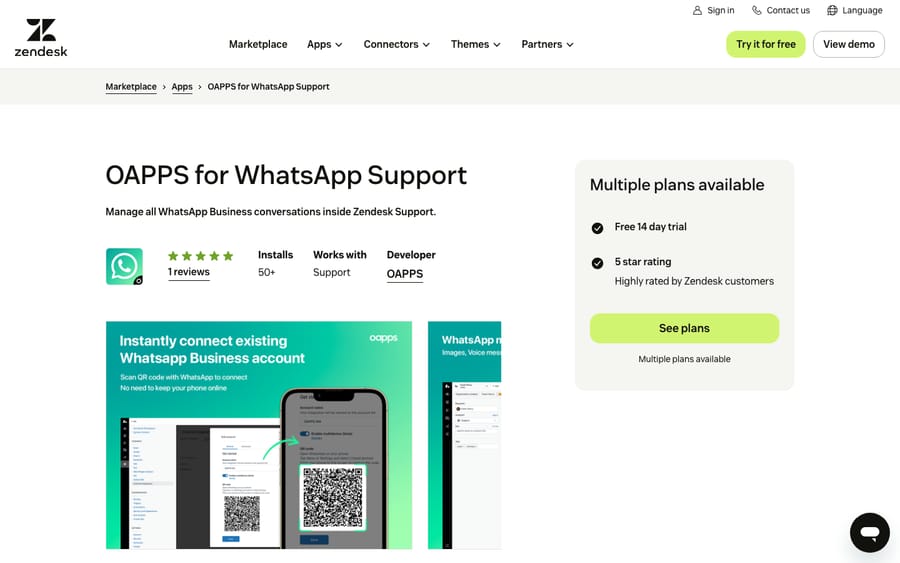
Scores: reviews 0, price 2, works in the ticket 1, setup 2, maintained 2.
The listing shows Beginner at $29 a month for one number and 2,000 messages, Professional at $59 for two lines and 20,000, and Leader at $99 for five lines and 50,000, after a 14-day trial. Its only catalog location is the top bar, so it scores 1 on working in the ticket.
Fourth tier, 6 of 10: two apps
12. Chatarmin: WhatsApp marketing with a support inbox, 6/10
Chatarmin is a WhatsApp marketing platform whose Zendesk app turns WhatsApp conversations into tickets and can collect order numbers and product images over WhatsApp before an agent picks the ticket up. It also triggers on solved tickets to ask for an opt-in or a review.
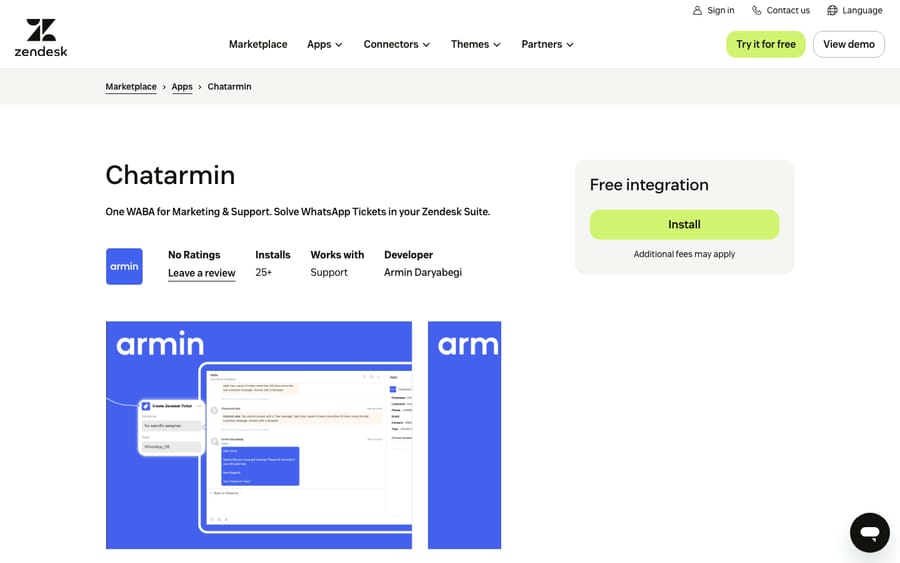
Scores: reviews 0, price 0, works in the ticket 2, setup 2, maintained 2.
Chatarmin's pricing page offers only custom pricing based on volume and goals. The opt-in-after-solve feature shows where its revenue comes from, which is marketing sends, and support is the door in.
13. Sunshine Conversations Campaigns PRO by Centribal: template campaigns on a platform license, 6/10
Centribal's app sends approved WhatsApp templates with text, buttons, documents and images, individually or by CSV, reports delivery, and can connect a chatbot to handle replies.
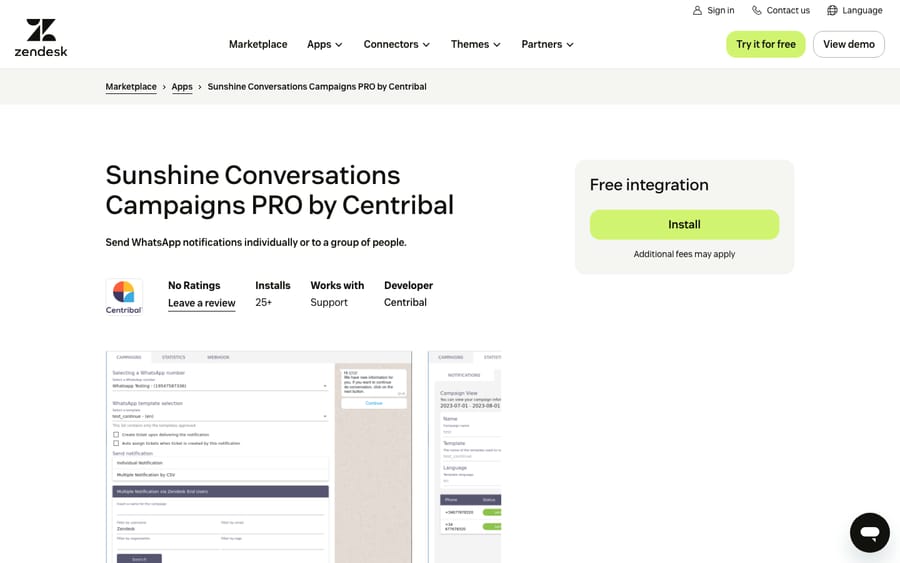
Scores: reviews 0, price 1, works in the ticket 2, setup 1, maintained 2.
The app is free to install but requires "an active Centribal Platform license with a Sunshine Conversations plan," plus a Sunshine Conversations license, an approved number and an approved template. Centribal's pricing page shows only "from" prices for its platform, from about $310 (€280), without a billing period. That second license is why it scores 1 on setup.
Fifth tier, 5 of 10: two apps
14. WhatsApp by Conciex.Messaging: WhatsApp and SMS from Brazil's BCR.CX, 5/10
BCR.CX's Conciex.Messaging sends WhatsApp and SMS from Zendesk, manages campaigns, and submits templates to Meta for review. Moisés Clafmman wrote about three years ago: "Ajudou muito nos disparos de mensagens do whatsapp!" (It helped a lot with sending WhatsApp messages.)
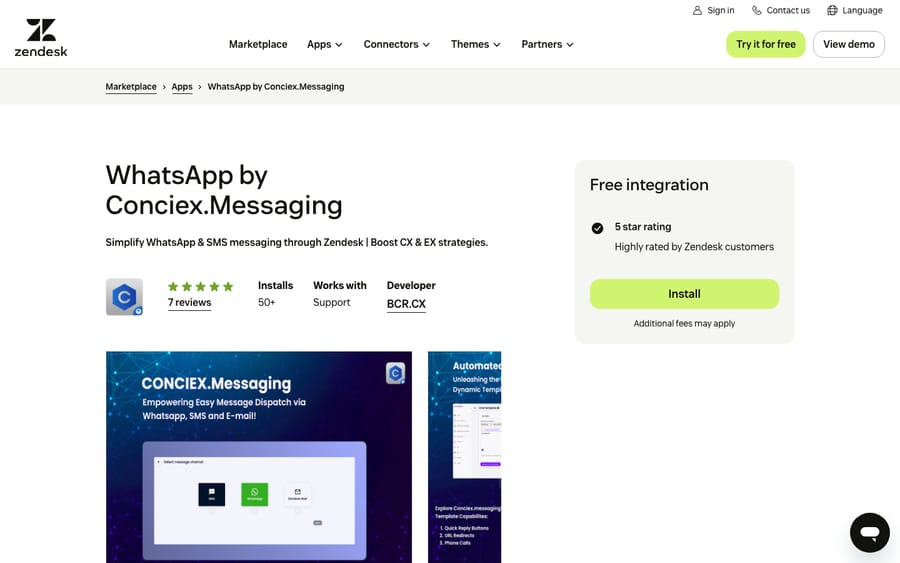
Scores: reviews 0, price 0, works in the ticket 2, setup 1, maintained 2.
The listing says installation is "not Plug and Play" and asks you to contact BCR.CX to finish setup, so it scores 1 on setup. BCR.CX's site publishes no prices, and the catalog's pricing link didn't resolve when we checked. Installing the app also creates Zendesk triggers that use the tag "bcr-comma-notify," which matters if anything else on the account acts on new tags.
15. WhatsApp Broadcast by Chat Inc: templates from the agent workspace, 5/10
Chat Inc's app sends WhatsApp templates one at a time or in bulk to tagged contacts, reopens WhatsApp tickets closed by the 24-hour window, and creates tickets when customers reply.
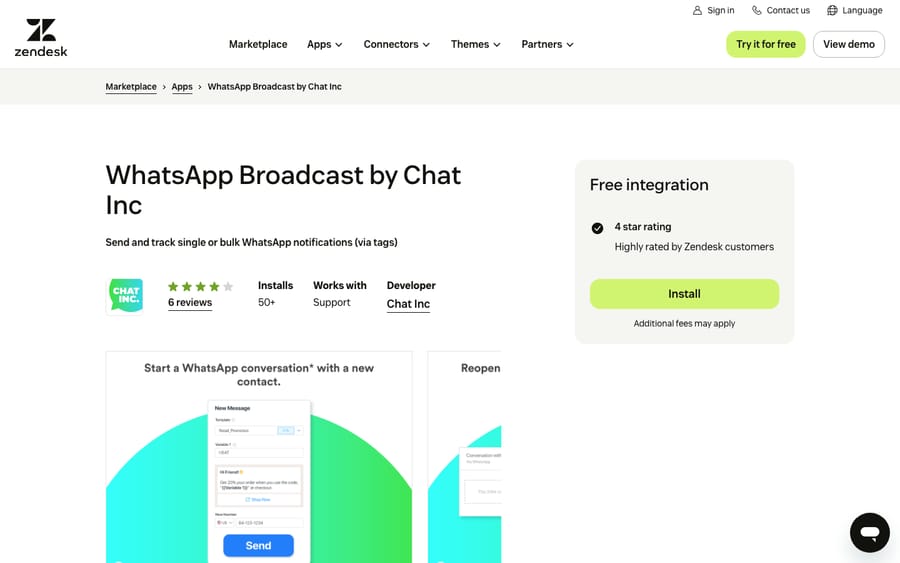
Scores: reviews 0, price 0, works in the ticket 2, setup 2, maintained 1.
Pricing is by contact with sales. The newest review, from Clyde Orien seven months ago, says new agents didn't show up in the app for access and "Ive emailed them about this but have not gotten any response."
What these apps change for an AI agent on the same tickets
We run AI agents inside Zendesk, and messaging apps change the tickets those agents see. Macha's agents read the ticket, its comments, custom fields and image, PDF or document attachments, and write status, priority, fields, tags, internal notes and public replies. Before an agent goes live next to a messaging app, we check four things.
First, apps that create tickets from campaign replies, like Impulsis, Chat Inc and Respira's flows. A broadcast can open one ticket per reply within minutes, so we narrow the agent's trigger conditions and use the tag-and-exclude pattern: the trigger adds a tag when it fires and excludes that tag from its own conditions.
Second, apps that write tags or notes, like Respira's delivery-result notes and the "bcr-comma-notify" triggers Conciex installs. Each of those updates can wake a trigger, so we read the account's triggers before adding ours.
Third, voice notes. An audio file isn't on the list of attachment types the agent reads, so a transcript saved as an internal note, as WitWave and Zaplay do, is what makes a voice-note ticket answerable.
Fourth, the 24-hour window. A public reply on a WhatsApp ticket after the window closes won't reach the customer without a template, so we confirm whether the agent's replies post as internal notes or public before anything runs on its own, then replay past tickets in a simulation.
Where AI fits
Almost every app above moves a message between a channel and a ticket and leaves the reply to a person; Heymarket is the exception, selling its own AI agents. Macha runs AI agents inside the Zendesk account you already have, set up and monitored by the Macha team. It fits teams already running Zendesk messaging who want routine replies handled while apps like Respira or Heymarket keep handling templates, numbers and consent. Pricing starts at $299/month for 750 tickets, with a trial of $50 of free usage (about 125 tickets), no credit card, no time limit.
Which one fits your situation?
- You need to message customers after the 24-hour window: WhatsApp Connector by Respira, or Witalker Suite for Spanish-speaking teams.
- You want WhatsApp campaign replies to open tickets: Impulsis.
- Customers send voice notes: Whatsapp Audio Player for free playback, WitWave or Zaplay for transcripts.
- You text customers in the US and need consent handled: Heymarket, or Textline if you'll take a sales call. For Twilio-based options, see our Twilio and Zendesk guide.
- Your customers are on Instagram or Telegram: Instagramer Suite or Telegramer.
- You already run WhatsApp marketing or a chatbot platform: Chatarmin or Centribal's app; Conciex.Messaging if you want BCR.CX to set it up in Brazil.
FAQs
What is the best WhatsApp app for Zendesk?
On our rubric, Respira's WhatsApp Connector and Instagramer Suite share the top score, 9 of 10. Respira's is the one built for WhatsApp: template sends after the 24-hour window, bulk sends and trigger-driven messages from the ticket.
Do I need an app to use WhatsApp in Zendesk?
No. Zendesk connects WhatsApp as a messaging channel on every Suite plan from Team up. Apps add bulk template sends, scheduled messages and voice-note tools.
Can Zendesk send WhatsApp messages after 24 hours?
Only as approved template messages, under Meta's rules. Apps such as WhatsApp Connector by Respira, Witalker Suite and Chat Inc's WhatsApp Broadcast send templates from the ticket to restart a conversation.
<div class="docs-callout"><div><p class="docs-callout-title">Are you listed here?</p><p class="docs-callout-body">Partners and app makers can send corrections with a public source to [email protected]. We fix facts within a week. Scores follow the rubric above, not requests.</p></div></div>
How we researched this
On October 30, 2026 we queried the Zendesk Marketplace catalog of 1,812 apps. Its Messaging category holds 143 apps, 139 from third parties, and 84 of those have no reviews.
We read all 15 listings on zendesk.co.uk the same day in a rendered browser, used only plans the catalog marks as active, and checked each vendor's pricing page. Quiq Messaging (its listing returned a 404) and Piece of Cake WhatsApp by JVBTI (no US dollar price) are left out. We didn't install any app or contact any vendor. Review quotes are copied from the listings, with translations in parentheses.
Prices are shown in US dollars; prices published in other currencies were converted at European Central Bank reference rates of October 29, 2026.
Disclosure: Macha makes AI agents that run inside help desks. Nobody paid to be listed, and Macha is not ranked here.