





 Shopify
 Stripe
 Slack
Slack Notion
 Google Workspace
 Confluence

What Is CallMiner and What Does It Cost? (2026 Guide)


CallMiner scores every call, chat and email a contact center handles and uses that analysis for coaching and, lately, its own AI agents. It publishes no prices, and Vendr's small sample puts the average contract near $101,865 a year.
Key takeaways
- CallMiner is a conversation intelligence platform that scores 100% of contact-center interactions, and Vendr puts its average annual contract at about $101,865.
- CallMiner prices by user count or interaction volume and aims its packages at midsize teams of more than 60 agents up to global enterprises.
- Vendr's CallMiner figures rest on more than 5 completed deals from 2 unique purchasers, with average negotiated savings of 15.09%.
- Forrester rated CallMiner a Strong Performer in its Q3 2026 Customer Feedback Management Wave, after naming it a Leader for contact-center conversation intelligence in Q2 2025.
- For a team whose workload is a help desk ticket queue rather than contact-center QA, Macha is the done-for-you option: the Macha team sets up and runs the agent, at about $0.40 a ticket including a dedicated success manager.

CallMiner is a conversation intelligence platform that captures and scores 100% of a contact center's calls, chats, emails and texts, and it does not publish prices: Vendr's buyer data puts the average annual contract at about $101,865, with packages aimed at teams of more than 60 agents. It coaches and measures human agents rather than answering tickets itself, though its OmniAgent product adds generative AI agents on top.
| Question | Answer (checked 24 Sept 2026) |
|---|---|
| What it does | Scores every interaction, coaches agents, then automates |
| Published price | None; priced by user count or interaction volume |
| Reported contract size | About $101,865 a year on average, up to about $140,000 (Vendr) |
| Minimum team size | Midsize teams of more than 60 agents |
| Capterra rating | 4.6 out of 5 from 5 reviews |
| Latest Forrester placement | Strong Performer, Customer Feedback Management Wave, Q3 2026 |
We build AI agents for customer service that act on tickets directly, so we treat CallMiner here as what it is: an analytics and coaching layer working a different job.
What is CallMiner?
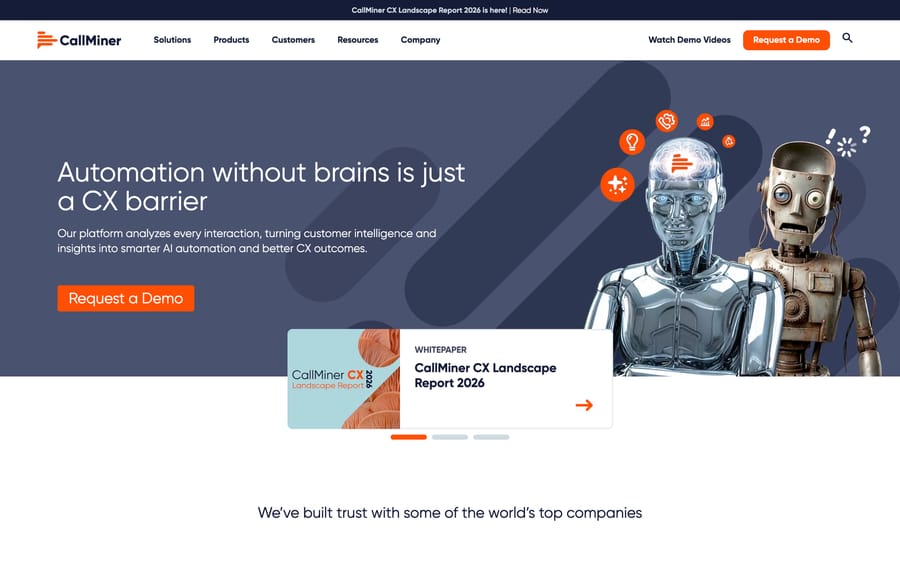
CallMiner calls itself "the global leader in AI-powered conversation intelligence and customer experience automation." The core idea predates most of the current generation of AI vendors: capture every customer interaction, whether it's a phone call, email, text, survey response, or screen recording, and run AI over all of it, far beyond the small sample a human QA team could ever manually review. Its published customer list includes SiriusXM, Dell, PennyMac, British Gas, Mint Mobile, DIRECTV, Lumen, and Santander, which points squarely at large, high-volume contact center operations.
CallMiner organizes its platform around four stages: Capture (ingesting the interaction), Analyze (turning it into scored, searchable intelligence), Augment (real-time agent coaching), and Automate (deploying AI agents on top of what's been learned). That order matters. Automation is the last stage, built on the first three, and CallMiner's pitch is that you can't automate well what you haven't measured first.
How does CallMiner's AI score conversations?
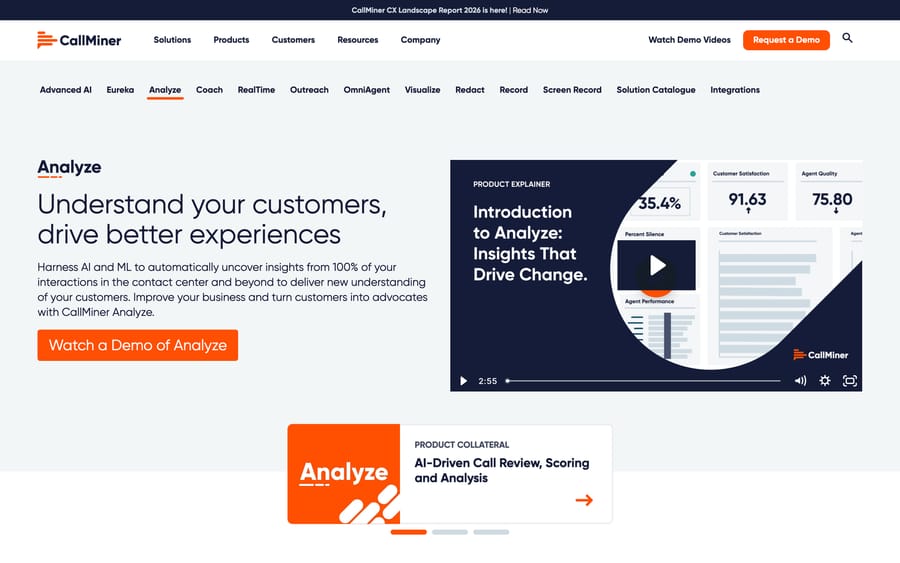
Analyze is the core engine, built on CallMiner's Eureka platform: it uses AI and machine learning to automatically score every call, chat, email, web interaction, survey, and SMS a business captures, surfacing patterns a sampled QA process would miss entirely. The screenshot above, from CallMiner's own product page, shows what that scoring looks like in practice: a Customer Satisfaction figure (91.63) and an Agent Quality figure (75.80), both computed continuously.
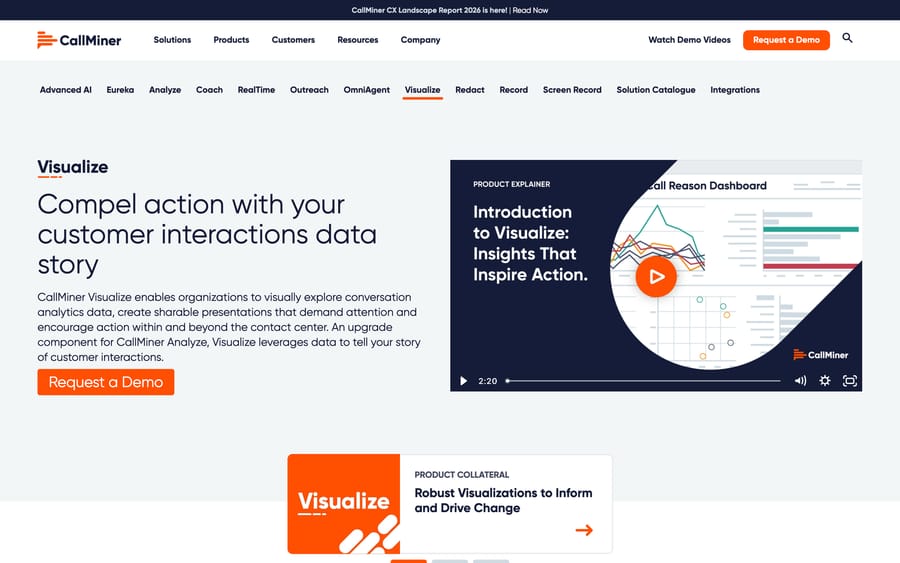
RealTime and Coach move that same analysis into the moment a call is still happening: agents get live guidance, and after the fact, get personalized coaching based on what the AI actually observed in their calls, going well past a supervisor's occasional spot-check. OmniAgent is where CallMiner's own generative AI agents sit, automating the interactions the platform has already learned are safe to hand off. Redact strips sensitive data (card numbers, personal details) from recordings and transcripts for compliance. Visualize, built on Tableau, turns the underlying analytics into shareable dashboards and reports.
What does the CallMiner platform include?
- Capture: ingests 100% of omnichannel interactions, calls, chat, email, SMS, surveys, and screen recordings.
- Analyze (Eureka): AI scoring across every captured interaction, no sampling involved.
- RealTime: live guidance surfaced to agents during a call.
- Coach: personalized, AI-informed coaching plans for individual agents.
- OmniAgent: CallMiner's own generative AI agents for automating learned-safe interactions.
- Redact: automatic removal of sensitive data from recordings and transcripts.
- Visualize: Tableau-powered dashboards for sharing analytics beyond the contact center.
How much does CallMiner cost?
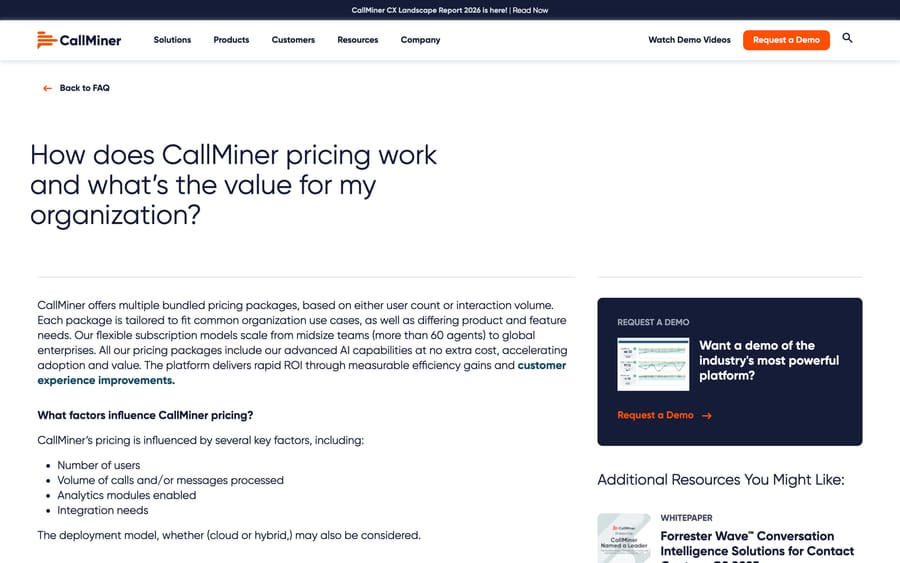
CallMiner's own FAQ confirms what its sales process implies: pricing stays bundled and unpublished. In its own words, packages are "based on either user count or interaction volume," scale "from midsize teams (more than 60 agents) to global enterprises," and the FAQ lists number of users, volume of calls and messages, analytics modules enabled, integration needs, and deployment model (cloud or hybrid) as the factors that set the final number. Its FAQ says "all our pricing packages include our advanced AI capabilities at no extra cost", which at least removes one common opaque-vendor trick: a separate AI upcharge on top of the base platform fee.
For an actual number, Vendr's buyer data puts the average annual contract at roughly $101,865, with a maximum of about $140,000 a year, and reports average negotiated savings of 15.09%, with one community example reaching 33% off total contract value. Treat that as a small sample: Vendr says the figures come from more than 5 completed deals and 2 unique purchasers (vendr.com, checked 24 September 2026). Run that against a 100-agent contact center: at the reported average, that's roughly $1,020 per agent per year, or about $85 a month per seat, before any negotiated discount. That's the number to bring into a sales call, since CallMiner's own page won't give it to you.
The incentive behind bundled, volume-based enterprise pricing is straightforward: CallMiner earns more from a buyer with more interaction volume and more analytics modules turned on, regardless of whether any of that analysis actually changes an outcome. That's normal for enterprise CX software, but it also means the sales process decides what you pay, and the quote you're handed is only ever a starting position.
What do CallMiner users and analysts say?
Capterra shows a 4.6 out of 5 rating from just 5 reviews (checked 2026-09-17), a small enough sample to treat as directional at best. Gisele F., an analyst in paper and forest products, described it as "easy-to-access, very simple to use software." Amber C., a customer service representative in consumer goods, said "I like that you can see all the aspects of your performance... just what you need to improve on," pointing at the Coach-style individual visibility as the standout feature for an actual working agent.
G2 hosts a larger set of CallMiner reviews, but G2 blocked every direct check we made, so we don't quote a G2 score here. On the analyst side, Forrester named CallMiner a Strong Performer in The Forrester Wave: Customer Feedback Management And Analytics Solutions, Q3 2026 (reported 22 September 2026), with top scores in eight criteria including AI, topic modeling and data masking. Its Leader placement comes from an earlier report, The Forrester Wave: Conversation Intelligence Solutions for Contact Centers, Q2 2025. Both speak to analyst opinion more than day-to-day user sentiment.
What are CallMiner's pros and cons?
Pros
- Captures and scores 100% of interactions instead of a sampled QA process.
- Advanced AI capabilities included in every package, with no separate AI line item.
- Analyst recognition (Forrester Leader for contact-center conversation intelligence in Q2 2025, Strong Performer for feedback analytics in Q3 2026) alongside strong small-sample review scores.
- Redact and compliance tooling built in, which matters for regulated industries like the finance and healthcare names on its customer list.
Cons
- No published pricing; every deal requires a sales conversation, and the real number (roughly $85 to $100+ per agent per month at the reported average) only surfaces through third-party contract data.
- Public review volume is thin on Capterra, and G2's larger review set couldn't be checked directly.
- Built for scoring and coaching. A separate tool is still needed if the actual goal is automated resolution.
- Aimed at midsize-to-enterprise contact centers (60+ agents); overkill for a small support team.
Who is CallMiner best for?
CallMiner fits teams running large contact centers, generally 60 or more agents, that need to score and act on 100% of their interactions instead of a QA sample, and that have a compliance or coaching function that will actually use Redact, Coach, and RealTime day to day. It's built for teams already running a mature quality program who want AI to scale that program.
It's a poor fit for a small support team without a dedicated QA function, and it doesn't solve the problem of an overflowing Zendesk or Freshdesk queue; CallMiner tells you how your agents are doing, it doesn't answer tickets for them.
How does CallMiner compare with Observe.AI and Macha?
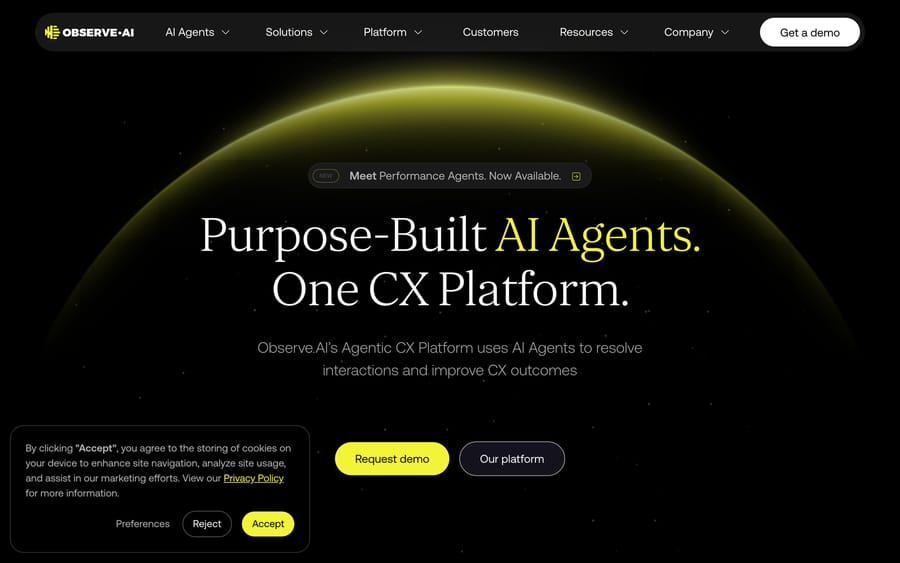
| CallMiner | Observe.AI | Macha | |
|---|---|---|---|
| Model | Conversation intelligence and coaching, with generative AI agents (OmniAgent) | Agentic AI platform for CX, built on conversation intelligence | AI agent layer on your existing help desk |
| Best for | Large contact centers (60+ agents) with a mature QA and coaching function | Contact centers wanting AI agents alongside analytics | Teams on Zendesk, Freshdesk, Gorgias, Front, HubSpot or Intercom automating ticket volume |
| Pricing | Not published; averages ~$101,865/year per Vendr, based on users and interaction volume | Not published; roughly $69/agent/month is a third-party AWS Marketplace estimate | From $299/mo for 750 tickets (about $0.40/ticket), published |
| Core mechanism | Scores 100% of interactions, then automates what's proven safe | Purpose-built agents on top of interaction data | Agents read and act on the ticket directly |
| Setup | Enterprise implementation, sales-led | Enterprise implementation, sales-led | Done for you by the Macha team, with a dedicated success manager, included |
CallMiner and Observe.AI both start from the same place: analyze everything, then automate what the analysis says is safe. See our Observe.AI guide for the deeper comparison between the two. Verint is the third vendor that lands on the same shortlist, usually when the buyer wants workforce engagement in the same contract. Uniphore is the other name buyers add, now selling its contact-center AI inside a wider four-layer Business AI Cloud. Macha starts somewhere else entirely: it acts on the ticket a customer already sent, inside the help desk your team already uses, without requiring a contact-center-scale analytics program first. If a growing support queue is your actual problem, Macha gets you automated resolution faster and at a fraction of CallMiner's reported contract size. It's done for you: the Macha team analyzes your past tickets, builds the knowledge base and the agent, and runs it in safe mode until the drafts are right, at about $0.40 a ticket, which includes setup and a dedicated success manager who handles your changes. See pricing for the current numbers.
How we researched this: we checked CallMiner's own homepage, pricing FAQ, and Analyze/Visualize product pages directly on 2026-09-17, and re-checked the pricing FAQ, Vendr's figures, Capterra's rating and CallMiner's Forrester placements on 2026-09-24. Vendr supplied the only concrete pricing figures available, since CallMiner's own FAQ confirms pricing is unpublished. Capterra's rating and quotes were pulled directly; G2 blocked our requests, so no G2 score appears here. Observe.AI's estimate came from third-party AWS Marketplace pricing research instead of a vendor-published rate.
FAQ
What is CallMiner? CallMiner is a conversation intelligence and CX automation platform that captures and scores customer interactions across every channel, then uses that analysis to power real-time agent coaching and, more recently, its own generative AI agents.
How much does CallMiner cost? CallMiner doesn't publish pricing; packages are bundled by user count or interaction volume. Vendr's buyer data puts the average annual contract at roughly $101,865, with a maximum around $140,000 and negotiated savings averaging about 15%, from a small sample of deals.
Does CallMiner replace a help desk? No. CallMiner analyzes and, through OmniAgent, can automate some interactions, but it's built as an analytics and coaching layer for a contact center, distinct from a ticketing system or a help-desk replacement.
What's the difference between CallMiner Analyze and CallMiner Automate? Analyze scores and surfaces insight from every captured interaction. Automate (OmniAgent) is where generative AI agents act on what Analyze has already proven safe to hand off.
Is CallMiner good, based on reviews? Capterra shows 4.6 out of 5 from a small sample of 5 reviews, with reviewers praising ease of use and individual performance visibility. G2 has a larger review set, which we couldn't check directly. Forrester rated CallMiner a Strong Performer in its Q3 2026 Customer Feedback Management Wave.
What are good CallMiner alternatives? Observe.AI is the closest direct comparison, starting from the same analyze-then-automate model. For teams whose real bottleneck is ticket volume instead of contact-center QA, Macha is a different kind of tool built for that specific job.
Who uses CallMiner? Published customers include SiriusXM, Dell, PennyMac, British Gas, Mint Mobile, DIRECTV, Lumen, and Santander, concentrated in telecom, retail, finance, and insurance.
CallMiner makes sense for a large contact center that wants AI layered onto an existing QA and coaching program. If your bottleneck is actually the ticket queue in Zendesk or Freshdesk, start a Macha trial or check /pricing.
Sources: CallMiner homepage, CallMiner pricing FAQ, CallMiner Analyze, CallMiner Visualize, Vendr, CallMiner buyer guide, Capterra, CallMiner Eureka reviews (capterra.com/p/130323/Eureka/reviews; blocks automated fetches, checked manually), Call Centre Helper, Forrester Wave Q3 2026, CallMiner, Forrester Wave Q2 2025, Observe.AI homepage, Macha's Observe.AI guide.






