





 Shopify
 Stripe
 Slack
 Notion
 Google Workspace
 Confluence


Best Intercom Migration Tools (2026): 5 Ranked, Plus Intercom's Own Importers


The best-scoring Intercom migration tool in November 2026 is Help Desk Migration, at 9 of 10 on our five public criteria, followed by ClonePartner at 8, then DataGrine and Sanka Migrate tied at 7 and Klamp Migrate at 4. All five list Intercom on their own supported-platform pages and say they move data both into and out of it, though Klamp Migrate's published route pages run only into Intercom. Intercom's self-serve importer covers Zendesk only and is meant for fewer than 150,000 tickets. On the way out, Intercom's exports cover conversation data, and Workflows and Fin's setup get rebuilt by hand on the new desk. Below are the scores, what each route actually carries, and which tool each move supports.
Key takeaways
- Help Desk Migration scores 9 of 10, the highest of the five Intercom migration tools we ranked, with a free 20-ticket demo and a documented delta run.
- Intercom's self-serve importer reads only Zendesk, skips tags, side conversations and call recordings, and is intended for migrations under 150,000 tickets.
- Intercom's Dataset CSV export leaves out conversation and message content, so a full history export runs through the Conversations API or the bulk Inbox export.
- Of the desks teams move to, Help Scout, Zoho Desk and HubSpot name Intercom in their own importers, and HubSpot's covers knowledge base articles only.
- Workflows and Fin's settings aren't in any of Intercom's export methods, so plan to rebuild automation on the new desk whichever tool moves the data.

The five Intercom migration tools at a glance
| # | Tool | Intercom on its own list | Published price | Free test | Delta run | Reviews (largest site) | Score |
|---|---|---|---|---|---|---|---|
| 1 | Help Desk Migration | Source and target | Per record, e.g. $100 for 1,000 | 20 tickets + 20 articles | Yes, within 10 days | G2 4.9 (186) | 9 |
| 2 | ClonePartner | Source and target (route pages) | From $500 per project | Unlimited samples | Final delta sync | G2 4.8 (19) | 8 |
| 3 | DataGrine | Source and target | Free up to 500,000 records | 20 tickets, keep or roll back | Yes, at cutover | None found | 7 |
| 3 | Sanka Migrate | Source and target | $0.005 per record written, calculator | Free grant, up to 2,000 records | Parallel run only | None found | 7 |
| 5 | Klamp Migrate | Source; target via "any platform listed above" | Contact sales | Implied only by a marketplace app title | Delta Sync | None for migration | 4 |
Tiers: 9 (Help Desk Migration), 8 (ClonePartner), 7 (DataGrine and Sanka Migrate, tied), 4 (Klamp Migrate). Two other vendors in our migration data, Import2 and SyncMatters, don't name Intercom on their own lists, so they aren't ranked here.
How we ranked them
We kept migration tools that are mainly software and whose own public list names Intercom. Each is scored 0 to 2 on five criteria.
| Criterion | 2 points | 1 point | 0 points |
|---|---|---|---|
| Platform coverage | A public list of 15+ help desks it moves data out of AND into | 5-14, or one direction only | Fewer than 5 or no public list |
| Published price | A price calculator or full price list on its site | A "from" price or a free tier only | Contact sales |
| Test before you pay | A free demo/test migration on your own data, documented | Paid or limited sample | None documented |
| Cutover without downtime | Documented delta/incremental migration (records created during the move are carried over) | Mentioned without docs | Not offered |
| Reviews | Average 4.5+ with 50+ reviews on G2, Capterra or a help desk marketplace (use the largest one) | 4.0+ with 10+ | Fewer or none |
Ties: more reviews first, then alphabetical. Ties are shown as tiers. Platform coverage counts each vendor's whole help desk list, so it measures breadth across desks, not depth on Intercom. The Intercom App Store shows no ratings, so reviews come from G2, Capterra or another desk's marketplace.
What moves out of Intercom, and what stays behind
Intercom keeps two kinds of support record. Conversations come from the Messenger, email and other channels; tickets are a separate object with ticket types. Intercom's own Zendesk importer turns public Zendesk tickets into Customer tickets and private ones into Back-office tickets, and both ticket types have to exist before the import runs. Tools that move data in face the same choice: DataGrine's listing says it can bring tickets in as an Intercom ticket type you choose or as conversations. Our explainer on exporting Intercom conversations covers the export side in more depth.
Intercom's export article lists six ways to get conversation data out:
- One conversation or ticket as text or PDF from the Inbox.
- Bulk Inbox export as PDF or text, 200 to 300 conversations per operation.
- A saved View as CSV, visible columns only; files over 25,000 cells are emailed, and Views over 100,000 rows are refused.
- Dataset CSV from Reports, up to two years of data. The article says "Conversation/message content is not included in the CSV export."
- The Conversations API, which returns full content one conversation at a time.
- Amazon S3 or Google Cloud Storage as JSON, with a one-time historical export of two years and hourly or daily exports after that. Intercom's two articles disagree on what's inside: the export article says S3 data "will not contain a transcript," while the cloud storage article says each JSON object holds "the entire conversation with all parts," so check a sample file before you rely on it.
That article doesn't cover Help Center articles; they're readable through the Articles API, and the migration tools below read them the same way. Workflows don't move between workspaces either: a member of Intercom's support team wrote in Intercom's community in July 2023 that "Currently there is no way to 'duplicate'/'migrate' a workflow from 1 workspace to another." Fin is Intercom's AI agent, and none of the export methods above covers its settings. A move out of Intercom carries records; the automation and the AI setup are rebuilt.
That's true of the tools too. DataGrine's FAQ says triggers, macros, SLAs, views and automations are "not data" and aren't migrated. ClonePartner's Intercom-to-Zendesk page is the exception: it lists automations and macros among what moves, so ask what that means in practice during the sample.
Top score, 9 of 10
1. Help Desk Migration: the widest list and the most reviews, 9/10
Help Desk Migration, run by Relokia, is a hosted Migration Wizard. Its pricing form lists 106 sources and 56 targets, Intercom on both sides. Its Intercom page covers agents, users and leads, companies, tickets and conversations, and knowledge base collections with translations, and it supports Intercom-to-Intercom moves, including between the EU and US data centers. It has four apps on the Intercom App Store: Data Migration and Import for moves in, Export for moves out to CSV or another desk, and Consolidate for merging workspaces. The free demo moves 20 tickets and 20 articles, and Delta Migration carries tickets created or updated after the full run began, if started within 10 days. On G2 it has 186 reviews averaging 4.9. David Rowe wrote on its Zendesk Marketplace listing more than six months ago: "There was a small hiccup during the process, but it was resolved promptly by the team."
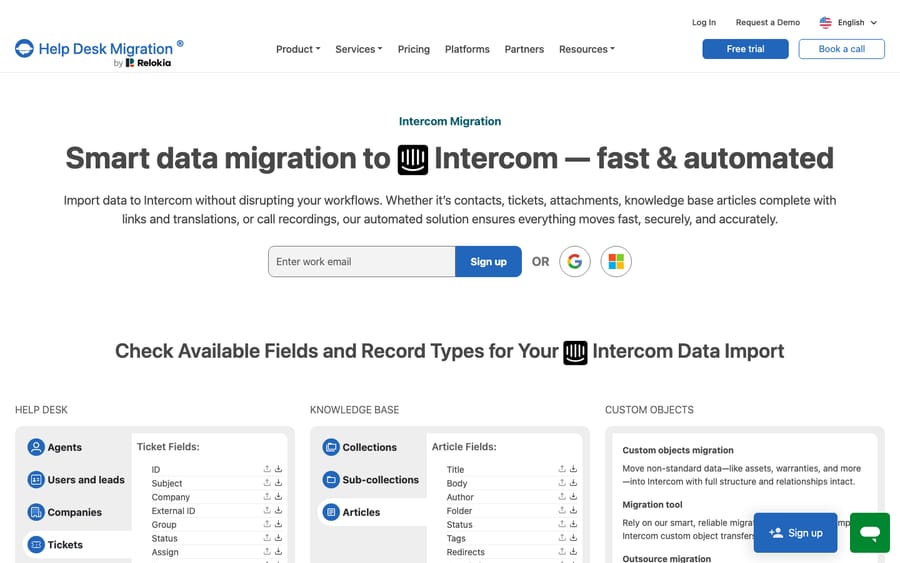
Scores: platform coverage 2, published price 1, test before you pay 2, cutover without downtime 2, reviews 2.
Pricing is per record and gets cheaper per record as volume rises: the pricing page gives $100 for 1,000 records and $514 for 10,000 on the Essential plan, and comments, notes and attachments don't count as records. A vendor paid per record earns more the more history you move, so a date filter on old conversations is the main lever on the quote.
Second, 8 of 10
2. ClonePartner: engineers run it, samples are unlimited, 8/10
ClonePartner sells engineer-led migrations at a fixed price per project, agreed after a discovery call. Its list of 43 help desks has no direction labels, but its Intercom-to-Zendesk page and its Zendesk-to-Intercom page both exist. The Intercom-to-Zendesk page names articles and categories, conversations with full history, contacts, companies, tags, teams and attachments, and notes that Intercom events and subscription types have no Zendesk equivalent. Its pricing page says migrations start at $500 and "Most projects fall in the $3,000–$10,000 range", with unlimited sample migrations before sign-off and a final delta sync for data created during the move. G2 shows 19 reviews averaging 4.8. One anonymous reviewer on its Zendesk listing, about four months ago, wrote that after a Help Scout to Zendesk move "they kept in touch for a few weeks post migration ensuring everything was running smootly."
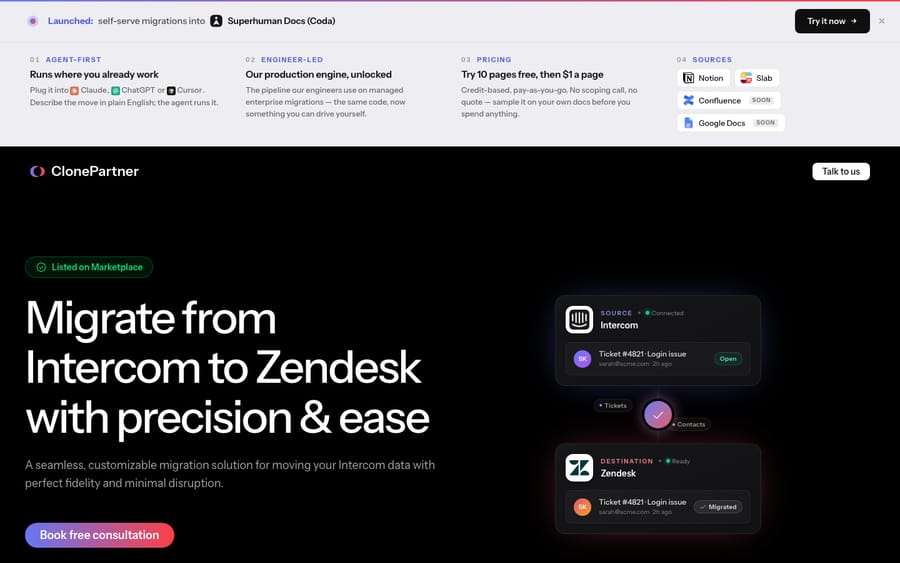
Scores: platform coverage 2, published price 1, test before you pay 2, cutover without downtime 2, reviews 1.
ClonePartner isn't on the Intercom App Store as a migration app; its one Intercom app is a PII Detector. Front's help center names it, with Help Desk Migration, as a migration partner.
Third tier, 7 of 10
DataGrine and Sanka Migrate tie on 7 with no reviews either, so they're listed alphabetically.
3. DataGrine: free while it opens, with rollback, 7/10
DataGrine lists 35 products and says "Any product here can be the one you leave or the one you move to." Its Intercom page lists 12 routes into Intercom, from Zendesk, Freshdesk, Help Scout, Gorgias, Front, HubSpot and others, and four out of it, to Zendesk, Freshdesk, Gorgias and Salesforce Service Cloud, and its App Store listing now reads "Import or export." Threads move with replies, private notes, attachments and inline images in order, and articles land in Intercom collections. Migrations are free up to 500,000 records per migration for now, with delta included. The sample moves up to 20 of your own tickets into the live workspace, and you keep them or roll them back; a full run or a whole migration can be rolled back too, after a preview of what will be removed. We found no reviews on G2, Capterra or GetApp.
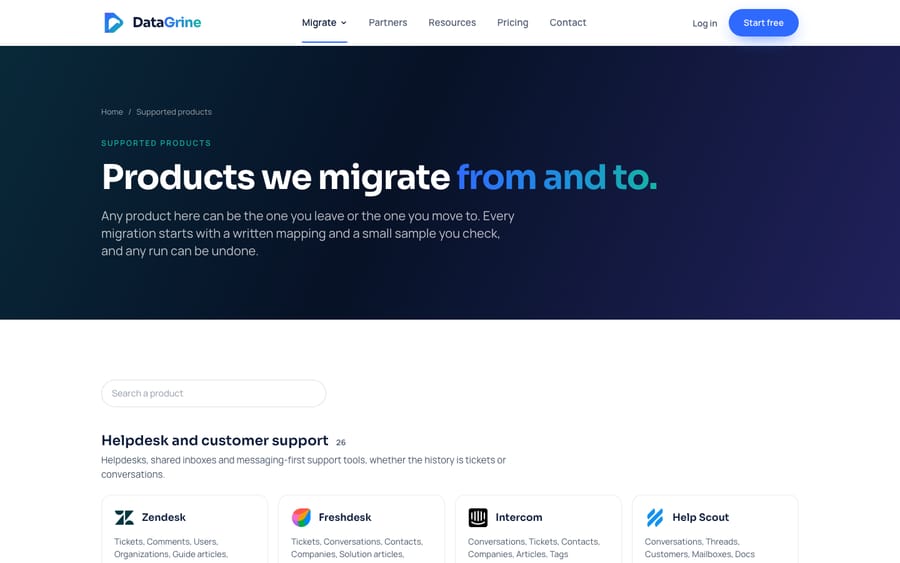
Scores: platform coverage 2, published price 1, test before you pay 2, cutover without downtime 2, reviews 0.
"Free while we open the platform" has no end date and no price above 500,000 records, so get the terms for a large account in writing before you start.
3. Sanka Migrate: a per-record price list and a calculator, 7/10
Sanka Migrate covers 47 help desks, and its apps page says each "has a page for moving into it and a page for moving off it", Intercom included. It's the only tool here with a full price list: 2 credits per record written, which is $0.005, with a quick-estimate calculator. A starter grant of $10 in credits covers up to 2,000 records with no card, and scans and dry runs are free. Its worked examples, each with one $300 test add-on, put 10,000 records at about $350 and 500,000 records at about $2,800. Its Zendesk-to-HubSpot guide describes a parallel run, where history moves while the old desk keeps taking tickets, but no delta run. We found no reviews.
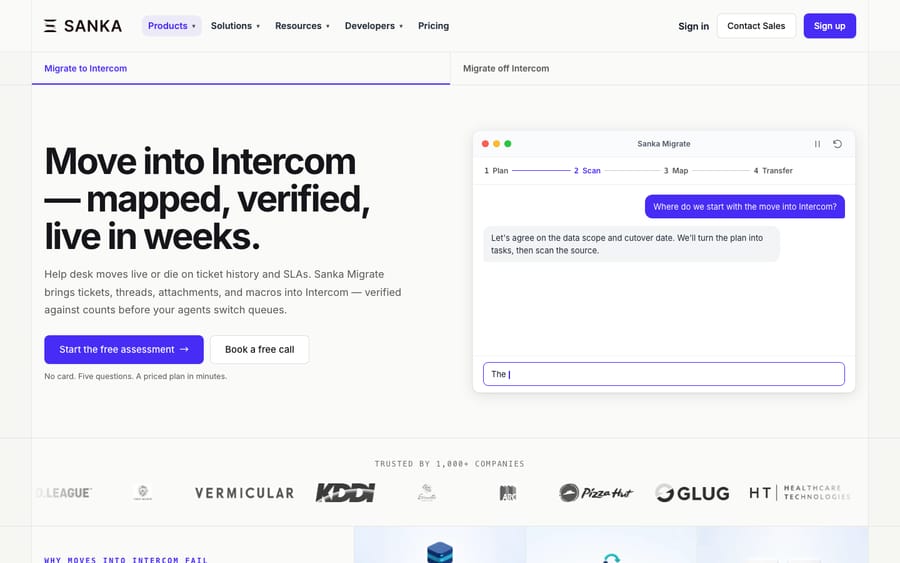
Scores: platform coverage 2, published price 2, test before you pay 2, cutover without downtime 1, reviews 0.
Sanka also sells Sanka Desk, an AI help desk for internal IT requests such as account access, alongside the migration product.
Fifth, 4 of 10
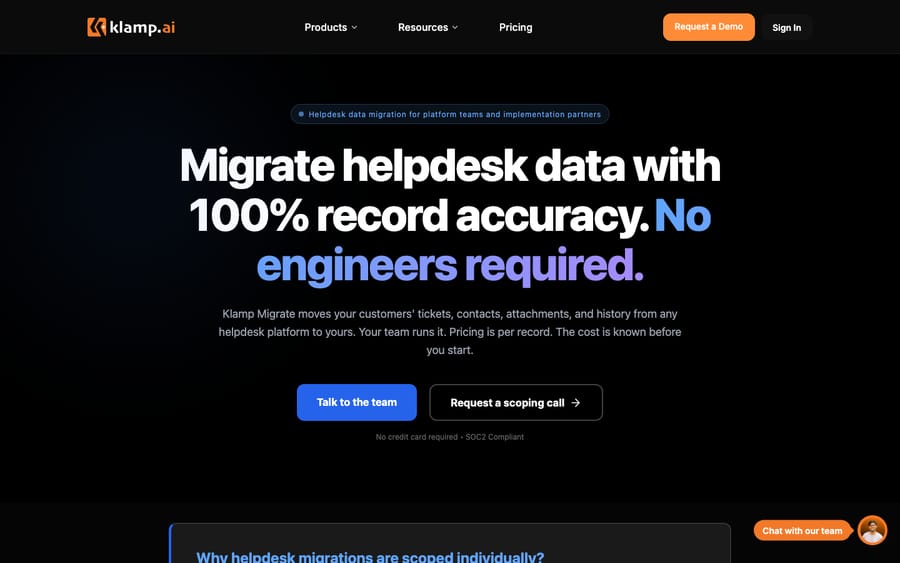
5. Klamp Migrate: route pages into Intercom, 4/10
Klamp's migration page lists 12 desks under "Migrate from", Intercom among them, and says it migrates to "Any platform listed above, plus any platform with an available API connector." Its route pages run only into Intercom: from Zendesk, HubSpot Service Hub, Freshdesk, Customerly and Salesforce Service Cloud. It says: "Our Delta Sync technology runs an initial bulk migration, then catches all new tickets in real time." The pricing page shows the migration plan as Contact Sales, billed per project. A free sample is implied only by a Freshworks Marketplace app title. Klamp's G2 reviews belong to its embedded integration product, so we didn't count them.
Scores: platform coverage 1, published price 0, test before you pay 1, cutover without downtime 2, reviews 0.
Migration apps on the Intercom App Store
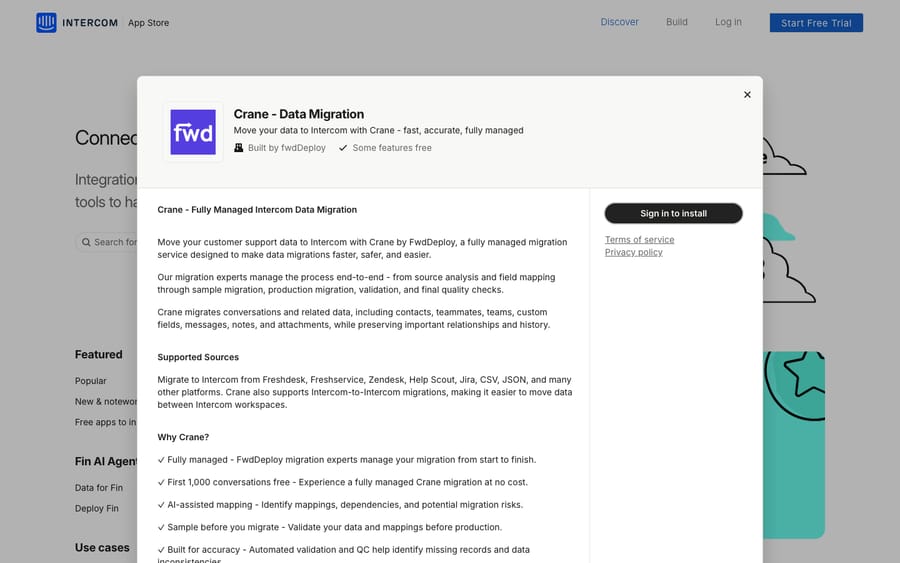
A search of the Intercom App Store for "migration" on November 2, 2026 returned eight results. Six are migration apps: Help Desk Migration's Data Migration, Import, Export and Consolidate, DataGrine's Data Migration, and Crane. Searches for "export" and "backup" added Converight. Two we didn't score:
| App | Maker | What the listing says | Why unscored |
|---|---|---|---|
| Crane - Data Migration | fwdDeploy | Fully managed migration into Intercom from Freshdesk, Freshservice, Zendesk, Help Scout, Jira, CSV and JSON, plus Intercom to Intercom; "First 1,000 conversations free" | A managed service; its Crane product page returned 404 and its accelerator page names no platforms or prices |
| Converight | Thinkdata Labs | Read-only backup of conversations, contacts, companies, tags and articles, with a daily incremental sync and exports as PDF or JSON | An archive, not a migration tool |
Converight's listing says customers use it "to retain support history beyond Intercom's two-year export window." That matches the two-year limit in Intercom's own Dataset and S3 exports, and it's the one app here for keeping a copy while you stay on Intercom.
Intercom's own import options
Intercom's native routes in are narrower than the tools above and cost nothing extra:
- Zendesk tickets, users and organizations. The importer brings tickets with notes, data attributes and up to 10 attachments and 10 inline images each. It doesn't bring tags, side conversations, call recordings, or deleted, inactive or suspended users. It's intended for under 150,000 tickets, takes a snapshot with no later sync, can't re-import only failed records, and is enabled per workspace.
- Zendesk Help Center articles. Intercom's switching guide says you can migrate help content "in just one click," keeping the structure. Zendesk macros are copied over by hand.
- Inbox Migration. The same guide says the Inbox Migration product imports "from a variety of source tools (e.g. Zendesk, ZOHOdesk, Freshdesk, SFDC etc) to Intercom tickets."
- The API. Intercom's ticket import tutorial creates ticket types first, turns off email notifications during the run, and notes a default limit of 10,000 API calls per minute per app. It covers tickets, not conversation history.
The Zendesk-to-Intercom route is in our Zendesk to Intercom guide, and the Freshdesk one in our Freshdesk to Intercom guide.
Importers on the desks teams move to from Intercom
| Desk | Built-in route for Intercom data | Limits worth knowing | Doc |
|---|---|---|---|
| Zendesk | No help desk importer; the Ticket Import API takes tickets from any system | Up to 100 tickets per bulk request; triggers don't run on imported tickets that aren't closed | Ticket Import API |
| Freshdesk | Its documented importer is for Zendesk | Intercom moves go through a third-party tool | Freshdesk article |
| Gorgias | Imports from Zendesk, plus Gmail and Outlook email history | No Intercom importer; Zendesk imports skip attachments | Gorgias Zendesk migration guide |
| Front | Imports from Zendesk, Help Scout and Freshdesk | Front calls the importer "not actively maintained" and recommends Help Desk Migration or ClonePartner | Front help center |
| Help Scout | Import Data, run with Import2, names Intercom | Free up to 500,000 records when started from Help Scout, then $500 per 500,000; no articles, users, saved replies or custom fields | Help Scout docs |
| HubSpot Service Hub | Smart copy imports knowledge base articles from Intercom | 400 articles per import, Service Hub Professional or Enterprise; tickets only through CSV object import | HubSpot KB import |
| Zoho Desk | Zwitch takes an Intercom CSV export | 10 GB total; 3% to 5% of records may fail; a second phase about two weeks later moves records created meanwhile | Zwitch |
Our guides to moving from Intercom to Zendesk and from Intercom to Freshdesk walk through two of these routes step by step, and how to migrate from Intercom covers the planning for any destination. If Zendesk is the destination, our roundup of Zendesk migration and backup apps scores the Marketplace apps on that side.
Which tool for which move?
A tool appears in a row only when its own public list names both desks. ClonePartner's direction comes from its per-route pages; the other four state both directions on their lists.
| Move | Tools whose lists cover it | The desks' own route |
|---|---|---|
| Intercom to Zendesk | Help Desk Migration, ClonePartner, DataGrine, Sanka Migrate, Klamp Migrate | Zendesk Ticket Import API |
| Intercom to Freshdesk | Help Desk Migration, ClonePartner, DataGrine, Sanka Migrate, Klamp Migrate | None for Intercom |
| Intercom to Front | Help Desk Migration, ClonePartner, DataGrine, Sanka Migrate, Klamp Migrate | None for Intercom |
| Intercom to HubSpot Service Hub | Help Desk Migration, ClonePartner, DataGrine, Sanka Migrate, Klamp Migrate | Articles by Smart copy; tickets by CSV |
| Intercom to Help Scout | Help Desk Migration, ClonePartner, DataGrine, Sanka Migrate, Klamp Migrate | Help Scout's Import2-run importer |
| Intercom to Gorgias | Help Desk Migration, ClonePartner, DataGrine, Sanka Migrate | None for Intercom |
| Intercom to Zoho Desk | Help Desk Migration, ClonePartner, DataGrine, Sanka Migrate | Zwitch, from CSV |
| Zendesk to Intercom | All five | Intercom's Zendesk importer and article migration |
| Freshdesk to Intercom | All five | Intercom's Inbox Migration product |
| Intercom to Intercom | Help Desk Migration (Consolidate, EU and US moves) | None documented |
What we check when a help desk reaches us right after a migration
Macha's agents work from what's in the help desk, so a migration changes their inputs all at once. These are the checks we run before an agent goes live on a desk that has just moved.
First, the history. The AI Knowledge Builder builds a knowledge base out of historical tickets, and agent simulations replay past tickets against an agent. If comments, notes or attachments didn't come across, there's less to learn from and less to test against, so we compare the categories in the imported past tickets with what the team says it handles.
Second, tags on imported records. If the migration tool adds a tag to every migrated record, that tag lets an agent's trigger exclude imported tickets, the same tag-and-exclude pattern we use to stop loops.
Third, ticket fields. The custom field values an agent writes have to match the field definitions on the new desk, so we read those definitions again after the import rather than trusting the old desk's.
Fourth, the rebuilt rules. Triggers and macros don't move with the data, so we check that the agent's trigger conditions match the new desk's setup, and we confirm whether a reply goes out as an internal note or a public reply before anyone turns on autonomous mode.
Where AI fits after the move
Every tool above moves records. None of them moves an AI agent's setup: instructions, triggers, the fields it reads and writes, and the knowledge it answers from all get rebuilt on the new desk. A team leaving Intercom leaves Fin's configuration behind, and a team arriving brings none of its old desk's AI.
Macha runs AI agents inside the help desk a team already uses, including Zendesk, Freshdesk, Gorgias, Front, HubSpot or Intercom, and the Macha team sets them up and monitors them. It fits teams that have finished a move and want agents working from the history they brought with them. Pricing starts at $299/month for 750 tickets, with a trial of $50 of free usage (about 125 tickets), no credit card, no time limit.
Which one fits your situation?
- You want a self-serve run with the most reviews behind it: Help Desk Migration, after the free demo.
- Your data is messy or the account is large: ClonePartner, with as many samples as you need before you pay.
- You're price-sensitive and under 500,000 records: DataGrine while it's free, or Sanka Migrate if you want a fixed per-record price.
- You're merging two Intercom workspaces or moving regions: Help Desk Migration's Consolidate.
- You're moving to Help Scout: try Help Scout's own importer first; it's free up to 500,000 records.
- You only need a copy of your Intercom history: Intercom's S3 or Google Cloud Storage export after checking a sample file, or Converight for a longer archive.
FAQs
What is the best Intercom migration tool?
On our rubric, Help Desk Migration scores 9 of 10 and ClonePartner 8. DataGrine and Sanka Migrate tie on 7, and Klamp Migrate scores 4. All five name Intercom on their own lists: Help Desk Migration, DataGrine and Sanka Migrate state both directions, ClonePartner has route pages both ways, and Klamp Migrate lists it as a source and says it moves data to any platform on its list.
Can I migrate from Intercom to Zendesk for free?
Zendesk has no built-in Intercom importer, but its Ticket Import API is included with the account if you can script the move. DataGrine is free up to 500,000 records for now, and Help Desk Migration's 20-ticket demo is free.
How do I export all my data from Intercom?
Intercom's Dataset CSV leaves out message content. For full conversations, use the Conversations API or the bulk Inbox export at 200 to 300 conversations per operation. The JSON export to Amazon S3 or Google Cloud Storage covers two years of history, but Intercom's own articles disagree on whether it includes transcripts, so check a sample file first.
Do Intercom Workflows and Fin settings migrate?
Not by any method Intercom documents. Its export article covers conversation data, none of the methods it lists includes Workflows or Fin's settings, and the latest Intercom team answer we found, from July 2023 in its community, says workflows can't be moved even between Intercom workspaces. Plan to rebuild automation and AI setup on the new desk.
Does Intercom import from Freshdesk?
Intercom's switching guide says its Inbox Migration product imports from tools including Zendesk, Zoho Desk, Freshdesk and Salesforce into Intercom tickets. Its self-serve importer covers Zendesk only.
<div class="docs-callout"><div><p class="docs-callout-title">Are you listed here?</p><p class="docs-callout-body">Partners and app makers can send corrections with a public source to [email protected]. We fix facts within a week. Scores follow the rubric above, not requests.</p></div></div>
How we researched this
We started from our November 2, 2026 dataset of seven migration vendors, scored on the rubric above from their own pricing, demo, delta and platform pages, with reviews read on G2, Capterra and the Zendesk and HubSpot marketplaces the same day. We kept the five whose own lists name Intercom, and we checked each list again for this post. We searched the Intercom App Store for "migration", "import", "export", "backup" and "zendesk" in a rendered browser on November 2. Intercom facts come from Intercom's help center, developer docs and one Intercom team answer in its community. Destination importer facts come from each desk's own docs; Freshdesk's article is behind a login, so we cite its title only. The review quotes come from Zendesk Marketplace listings read on October 30, 2026. Scores match the ones these vendors get in our other migration roundups. We didn't run a migration with any tool or contact any vendor.
Prices are shown in US dollars, as the vendors publish them.
Disclosure: Macha makes AI agents that run inside help desks. It doesn't sell migrations, nobody paid to be listed, and Macha is not ranked here.