





 Shopify
 Stripe
 Slack
 Notion
 Google Workspace
 Confluence


Help Desk Migration vs Import2 vs ClonePartner vs SyncMatters (2026): Four Migration Vendors Scored


Help Desk Migration (by Relokia) scores highest of the four at 9 of 10 and fits most help desk moves, because it covers 106 source platforms, documents a free 20-ticket demo and carries over tickets created during the move. ClonePartner scores 8 and suits teams that want engineers to run the project for a fixed quote. SyncMatters scores 6; it's a CRM migration company whose only documented help desk route is Zendesk to HubSpot tickets. Import2 scores 5, with the cheapest route into Help Scout but no delta migration, so you stop using the old desk before the full run. We scored all four on the same five public criteria and show every score.
Key takeaways
- Help Desk Migration leads at 9 of 10, with 106 source platforms, a free 20-ticket demo, documented delta migration and 186 G2 reviews averaging 4.9.
- ClonePartner scores 8 as an engineer-led service: migrations start at $500, and its pricing page says most projects fall between $3,000 and $10,000.
- SyncMatters, formed when Trujay and IntegrateHQ merged in March 2024, publishes the fullest price list here, but Zendesk and HappyFox are the only help desks on its 44-platform list.
- Import2 runs Help Scout's built-in importer, free up to 500,000 records from inside Help Scout, but its docs tell you to stop using the old system before the full migration.
- Front's own help center calls its built-in importer "not actively maintained" and points Front customers to Help Desk Migration or ClonePartner.

The four vendors at a glance
| Help Desk Migration | ClonePartner | SyncMatters | Import2 | |
|---|---|---|---|---|
| What it is | Self-serve Migration Wizard with assisted tiers | Engineer-led migration service | CRM migration platform (MigrateMyCRM) | Self-serve migration app with paid services |
| Help desk coverage | 106 sources, 56 targets | 43 help desks, routes both ways | Zendesk and HappyFox only; Zendesk to HubSpot documented | 10 help desk destinations |
| Price model | Per record, one-time | Fixed-price quote per project | Tiered by record count, one-time | One-time, by apps and volume |
| Published prices | $100 for 1,000 records; $514 for 10,000 | From $500; most $3,000 to $10,000 | $149 (under 5,000 records) to $3,499 (up to 2M) | From $499; services from $5,000 |
| Free test | 20 tickets and 20 articles, rerun at will | Unlimited sample migrations | Unlimited samples of a random 10% | Free sample of random records |
| Delta (cutover) | Yes, paid, within 10 days | Final delta sync | One blog post mentions it | No |
| Reviews (largest source) | G2 4.9 (186) | G2 4.8 (19) | Capterra 4.7 (39) | HubSpot Marketplace 4.3 (53) |
| Score | 9 | 8 | 6 | 5 |
No two of the four tie, so no tie-break was needed.
How we ranked them
These four are scored on the same rubric we use for every migration tool in this series, and each criterion is worth 0 to 2 points.
- Platform coverage: 2 = a public list of 15+ help desks it moves data out of AND into; 1 = 5-14, or one direction only; 0 = fewer than 5 or no public list.
- Published price: 2 = a price calculator or full price list on its site; 1 = a "from" price or a free tier only; 0 = contact sales.
- Test before you pay: 2 = a free demo/test migration on your own data, documented; 1 = paid or limited sample; 0 = none documented.
- Cutover without downtime: 2 = documented delta/incremental migration (records created during the move are carried over); 1 = mentioned without docs; 0 = not offered.
- Reviews: 2 = average 4.5+ with 50+ reviews on G2, Capterra or a help desk marketplace (use the largest one); 1 = 4.0+ with 10+; 0 = fewer or none.
Ties: more reviews first, then alphabetical. Present ties as tiers.
| Vendor | Coverage | Price | Test | Delta | Reviews | Total |
|---|---|---|---|---|---|---|
| Help Desk Migration | 2 | 1 | 2 | 2 | 2 | 9 |
| ClonePartner | 2 | 1 | 2 | 2 | 1 | 8 |
| SyncMatters | 0 | 2 | 2 | 1 | 1 | 6 |
| Import2 | 1 | 1 | 2 | 0 | 1 | 5 |
Every vendor here documents a free test, so the test criterion doesn't separate them. The scores split on coverage, delta and reviews. A worked price example without a full list, as on Help Desk Migration's page, scores 1 on price.
Help Desk Migration (Relokia): the widest coverage, 9/10
Help Desk Migration is Relokia's hosted Migration Wizard. You connect the old and new desks, map fields, run a demo, then run the full migration. The price-estimate form on its pricing page names 106 source platforms and 56 targets, and the list mixes help desks with ITSM tools, knowledge bases, mailboxes like Gmail and Outlook, and CSV files. On its Zendesk page it lists tickets with tags, brands, forms and custom fields, comments and notes with attachments, side conversations, contacts, organizations, agents, the knowledge base, macros and triggers.
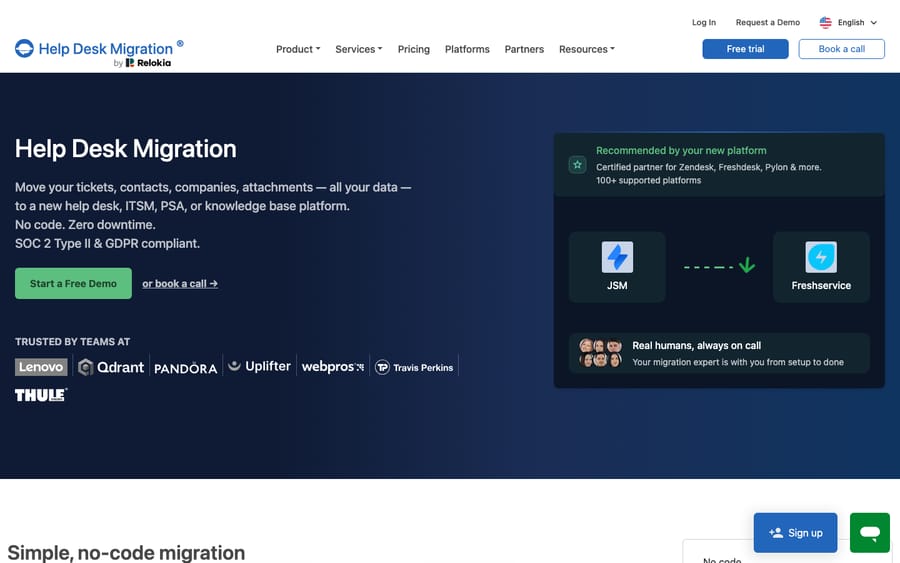
Scores: coverage 2, price 1, test 2, delta 2, reviews 2.
Pricing is per record and one-time. The pricing page gives two examples: a basic migration with no custom options on the Essential plan "runs $100 for 1,000 records," and 10,000 records cost $514. Attachments, comments and notes don't count as records, and the page says the rate falls as volume rises. There's no calculator or full list. A three-question form returns a range, and the exact price comes after the demo. Per-record pricing means the vendor earns more the more history you move, so the date and status filters are your biggest lever on the bill.
The free demo moves up to 20 tickets with their users, contacts and agents, plus 20 knowledge base articles, and you can rerun it as often as you like. Delta Migration "syncs only those tickets that were created or updated after the Full Data Migration began." It's a paid feature, it has to start within 10 days of the full run, and the Premium tier includes one.
On the Zendesk Marketplace, David Rowe wrote about seven months before our October 30 read that the move from Zoho Desk "was successful, with all records transferred as expected. There was a small hiccup during the process, but it was resolved promptly by the team."
ClonePartner: engineers run the move for a fixed price, 8/10
ClonePartner describes itself as an "Engineer-led migration service." You don't run a wizard. You book a 15-minute discovery call, its engineers build the migration, you check sample runs, and the full run happens after you sign off. Its help desk page lists 43 platforms, from Zendesk, Freshdesk and Gorgias to Plain, Pylon and Unthread. The list has no direction labels, but we checked ten route pages in both directions (Zendesk to Gorgias and back, Intercom to Zendesk and back, and so on) and all ten exist. On its Zendesk Marketplace listing it says it migrates "tickets, contacts, and custom fields from any helpdesk."
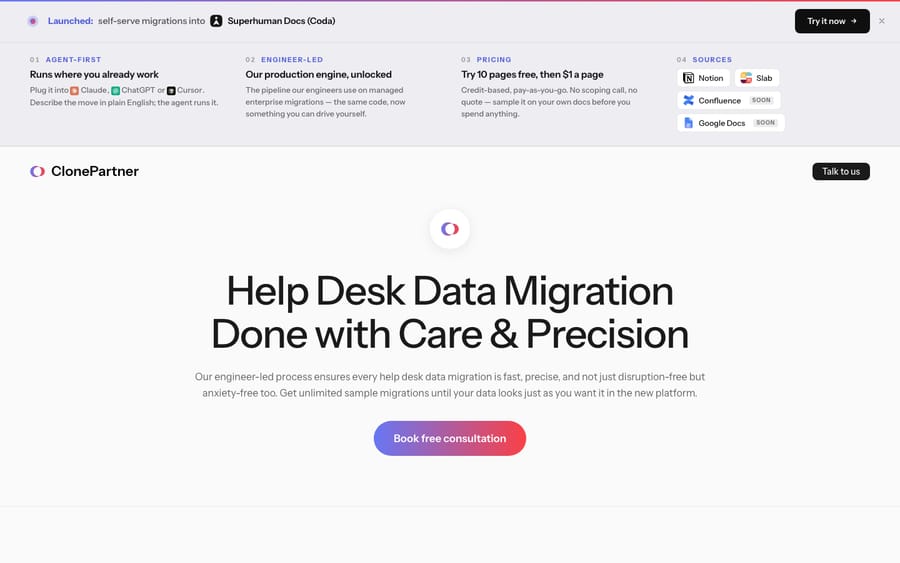
Scores: coverage 2, price 1, test 2, delta 2, reviews 1.
The pricing page says "Migrations starting at" $500 as a fixed price per project, that "Most projects fall in the $3,000–$10,000 range depending on volume and complexity," and that large enterprise moves can reach $50,000 or more. Payment is typically 50% upfront and 50% on completion. A fixed quote moves the risk of an overrun onto ClonePartner, so the vendor prices in the edge cases it expects to find, and that's why the quote comes after a call.
Samples are unlimited "until you're 100% satisfied with how your data looks in the destination," and a final delta sync catches data created in the source during the migration. Its Zendesk listing adds that it doesn't build continuous sync bridges, so cutover is one point-in-time catch-up.
G2 lists 19 reviews averaging 4.8, below the 50 the rubric needs for 2 points. On the Zendesk Marketplace, an anonymous reviewer wrote about four months before our read that ClonePartner "led our migration from HelpScout to Zendesk," moving "over 2 years worth of tickets, customer data, macros etc," and "kept in touch for a few weeks post migration."
SyncMatters (MigrateMyCRM, formerly Trujay): CRM-first, one help desk route, 6/10
SyncMatters formed when Trujay and IntegrateHQ "announced today their merger and official rebranding as SyncMatters," per the press release of March 14, 2024 from Austin, Texas. Its migration product is MigrateMyCRM. If you searched for Trujay, this is where it went.
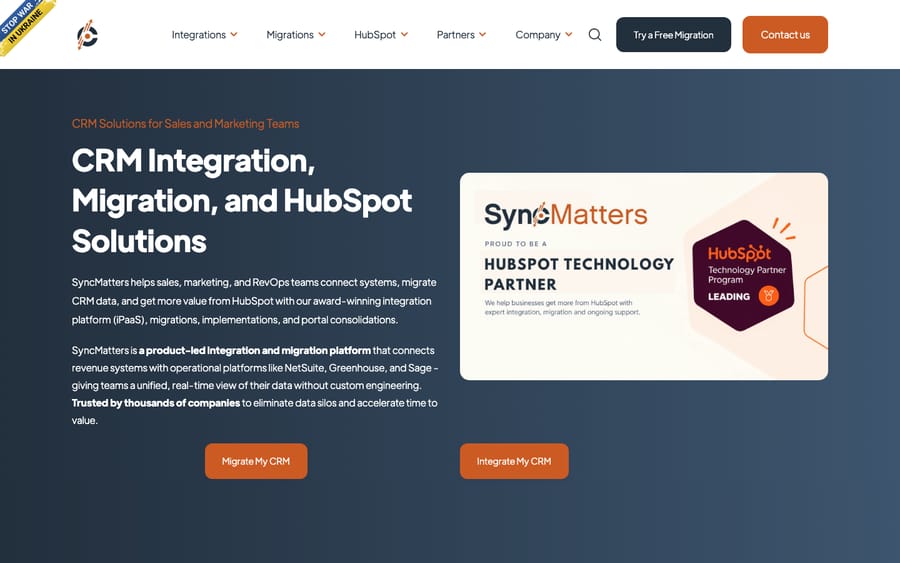
Scores: coverage 0, price 2, test 2, delta 1, reviews 1.
SyncMatters is a CRM migration company. Its connectors page lists 44 platforms, nearly all CRMs and marketing tools, and the only help desks on it are Zendesk and HappyFox. The one help desk route it documents is Zendesk Support to HubSpot tickets, in a MigrateMyCRM guide that lists tickets with standard and custom fields, contacts, companies, agents, internal notes and public replies, attachments, and tags moved as multiple-checkbox property values. If your source desk isn't Zendesk or your destination isn't HubSpot, it has nothing published for you.
Its pricing page is the most complete of the four: Free under 100 records, Launch $149 under 5,000, Starter $349 under 12,500, Growth $599 under 25,000, Plus $1,199 under 100,000, Premium $2,499 under 500,000 and Enterprise $3,499 up to 2 million. A Guided Migration add-on costs $875 and includes a specialist and 5 hours of support. Bucket pricing creates cliffs: 12,400 records costs $349 and 12,600 costs $599, so trimming old records just under a boundary pays off here more than with per-record pricing.
Unlimited free samples each move a random 10% of your records. The delta run scores 1 because it appears in that one guide ("After the initial migration, the MigrateMyCRM solution runs a delta migration to capture any updates or newly created data since the migration began") and not on the pricing or product pages. The same guide warns that tickets migrated to HubSpot "are not displayed in the helpdesk," so customers won't see their old ticket history there. Reviews: 39 on Capterra averaging 4.7, mostly about CRM moves.
Import2: the importer inside Help Scout, 5/10
Import2 is a self-serve migration app. Its pricing page's destination grid has 47 apps, mostly CRMs and project tools, and 10 help desks: Dixa, Freshdesk, Front, Groove, Help Scout, HubSpot Service Hub, Kustomer, LiveAgent, Salesforce Service Cloud and Zendesk. It publishes no source list of its own; its help center says to log in and pick a destination to see compatible sources. The longest public source list is Help Scout's, below.
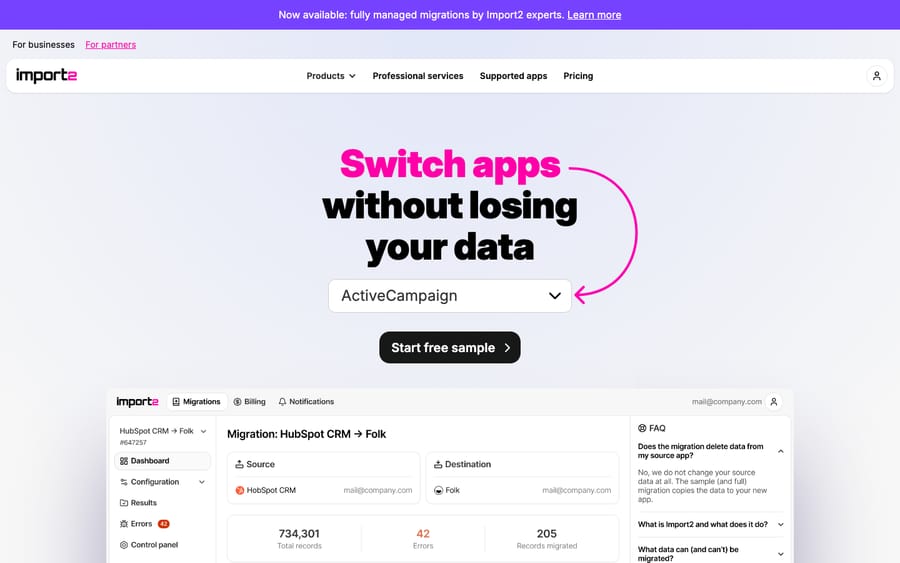
Scores: coverage 1, price 1, test 2, delta 0, reviews 1.
Help Scout's built-in importer is Import2. Help Scout's docs say "we've partnered with Import2," and imports of 500,000 records or fewer "are free when you initiate the import from within Help Scout," then $500 per 500,000 records. The docs list 30 sources, from Zendesk, Freshdesk and Intercom to Gmail and Outlook. A free move in lowers the cost of switching to Help Scout, which is the destination's incentive, and Import2's pricing page says other vendors "sponsor small migrations" too. Ask your destination desk before paying for a move into it.
Outside sponsored routes, the pricing page says full migrations start from $499 and professional services from $5,000, with a money-back guarantee: "We will refund your fee and clean all imported records." Its HubSpot Marketplace listing shows plans at $99 one-time. The free sample moves a random selection of each record type and can be undone and rerun.
Import2 moves records, not configuration: its help center says it doesn't migrate templates, automations or workflows, and through Help Scout no knowledge base, custom fields or saved replies come across. It has no delta run. Its help center says "It's important that you stop using your original system before we start the full migration" (source), so plan the full run for a quiet window. Its HubSpot listing has 53 ratings averaging 4.3, and 85% of them are four or five stars. The most recent written review, a three-star one from March 2026, is titled "Gets the job done but expect a steep learning curve and multiple attempts."
Which one fits your situation?
A large Zendesk account with years of history. Help Desk Migration or ClonePartner. Both document a delta run, so agents keep working in Zendesk during the full migration. Help Desk Migration is cheaper when your data is standard, because you run it yourself and pay per record. ClonePartner fits if you'd rather hand the project to engineers for a fixed quote and expect custom objects or odd field mappings. Before either quote, read what moves in a Zendesk data migration and our guide to migrating away from Zendesk.
A small team on a budget. Check whether your destination sponsors the move first. Moving into Help Scout through its built-in Import2 importer is free up to 500,000 records. Otherwise Help Desk Migration's $100 per 1,000 records example and SyncMatters' $149 Launch bucket (under 5,000 records, Zendesk to HubSpot only) are the lowest published prices. Import2 suits a small team that can stop using the old desk for the length of the run.
Moving into HubSpot Service Hub. HubSpot's own Smart Transfer moves Zendesk tickets with their conversations, comments and attachments, and Freshdesk tickets with attachments, but not custom objects. For other desks, or a test run before you commit, a tool fills the gap. Help Desk Migration (4.9 from 39 ratings on the HubSpot Marketplace) and Import2 (4.3 from 53) both list HubSpot Service Hub as a destination. SyncMatters fits only if you're coming from Zendesk, and it's the natural pick if you're also moving a CRM to HubSpot in the same project. Our Freshdesk to HubSpot and Front to HubSpot guides cover the rebuild.
An unusual source desk. Help Desk Migration's 106 sources include osTicket, Request Tracker, SmarterTrack, Kayako Classic and Oracle Service Cloud. ClonePartner's 43 include newer desks such as Plain, Pylon, Thena and Unthread, and its engineers quote for others. If your desk is on neither list, ClonePartner is the one set up to build a one-off.
Other tools worth knowing
Three more software vendors are scored on the same rubric in our data. None was compared head to head here.
| Tool | Score | Note |
|---|---|---|
| DataGrine | 7 | 35 products, each usable as source or destination; free up to 500,000 records while the platform opens; documented delta run; no reviews yet |
| Sanka Migrate | 7 | 47 help desks; full per-record price list and calculator; free starter grant covers 2,000 records; parallel run but no documented delta; no reviews found. Sanka also sells its own AI help desk |
| Klamp Migrate | 4 | 12 help desks; Delta Sync described on its product page; contact sales for price; no reviews for the migration product |
The help desks' own importers are worth checking before you buy anything.
| Help desk | Built-in route | Limits worth knowing |
|---|---|---|
| Help Scout | Import2, built in, 30 sources | Free up to 500,000 records; no knowledge base, macros or custom fields |
| Front | History imports from Zendesk, Help Scout, Freshdesk | Free, but Front calls it "not actively maintained" and recommends Help Desk Migration or ClonePartner |
| Gorgias | Zendesk import | Two years of history; "We don't import attachments on tickets nor rating information"; about 720 tickets an hour |
| Intercom | Zendesk importer | Meant for fewer than 150,000 tickets; tags and side conversations don't come across |
| Zoho Desk | Zwitch | Up to 10 GB; a second phase picks up records created after the first |
| HubSpot Service Hub | Smart Transfer from Zendesk and Freshdesk, knowledge base import, CSV objects | No custom objects; Zendesk is the only desk whose ticket conversations it lists |
| Zendesk | Ticket Import API | No built-in importer from another help desk; the API takes up to 100 tickets per bulk request |
Our roundups of Zendesk migration and backup apps, Front migration tools, Freshdesk migration tools and Gorgias migration tools go deeper on each desk.
What we check when a help desk reaches us right after a migration
On Zendesk, Macha's agents read the ticket, its comments, custom field values and field definitions, and search past tickets. They write status, priority, custom fields, tags, internal notes and public replies. A migration replaces all of that at once, so we check the account before an agent goes live.
First, history. Macha's AI Knowledge Builder builds a knowledge base out of historical tickets, and agent simulations replay past tickets against an agent. If comments or attachments didn't come across, there's less to learn from and less to test against, so we look at what the vendor actually moved (see past tickets as a knowledge base). Second, field definitions. Migrated dropdown values become the values the agent reads and writes, so we read the definitions again rather than trusting the old desk's. Third, macros. Help Desk Migration lists them on its Zendesk page while Import2 doesn't move configuration, so we check whether the saved replies a team relies on exist in the new desk. Fourth, triggers. We confirm the agent's trigger and webhook are active, that the trigger uses the tag-and-exclude pattern so the agent's own updates don't fire it again, and that the webhook payload was copied into the trigger body. Then we run a simulation on real tickets and confirm replies post as internal notes before anything goes public.
Where AI fits after the move
A migration moves records. It doesn't move an AI agent: its triggers, the fields it writes, the macros it draws on and its knowledge base all have to be rebuilt on the new desk. Macha runs AI agents inside the help desk a team already uses, on Zendesk, Freshdesk, Gorgias, Front, HubSpot or Intercom, and the Macha team sets them up and monitors them. It fits teams that have finished a move and want agents working from the history they brought with them. Pricing starts at $299/month for 750 tickets, with a trial of $50 of free usage (about 125 tickets), no credit card, no time limit.
FAQs
Is Help Desk Migration better than Import2?
On our rubric, Help Desk Migration scores 9 of 10 and Import2 scores 5. The gap comes from coverage (106 sources against 10 published destinations), delta migration (documented against none) and reviews. Import2 is the better route into Help Scout, where its importer is built in and free up to 500,000 records.
What are the best Help Desk Migration alternatives?
ClonePartner is the closest, at 8 of 10, for teams that want engineers to run the project. DataGrine and Sanka Migrate score 7 each as self-serve tools but had no reviews when we checked.
Is SyncMatters the same company as Trujay?
Yes. Trujay and IntegrateHQ merged and rebranded as SyncMatters, announced March 14, 2024. Its migration product is called MigrateMyCRM.
Can SyncMatters migrate help desk tickets?
Only one route is documented: Zendesk Support to HubSpot tickets. HappyFox appears on its connector list, but no HappyFox route is described. For other help desks, use Help Desk Migration or ClonePartner.
Which migration tool lets agents keep working during the move?
Help Desk Migration and ClonePartner both document a delta run that carries over tickets created during the migration. Import2's docs ask you to stop using the old system before the full run.
How much does a help desk migration cost?
Help Desk Migration's examples are $100 for 1,000 records and $514 for 10,000. ClonePartner starts at $500 and says most projects cost $3,000 to $10,000. SyncMatters runs from $149 to $3,499 by record count, and Import2 starts from $499.
<div class="docs-callout"><div><p class="docs-callout-title">Are you listed here?</p><p class="docs-callout-body">Partners and app makers can send corrections with a public source to [email protected]. We fix facts within a week. Scores follow the rubric above, not requests.</p></div></div>
How we researched this
On November 2, 2026 we read each vendor's own pricing, product, demo and delta pages and checked every score against them. Help Desk Migration's platform counts come from the source and target lists in its pricing-page estimate form. Import2's destinations come from its pricing page; its sources come from Help Scout's docs. ClonePartner's route pages were sampled in both directions. One MigrateMyCRM guide that didn't load through our usual fetcher was read in a real browser. Review figures come from G2, Capterra and the HubSpot Marketplace, read on November 2, and review quotes come from the Zendesk Marketplace listings, read on October 30, and Import2's HubSpot listing. Native importer limits come from each help desk's own help center. We didn't run a migration with any vendor or contact any of them, and scores use public pages only.
Prices are shown in US dollars, as the vendors publish them.
Disclosure: Macha makes AI agents that run inside help desks. It doesn't sell migrations, nobody paid to be listed, and Macha is not ranked here.