Intercom
 Shopify
 Stripe
 Slack
Slack Notion
 Google Workspace
 Confluence

How Do You Set Up CSAT Surveys in Front? Plus Smart CSAT and Smart QA (2026)


Front collects customer satisfaction three ways, through a signature, a survey dropped into a reply, or a rule that emails one after a conversation is archived, and all three use the same five-star scale on the Professional plan or above. Two paid AI add-ons sit on top: Smart CSAT infers a score without asking the customer, and Smart QA scores your agent's side of the conversation against a scorecard.
Key takeaways
- Front collects CSAT three ways: a survey in a signature, a survey sent by hand in a reply, or a rule that emails it automatically when a conversation is archived.
- Front's CSAT survey needs the Professional plan or above, while Smart CSAT costs $10 a seat a month, Smart QA $20, and the two together $25 as a bundle.
- Front's rule-based CSAT survey adds a Survey Scheduled tag that works as a removable kill switch and a Survey Sent tag that stops a conversation being surveyed twice.
- Smart QA scores Front conversations against default criteria grouped into Communication, Solution and Proactivity, with up to 10 custom criteria allowed per workspace.
- Front normalizes a 1-5 Smart QA score onto 0, 0.25, 0.5, 0.75 and 1, so a 1/5 score and a 4/5 score average to 38% rather than 50%.

Front sends a five-star CSAT survey three ways: from a signature, by hand in a reply, or automatically through a rule that fires when a conversation is archived. All three need the Professional plan or above ($65 a seat billed annually).
The AI add-ons are priced separately: Smart CSAT is $10 a seat a month, Smart QA is $20 a seat a month, the two together cost $25 a seat a month as a bundle, and both are included on the latest Enterprise plan at no extra cost.
How do you add a CSAT survey to a Front signature?
The passive option. The survey sits at the bottom of every email you send, and customers rate when they feel like it.
- Create or edit a shared or individual signature.
- In the signature editor, click Add satisfaction survey at the bottom of the composer. Front inserts the text
{{survey}}, which renders to the customer as five clickable stars. - Add a line of your own above it — "How did I do?" works.
- Click Create or Save, and optionally restrict the signature to certain channels or set it as the default.
Because the survey appears on every message, a customer can rate the same conversation more than once this way. That is fine for a small team watching individual scores and poor for a clean response rate. Our Front signatures guide covers shared signatures and dynamic variables.
How do you send a CSAT survey by hand?
Type {{survey}} anywhere in a reply and it turns into a teal variable bubble; on channels that cannot render the stars it sends as a link instead. Or build a message template with the Add Satisfaction Survey button and pick it from the templates icon when you want it. See setting up message templates in Front.
Use this when CSAT is selective — after a complex escalation, say — rather than as your standing measurement.
How do you automate CSAT surveys with a Front rule?
This is the option most teams want.
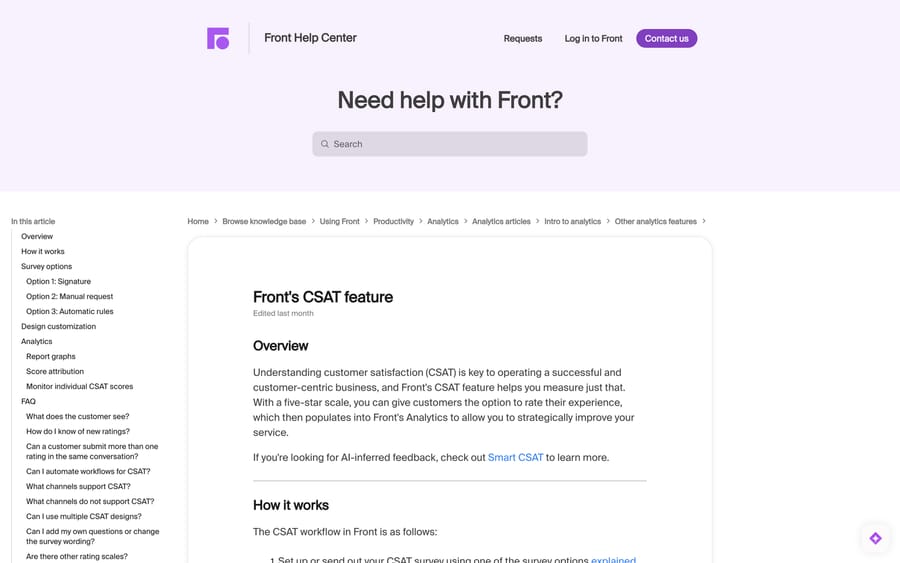
- Go to Rules and macros in your workspace settings and click Create rule.
- In the rule library pop-up, pick the Measure customer satisfaction template.
- Set the inbox the rule runs on, how long it should wait before sending, and which message template to send.
- Click Create.
The default trigger is when a conversation is archived. If you use ticket statuses, it fires when the status is set to Resolved instead.
Three behaviours make this rule usable rather than annoying:
Survey Scheduled tag — your kill switch. The rule adds a Survey Scheduled tag to every matching conversation. Remove the tag before the waiting time expires and no survey goes out. One caveat worth knowing: if you remove it and then add it back before the timer expires, the timer does not reset — the survey goes at the original time.
Survey Sent tag — no repeats. Once the survey has gone, Front adds Survey Sent, and while that tag is on the conversation the rule will not run again on it. So unlike the signature route, the rule cannot double-prompt. Our Front tags guide covers managing these alongside your own taxonomy.
Multiple rules. You can run different CSAT rules per inbox — a short delay on chat, a longer one on email — which is the normal shape once you have more than one channel. How to set up rules in Front has the mechanics.
Why does Front send surveys to robots?
The rule fires on archive, and plenty of archived conversations are not people. A March 2024 Front community thread describes exactly this: surveys being sent to spam and DMARC-rejected auto-generated mail every time those conversations were tagged and archived.
Front's support answer, marked as the solution, is to use dynamic variables to read the email headers and add a condition so the rule only fires when the message passed DMARC. It is worth doing before you turn the rule on rather than after — a week of surveys to no-reply@ addresses is a week of bounces against your sending domain.
The narrower version of the same fix: add conditions for channel, inbox and tag so the rule only runs on real customer conversations.
Can you customise Front's CSAT survey?
Company admins can restyle the form: gear icon › company settings › Preferences › Customer satisfaction survey. You get the survey prompt text, the comment-box placeholder, the button text, a primary colour for the background, a secondary colour for the button and stars, light or dark button text, a logo (aligned left, max 40px tall and 600px wide), and a toggle for the "Powered by Front" footer.
One design per company. Front is explicit that these settings apply to every CSAT survey in the company, so a multi-brand desk cannot brand each one separately.
And the survey itself is fixed. You cannot add questions or change its structure, and five stars is the only scale offered. If you need a second question or an NPS scale, that is a third-party survey tool, not a Front setting.
Where do CSAT ratings show up in Front?
Ratings post as a comment in the conversation, which keeps a shared-inbox conversation archived if it already was, but reopens the subscriber copies in teammates' Assigned to me and Subscribed sections so they see it.
Attribution is broad: every teammate who replied before the conversation was marked Resolved or Archived receives the rating — human agents and AI Autopilot alike, on all three collection methods. A one-star that lands on four teammates is working as designed, which matters if you plan to use CSAT in performance reviews.
In Analytics, CSAT appears in the Customer satisfaction report and the Team performance report. You can also find rated conversations by searching in:comments "responded to a survey for" or in:comments "New survey response for" — the first form appears when Front matched a contact, the second when the customer stayed anonymous. Our guides to Front analytics and setting up Front analytics cover the reports.
Ratings cannot be deleted or edited. Front's own workaround is a tag such as Exclude CSAT, filtered out in your analytics reports — and even that leaks, because the conversation still counts if it has a segment from before the tag was applied.
Channel support matters. Email, Front Chat and Autopilot Resolve render the five stars inline. Custom channels, Drift, Facebook, Forms, Intercom, Slack, SMS, Telegram, WhatsApp (native and via Twilio), X and X DM, and Yalo send a link instead. Google Play Store, Justcall, Liveweb and Talkdesk are listed as unsupported, with a footnote that text-based communication in those channels should work.
What is Smart CSAT?
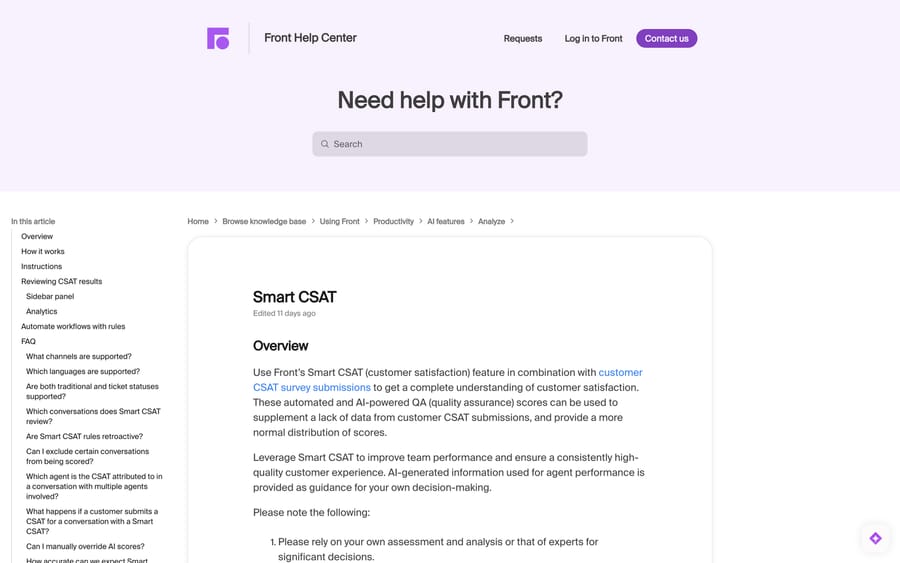
Smart CSAT reads the conversation and infers a 1-5 score. Front's framing is that it supplements a thin response rate and gives "a more normal distribution of scores" than the handful of customers who bother to rate.
It scores three things: customer sentiment (paying particular attention to how it changes and where it ends), customer effort (how much work the customer had to do), and resolution (whether the question was actually answered).
Setup: gear icon › the workspace you want › Rules and macros › Create rule › the Review conversations with Smart CSAT template. Name it, set a delay after archive or resolution, pick conversation types and shared inboxes, add conditions, and create. Front recommends enabling the Close conversations setting on those inboxes. If you would rather it not post a comment on the conversation, delete the Add Smart CSAT comment action from the rule before saving.
The rules that decide what actually gets scored:
- Shared inboxes only. For personal inboxes, a company admin has to mirror the conversations into a shared inbox first.
- At least one inbound and one outbound message, and the conversation must be Resolved or Archived.
- A real customer rating wins. If a conversation already has a customer CSAT score, Smart CSAT does not create one; and if a customer rates a conversation that already has a Smart CSAT, "the Smart CSAT will be deleted and replaced by the customer CSAT score."
- Not retroactive, so your backlog is never scored.
- English only is officially supported.
- You cannot edit or delete a Smart CSAT score, unlike Smart QA's scores.
Since 6 September 2026, the sidebar shows citations — hover the speech-balloon icon for up to three message excerpts behind the score, and click through to the highlighted text. That is the difference between a number people argue about and a number they can check.
On accuracy, Front's own claim is "a general trend of 90% alignment with customer CSAT scores" and that it has "mitigated 99% of hallucinations." Treat both as the vendor's figures. Front also says its definition of CSAT includes product experience, not just service, so scores may read lower than your existing CSAT — and Front's own docs ask you to tell your agents when you apply it to their conversations.
What does Smart QA score?
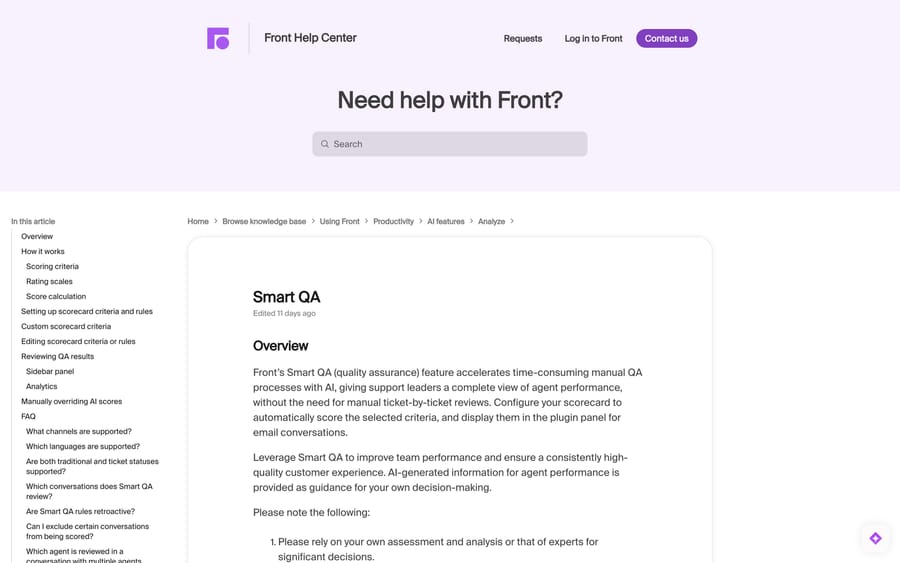
Smart CSAT measures how the customer felt. Smart QA measures how the agent performed, against a scorecard you configure, on every conversation rather than a sampled few.
Setup starts in settings, not in the rule library: gear icon › workspace settings › Front AI › the Smart QA tab › Start setup. Pick your criteria, then fill in the rule — which shared inboxes, which conversation types, and the review delay after archive or resolution.
The default criteria, in three groups (the help article lists 15 by name):
- Communication: Brevity, Empathy, Friendliness, Grammar & spelling, Greeting offered, Information gathering, Personalization, Professionalism, Readability, Tone.
- Solution: Comprehension, Solution offered.
- Proactivity: Adaptability, Demo offered, Upsell.
Empathy and Tone have variants — cognitive, emotional and compassionate empathy; adaptive, neutral and positive tone — so you can point the criterion at the behaviour you actually coach. Several criteria are conditional by design: Empathy applies when the customer expresses emotion, Information gathering when the initial query lacks detail, Upsell when a genuine opportunity arose. That is why N/A appears, and N/A values are excluded from scoring rather than counted as zero.
Custom criteria are capped at 10 per workspace, and you get one scorecard per workspace. Write the description in natural language, say what the criterion does and does not assess, then click Generate rating scale and choose a 5-point or binary scale. In the Applicability section, decide whether it applies to every conversation or only to a scenario you describe.
The scoring maths, which you should know before anyone reads a dashboard. A 1-5 score normalises to 0, 0.25, 0.5, 0.75 and 1. Front's own example: an agent scoring 1/5 on one conversation and 4/5 on another gets (0% + 75%) / 2 = 37.5%, shown as 38%. So a single bad conversation drags a two-conversation average to 38%, and a 3/5 — a perfectly acceptable reply — reads as 50%. Explain that to the team before you publish the report, or the first dashboard will look like a disaster.
What it can and cannot see. Evaluation uses the reviewed teammate's own messages as the input and every other message as context. Conversation metadata — tags, timestamps, time between responses, routing — is not available to it. So "did they respond within SLA" is not a Smart QA criterion, no matter how you word it; that belongs in analytics.
Overrides exist, and are visible. Admins can adjust a score from the conversation plugin or from the Smart QA report, add a comment, and save it as reviewed; the admin's name then replaces "Generated by AI" in the reviewer field, and the report updates within an hour. Agents see only their own results; admins with analytics permissions see everything. Front says AI scoring itself cannot be tuned to be harsher or softer.
Front's stated accuracy here is "99% accuracy to the facts in a conversation being evaluated," again its own figure.
How much do Front CSAT, Smart CSAT and Smart QA cost?
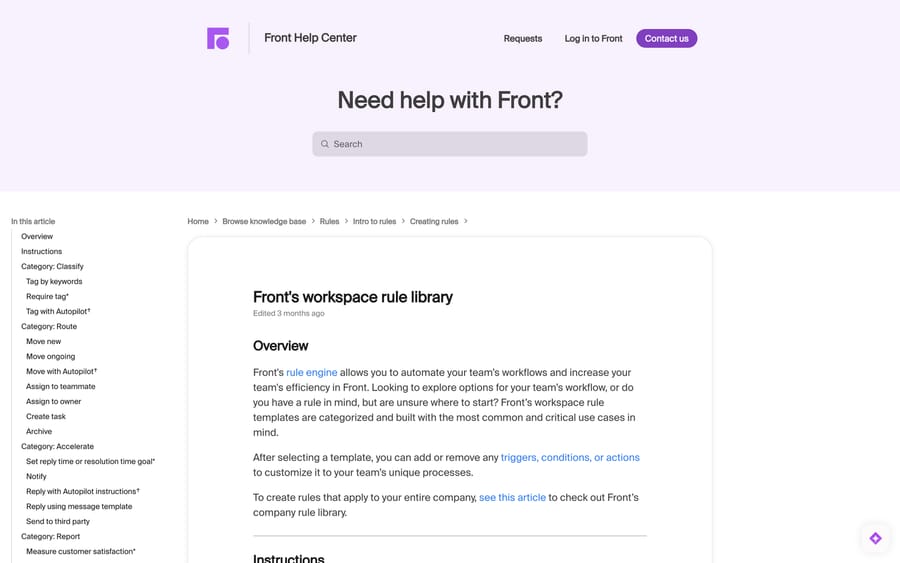
In Front's rule library, both AI rule templates carry a dagger, and the footnote reads: "Dagger symbols denote features that require access to a paid add-on."
| Plan needed | Add-on price | Free trial | |
|---|---|---|---|
| CSAT survey | Professional or above | — | — |
| Smart CSAT | Any latest plan, via add-on | $10 / seat / month | 14 days |
| Smart QA | Any latest plan, via add-on | $20 / seat / month | 30 days |
| Smart QA + Smart CSAT bundle | Any latest plan, via add-on | $25 / seat / month | — |
Both add-ons are included with the latest Enterprise plan at no additional cost, and both are bought from your billing settings, where they auto-renew unless you change them in the Upcoming plan at renewal tab. You can start either trial by hovering its rule template and clicking Start free trial.
Run the arithmetic against the seat price before you assume Enterprise is the answer. On Front's pricing, Professional is $65 a seat a month billed annually ($85 monthly) and Enterprise is $105, annual billing only. Buying both add-ons separately on Professional comes to $65 + $30 = $95 a seat, but Front now sells them as a $25 bundle, so Professional plus the bundle is $90 a seat. That is $15 under Enterprise, which also includes Copilot ($20 a seat as an add-on) and the rest of the AI set. On a 25-seat desk that $15 gap is $4,500 a year, so the decision is really "do we want the other Enterprise features", not "which is cheaper for QA". Our Front pricing breakdown and Front AI explained cover the rest of the add-on menu.
One caveat on older sources: Front's May 2025 product-update post announced Smart QA for "the latest Growth plan and above." The current help article lists the latest Starter and Professional plans plus legacy Growth and Scale, so check your own billing page rather than trusting either post.
How we researched this
We read Front's help-centre articles on CSAT, Smart CSAT, Smart QA and the workspace rule library in a browser on 21 September 2026, rechecked the plan gate and add-on prices against the help centre and front.com/pricing on 24 September 2026, and quoted the setup paths, criteria lists, limits and add-on prices from those pages; the Smart CSAT and Smart QA articles had both been edited eleven days earlier. The survey-to-robots problem and its fix come from a public Front community thread with a reply from Front's support team. We do not have a Front workspace, so no survey was sent and no scorecard was run here, and every accuracy figure in this post is Front's own claim, labelled as such.
Frequently asked questions
How do I set up a CSAT survey in Front? Three ways: add it to a signature with the Add satisfaction survey button, type {{survey}} into a reply or a message template, or build a rule from the Measure customer satisfaction template in workspace settings › Rules and macros. The rule triggers when a conversation is archived, or when its ticket status is set to Resolved.
Which Front plan includes CSAT? The CSAT survey feature is available on the latest Professional plan or above, with some legacy plans also having access. Starter does not include it.
Can I change the CSAT questions or use a different scale in Front? No. Front does not allow extra questions or edits to the survey's structure, and the five-star scale is the only one offered. You can restyle the form — prompt text, button text, colours, logo — under company settings › Preferences › Customer satisfaction survey, but that design applies company-wide.
How do I stop Front sending CSAT surveys to auto-generated and spam addresses? Add conditions to the rule. Front's support team recommends using dynamic variables to check the email headers and only sending when the message passed DMARC; narrowing the rule by inbox, channel and tag helps too. You can also remove the Survey Scheduled tag from an individual conversation to cancel its survey.
Who gets credit for a CSAT rating in Front? Every teammate who replied to the conversation before it was Resolved or Archived, including AI Autopilot. That applies to all three collection methods, so a single rating can land on several people.
Can I delete a CSAT rating in Front? No, and you cannot edit one either. Front's workaround is to tag the conversation — something like Exclude CSAT — and filter that tag out of your analytics reports, though the conversation still appears if it has a segment from before the tag was added.
What is Smart CSAT and how is it different from the CSAT survey? The survey is sent to the customer, who picks 1-5 stars. Smart CSAT is an AI-inferred score based on customer sentiment, customer effort and resolution, and is never sent to the customer. Both use the same 1-5 scale and both appear in Analytics, separately or combined. If a customer rates a conversation that already has a Smart CSAT score, the Smart CSAT is deleted and replaced.
How much do Smart CSAT and Smart QA cost? Smart CSAT is $10 a seat a month and Smart QA is $20 a seat a month as add-ons, or $25 a seat a month for the two as a bundle, and both are included with the latest Enterprise plan at no extra cost. Smart CSAT has a 14-day free trial and Smart QA a 30-day one, both started from the rule template.
What does Smart QA score? Default criteria across Communication (brevity, empathy, friendliness, grammar and spelling, greeting, information gathering, personalization, professionalism, readability, tone), Solution (comprehension, solution offered) and Proactivity (adaptability, demo offered, upsell), plus up to 10 custom criteria per workspace. It evaluates the teammate's own messages and uses the rest of the conversation as context.
Can Smart QA score things like response time or SLA? No. Front states that conversation metadata such as tags, timestamps, time between responses and routing is not available to the evaluation, so timing belongs in analytics rather than on the scorecard.
Why is my Smart QA score so low? Check the normalisation before you check the agents. Front maps 1-5 onto 0, 0.25, 0.5, 0.75 and 1, so a 3/5 shows as 50% and a 4/5 as 75%. Front's own worked example turns a 1/5 and a 4/5 into 38%.
Sources:
- Front's CSAT feature — Front Help Center
- Smart CSAT — Front Help Center
- Smart QA — Front Help Center
- Front's workspace rule library — Front Help Center
- Smart QA product page
- Front pricing
- CSAT Rule — Front community, Mar 2024
Add AI agents to your Front
Macha reads the conversation, drafts the reply and takes the action, inside the Front you already run.