Intercom
 Shopify
 Stripe
 Slack
Slack Notion
 Google Workspace
 Confluence

Can You Unmerge Conversations in Front? Merge, Split and Threading Fixes (2026)


Front cannot unmerge: its help article says a merge "cannot be undone," and a Front employee repeated that in the community in April 2026. The nearest undo is moving a single message out into a new conversation, and the threading mode on each channel decides where new emails land in the first place.
Key takeaways
- Front cannot unmerge conversations, since its help article states a merge cannot be undone and a Front employee confirmed this in an April 2026 community thread.
- Front's Move to a new conversation moves one selected email into a new thread, keeps followers and assignee, and leaves later messages, tags and comments on the original.
- A Front merge fails with the error These conversations are too big to be merged once the messages and activities across the selected conversations exceed 100.
- Front picks the surviving conversation in a merge by most messages, then has an assignee, then most recent comment, then most tags, then created first.
- Front automatically splits a thread at 10,000 messages on SMS and WhatsApp, 1,000 on custom channels and 500 on all other channels, without keeping assignees or participants.
Front cannot unmerge conversations: its help article says a merge "cannot be undone," so the closest fix is Move to a new conversation, which moves one selected email into a new thread and leaves every later message in the original. Merges also fail once the selected conversations hold more than 100 messages and activities combined.
Underneath both sits the threading mode on each channel, which decides whether a new email lands in an existing conversation or starts one. Get that wrong and you either get a hundred one-message conversations or a reply from last March reopening a thread your team archived in November.
Which Front threading problem do you have, and where is it fixed?
| Symptom | Cause | Fix |
|---|---|---|
| Unrelated emails landing in one conversation | Threading mode too loose, or a sender that reuses message IDs | Channel threading mode; move the message out |
| One request spread over several conversations | Threading mode too strict, or subjects changed | Merge them manually |
| A new email reopening a months-old archived thread | The customer replied to the old thread, so the headers match | Rule that moves the message out; unassign-if-inactive |
| A long thread suddenly splitting on its own | Message limit reached | Nothing: it is by design, at 500 messages on most channels |
How does Front decide which conversation an email joins?
The base mechanism is standard email plumbing. Every email carries a unique message-id, which is echoed into the References header of replies. Front's description: "When we receive an email, we loop in the references and message-id to see if we can find any similar conversations. If we do, we'll thread the incoming message to the existing conversation we've just found. If no message is found, then we create a new conversation."
On top of that, each channel has a threading mode, and the mode is where the surprises live.
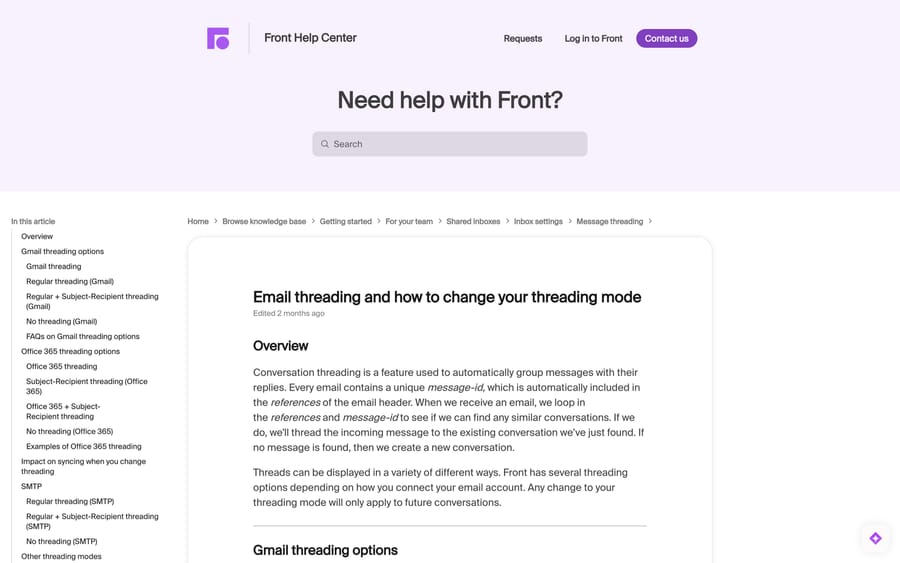
Gmail channels default to Gmail threading — Gmail's own logic plus regular email threading. Regular threading (Gmail) threads only on a matching message-id. Regular + Subject-Recipient also threads when subject and recipients match, but only for messages received within 2 days of each other. No threading (Gmail) starts a new conversation for every inbound message, though your outbound replies still thread to what they answer.
Office 365 channels default to Office 365 threading. Subject-Recipient threading (Office 365) threads same-subject messages when the recipients match — and for inbound messages it threads on the sender's address plus the subject line, which is the setting Front recommends if you send campaigns or automated mail that people reply to. Office 365 + Subject-Recipient threads if either rule matches.
SMTP channels get Regular and Regular + Subject-Recipient with the same 2-day window.
Front has also published four mode names that read across channel types: Front standard (thread on a direct reply, plus whatever Gmail or Office 365 considers related), Provider (defer entirely to Gmail or Office 365), Expanded (direct replies plus indirect relationships such as the same subject with the same party within 2 days), and Classic (the behaviour from before these modes existed). If your channel settings show these rather than the provider-specific list, map them onto the descriptions above.
Changing the mode
- Click the gear icon, then choose a workspace or personal settings in the left sidebar.
- Select Channels, pick the channel, and open the Settings tab.
- Find Threading mode and choose an option.
- Click Save.
A mode change is not retroactive. Front is explicit: it "will only apply on new conversations going forward." Existing threads stay as they are, and the only way to change those is a manual merge or split. So switch the mode first, then clean up the backlog — not the other way round. Our guide to Front channels covers the rest of the channel settings.
Why do unrelated emails end up in one Front conversation?
Front's own diagnostic order is worth following, because it saves you changing a setting that was never the problem.
Check the provider first. Open Gmail or Outlook and look at the same two messages. If they are threaded there too, Front is reflecting your mailbox, and the fix is the provider's threading rather than Front's. If they are separate there and joined in Front, the threading mode is the culprit.
Suspect your sending system. Front's answer to the general case is blunt: replies "may thread together if your delivery mechanism does not create a unique message id for each of the messages it's sending out." Marketing platforms, ticket notifiers and homegrown scripts do this constantly — one message-id reused across a thousand sends, so every reply threads into one monstrous conversation. That is fixed at the sender, not in Front.
Then escalate properly. Front asks for the message IDs of two messages that threaded wrongly. Collect those before you open a ticket; it is the difference between a same-day answer and a week of back and forth.
How do you split a conversation, the closest thing to unmerge?
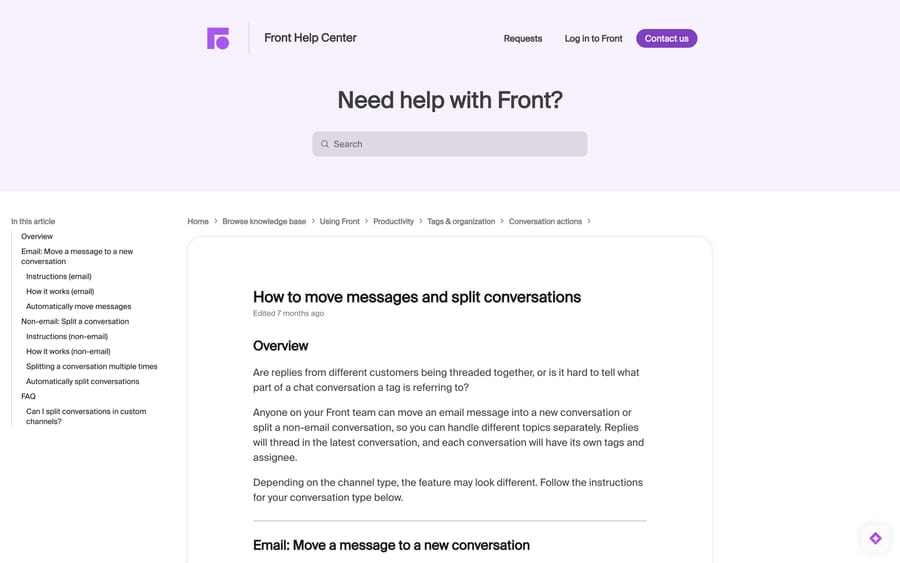
For email, use Move to a new conversation:
- Open the conversation and click the message you want to start the new thread with. It must be a single message — you cannot select several and move them as a group, and anything after the one you pick stays in the original.
- Click the three-dot menu, then Move to a new conversation.
- Click Move to confirm.
What carries over: the followers and the assignee (or no assignee, if the original had none). What stays behind: tags and comments remain on the original conversation. Both conversations get an activity line linking to the other, and both can still reply to the recipient. The move is invisible to the customer, which is why Front suggests changing the subject line on the new thread so the customer can tell the topics apart.
For non-email channels — SMS, chat — the action is Split conversation, and it behaves differently: every message from the chosen one onwards moves across, all future inbound messages thread into the new conversation, and you can only reply from the new one. The new split conversation is open even if the old one was archived. You can split repeatedly, but each split must carry fewer than 50 subsequent messages, so unwinding a 500-message thread from the middle means splitting from the end backwards.
There is also a rule action, Move message to a new conversation, that does the email version automatically. That is the lever for the archived-thread problem below.
What does a merge do, and what does it cost you?
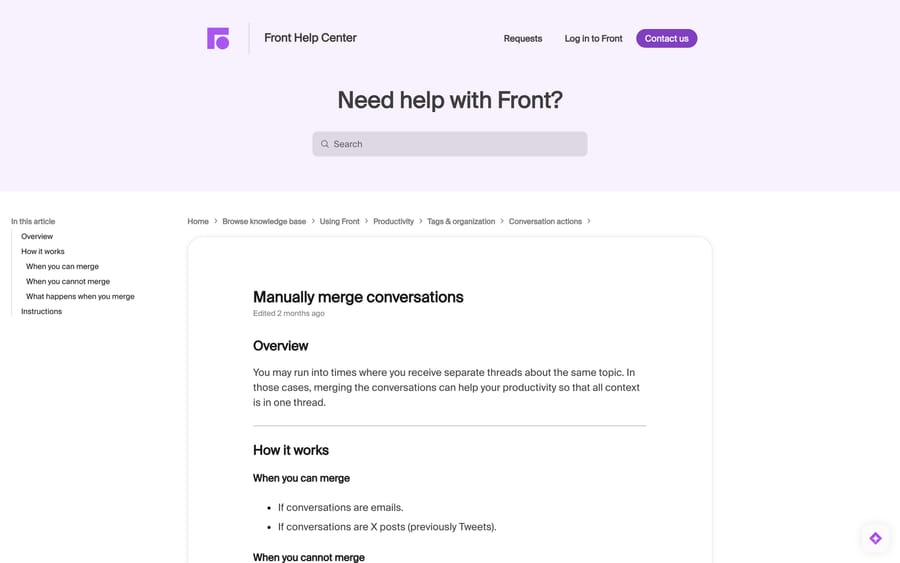
Select the conversations with Command/Control or Shift, open the More menu, choose Merge conversations, and confirm.
You can merge two or more email conversations, or two or more X posts. You cannot merge across types (an email and an X post), a thread that began as a Front form submission and continued as email, or any set where the messages and activities across all of them exceed 100 — that returns "These conversations are too big to be merged."
Which one survives is decided by a five-step hierarchy, each step used only to break a tie in the one above: most messages, then has an assignee, then most recent comment, then most tags, then created first. That winner is the primary copy, and its conversation ID is the one that survives in search and in the API.
The subtlety that breaks reporting: three attributes come from a different conversation — the one most recently bumped. From that one the merged conversation inherits the primary recipient used by plugins, the subject line shown in the list and preview, and whether the conversation counts as replied-to for rules. So a merged conversation can keep conversation A's ID and show conversation B's subject, and a rule keyed on "has been replied to" can flip. If you report on Front data externally, re-check anything keyed on conversation ID after a bulk merge.
Tags moved onto the primary copy are attributed to whoever ran the merge, not to whoever originally applied them.
And it is permanent. The April 2026 community thread asking for unmerge — 235 views, two replies — got a Front employee confirming the feature "is not currently available in Front" and pointing at the Ideas Portal. The poster, from a logistics team, had exactly the failure you would expect: mixed shipment data in one thread and analytics that no longer reconciled. Treat merge as destructive, because operationally it is.
What is smart merge, and when does Front merge for you?
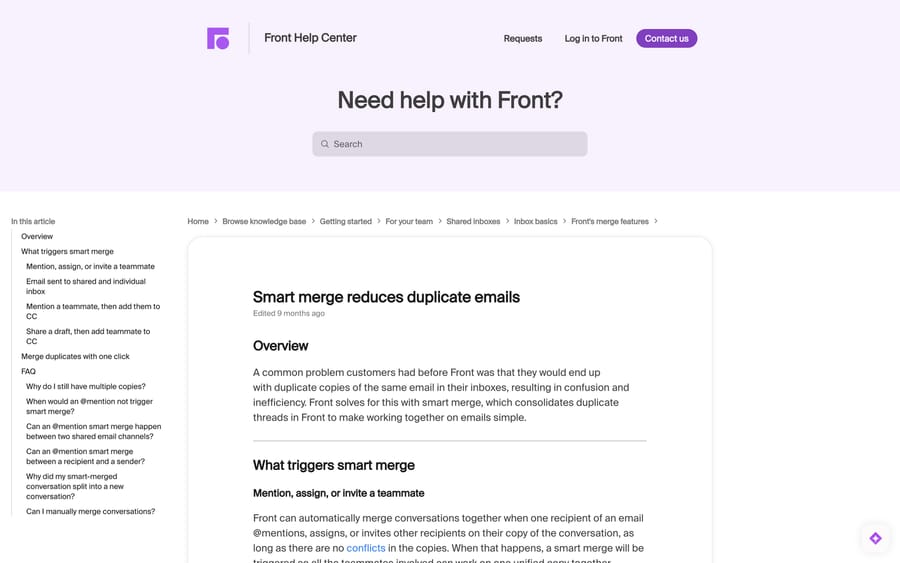
Smart merge exists to kill duplicate copies. When one recipient of an email @mentions, assigns or invites another recipient on their own copy, Front consolidates the copies into one — between two individual inboxes, or between an individual and a shared inbox.
It declines to merge when merging would leak something. Front lists six exceptions: one recipient is a BCC; the teammate lacks access to the shared inbox; the shared inbox is set to keep copies separate; the email went to an individual inbox first and a shared inbox was CC'd later; the channel has threading disabled; or the copies already conflict — different messages, different assignees, different comments, or a tag on the mentioned person's copy that the mentioner's copy lacks. (A tag the mentioner has and the other does not still merges.)
There is also a reverse move worth knowing, because it looks like a bug. Front will auto-split a smart-merged conversation to avoid exposing confidential content, leaving the activity line "Message moved to a new conversation for privacy reasons." It happens when a new inbound message was sent only to you, you never commented on or assigned the conversation, and you never sent a message on it from the channel receiving the inbound. Nothing is broken; Front is protecting a private thread from being pulled into a shared one.
How do you stop new emails reopening archived threads?
This is the complaint with the most operational damage: a customer replies to a thread from eight months ago, the headers match, and the email lands on an archived conversation — often still assigned to someone who has left, and often unread by anyone.
Front's own Head of Solutions Engineering answered this in a public community thread with three moves, in increasing order of bluntness.
1. Split old threads automatically. Use the Move message to a new conversation rule action with a time condition, so a message arriving on a conversation that has been dormant for, say, 60 days starts a fresh thread instead. Check your plan includes that action before you build the rule — Front gates rule capabilities by tier, and our Front pricing breakdown has the seat prices — because it is the cleanest fix and the one that keeps recent replies threaded. Our Front rules guide covers building the condition.
2. Stop the stale assignment. Turn on the inbox setting to unassign a conversation if it has been inactive for five days. That way a reopened old thread arrives unassigned and lands in the team's unassigned queue rather than looking handled.
3. Only if you must, loosen threading. Switching the channel to No threading guarantees every inbound message starts a conversation. Front's own advice calls this "extremely noisy," and it is — you lose the thread history that makes a shared inbox usable. Reach for it only for a channel that receives genuinely unrelated one-shot messages.
If the reopening is specific to an Office 365 channel and involves conversations coming back without a new customer message, that is a different fault with a different fix — see Front emails reopening and Front not syncing emails. Our guide to connecting Outlook to Front covers the sync settings those depend on, and Front tags vs statuses explains what archived actually means against snoozed and closed. Front snooze is often the better tool than archive for something you expect to come back.
Why did a long Front conversation split by itself?
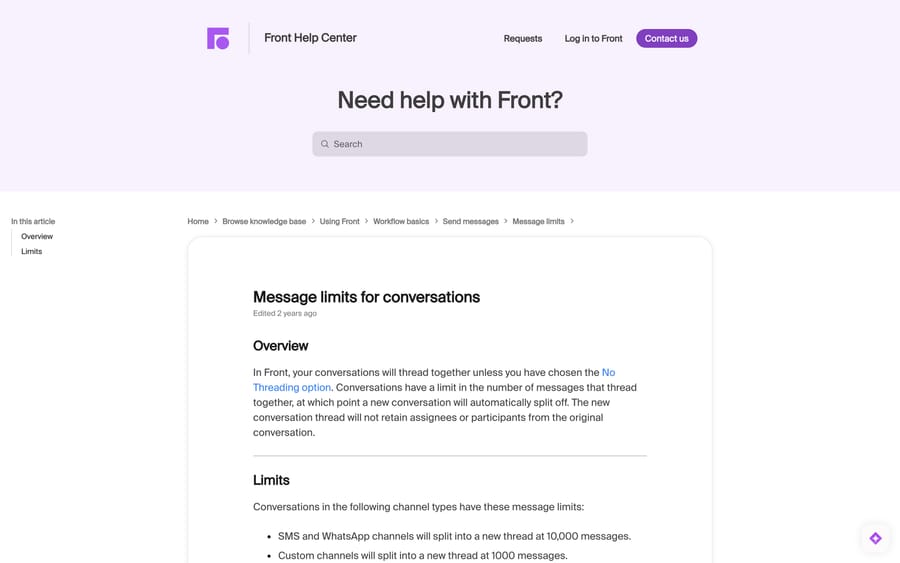
Conversations do not thread forever. Front splits a thread automatically at 10,000 messages on SMS and WhatsApp channels, 1,000 on custom channels, and 500 on everything else — and it warns that "the new conversation thread will not retain assignees or participants from the original conversation."
For a normal support desk this never fires. For an SMS line, a monitoring alias or an automated feed, it does, and the symptom is a conversation that suddenly appears unassigned with no one aware it split. If you have a channel with high-volume automated traffic, that is worth a rule rather than a surprise.
How we researched this
We read Front's help-centre articles on threading modes, manual merge, moving and splitting messages, smart merge and message limits in a browser on 21 September 2026, and quoted the mechanisms, ceilings and hierarchies from those pages directly. The two community threads cited are public and include a reply from a Front employee in each. We do not have a Front workspace, so nothing here was merged, split or re-threaded in a live account; where Front's docs do not print a plan table — as with the "Move message to a new conversation" rule action — this post repeats Front's own wording that you should check whether your plan includes it rather than asserting a tier.
Frequently asked questions
Can you unmerge conversations in Front? No. Front's own article states that merging "cannot be undone" and that unmerging the conversations is not possible, and a Front employee confirmed in an April 2026 community thread that the feature is not currently available. The nearest equivalent is moving individual messages out into new conversations one at a time.
How do I merge two conversations in Front? Select them with Command/Control or Shift, open the More menu, and choose Merge conversations, then confirm. Both must be the same type — emails with emails, X posts with X posts — and the messages and activities across all of them must total 100 or fewer.
Which conversation survives a merge in Front? The one Front calls the primary copy, chosen by: most messages, then has an assignee, then most recent comment, then most tags, then created first. Its conversation ID is kept. The subject line, the plugin recipient and the replied-to state come from whichever conversation was bumped most recently, which is not always the same one.
How do I split a conversation in Front? For email, open the conversation, click the message you want, use the three-dot menu and choose Move to a new conversation. For SMS and chat channels the action is Split conversation, and every message from that point on moves with it. A split must carry fewer than 50 subsequent messages.
Why are unrelated emails threading into one Front conversation? Check the same two messages in Gmail or Outlook first: if they are threaded there, Front is mirroring your provider. If not, your channel's threading mode is matching on subject and recipient. The other common cause is a sending system that reuses one message-id across many sends, which makes every reply look like part of one thread.
How do I stop new emails attaching to old archived threads in Front? Three options, in order: use the Move message to a new conversation rule action to split messages arriving on long-dormant threads, turn on the inbox setting that unassigns a conversation after five days of inactivity so the reopened thread is not silently pre-assigned, and — only as a last resort — switch the channel to No threading, which Front itself calls extremely noisy.
Does changing the threading mode fix existing conversations? No. Front states that a threading change "will only apply on new conversations going forward." Existing threads have to be merged or split by hand.
What is "Message moved to a new conversation for privacy reasons" in Front? It is smart merge undoing itself. Front auto-splits a previously merged conversation when a new inbound message was sent only to you, you never commented on or assigned it, and you never sent a message on it from the receiving channel — so that private content cannot surface in a shared copy.
Why did my long Front conversation split by itself? It hit the message limit. Front splits at 10,000 messages on SMS and WhatsApp, 1,000 on custom channels, and 500 on all other channels, and the new thread keeps neither the assignees nor the participants of the original.
Sources:
- Email threading and how to change your threading mode — Front Help Center
- Manually merge conversations — Front Help Center
- How to move messages and split conversations — Front Help Center
- Smart merge reduces duplicate emails — Front Help Center
- Message limits for conversations — Front Help Center
- Why are my messages threading together? — Front Help Center
- Unmerge Feature — Front community, Apr 2026
- How do I stop new emails attaching to archived threads? — Front community, Jan 2024
Add AI agents to your Front
Macha reads the conversation, drafts the reply and takes the action, inside the Front you already run.